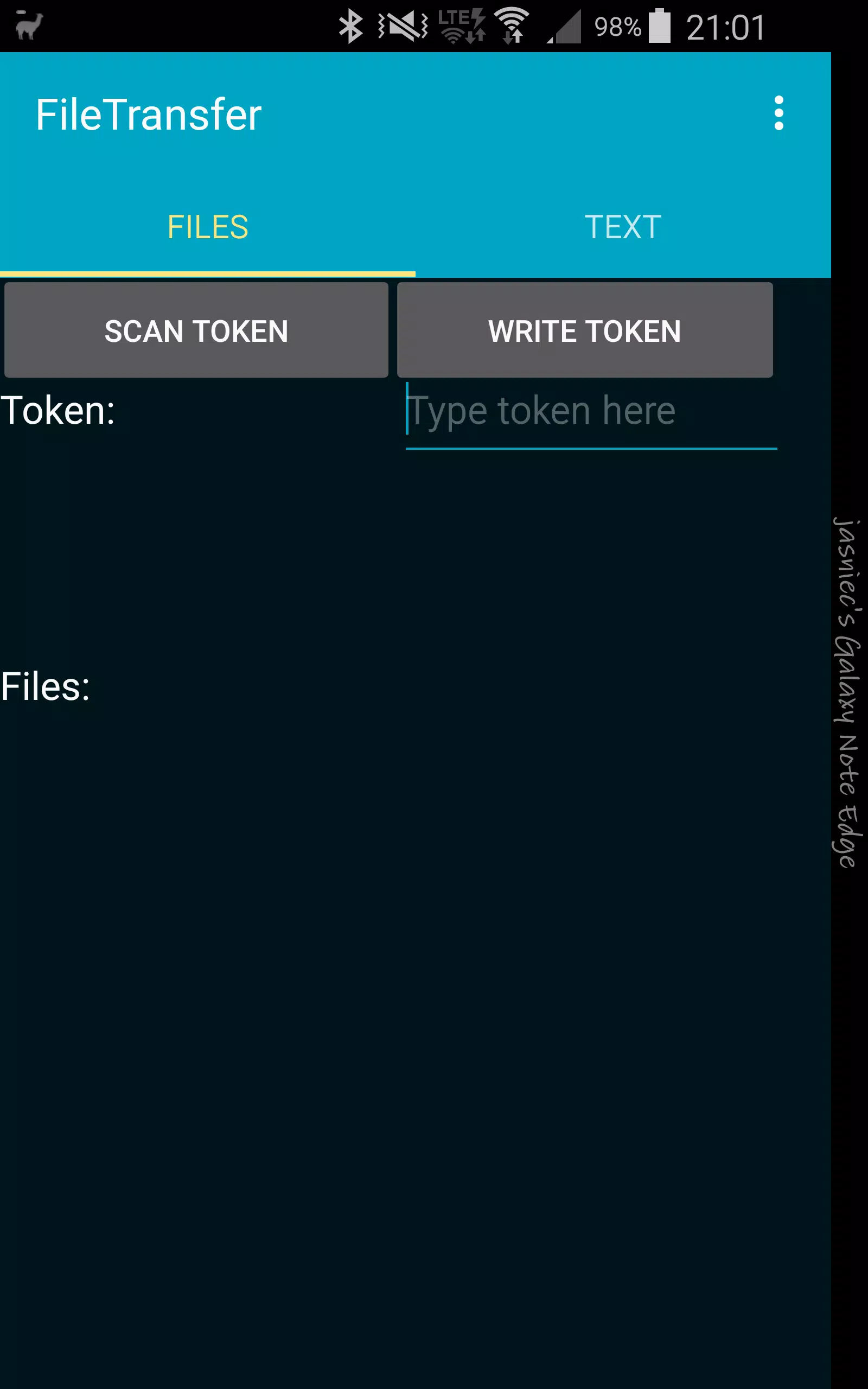
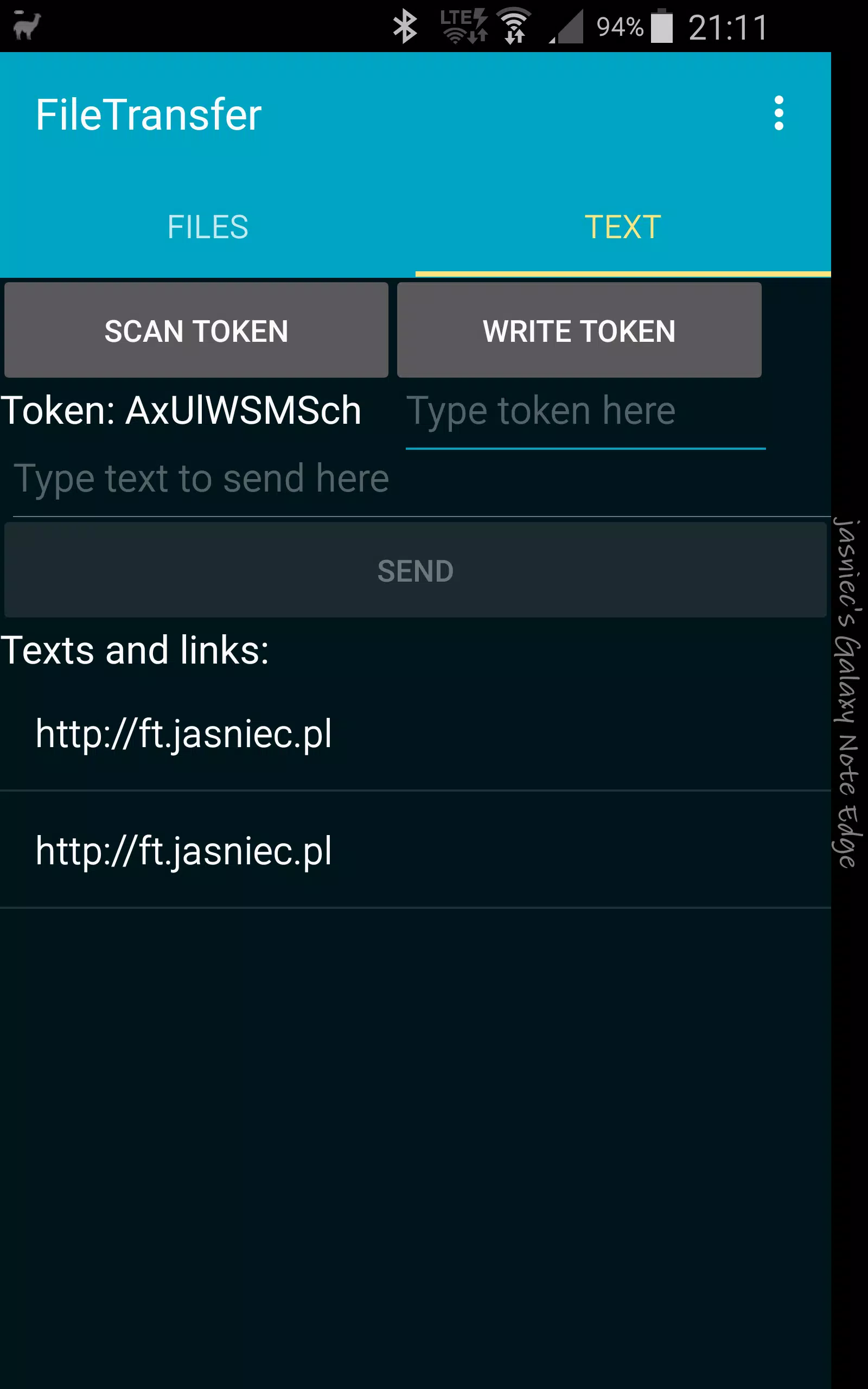
File Transfer helps you move photos, videos and documents between devices quickly and securely without using mobile data. File Transfer connects devices over Wi‑Fi or a temporary hotspot for fast local transfers and includes transfer resume, batch send, and simple controls for managing files.
Key features
- Local transfers: Send and receive files over Wi‑Fi Direct or a temporary hotspot without internet access.
- Fast and reliable: Resume interrupted transfers and transfer large files in batches.
- Cross-platform: Exchange files with Android devices and PCs using a web transfer page or app companion.
- Secure: Transfers occur on the local network and can be protected by a session code or QR verification.
- File management: Preview, select, and organize files before sending.
How to use
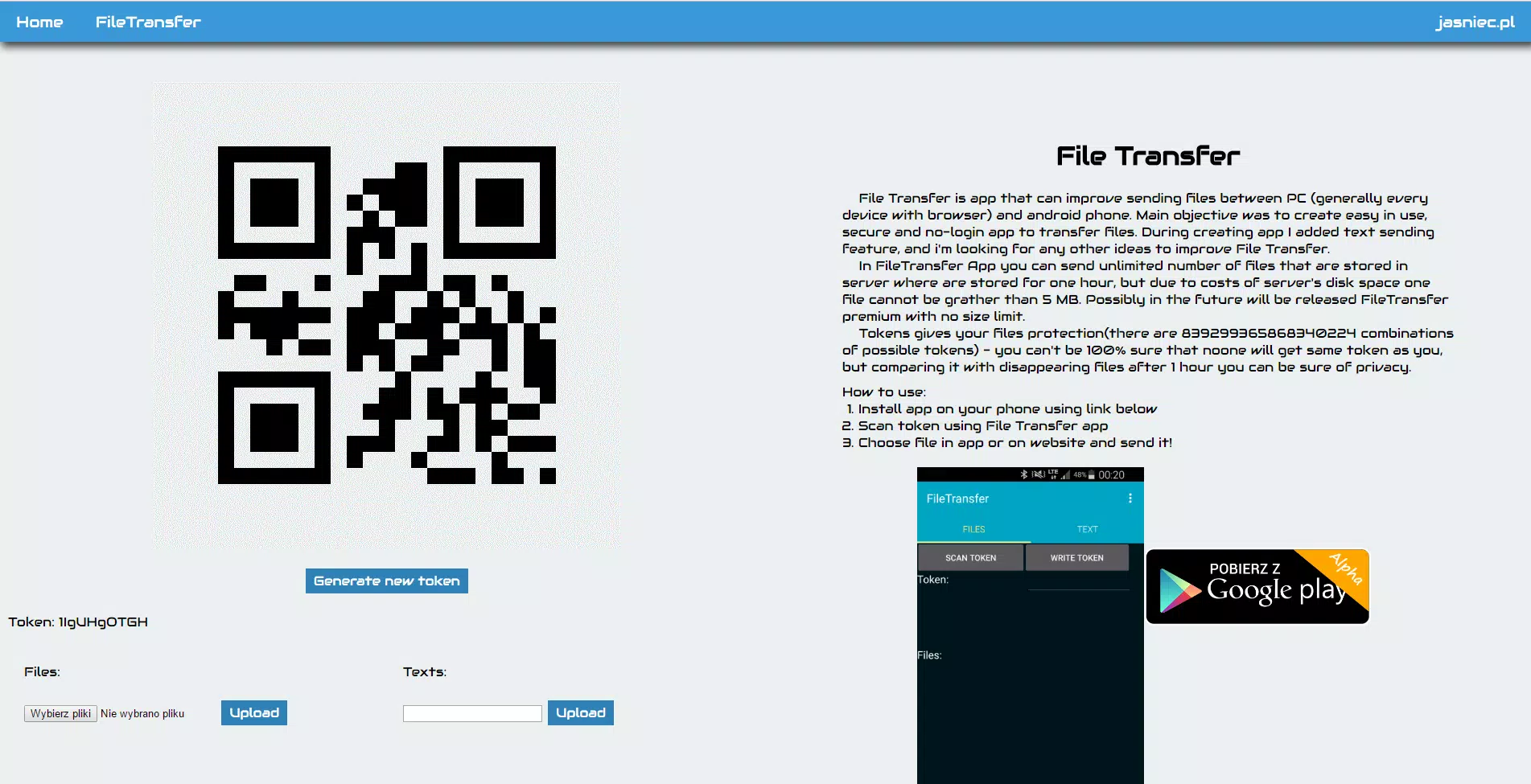
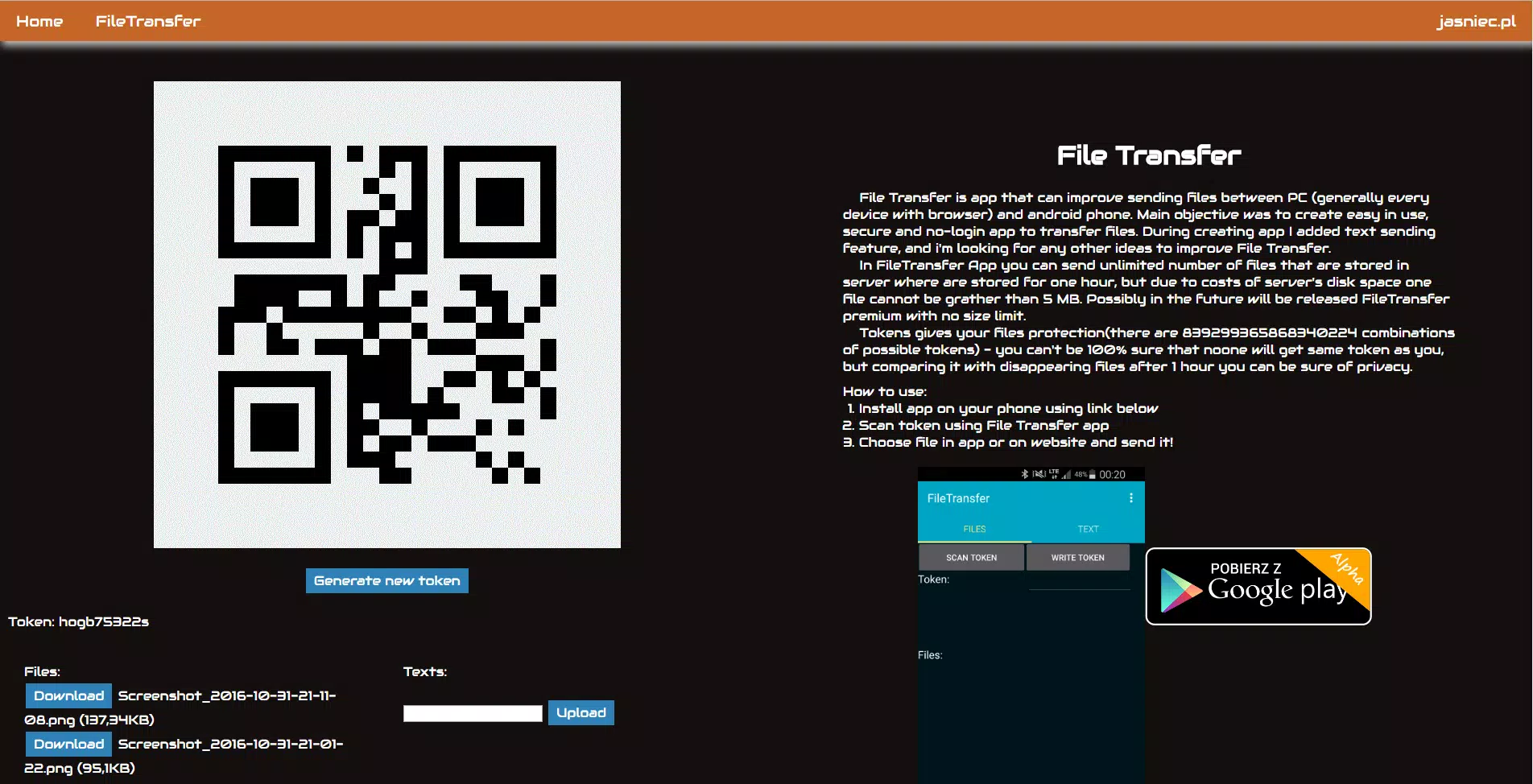
Open File Transfer on both devices, choose files, and accept the transfer request. For sending to a computer, scan the QR code or open the provided local web address in a browser to upload or download files from File Transfer.
Tips
- Keep devices on the same network or enable hotspot mode for direct connection.
- Use the resume option for unstable connections.
- Check storage permissions to ensure transfers complete.