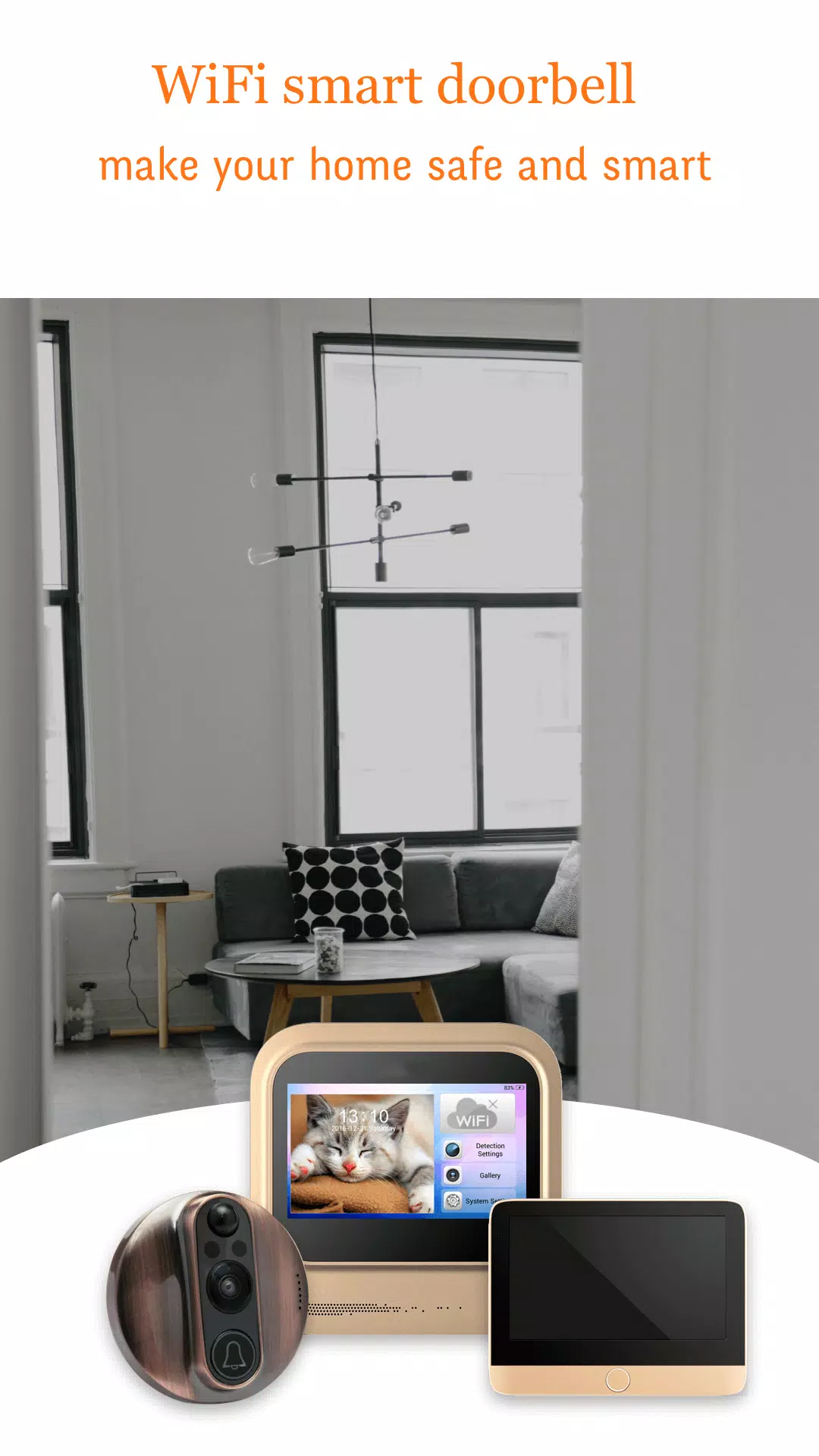
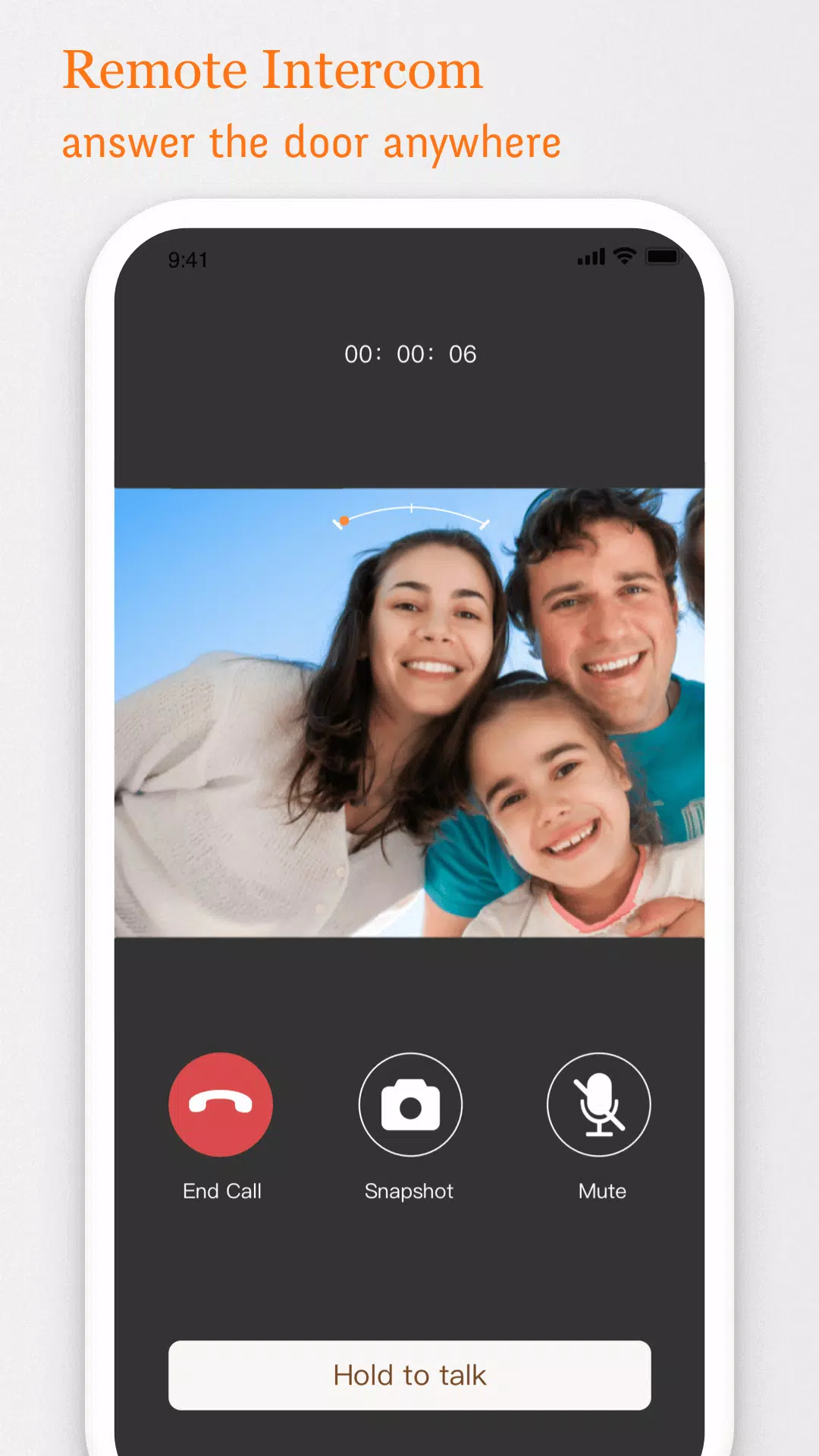
V-Doorbell turns your smartphone into a remote viewer for Wi‑Fi smart door viewers, letting you check the front door from anywhere. The app streams live video and two‑way audio so you can see and speak with visitors in real time, while an intelligent auto-detection alarm sends instant notifications when motion or approach is detected. Designed for homeowners and small-property managers, V-Doorbell focuses on clear live monitoring, easy setup, and customizable alerts to help you manage deliveries, screen guests, and keep an eye on security without hassle.
V-Doorbell provides continuous live streaming and responsive two-way talk so conversations with delivery people or guests are quick and clear. The app includes an auto-detection alarm with adjustable sensitivity and timing, a detailed event log for reviewing past activity, and push notifications to your device. You can tailor alert conditions to match your routine and reduce unnecessary interruptions, and the interface groups camera controls, alert settings, and playback history in a single, straightforward view.
The app connects to a compatible Wi‑Fi smart door viewer and keeps an active stream available while the door viewer and your phone are online. When the device detects movement or an approach, V-Doorbell triggers an alert to the registered phone and records an event entry for later review. The two-way audio path activates on demand so you can speak with someone at the door without opening it. Remote access is available over the internet, while local network viewing is possible when your phone and door viewer share the same Wi‑Fi network.
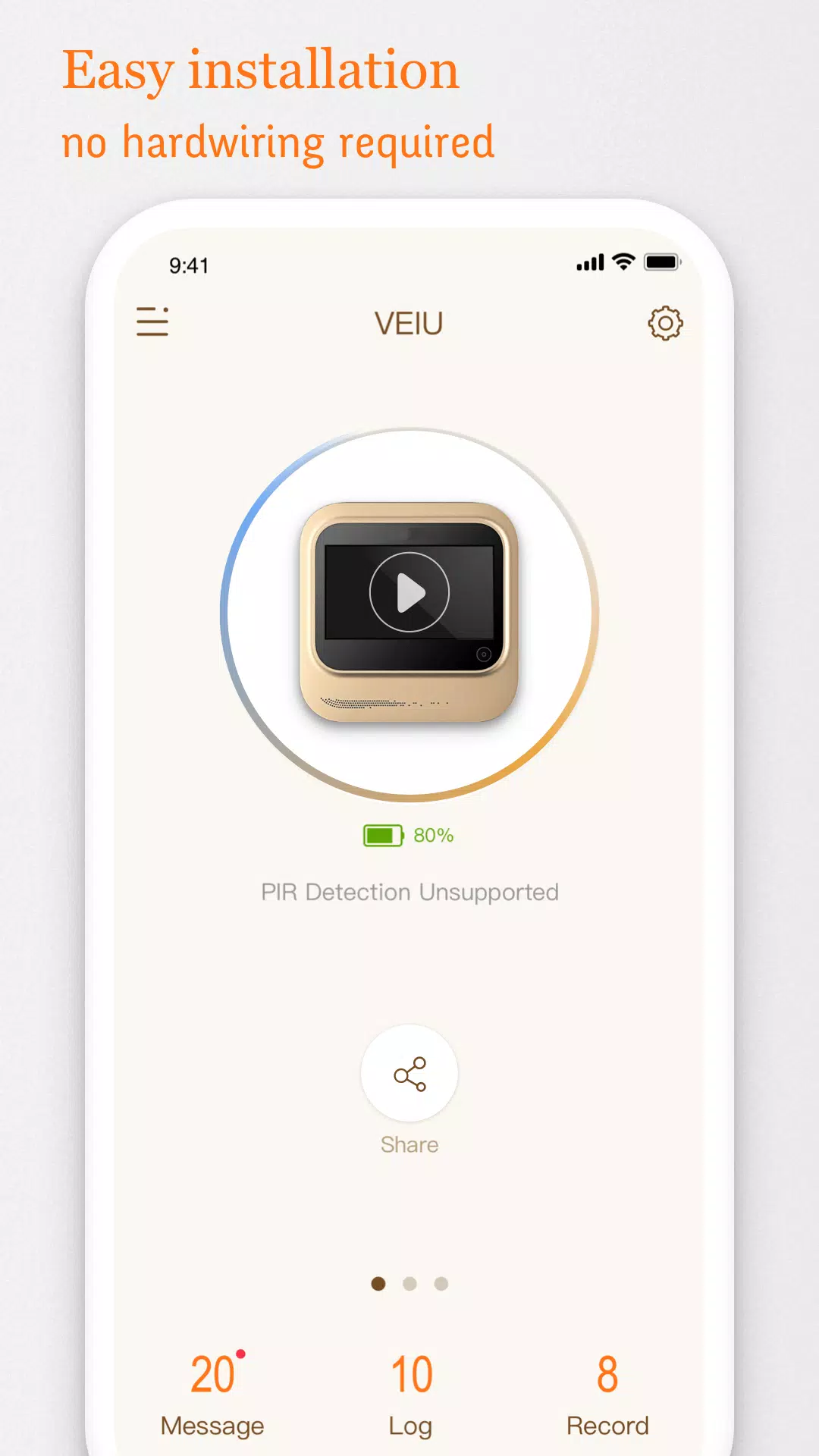
Controls are centered around a live preview screen: tap to start two-way talk, pinch to zoom the camera feed, and use on-screen menus to adjust image quality and alert parameters. The main dashboard groups active cameras, recent events, and quick settings for sound, notifications, and recording preferences. A simple setup wizard walks you through pairing the door viewer and confirming network access, and context-sensitive help is available throughout the app to guide first-time users.
Pairing V-Doorbell to a compatible Wi‑Fi smart door viewer typically involves connecting both devices to the same network, granting required permissions, and confirming device identity through the in-app wizard. The app supports standard Wi‑Fi enabled door viewers and adapts to different camera resolutions and frame rates; however, some older or proprietary hardware may not be supported. As you use the app, you can refine detection sensitivity, notification schedules, and recording preferences to match how you want to be alerted and how much history you retain.
Customizable notifications let you set quiet hours, define which kinds of events should trigger an alert, and choose whether notifications include a snapshot preview. The auto-detection alarm reduces false positives by allowing sensitivity adjustments and scheduled active windows. Network interruptions, weak Wi‑Fi signals, and bandwidth limitations are handled gracefully: the app notifies you of connection changes and can reduce stream resolution to maintain continuity during constrained conditions.
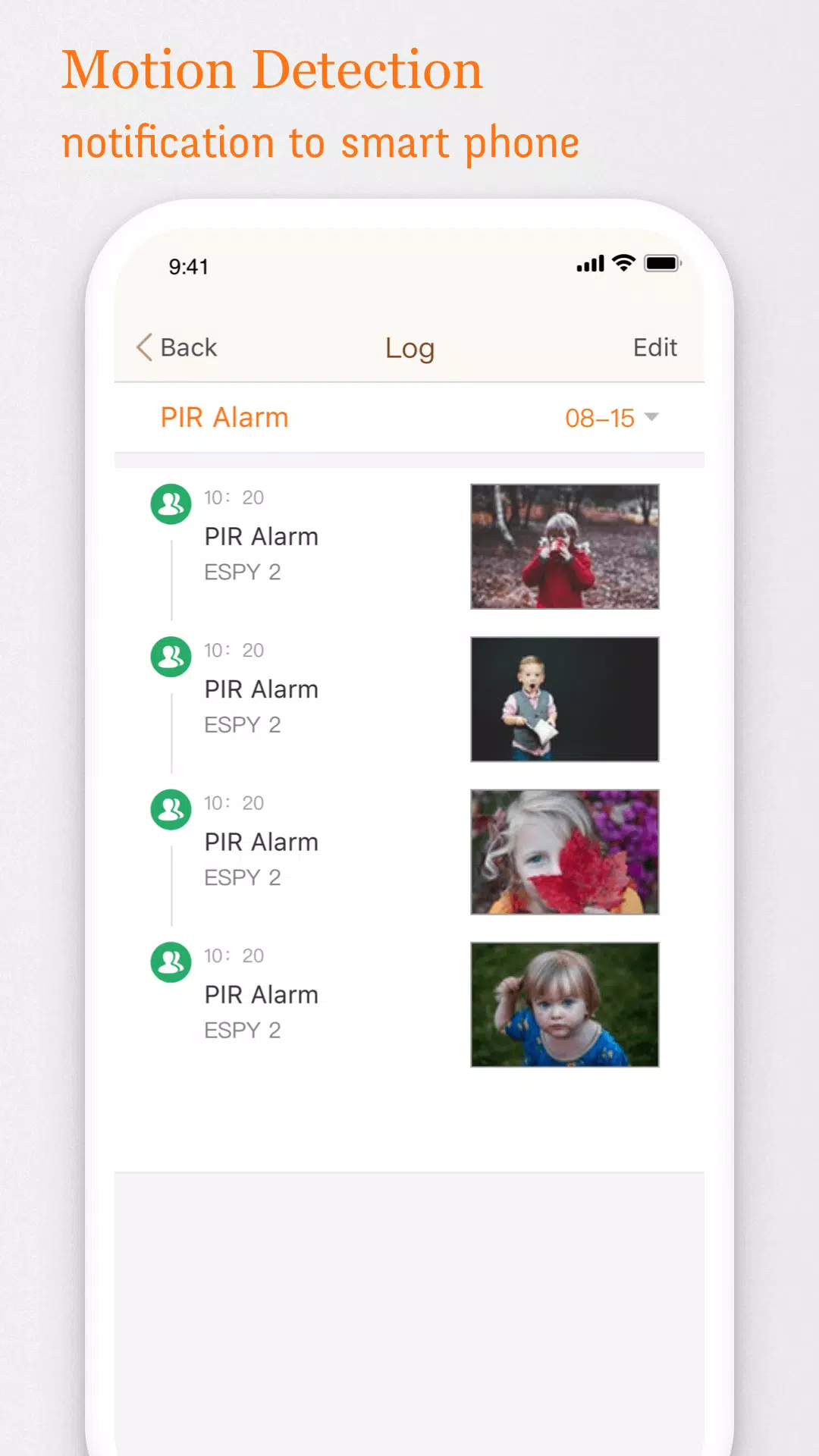
The event log keeps a clear chronology of door activity with timestamps and brief previews for quick scanning. From the log you can jump to the live feed or initiate playback of the recorded segment when available. Regular use rewards users with a tidy history of deliveries, visitors, and unusual activity, making the app more valuable over time as patterns and recurring events become easy to review and manage.
The user interface favors legibility and quick access: high-contrast controls, readable fonts, and clear thumbnails make it easy to scan activity on smaller screens. Video quality depends on the door viewer’s camera and your network bandwidth; V-Doorbell allows you to balance resolution and data usage so you can prioritize smooth streaming or higher detail as needed. Performance optimizations keep CPU and battery impact modest during prolonged viewing sessions.
V-Doorbell respects device accessibility settings so larger text and system-level voice controls integrate with the app experience. When both phone and door viewer are on the same local network, you can view video even if the internet connection is limited; remote access, however, requires a stable internet link. The app requests only necessary permissions and surfaces privacy and permission controls so you can review what is shared and when.
For best results place the door viewer with a clear sightline, test audio levels during setup, and adjust detection sensitivity to your entryway traffic. Regularly review the event log to confirm alert preferences are tuned to your needs and keep your router firmware and app version up to date. If you need to troubleshoot intermittent streaming, try switching to a lower resolution setting in V-Doorbell and verifying signal strength near the camera.