
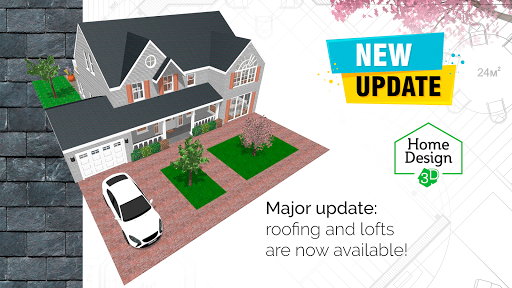
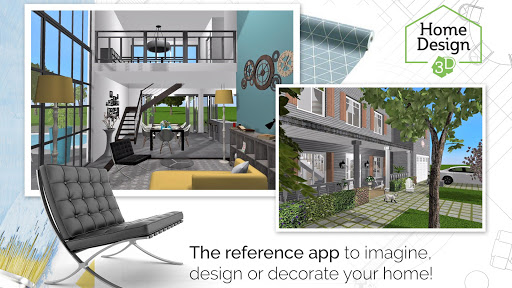
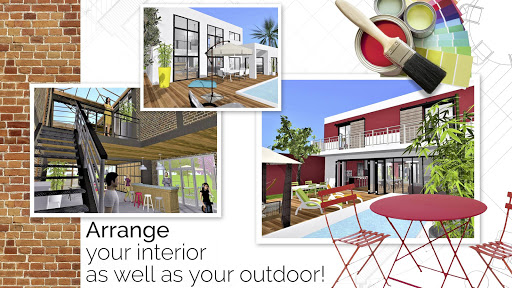
Home Design 3D is an intuitive interior design app that helps you draw accurate floor plans, furnish rooms and preview remodels in realistic 3D. Home Design 3D puts simple, touch-friendly tools in the hands of homeowners, decorators and professionals so you can plan single- or multi‑story projects without a steep learning curve. Start from scratch or import an existing plan, then move seamlessly between 2D drafting and photo‑realistic 3D previews as you refine layout, finishes and lighting.
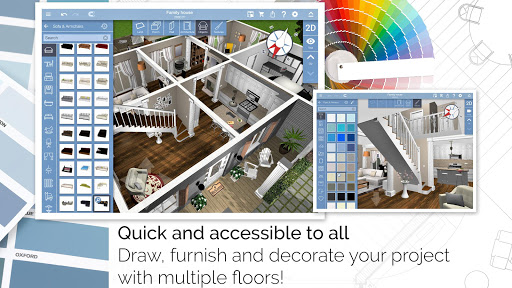
The app combines a 2D floor plan editor and a 3D visualization workspace so you can work the way you prefer. Draw walls with drag gestures, adjust wall height and thickness with direct controls, add corners and split rooms with simple taps, and place resizable doors and windows into openings that respect measurements. Furnishing is handled through a library browser and drag‑and‑drop placement; objects can be scaled, rotated and moved vertically to position wall‑mounted items. A dedicated walkthrough mode lets you move through the rendered space to check sightlines and circulation. Controls are designed for touch but remain precise—most actions offer numeric inputs for exact dimensions and alignment tools to keep elements consistent.
Project progression is non‑linear and creative: you build projects room by room, saving multiple versions to compare different concepts. The app supports local project storage with export for cross‑device editing and sharing via email or cloud services, so you can switch devices without losing work. Optional in‑app upgrades unlock advanced capabilities and asset bundles; for example, the GOLD PLUS tier removes limits on the number of floors you can create (within device capacity) and provides additional textures and specialized components. New users can follow the illustrated tutorial to learn core tools quickly and then explore expanded toolsets as their projects become more ambitious.
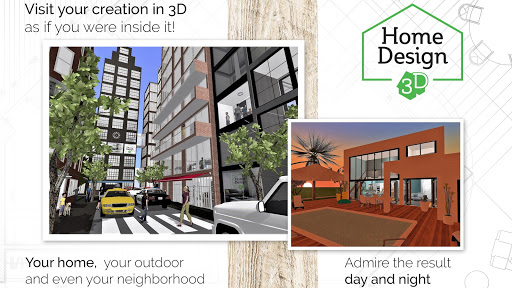
Rendering focuses on clarity and realism to help you evaluate design decisions. Real‑time, photo‑realistic 3D rendering with day/night lighting and compass orientation shows how materials and windows perform under different conditions. Textures, reflectivity and shadowing are tuned to present a believable preview without excessive setup. Recent updates introduce hundreds of new textures and dormer window options, and VR export support enables immersive checks on compatible hardware so you can experience scale and proportion more directly.
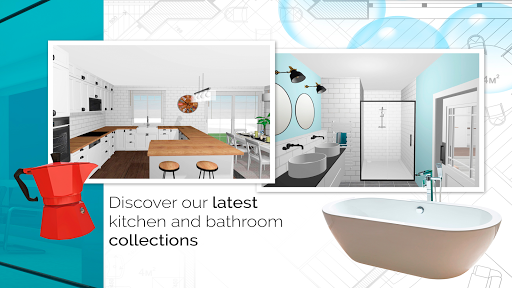
The built‑in catalogue contains thousands of furniture pieces, fixtures and finishes that you can customize for size, color and position. Many assets include altitude controls for wall‑mounted items and editable parameters so you can match specific product dimensions. Materials can be swapped on surfaces and combined with different lighting setups to test contrasts and focal points. If you want to work from existing documentation, you can import background plans and trace over them to accelerate the modeling process.
Replay value comes from iteration: each project can be reworked rapidly to test alternate layouts, material palettes and furniture arrangements. The dual 2D/3D workflow encourages exploration—make a quick change in the plan, then immediately evaluate it in the rendered view. Exported projects can be shared with clients or collaborators for feedback, and the app’s community resources provide inspiration and examples to adapt for your space. Because designs are stored as editable projects rather than static images, you can revisit and refine ideas at any time.
Home Design 3D aims to be approachable for new users while offering precision tools for experienced planners. The illustrated tutorial, clear menus and contextual help shorten the learning curve, and basic editing works offline so you can design without a constant connection. Large or highly detailed projects will be constrained by device memory and graphics capabilities, and high‑quality rendering or VR export performs best on modern hardware; the app provides options to balance quality and responsiveness to match your device.
Some advanced features require in‑app upgrades and very large or highly detailed models may slow performance on older devices. The app serves a wide audience from casual home renovators to design enthusiasts and professionals who need a fast way to visualize ideas. Home Design 3D has attracted a global community of more than 90 million users, and the latest release adds dormer window designs, over 600 new textures, VR export improvements and continued enhancements to the rendering engine and export tools to keep projects portable and visually consistent across devices.