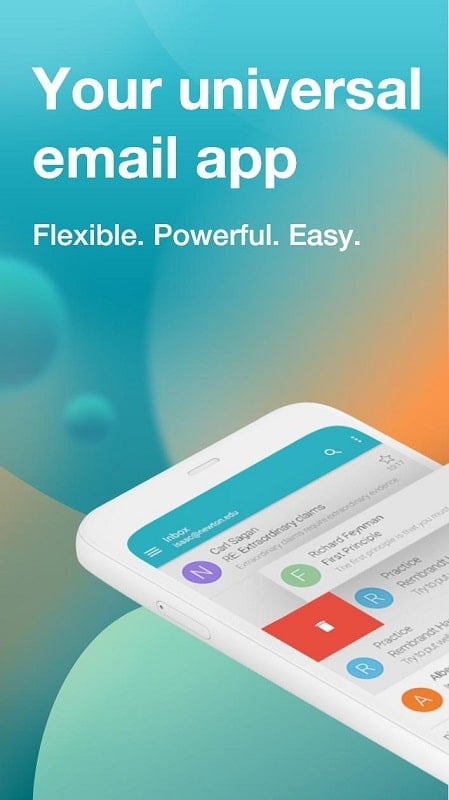
Aqua Mail is a versatile Android email client designed to handle multiple accounts, advanced protocols and smart notifications. It delivers a clean interface, powerful sync options and extensive customization to help professionals and everyday users manage messages efficiently across IMAP, POP3, and Exchange servers on mobile devices.
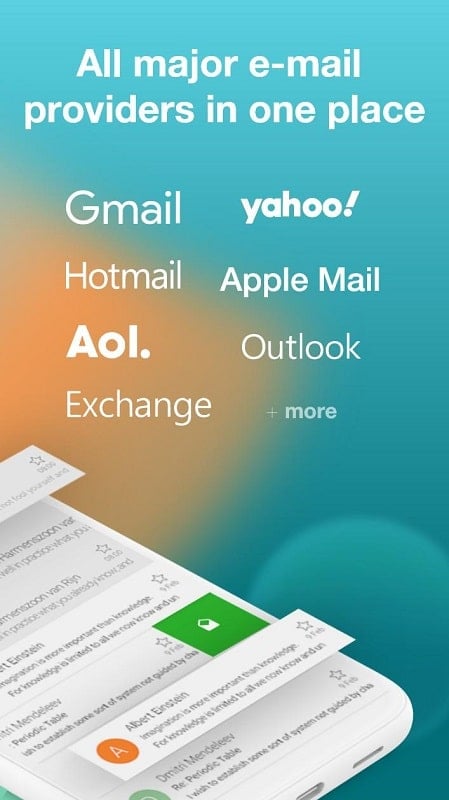
Aqua Mail focuses on reliability and productivity. It supports popular protocols including IMAP and POP3 as well as Exchange ActiveSync for business users. Expect fast search, threaded conversations, and rich text composition with attachments. The app also provides unified inbox support so you can view mail from different providers in one place.
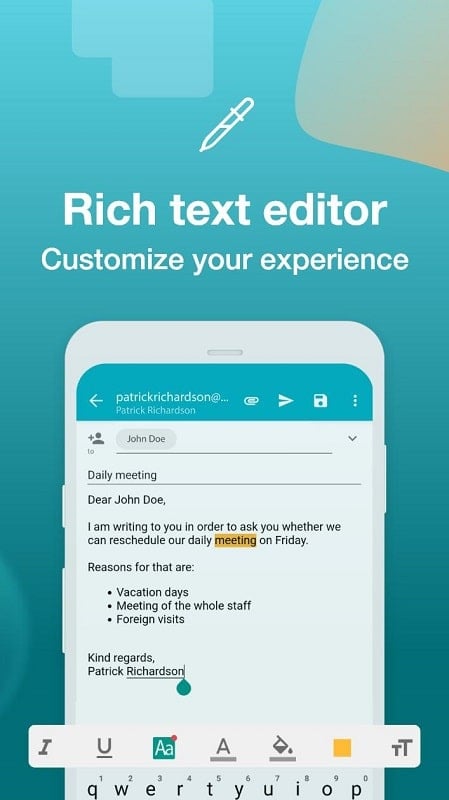
The design emphasizes quick access to frequently used functions. Swipe gestures allow archiving or deleting messages from the message list, while customizable folders and filters let you prioritize important threads. The message composer includes templates, rich formatting and inline image handling for professional response templates on the go.
Security is central for any email client. Aqua Mail supports secure connections via SSL/TLS and modern authentication standards such as OAuth2 for Gmail and other providers that require token-based sign-in. Local data encryption and NDAs-like access controls help keep account credentials and message bodies protected on the device.
Users can tailor Aqua Mail to their needs with a variety of configuration options. Choose how often each account syncs, set up smart push rules for essential senders, and create per-account signatures or templates. The app also supports custom folder mapping for providers that use non-standard folder names.
Aqua Mail integrates with Android’s ecosystem and third-party apps to streamline tasks. Share content from other applications directly into the message composer, attach files from cloud storage providers, or use quick actions to move messages to project folders. Calendar integration helps convert email invites into scheduled events without leaving the app.
Performance is optimized for both low-end and high-end devices. Aqua Mail keeps memory usage low while indexing messages for fast search results. Background sync options help extend battery life, and the app is compatible with a wide range of Android versions and devices, including tablets and large-screen phones.
Setting up Aqua Mail is straightforward: add an account by entering your email and password or choose the provider preset for guided configuration. Advanced users can manually specify IMAP, POP3, or SMTP server details. Spend a few minutes configuring signatures and notifications to match your workflow and you’ll have a personalized, powerful mobile email environment.
Aqua Mail delivers a feature-rich experience for users who need a flexible, secure and customizable email client on Android. Its balance of power features and practical controls makes it a dependable choice for handling personal and work email from a single app.