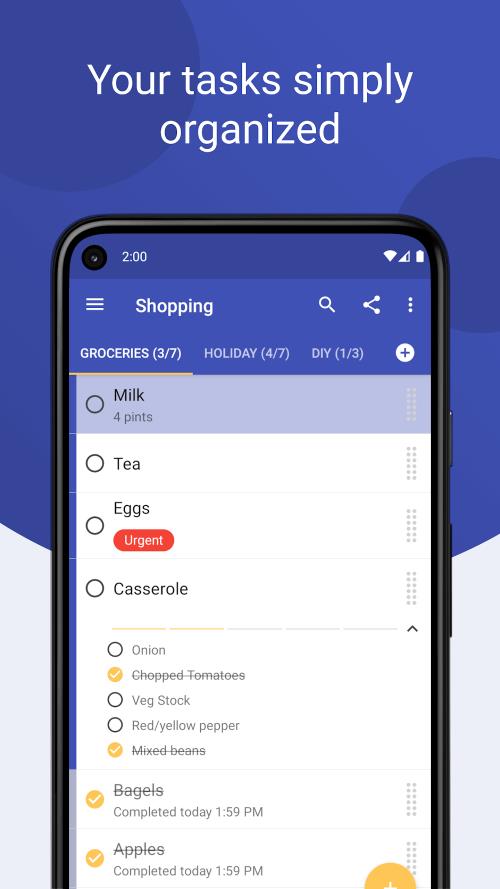
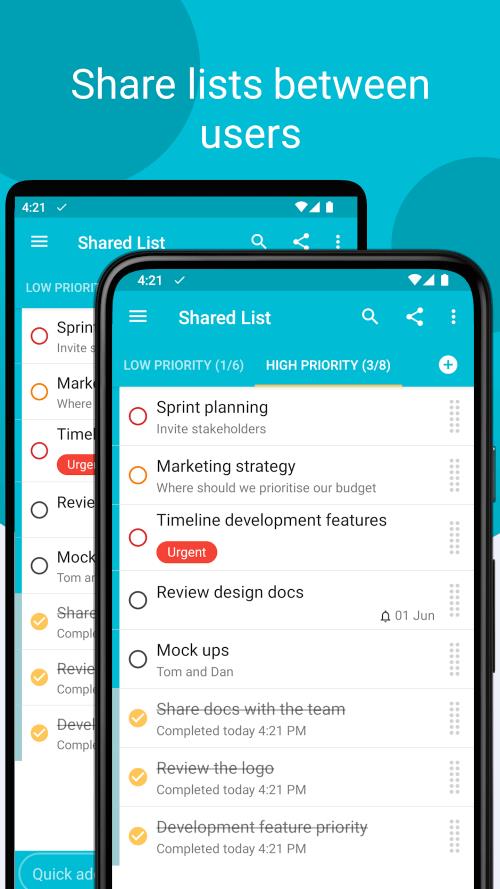
Plan and organize - Tasks puts a simple, private task manager in your pocket so you can capture ideas, set reminders and keep your day moving. The app focuses on minimalist lists and strong security, letting you add items with speedy gestures, attach files safely and sync across devices while keeping control of your data. If you want a lean to-do tool that hides complexity and protects what you store, Tasks aims to be the kind of utility you reach for first.
Create your first list: Open the app, tap the new list control and give it a meaningful name such as Work, Groceries or Projects.
Add items quickly: Use the quick add, home screen shortcut or the persistent notification to jot tasks without opening multiple menus.
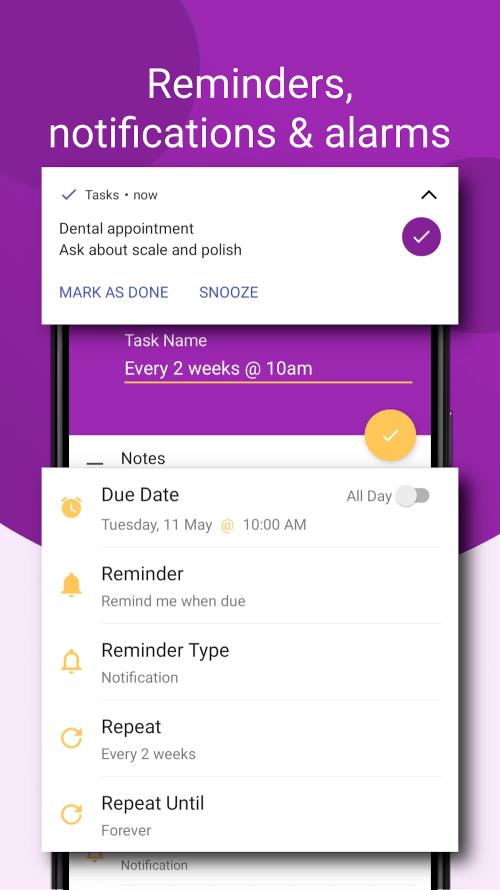
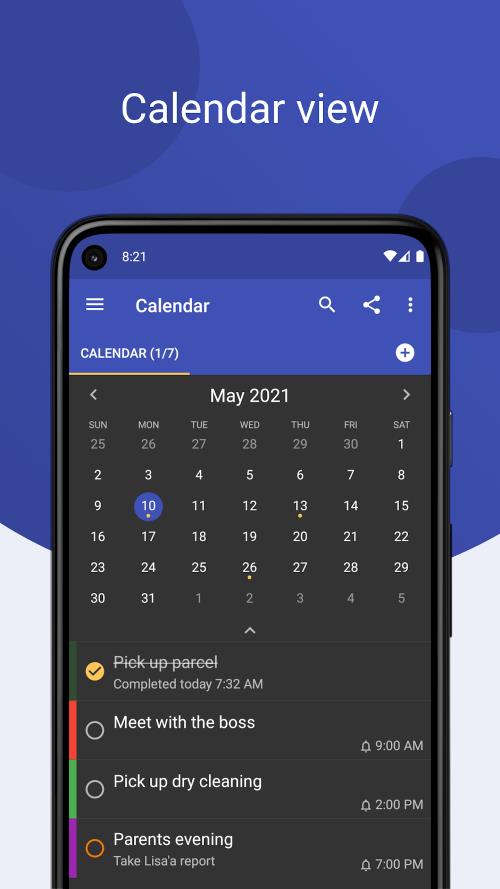
Set reminders and priorities: Attach due dates, importance markers or colors to items so the most urgent tasks stand out at a glance.
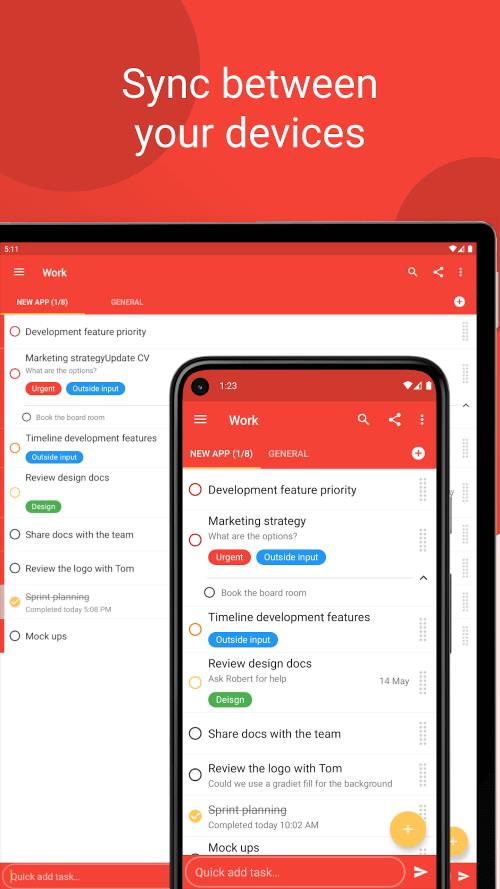
Attach files and sync: Link files or photos to a task and connect a cloud account if you want automatic transfer between devices while keeping encryption active.
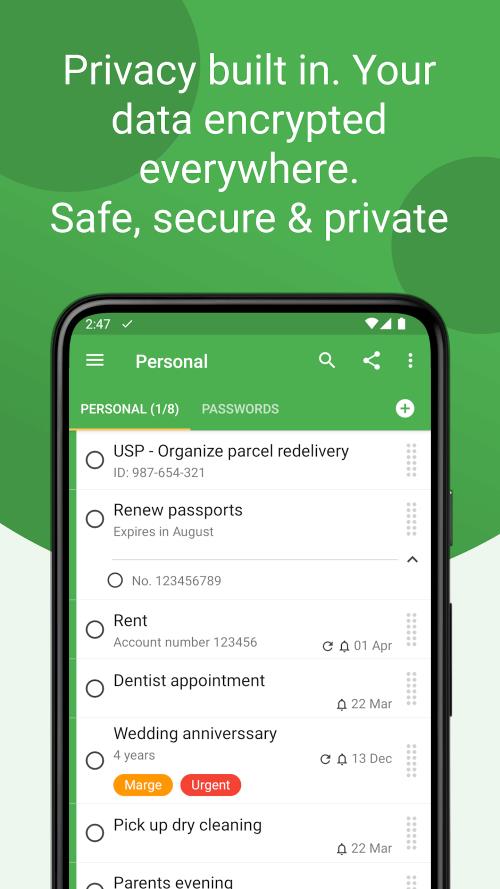
End-to-end encryption: Data stays encrypted while moving between devices or when stored in the cloud so only you can read it.
Fast capture methods: Shortcuts, share targets and notification actions let you add tasks from other apps or straight from your home screen.
Minimal, customizable UI: Choose colors for lists and items, reorder by drag-and-drop and use simple swipes to complete or snooze tasks.
Actionable notifications: Complete or postpone items directly from alerts without opening the app, streamlining everyday upkeep.
Start with templates: Build a reusable checklist for recurring routines like weekly grocery runs or packing lists for short trips to avoid re-typing the same items.
Use color coding for context: Assign colors to separate personal errands from work tasks so you can scan priorities faster during a busy morning.
Combine reminders with attachments: For errands that need receipts or photos, attach the file to the item and set a reminder so you don’t lose proof or reference material.
Two practical scenarios: When preparing for a presentation, collect talking points, attach slides and flag rehearsal times; while traveling, use reminders to prompt medication, check-in or luggage checks so routines stay steady across time zones.
Is my data safe if I use public Wi-Fi?
Yes. Tasks encrypts data transfers so files and task contents remain protected even on public networks.
Can I add a task from other apps?
Yes. Tasks accepts shared content and offers quick-add methods that let you create entries from the notification area or a share menu.
Do notifications let me act without opening the app?
They do. Actionable notifications allow you to mark items done or snooze them directly from the alert so you can stay focused.
Tasks provides a straightforward, privacy-minded way to manage to-dos with flexible input options and encrypted syncing; it’s useful for anyone who prefers tidy lists over bloated project tools, though power users who need advanced collaboration features may find it intentionally compact. The app is available for Android and its features can vary slightly between releases, so check the latest version for new capabilities.