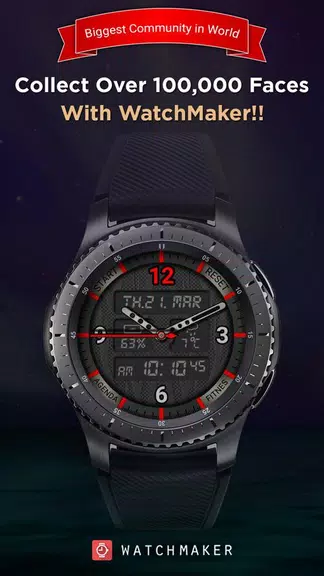
WatchMaker Watch Faces offers a vast library of customizable watch faces and a powerful design toolkit for Android smartwatches, letting users personalize complications, animations, and themes. It supports automated syncing, cloud backups, and a large community gallery so both casual users and designers can create and share unique watch faces.
WatchMaker Watch Faces transforms a smartwatch into a personalized accessory. The app provides hundreds of ready-made faces and an editor that controls layout, color palettes, hands, tick marks, and interactive elements. You can update complications with live data such as weather, battery level, fitness stats, and calendar events, making each face functional as well as stylish.
The feature set caters to both quick customization and deep design work. Highlights include:
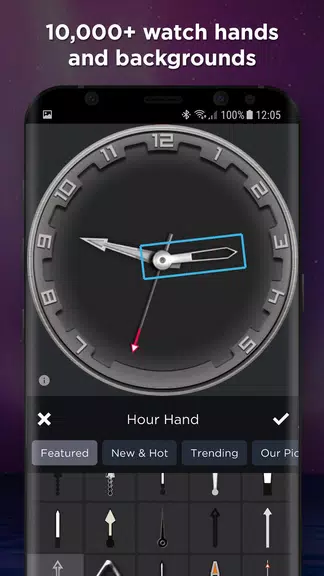
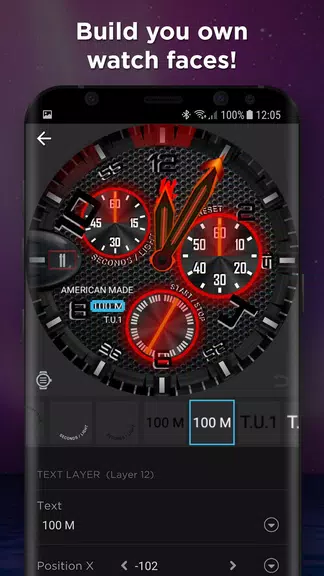
WatchMaker Watch Faces uses a clear, layered workflow that mirrors graphic design tools while remaining approachable for beginners. The editor presents canvas controls, a timeline for animations, and property panels for each layer. Presets and templates accelerate common tasks, while adjustable grid and snap settings help align elements precisely.
Customization goes beyond color swaps. Users can import custom images, create multi-state icons, and script logic for conditional displays—such as swapping a graphic when battery is low. The app supports scalable vector assets to ensure faces look crisp on different screen sizes and densities. You can also tweak typography, shadowing, and glow effects to fine-tune legibility under varying lighting conditions.
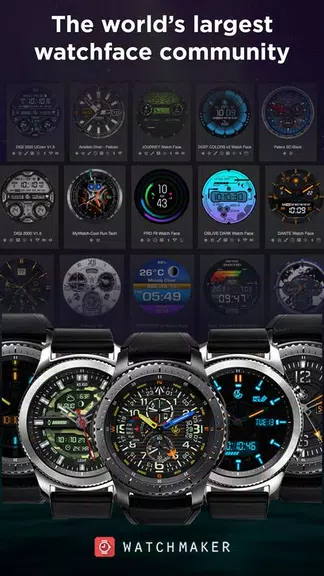
The community gallery is a central part of the WatchMaker experience. Designers publish faces for free or as premium items, and users rate and comment on uploads. Built-in curation and search filters help you find minimalist digital faces, mechanical chronographs, or informational panels tailored to outdoor activities. Sharing is simple: export a face package or share a link that others can import directly into their app.
Performance is optimized for a range of Android Wear OS and other Android-based smartwatch platforms. Watch faces are tested for battery efficiency with options to limit animation frequency or disable constant sensor polling. Compatibility details and recommended settings are available inside the app so you can match face complexity to your watch’s hardware.
Beyond aesthetics, WatchMaker Watch Faces helps organize daily routines. Create a commuting face that emphasizes transit time and weather, or a fitness-focused layout that foregrounds heart rate and step count during workouts. Conditional scripting can present different layouts at specific times of day, improving readability and relevance without manual switching.
New users can install and pair the app, pick a featured face, and press sync to push it to the watch within minutes. The app includes guided tutorials for the editor and sample projects to explore layer arrangements and basic animation techniques. For creators, exporting and importing project files streamlines collaboration with other designers.
To make efficient and attractive faces, keep these suggestions in mind: prioritize legibility, use vector assets where possible, limit background animations to save battery, and test across multiple devices. Engage with community feedback to refine interaction behaviors and compatibility.
WatchMaker Watch Faces puts robust design features and practical watch utilities into a single package. Whether you want quick visual updates or a playground for detailed face creation, the app balances creative freedom with tools that keep designs performant and shareable across the Android smartwatch ecosystem.