
sactto! Filing is an unlimited online storage service built for businesses that need a secure, scalable place to store and share documents, project files, and customer data. Designed for teams that juggle multiple drives or need predictable capacity, sactto! Filing centralizes folders and sharing controls so that managers and staff can find, protect, and distribute files without debating quotas or device limits. This introduction explains what the app does, how it is organized, and what administrators and everyday users can expect when they adopt it.
The core of sactto! Filing is a cloud-based file repository with business-oriented controls. Users can create named folders, upload files through a browser or mobile client, and generate secure share links for external partners who do not have an account. Folder-level permissions allow read-only or edit access to be set per collaborator, and activity logs record who accessed or downloaded shared files. Encryption is applied both in transit and at rest using AES 256-bit protections so that confidential records and client data remain shielded during storage and transfer.
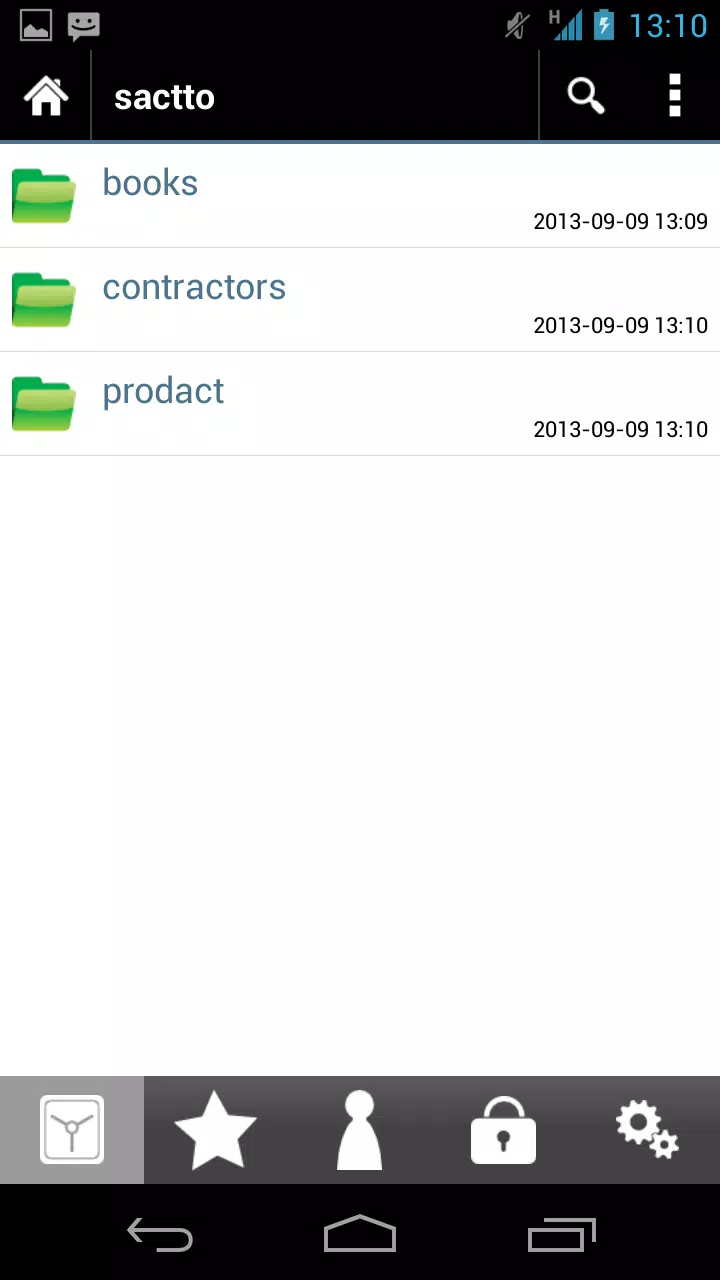
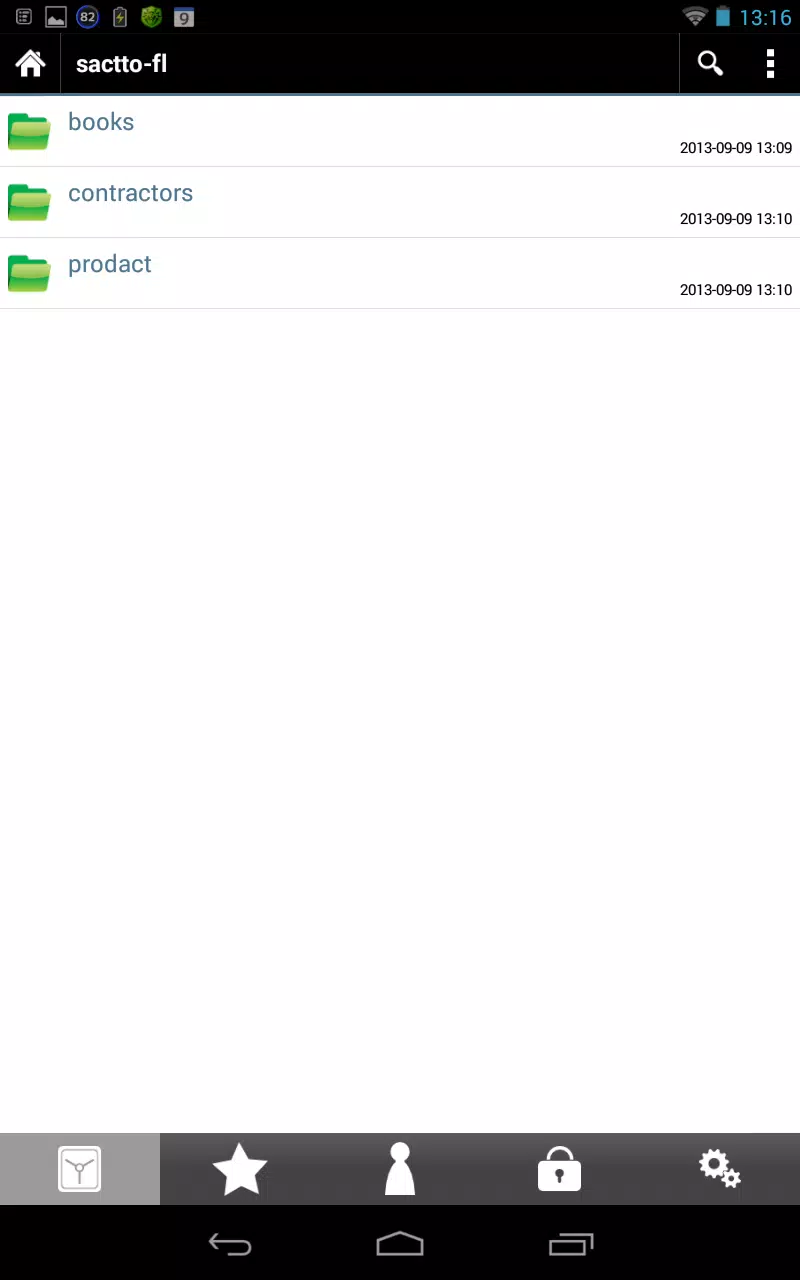
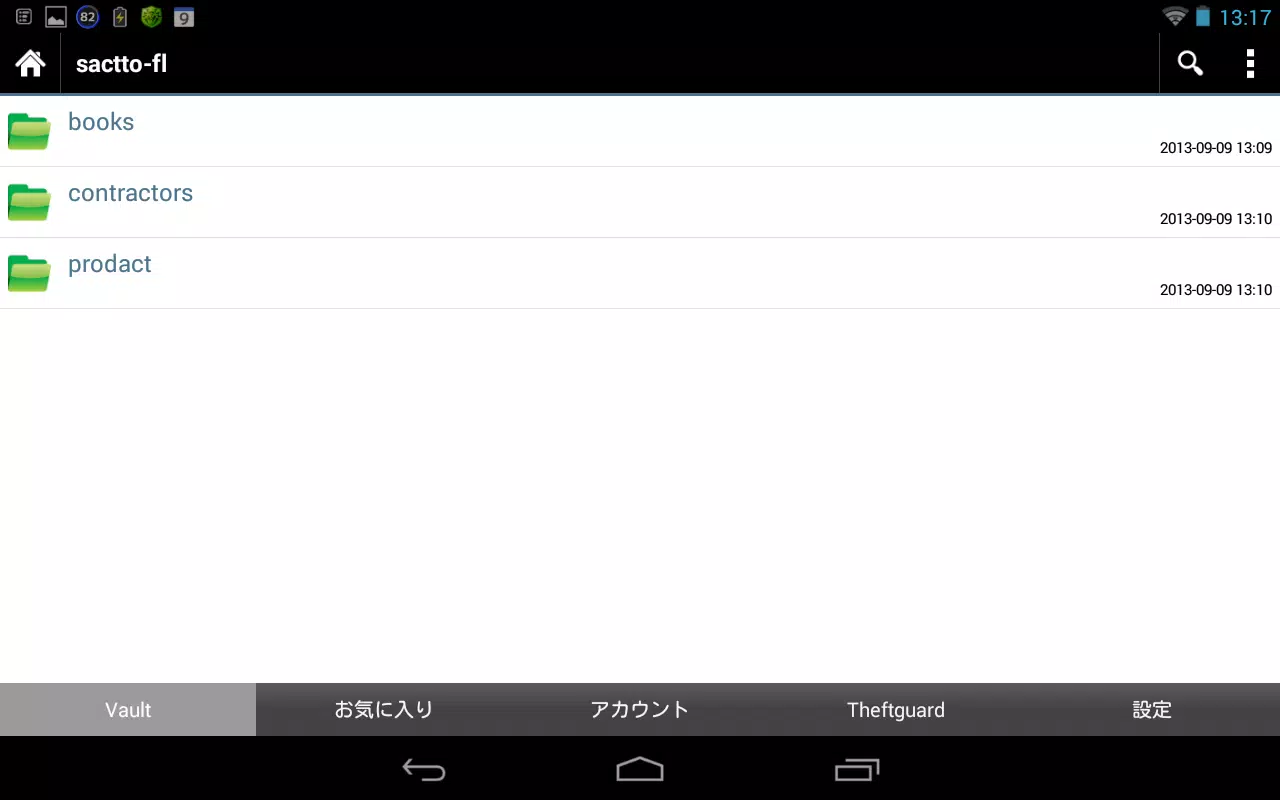
The app follows familiar file-management patterns so teams adopt it quickly: a directory tree for nested folders, a file preview pane for common document types, and contextual menus for sharing, renaming, or moving items. On mobile, long-press selection and swipe actions speed up batch operations, while the web interface supports drag-and-drop uploads and a search field that filters by filename and file type. These controls reduce repetitive steps and help users complete common tasks—uploading, sharing, and auditing—without steep training.
Organizations progress from loose, ad hoc storage toward structured repositories by defining project folders, team areas, and archive zones inside sactto! Filing. Administrators can establish naming conventions and templates for folder structure, and teams can implement staged workflows by moving files from a working folder to a review or archive folder as items mature. Permission inheritance simplifies role-based access, and explicit folder permissions make it possible to grant temporary write access for collaborators while keeping core documents protected.
Collaboration in sactto! Filing centers on shared folders and secure links. When a link is created, the owner can choose whether recipients need a password, an expiration date, or read-only access. Email notifications inform owners when a shared file is downloaded, and activity tracking captures timestamps for uploads, downloads, and permission changes so teams can trace actions related to deliverables and compliance requirements. These mechanics support one-off exchanges with external partners as well as ongoing collaboration among internal users.
Beyond encryption, the product provides centralized controls to manage users and folder permissions across an organization. Audit trails and notification settings assist administrators in meeting internal compliance checks, and role-based access helps limit exposure of sensitive folders. Because the system is cloud-first, administrators should plan onboarding and access policies carefully; setting up shared folders and permissions can require initial configuration work in larger organizations to align access with company policies.
The interface is intentionally utilitarian: clear icons, contrasting colors for status indicators, and a simple typography scheme help users scan folders and recent activity quickly. Teams can customize folder names and set up color-coded labels to reflect project status. Accessibility options include scalable text sizes, keyboard navigation for frequent tasks on desktop, and screen-reader friendly labels, making the workspace usable for a wider range of team members.
sactto! Filing is built for continuous online access, so its strengths come from centralized storage and live sharing; that means a reliable internet connection is required for full functionality. Users can download specific files for offline viewing when necessary, but large-scale offline workflows are limited by the cloud-first design. Cross-device support across desktops, laptops, tablets, and smartphones ensures teams can access the same folders and activity history from multiple locations.
For project teams, consulting firms, and departments that handle sizable amounts of documents, sactto! Filing reduces the administrative overhead of tracking multiple drives and prevents capacity surprises by removing storage quotas. It is well suited to organizations that need straightforward folder-level permissioning, secure external sharing, and visibility into who accessed critical files. While it simplifies ongoing file management, administrators should budget time for initial setup and policy alignment.
Adopting sactto! Filing typically begins with a pilot group to establish folder templates and permission rules, followed by phased rollout to additional teams. Training resources and an administrator guide help configure notifications and activity tracking to match internal processes. With clear onboarding and role assignments, teams can migrate away from scattered drives and centralize their document lifecycle within a single, secure environment.





















