



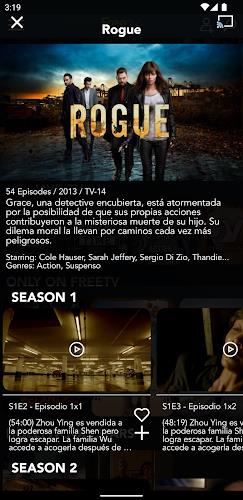
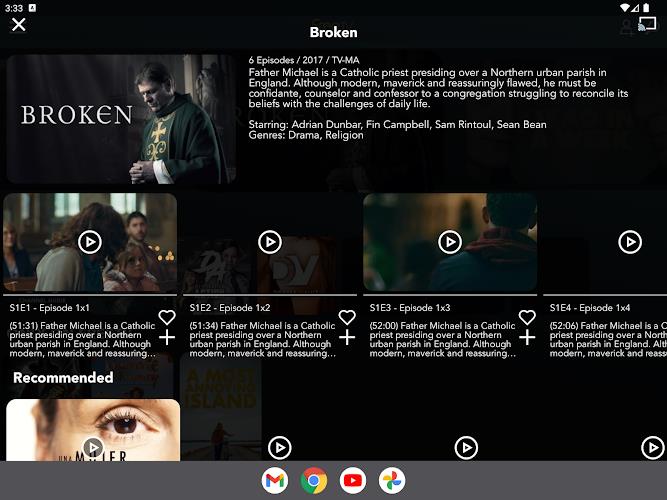
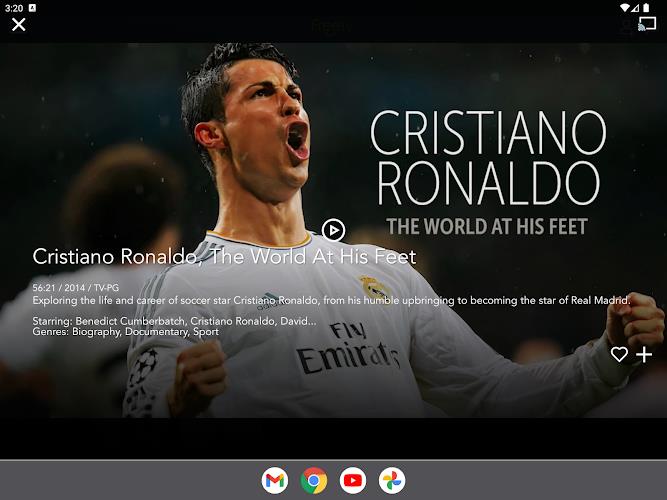
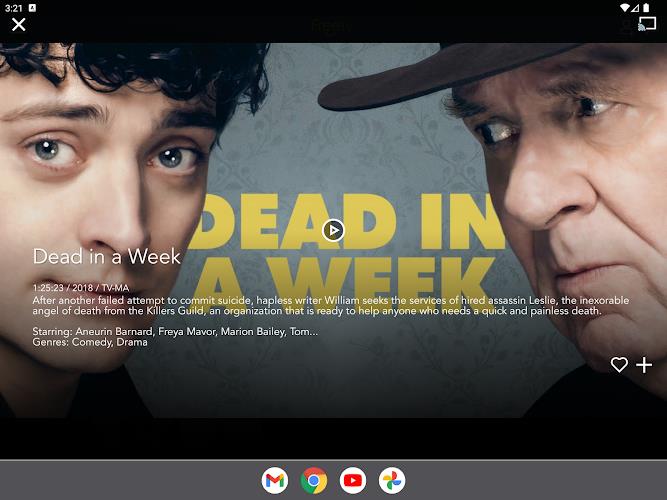
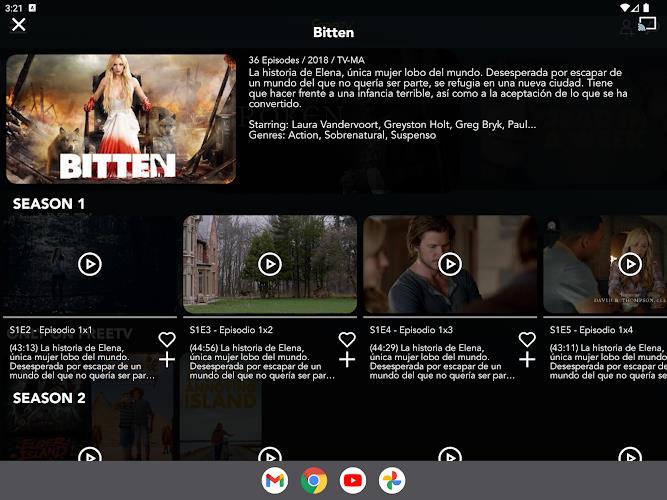
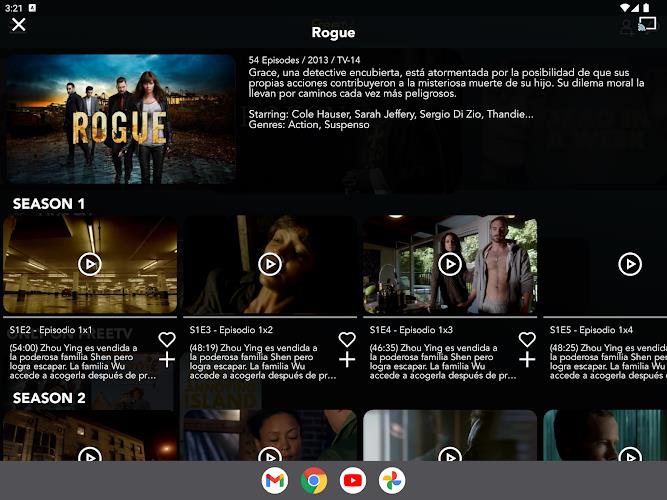
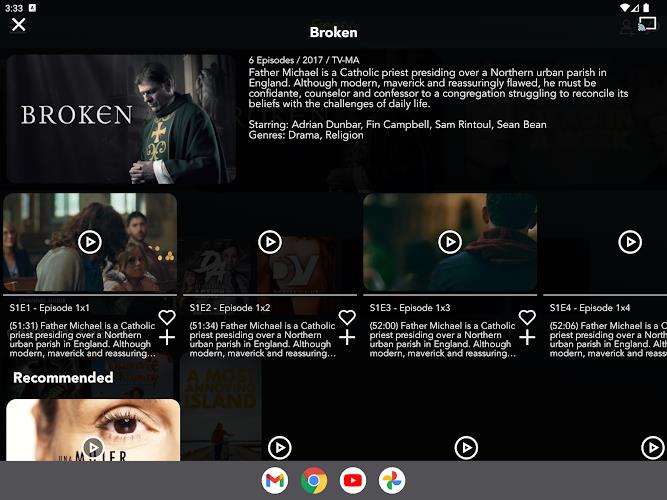
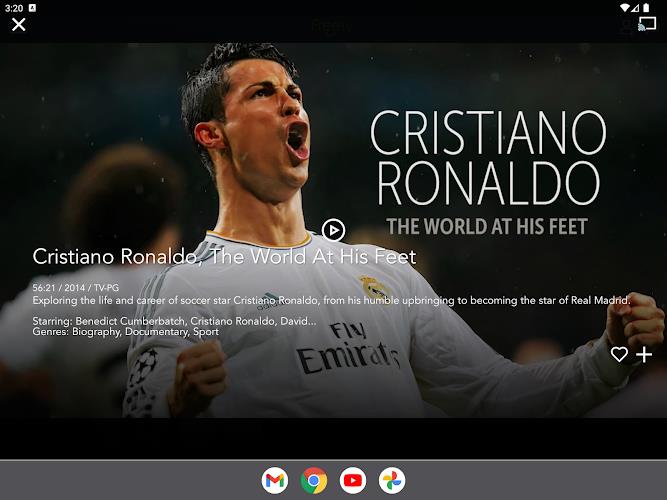
FreeTV brings live television, on-demand shows, and international channels into a single Android app, delivering customizable viewing and offline features for mobile users. Designed for simplicity and speed, FreeTV makes finding and watching content straightforward while offering options for subtitles, playback quality, and favorites management.
The app centers on a clean selection of tools that support everyday viewing. A unified channel guide lists live streams, while an on-demand library organizes movies and episodes by genre, popularity, and release date. Search is fast and supports voice input, and a smart recommendations engine suggests shows based on viewing history and saved items.
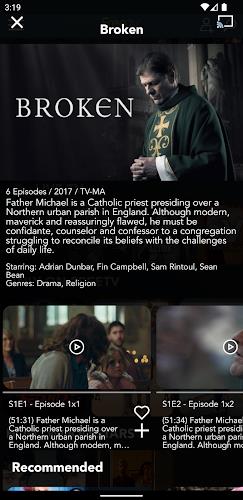
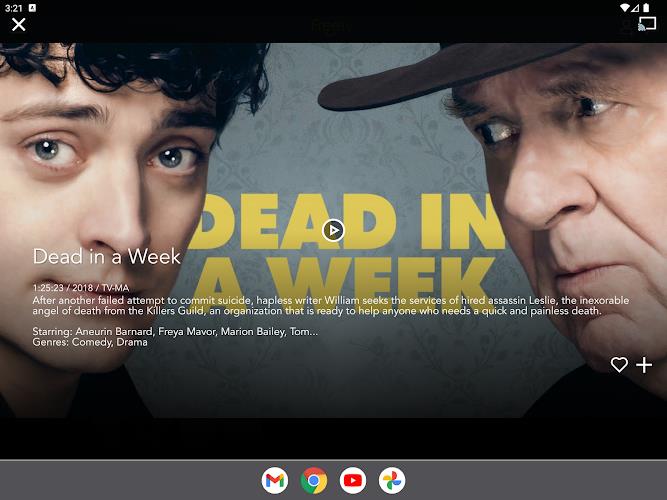
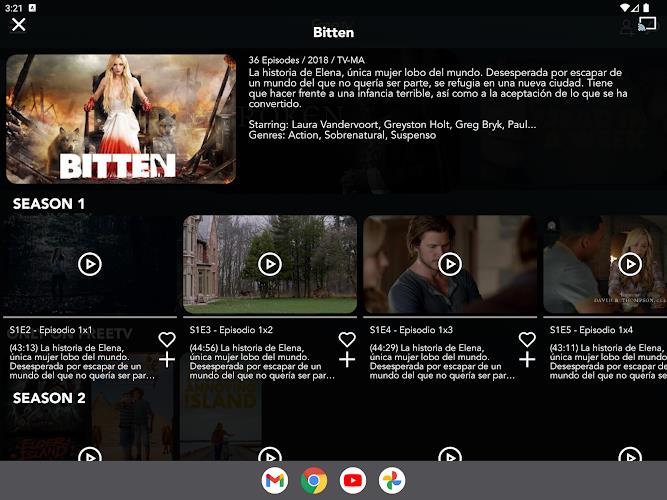
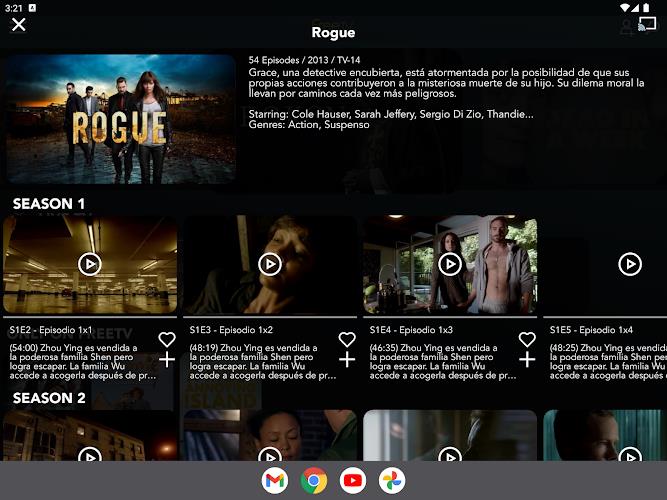
The user interface favors large thumbnails and a simple bottom navigation bar to access Home, Live, Downloads, and Profile sections quickly. Menus remain uncluttered so new users can start watching in seconds. Thumbnails include runtime, resolution badges, and an indicator for new episodes to speed decision-making.
Users can create profiles to keep viewing preferences separate, set parental controls with PIN protection, and manage storage for downloaded media. FreeTV supports multiple device connections under one account and offers a sync option that keeps watch lists and resume points updated across devices.
Playback controls are responsive, with instant scrubbing, configurable skip buttons, and adaptive bitrate streaming that adjusts quality to current network conditions. Users can lock the screen during playback to prevent accidental touches and toggle subtitles or audio tracks without interrupting the stream.
Designed to be lightweight, the app minimizes background data usage and wakes the CPU only when necessary. Video buffering is reduced through a small prefetch buffer and efficient codec handling. On mid-range devices, startup and channel switching remain smooth, while premium devices can enjoy higher-resolution streams and HDR where supported.
FreeTV runs on a broad range of Android versions and adapts to both phones and tablets. It supports Android TV platforms for big-screen viewing and integrates with casting protocols so you can move playback from mobile to a smart TV or streaming stick in one tap. Regular updates address security patches and codec improvements.
Privacy options let users opt out of personalized recommendations and control data collection within account settings. The app uses standard encryption for account credentials and secures streaming links to protect against unauthorized access. Parental locks and content rating filters help maintain safe viewing for families.
Installation is straightforward: download, create or sign into an account, and set your preferred language and streaming quality. Browse the recommended feed or jump directly to the channel guide. To save data, enable low-bandwidth mode or schedule downloads while on Wi-Fi for offline viewing later.
Many pick FreeTV for its combination of live channels and on-demand content in a single app, easy navigation, and useful offline features. The balanced feature set appeals to commuters, international viewers, and families looking for parental controls without sacrificing advanced playback options.