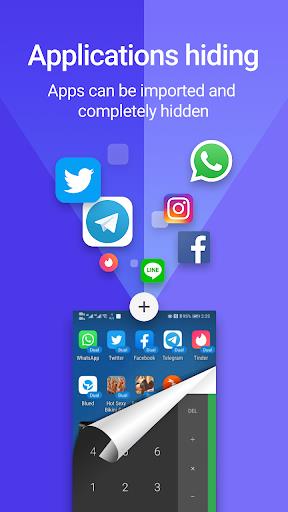
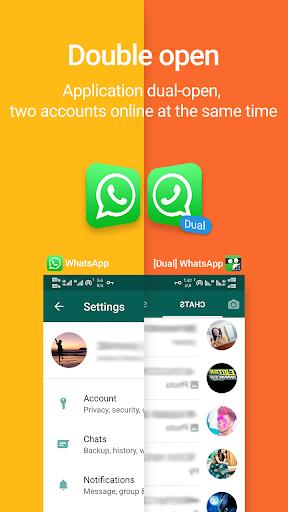
App Hider is a privacy-focused Android utility that hides apps, clones applications, and secures sensitive content behind PINs or patterns. It simplifies organization and protects personal data by disguising icons, creating private spaces, and offering straightforward controls for users who need discreet app management without complex setup or extra permissions.
This review examines how App Hider helps users control what appears on their devices. The app combines simple masking techniques with cloning capability to keep select apps private. It targets users who want an unobtrusive solution: no advanced technical skills are needed, and core functions remain accessible from a compact, well-organized interface.
App Hider uses a vault-style architecture: apps moved into the private space become inaccessible from the regular app drawer. Cloned apps run within the vault environment and maintain independent data stores. When you open a hidden or cloned app, the vault launches it directly without altering the original installation. This design keeps system-level settings intact and minimizes permissions requests.
Beyond basic PINs, App Hider supports pattern locks and optional biometric unlock where the device permits it. The app avoids continuous background services that drain battery; instead, it activates only when the user enters the secure space. Logs and temporary data are kept minimal to reduce exposure, and users can clear caches from within the vault to maintain privacy hygiene.
The interface prioritizes clarity. A single screen displays all hidden and cloned apps, with intuitive long-press and swipe gestures for quick actions. Performance is generally responsive: launching a hidden app feels as fast as launching it from the home screen. Memory usage can increase when running cloned apps simultaneously, so the app includes tools to monitor resource consumption and close background instances when needed.
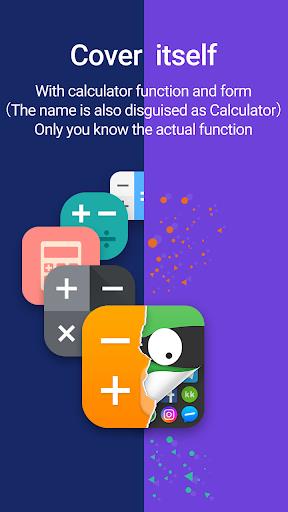
Customization options allow you to rename hidden apps, change their icons, or set the vault to mimic other utilities. These cosmetic choices are useful when you want the vault to blend in. App Hider also supports folder organization inside the vault, making it easy to separate work-related apps from personal apps or to group social accounts for quick switching.
Start by hiding only a few apps and testing access flows to confirm your locking method. Use the disguise mode to reduce curiosity from casual observers. If you clone an account-heavy app, pay attention to notification settings so alerts don't reveal activity outside the vault. Regularly back up important app data using the original app’s export features rather than relying solely on the vault.
App Hider streamlines private app management with a balanced set of features that suit casual and privacy-minded users alike. It doesn’t require deep system changes, and the combination of hiding, cloning, and locking tools makes it a practical choice for anyone who needs simple, reliable control over what is visible on their Android device.