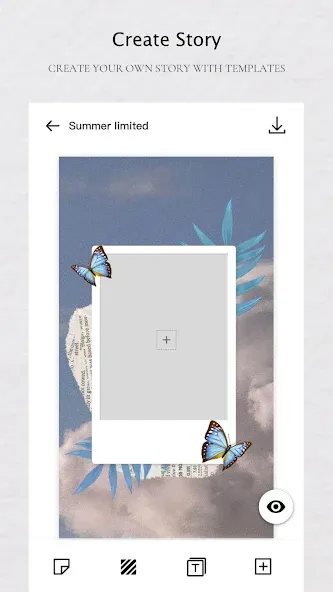
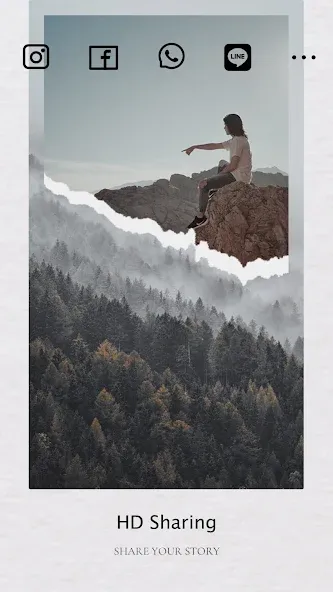
Story Editor is a compact, user-focused Android app for creating and polishing short narratives, social media captions, and visual storyboards. It combines text formatting, image layering, and preset templates so writers, bloggers, and content creators can draft, style, and export polished stories quickly from a mobile device.
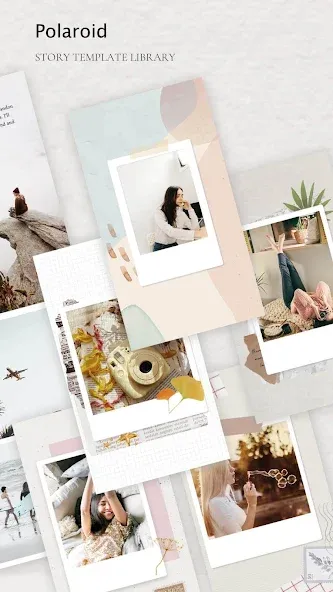
Story Editor focuses on turning rough ideas into shareable content without forcing a steep learning curve. The app includes a text editor with rich formatting options, a media panel for inserting photos and stickers, and a collection of layout templates tailored to common social and publishing formats. Users can preview designs, adjust typography, and export files in common image and text formats.
The interface is designed for touch-first editing: menus are reachable with one thumb, and visual controls give immediate feedback. A dark and light theme helps maintain readability in different lighting conditions, while type presets let you apply consistent style across multiple slides or pages. Frequent actions are surfaced in a bottom toolbar, reducing taps and helping maintain creative flow.
Story Editor supports multi-scene projects, letting you assemble short serials, multi-image posts, or longer microfiction pieces. Projects can be organized into folders, renamed, duplicated, and backed up. Autosave and revision history reduce the risk of losing work, and you can export a whole project as a single compressed package for archiving or sharing with collaborators.
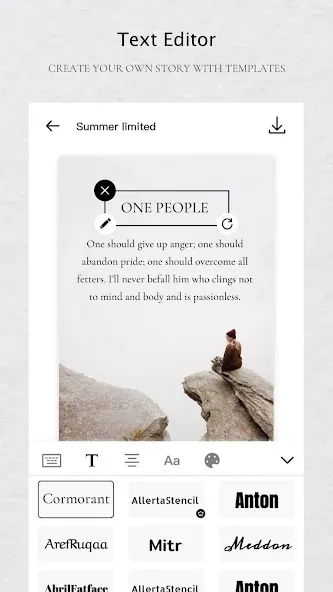
Good typography is essential for readable storytelling. Story Editor offers a curated selection of fonts optimized for mobile screens, adjustable line spacing, and kerning controls for fine-tuning. Color palettes are grouped by mood — warm, cool, neutral — so you can quickly set the tone of a piece. Built-in alignment guides and grid overlays help keep layouts balanced and professional-looking.
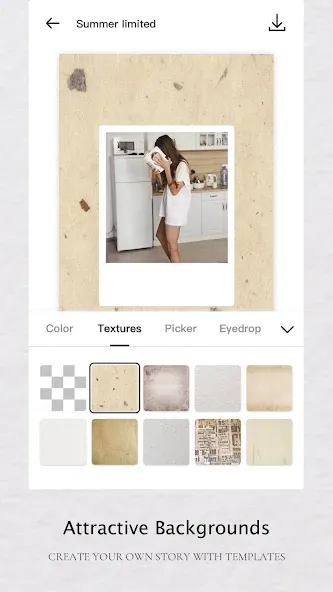
Insert images from your gallery or take photos in-app, then position, scale, and mask them behind text blocks. Basic filters and brightness/contrast sliders are available for quick corrections. Stickers, icons, and shape tools expand design possibilities, while opacity and blend-mode controls let you create soft overlays and emphasis effects without leaving the app.
Optimized for a wide range of Android devices, Story Editor runs smoothly on mid-range phones and tablets. The app is conscious of storage and battery use: assets are cached efficiently and large projects can be offloaded to external storage. Local-only editing and optional cloud sync give users a choice about where their drafts are stored, with clear export permissions when sharing content externally.
Begin by creating a new project and choosing a template or blank canvas. Add text blocks, import images, and use the bottom toolbar to apply styles. Save as you go; use the preview mode to check how your story will appear after export. Story Editor also offers brief in-app tips and sample projects to help new users explore functionality quickly.
Content creators who need to produce quick, visually appealing stories will find Story Editor especially useful. Bloggers drafting social previews, teachers preparing short lesson visuals, and marketers creating campaign snippets can all accelerate their workflows. The app balances simple tools for beginners with enough control for more deliberate editing choices.
Regular updates add templates, improve performance, and expand media compatibility. Built-in help and a responsive support channel assist with troubleshooting and feature requests. Story Editor aims to evolve with user needs while keeping the core editing experience clear and reliable.