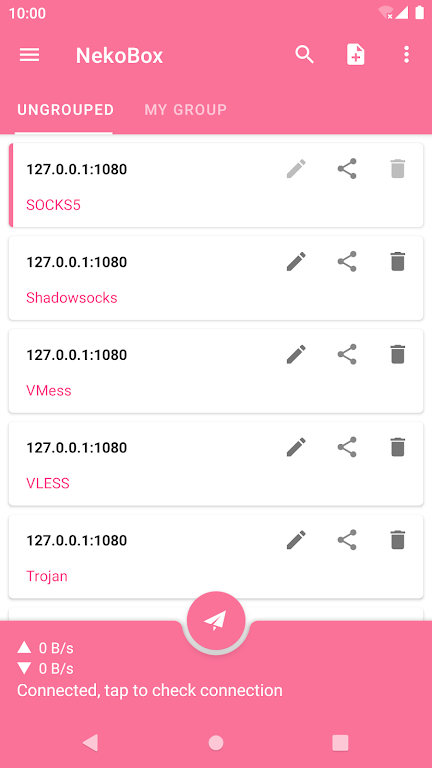
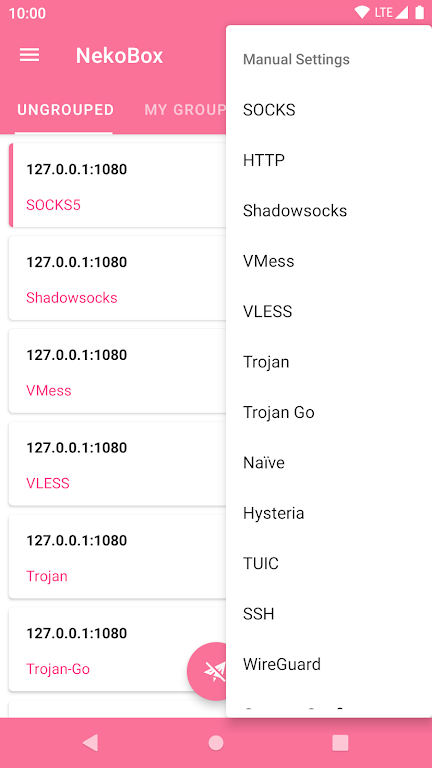
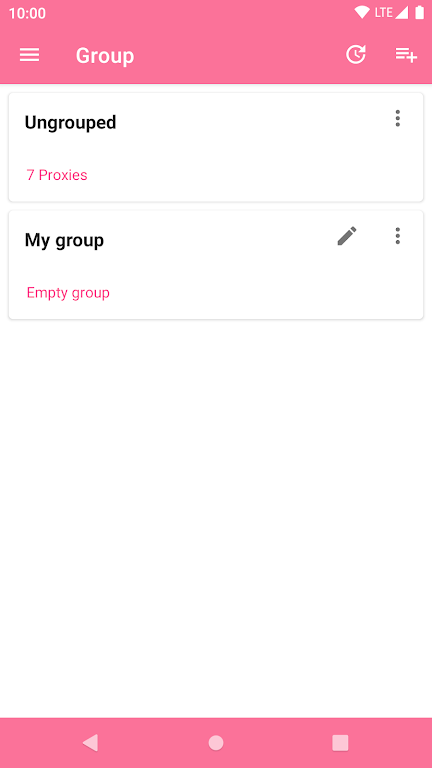
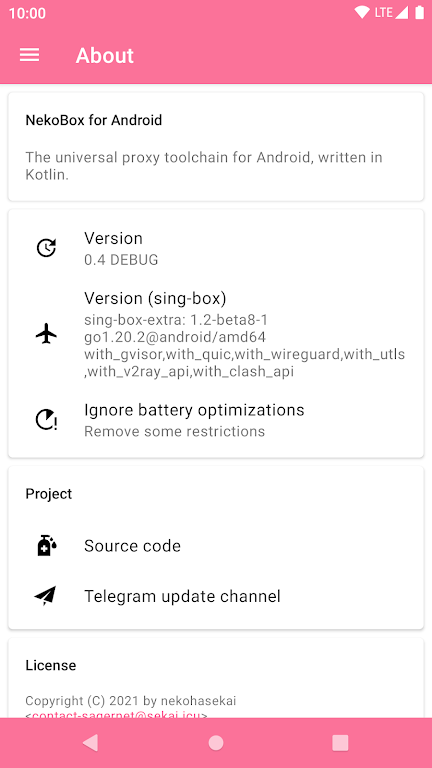
What makes a capable mobile proxy manager worth keeping on your device? NekoBox gives a clear answer by combining a modern interface with broad protocol support and in-app VPN tunnel options, making it useful for anyone who needs private browsing or to route specific traffic through remote servers. The app targets users who want configurable proxies without juggling multiple tools, and it balances advanced options with sensible defaults so you can get a connection up and running quickly.
Multi-protocol support: Work with Shadowsocks, VMess, VLESS, Trojan and other industry-standard protocols so you can match your server setup.
Sing-box compatibility: Core features and configuration styles from sing-box are included, easing migration for experienced users.
VPN tunnel via VpnService: Create an encrypted tunnel at the system level so apps on your device can use the selected proxy without manual settings.
Import/export and QR setup: Bring in existing profiles or share configurations using files or QR codes to speed deployment.
Flexible routing rules: Define which hosts or apps go through the proxy and which keep a direct route, useful for hybrid workflows.
Customizable proxy chains: Run multiple proxy entries concurrently and switch between profiles when you need different endpoints.
Connection checks: Built-in diagnostics help you confirm a server is reachable and identify basic misconfigurations.
Material Design UI: A clean, readable interface reduces clutter so you can focus on profiles and connections instead of menus.
Community-driven development: Frequent updates and open-source visibility let the app evolve with real-world needs.
Install and grant permissions: After installing, allow the VPN permission when prompted so NekoBox can create secure tunnels using VpnService.
Import or create a profile: Add a server manually, scan a QR code, or import a config file to populate host, port, and protocol fields.
Choose routing rules: Select which domains, IP ranges, or apps should use the tunnel and which should bypass it to avoid unnecessary routing.
Activate and test: Connect a profile and use the built-in test tools or a browser to verify that traffic is flowing through the intended server.
Do I need root access to use NekoBox?
No. NekoBox uses Android's VpnService API to route traffic without requiring root, so typical users can run it on unrooted phones and tablets.
Can I run multiple proxy profiles at the same time?
Yes. The app supports configuring multiple profiles and switching between them; routing rules let you direct different traffic sets as needed.
Is the source code available for review?
Yes. NekoBox is developed as an open-source project, allowing technically minded users to inspect code and understand how connections are handled.
Will this bypass geo-restrictions for streaming services?
Routing traffic through a remote server can make content appear to originate from that location, but availability depends on the remote server and the service's own detection methods.
Compared with older, single-protocol apps, NekoBox stands out by offering a toolbox approach: multiple protocols, profile portability and system-level tunnels that fit both casual and power users. If you need secure access on public Wi-Fi, want to reach services while abroad, or maintain separate work and personal routing on one device, this app caters to those scenarios. Consider NekoBox if you value configurability and open-source transparency; just keep in mind that optimal results depend on correct server credentials and up-to-date protocol support.