
Free Adblocker Browser:Adblock is a privacy-focused mobile browser that removes intrusive ads and trackers to deliver a cleaner, faster web experience on Android devices. Free Adblocker Browser:Adblock combines built-in ad and tracker blocking with a lightweight interface so you can read articles, watch videos, and use web apps with fewer interruptions and lower data use. The app favors local filtering, giving users control over content, data usage, and page loading behavior without routing traffic through third-party services.
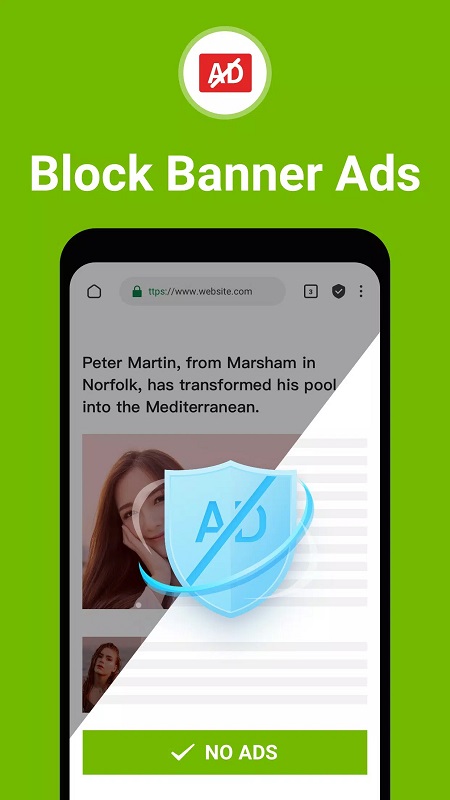
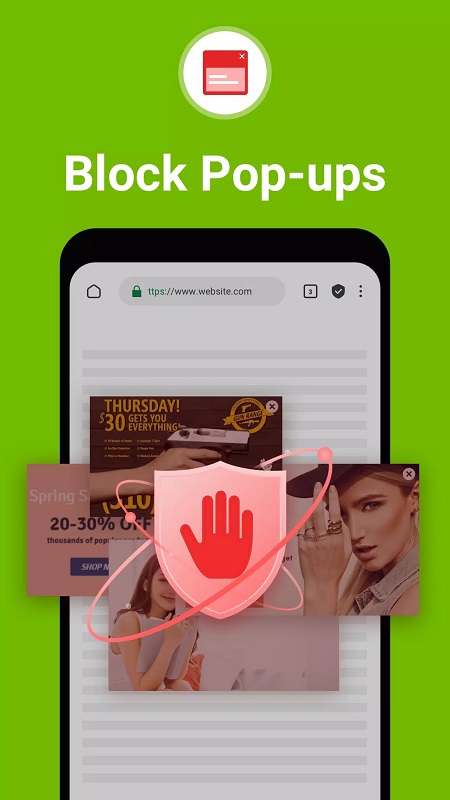
The core purpose of Free Adblocker Browser:Adblock is to reduce clutter and speed up browsing by preventing common ad formats, pop-ups, autoplay video ads, and many third-party trackers from loading. It uses curated and regularly updated filter lists to identify requests and page elements to block, and it exposes straightforward controls so you can decide what stays visible. The result is a more predictable layout for news sites, blogs, and media pages where content matters most.
The browser runs a filtering engine on the device that evaluates resource requests and compares them against known ad and tracker signatures. Blocking happens locally to avoid extra network hops, which helps keep latency low and reduces background network activity. Where possible the app enforces HTTPS connections and limits third-party cookie access; options are provided to clear cookies and cache on exit and to browse in a private session that does not retain history or local storage.
Controls are designed for both casual users and power users: a minimal address bar, tab controls, and clear toggles surface the most common choices while advanced menus allow fine-grained adjustments. You can whitelist sites that rely on ads, enable or disable specific filter lists, and import custom filters to tune blocking rules. Over time, refining whitelists and filters serves as a lightweight progression system: your saved preferences create a browsing profile that adapts to the sites you trust and the sites you block.
The interface emphasizes readability with a compact layout, prominent navigation, and quick-access privacy icons that indicate when protection is active on a page. Common gestures and toolbar controls let you switch tabs, open a private tab, save or download a page, and access settings without digging through menus. Built-in indicators and simple labels help you see at a glance which elements were blocked and offer one-tap options to allow specific items when a page behaves unexpectedly.
Blocking unnecessary ad and tracker downloads typically reduces page weight, which can lower CPU work for rendering and improve battery life during long browsing sessions. Users on metered or slow connections will often see faster page loads and reduced data usage because the browser skips heavy ad assets and analytics requests. Real-world gains depend on the sites you visit, but the emphasis on device-side blocking keeps overhead minimal.
The browser supports standard download and save workflows so you can store pages, images, or files for later viewing offline. Saving content for offline reading is useful for research, long-form articles, or travel when connectivity is limited. Downloads follow familiar Android file-management conventions so saved items are accessible from other apps and from the device storage.
Free Adblocker Browser:Adblock includes accessibility-minded options such as adjustable text scaling, simplified layouts that reduce visual clutter, and clear contrast between UI elements to aid readability. Personalization extends to content preferences: control scripts, images, and autoplay behavior on a per-site basis, choose light or dark themes when available, and adjust how aggressively the browser blocks categories of content to match your needs.
If a page does not load correctly, review the list of blocked items and allow the specific element or whitelist the site. Start with the default filter sets, which work well for most pages, and add custom filters only when needed. Whitelist responsibly to support publishers you value, and grant only necessary permissions during setup to maintain privacy. With a few small adjustments, the browser becomes a streamlined, private tool for everyday mobile browsing.
Download Free Adblocker Browser:Adblock from a trusted app store, grant essential permissions for browsing and downloads, and run the initial setup to enable protection. Use the main settings menu to adjust filter lists, import custom rules, and add trusted sites to your whitelist. The combination of on-device filtering, simple controls, and customization options makes it practical for readers, researchers, and regular web users who want a quieter, faster browsing experience on Android.