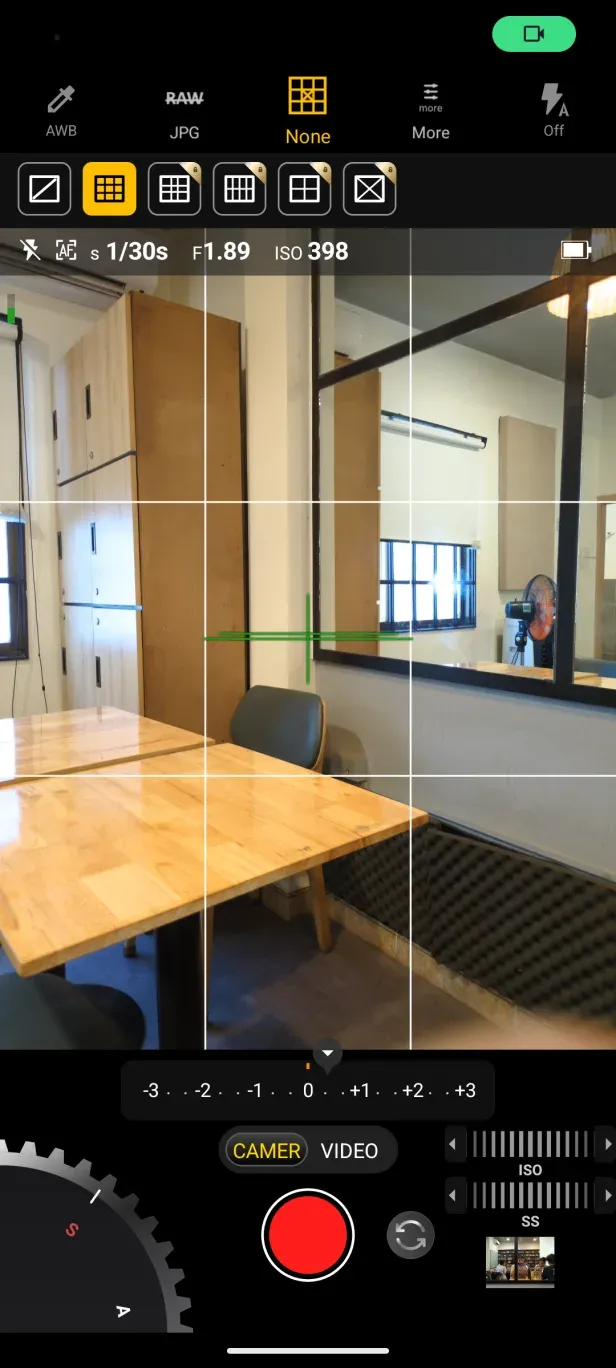
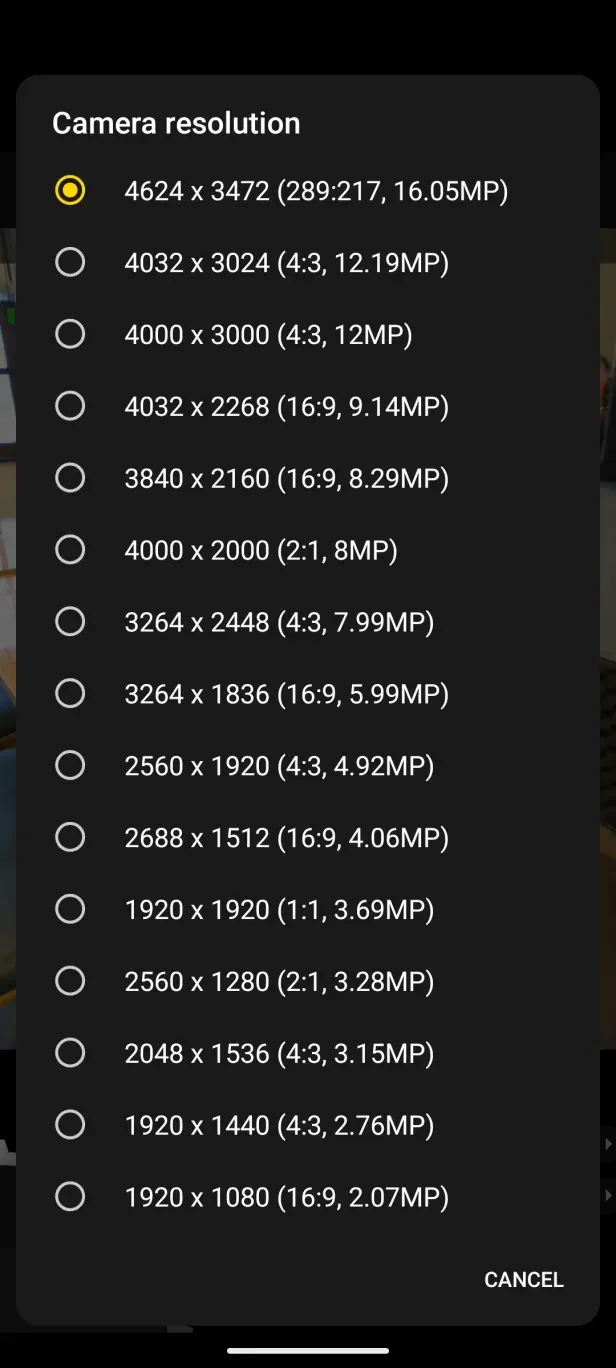
Snap Pro is a powerful mobile photography toolkit that combines a professional camera, advanced editing controls and fast export options for everyday shooting and creative workflows. It brings layer-based editing, RAW support, selective adjustments and customizable presets into a single, polished interface for users who want precise control over images.
Designed for enthusiasts and professionals alike, Snap Pro focuses on giving photographers portable versions of desktop-grade tools. The app supports high-resolution capture, lossless editing when working with RAW files, and a set of undo/redo controls that make non-destructive workflows straightforward. Snap Pro aims to shorten the path from capture to finished image while preserving quality at every step.
Snap Pro bundles a collection of carefully designed editing tools intended for real photo work rather than quick filters. Key elements include exposure and color panels, curve adjustments, selective brush and gradient tools, and a layer system that supports blending modes and masks. Each tool provides precise numeric controls and tactile gestures, so you can nudge values by small increments or make sweeping changes with a swipe.
Snap Pro frames the editing process around a logical workflow: capture, organize, edit, and export. The gallery sorts shots by project, date, and tags so you can manage large collections without clutter. When editing, the app keeps a clear history stack so you can revisit earlier versions at any time. Export options include JPEG, TIFF, and DNG, and you can set quality profiles for social sharing or archival storage.
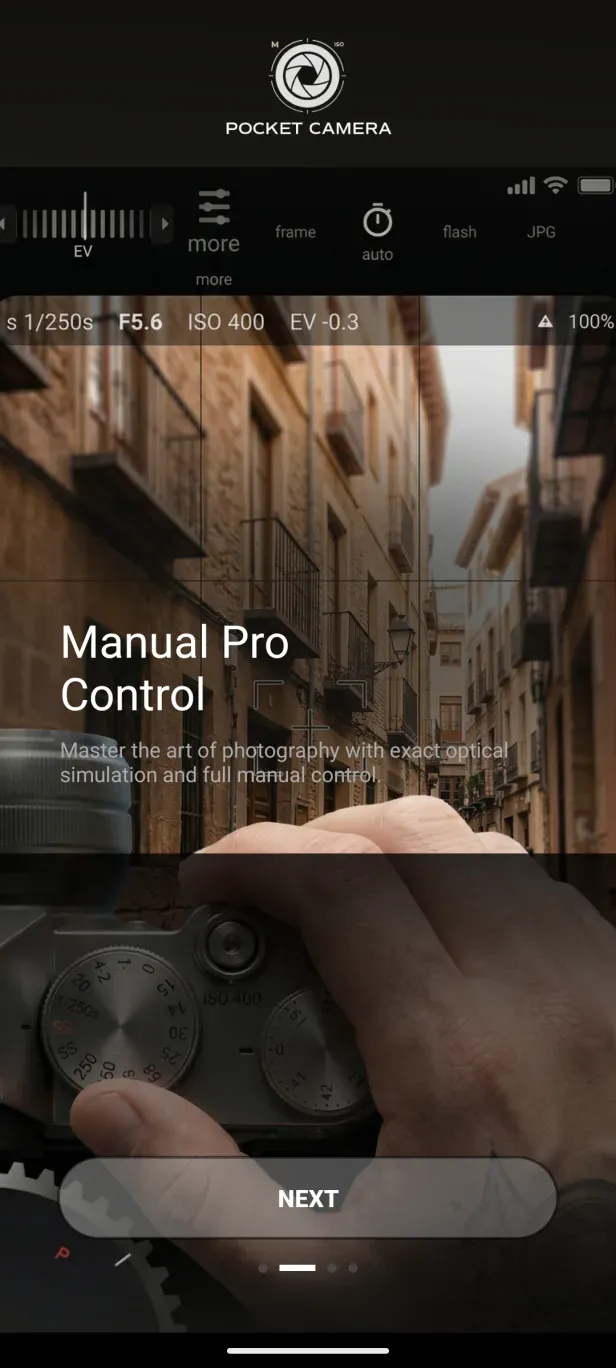
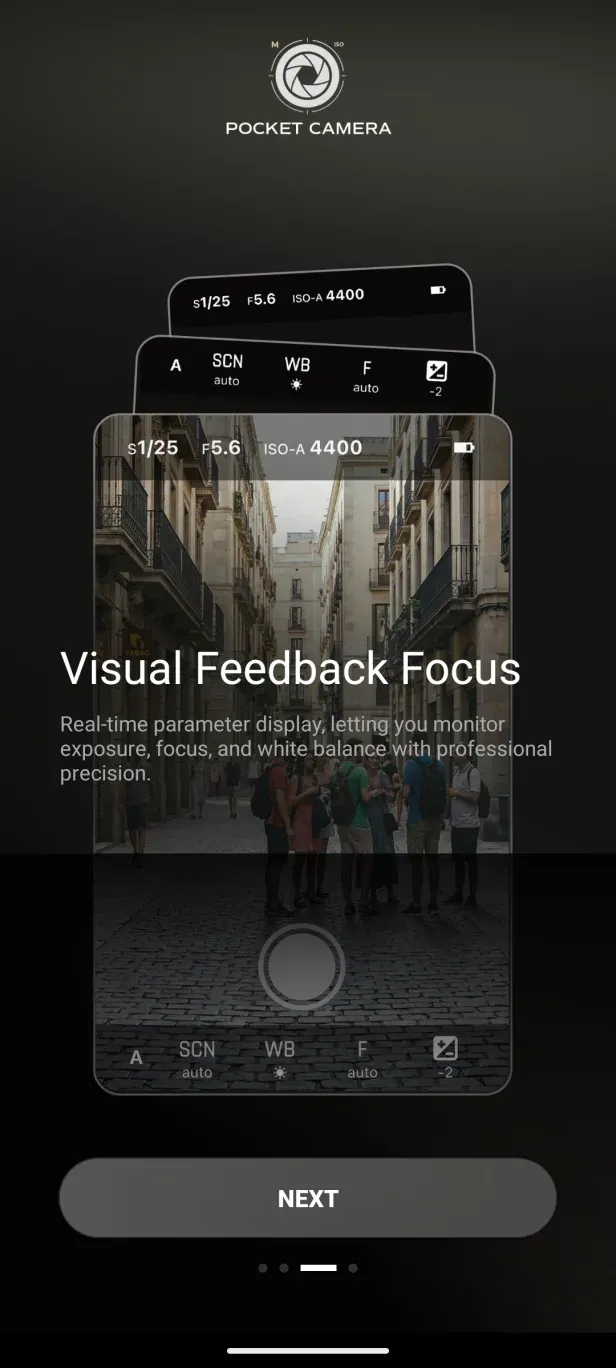
The interface of Snap Pro balances power and clarity. Tool palettes are collapsible, and commonly used controls are accessible from the live view or edit screen. Performance has been optimized for modern devices: adjustments render quickly, previews are responsive, and background exports allow you to continue working while files compress. Memory-friendly caching prevents slowdowns on longer sessions.
Customization is a strong point. Save your own preset stacks, map gestures for frequently used functions, and switch between light and dark UI themes. For photographers who use multiple devices, Snap Pro provides optional cloud syncing to share presets and edits across phones and tablets. Plugin support lets third-party filters and tools integrate into the main editor.
Many users pick Snap Pro because it delivers a professional feature set in a mobile format without overwhelming beginners. The app scales from quick corrections to complex composite edits. Regular updates add camera controls, performance improvements and usability refinements based on community feedback, which keeps the workflow relevant for both casual and demanding use cases.
Installing Snap Pro is straightforward: download from the app store, grant camera and storage permissions, and follow the onboarding guide to set capture preferences. New users can experiment with sample images included in the app before importing their own photos. For creators who wish to preserve work, the settings allow automatic backups and export history to avoid accidental losses.
Whether you want simple touchups or a full mobile editing suite, Snap Pro offers a compact but capable environment for photographic work. Its mix of familiar desktop concepts and mobile-first design makes it a useful companion for anyone serious about image quality and workflow efficiency.