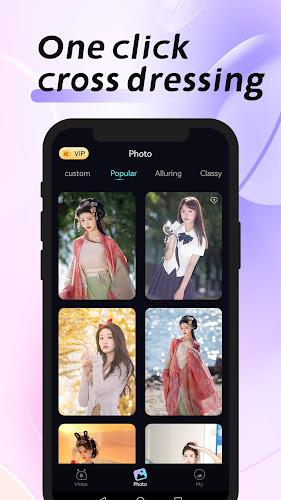
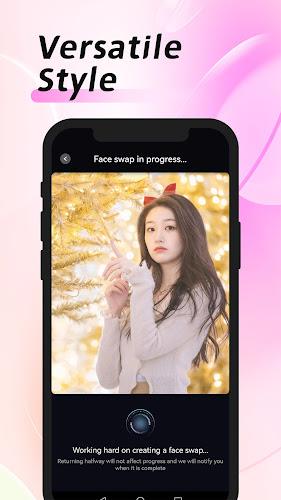
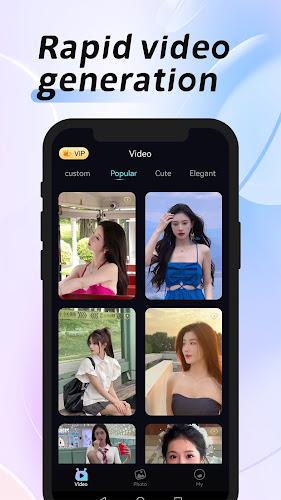
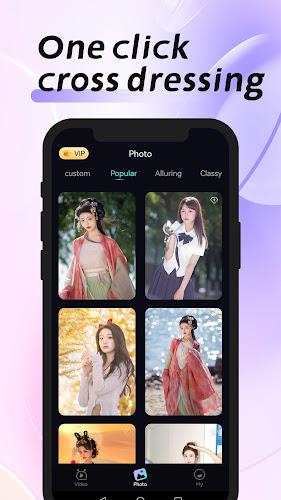
MagicFace-AI Face Swap is a mobile app that lets you swap faces in photos and videos using on-device artificial intelligence. It streamlines facial mapping, lighting adaptation, and realistic blending so users can create short clips and fun images with convincing results while keeping editing tools accessible for casual users and content creators.
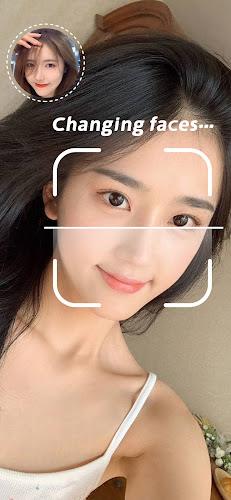
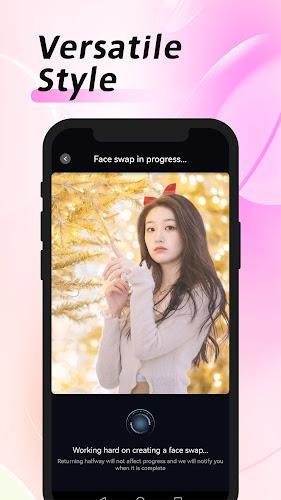
MagicFace-AI Face Swap turns ordinary selfies and footage into playful or polished face-swapped media. The app works with single images and short video clips, automatically detecting facial features, aligning expressions, and blending skin tones and shadows to produce results that look natural in a variety of lighting conditions.
The collection of editing tools focuses on speed and control. Core features include:
Under the hood, the app analyzes landmarks on faces to create a mapping mesh that guides the swap. After mapping, a blending stage harmonizes colors and textures so the replacement face sits naturally in the target image. For videos, the same process repeats frame-by-frame with temporal smoothing to avoid flicker and keep expressions coherent across movement.
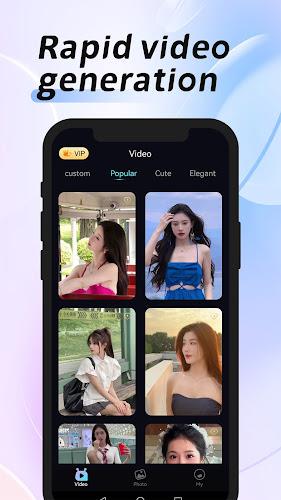
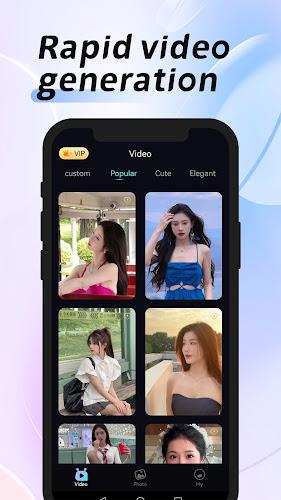
The interface emphasizes a clear step-by-step flow: import media, pick a face source, preview the swap, then export. Preset modes let beginners get quick results, while advanced controls give experienced users the ability to tweak every parameter. The preview window updates in near real time so adjustments can be evaluated immediately.
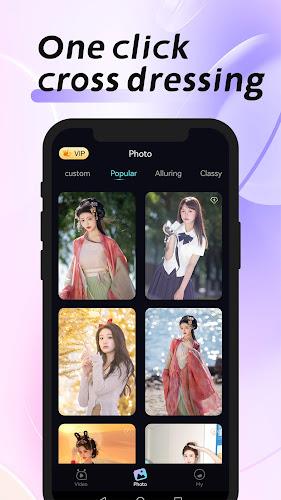
Beyond straight swaps, MagicFace-AI Face Swap offers creative overlays and finishing touches. Users can add makeup filters, hairstyle simulations, and themed frames. A blend of automated suggestions and manual controls supports experiments like age adjustments or expression enhancements without complex editing software.
Designed to run efficiently on a wide range of Android devices, the app balances on-device processing and optional cloud acceleration. On modern phones, face detection and swapping execute quickly; lower-end devices may take longer but remain usable thanks to adaptive quality settings. Export formats include common image and video codecs, making output easy to share across social platforms.
MagicFace-AI Face Swap includes settings to respect privacy and consent. Source images are kept local by default unless a user explicitly chooses cloud backups. The app also provides guidelines on ethical use, encouraging users to seek permission before editing photos of other people and to avoid creating misleading or harmful content.
To get the most realistic outcomes, start with well-lit, front-facing images where the face is unobstructed. When working with videos, shorter clips and steady camera movement reduce processing errors. Fine-tune alignment and smoothing sliders rather than relying solely on automatic settings for complex scenes.
Begin by installing the app, granting camera and storage permissions, and walking through a quick tutorial. Import a photo or clip, choose a source face from the gallery or templates, and preview the swap. Export options let you save locally or share directly to social accounts. The app also offers in-app help and sample projects to practice edits.
MagicFace-AI Face Swap appeals to social creators, hobbyists, and anyone curious about face editing. It provides approachable tools for playful content creation while supplying enough precision for more polished results. With a focus on usability and responsible features, the app makes advanced face-swap technology accessible without a steep learning curve.