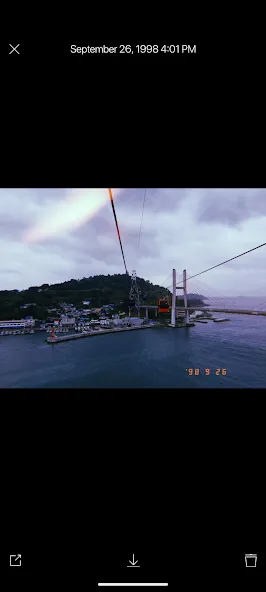
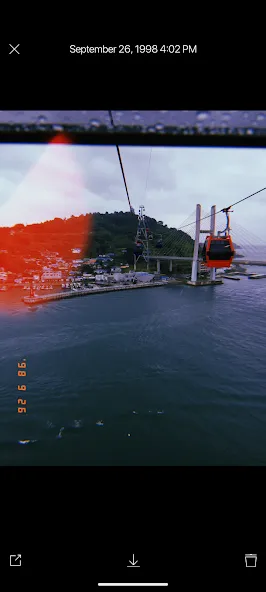
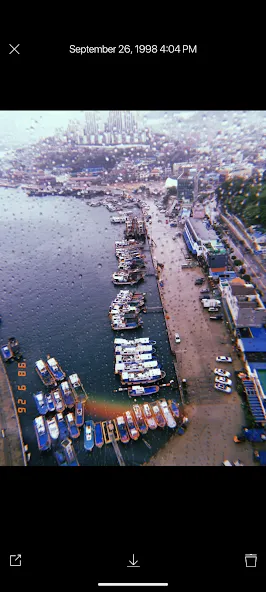
Huji Cam recreates classic disposable-camera vibes on Android by applying film-style color shifts, authentic grain, and timestamp overlays to photos. Designed for quick one-tap captures, it blends simple controls with adjustable effects so snapshots feel like they were shot in analogue 1990s film. A user-friendly retro filter experience.
This lightweight photo app focuses on producing convincing film looks without a steep learning curve. Huji Cam targets users who want nostalgic images: strong color casts, soft contrast roll-off, subtle vignetting, and unpredictable light leaks. Instead of offering a long list of manual adjustments, the app emphasizes immediacy — point, tap, and get a photo that reads like a frame from a vintage roll.
Under the hood, Huji Cam combines color grading algorithms with overlay assets to achieve its signature style. When you take a picture, the processing pipeline adds tonal curves, a color cast, and layered textures. The light leak and vignette elements are applied with randomized parameters, so repeated photos don’t look identical — a key part of the analogue charm.
Using Huji Cam is intentionally straightforward. Open the app, aim, and tap the shutter button. There are minimal toggles on the capture screen, keeping the experience focused on composition instead of settings. Some modes allow enabling or disabling the date stamp, and a preview gives a quick look before saving.
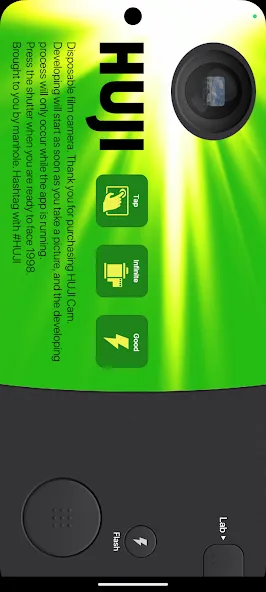
The interface is clean and uncluttered, designed for quick captures rather than heavy editing. Buttons are large and easy to reach, and the viewfinder keeps distractions to a minimum. Performance is smooth on modern devices; processing is completed locally and typically only takes a second or two per shot, depending on resolution and device hardware.
Shooting in high resolution or saving every processed copy can use both battery and storage. If you plan to create many vintage-style photos, set an appropriate save size or periodically clear the in-app gallery. The app doesn’t require a lot of background CPU time, so it’s friendly for short photo sessions.
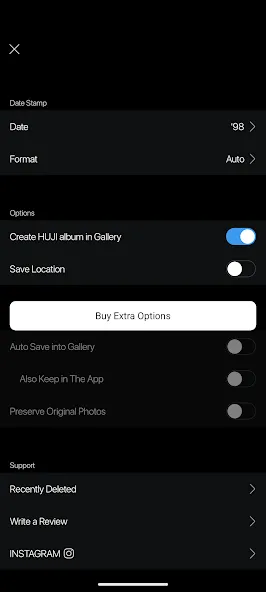
While Huji Cam favors simplicity, it still offers a few controls to personalize results. You can toggle the timestamp, choose whether to apply fullscreen light leaks, or switch between a couple of film presets. These options let you adjust the balance between authenticity and your preferred aesthetic.
Processed images save to your device gallery in standard formats ready for social sharing. The export screen provides basic options for resolution and quick access to sharing sheets so you can post to social networks or message threads without leaving the app.
When using Huji Cam, experiment with different lighting situations and subject distances. The app’s randomized effects reward varied shooting rather than repetitive poses.
Installation is straightforward from the Android app marketplace. The app requests camera and storage permissions to function correctly. After granting access, you can begin shooting immediately. On lower-end devices, select lower resolution to keep processing fast and to save space.
People choose Huji Cam because it makes nostalgia accessible: no steep learning curve, immediate results, and a recognizable film character that stands out on social feeds. For casual photographers and creators seeking a vintage aesthetic, the app provides a focused toolset that keeps the capture process fun and quick.