Unlock 120/144FPS booster is a lightweight Android utility designed to enable higher refresh rates and smoother rendering on supported devices. It provides quick toggles, safe profiles and device-aware adjustments that aim to improve perceived responsiveness for games and UI animations without requiring root access or complex setup.
Unlock 120/144FPS booster focuses on practical controls that let users push their displays to higher frame-rate modes when hardware and system firmware permit. The app includes a simple refresh rate selector, presets for common gaming titles, and a diagnostics panel that reports device capabilities. It also offers automatic profile switching based on app foreground status, a battery-aware limiter to avoid excessive drain, and a built-in logger to capture changes for troubleshooting.
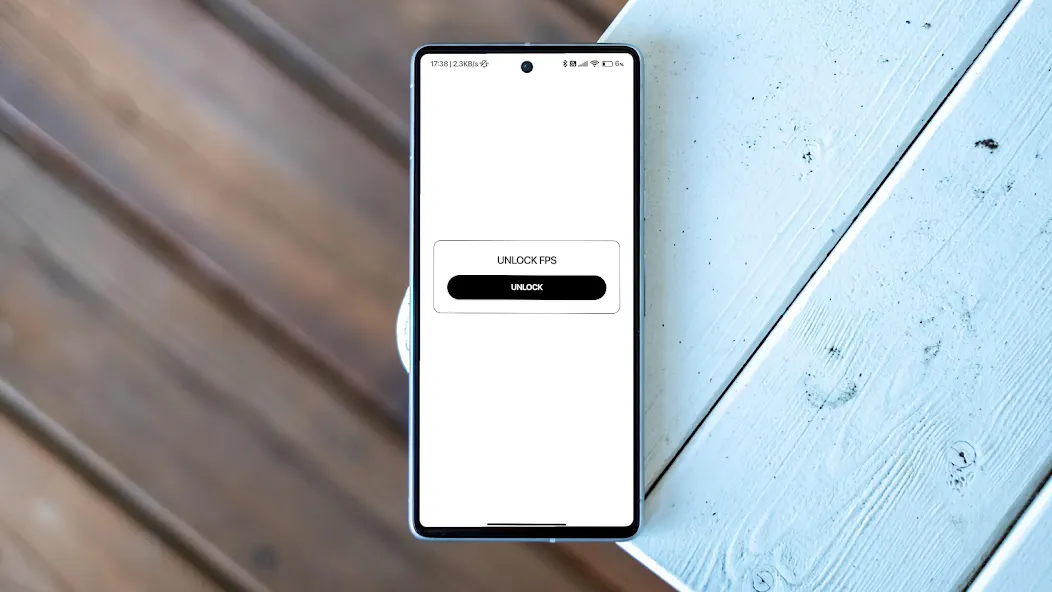
The interface is intentionally minimal: large toggles, clear labels and contextual hints guide you through available options. A single dashboard presents current refresh rate, active profile and estimated power impact. Switching between presets is immediate, and the app keeps a history of recent changes so you can revert quickly. For users who prefer automation, the workflow supports rules that trigger a high-refresh profile when a chosen game or app launches.
Performance outcomes depend on the display panel and the Android build of each device. Unlock 120/144FPS booster will report whether a target refresh rate is supported and will not apply settings that the system cannot honor. The app is compatible with a wide range of modern devices equipped with high-refresh displays and offers fallback behavior for older hardware, ensuring it does not create unstable or unusable configurations.
Rather than injecting modifications into apps, the booster makes system-level adjustments using publicly available APIs and permitted system settings. It negotiates with display drivers to request higher refresh modes and coordinates with the OS power manager to respect battery and thermal constraints. Because it avoids kernel-level patches and root-only techniques, the app aims to be safe for everyday use while providing measurable improvements in motion smoothness.
The app requests only the permissions necessary to adjust system settings and monitor foreground applications. It includes safeguards that block unsafe combinations and warns if a selected refresh rate might exceed screen or driver limits. The diagnostics log captures changes and device responses, enabling reliable troubleshooting without exposing personal data.
Users typically notice crisper animations and reduced motion blur in supported titles after enabling a higher refresh rate. Gains vary by game engine and frame rendering cap—some apps are capped internally and won’t benefit from higher display refresh alone. Unlock 120/144FPS booster is best used alongside in-game setting adjustments and a well-cooled device to realize consistent frame delivery.
Installation and setup take only a few minutes: install, grant the requested permissions, run the diagnostic check and select a preset. For first-time users the default safe profile is a good starting point; advanced users can create custom profiles and unlock additional tuning options. Regular updates keep device compatibility improving as manufacturers expand refresh-rate support.