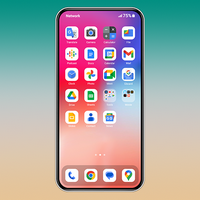
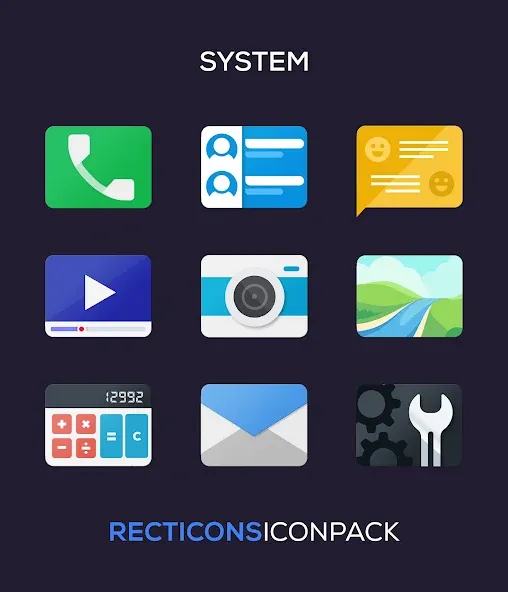
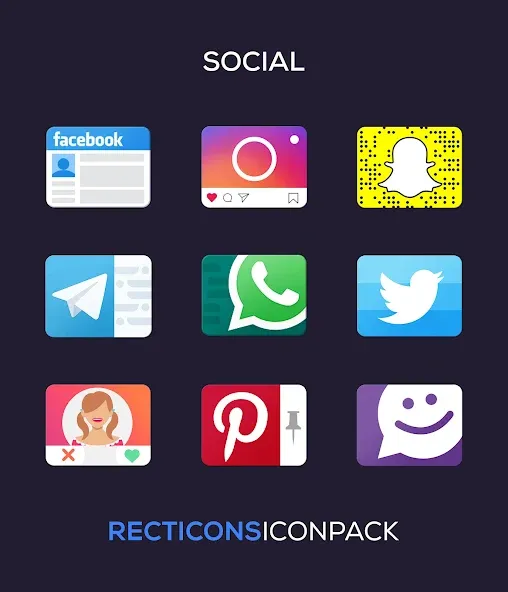
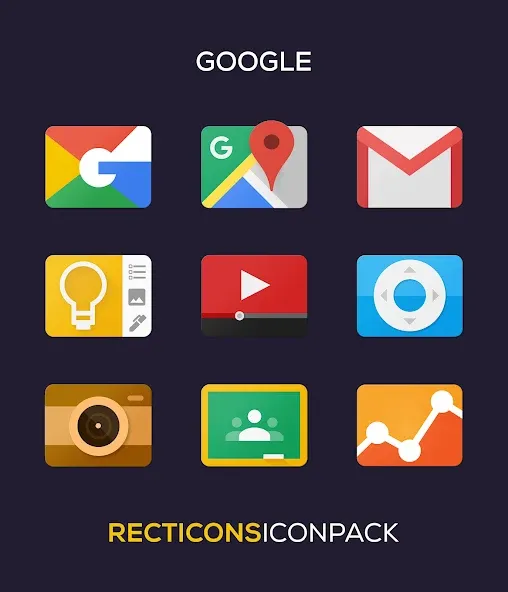
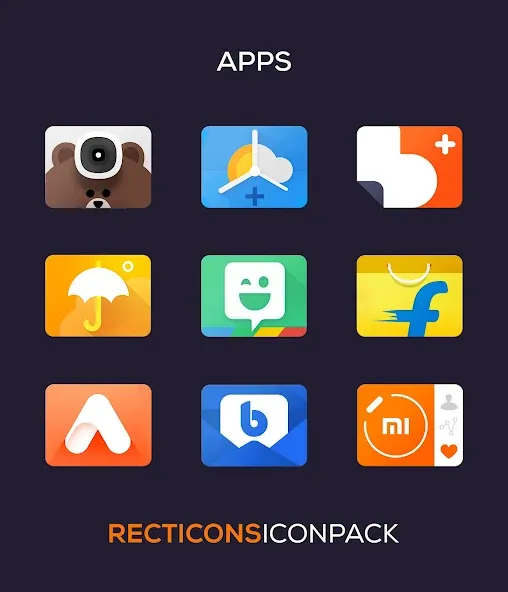
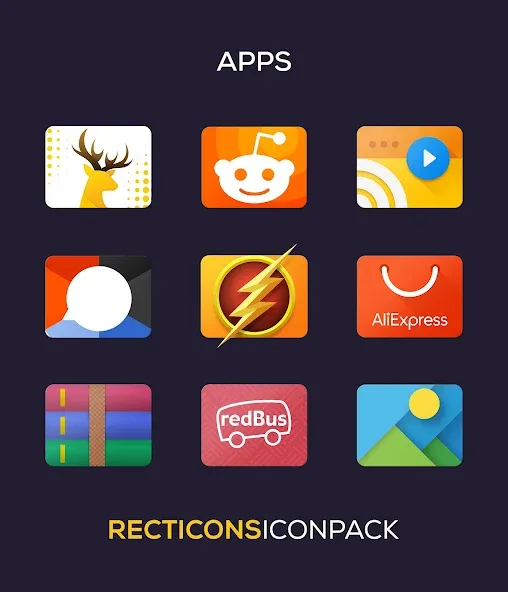
Recticons is an Android icon pack that replaces default app icons with crisp, rectangular designs and consistent color themes. It offers hundreds of high-resolution glyphs, adaptive shapes, and easy integration with popular launchers, aiming to give a cohesive, modern look to your home screens with minimal setup.
Recticons focuses on visual coherence and practical customization. The pack delivers a large collection of static and adaptive icons drawn in a rectangular motif that fits neatly across different widgets and wallpapers. Beyond aesthetics, the app includes a dashboard to preview icons, request missing artwork, and switch between complimentary accent palettes without jumping between settings menus.
The design approach emphasizes simplicity: rectangular containers with consistent padding and a limited color palette that reduces visual clutter. Recticons supports alternate icons and multiple color accents, enabling users to mix and match for a personalized setup. If you prefer a minimal home screen, choose a monochrome palette; if you want more contrast, select a vivid accent and pair it with a darker wallpaper to enhance legibility.
Applying Recticons is straightforward. Open the app, choose your preferred palette, then tap the apply button. The app recognizes many launchers automatically—Nova, Lawnchair, Action Launcher, and others—and will either apply icons directly or guide you through a quick manual process. For launchers that don’t support icon packs natively, the app provides instructions for changing icons one by one or using compatible plugins. The built-in search and preview make it easy to find replacements for frequently used apps.
Icon packs are light on system resources compared with full launchers or live wallpapers. Recticons minimizes storage footprint by optimizing assets and avoids background services so battery impact is negligible. Compatibility is broad: Android 8.0 and above will handle adaptive icons most consistently, while older devices can still use the static assets. Keep in mind some manufacturer launchers may restrict custom icon shapes; Recticons documents known limitations and suggests workarounds.
Creating a cohesive home screen with Recticons follows a simple workflow: pick a wallpaper, choose a color accent that complements it, apply the icon pack, and tweak any outliers manually. Use the icon request feature to fill gaps quickly. For power users who change themes regularly, backing up launcher layouts with the launcher’s built-in export tool preserves icon placements and shortcuts so you can revert to previous configurations without rebuilding from scratch.
Regular updates ensure coverage of new apps and system changes. When an icon appears generic, submit a request with a screenshot from within the app to speed up coverage. For best results, combine Recticons with a launcher that supports adaptive icons and grid adjustments; this preserves aspect ratios and aligns icons neatly. If you notice minor pixelation, switch to a larger icon size in launcher settings or use a higher-density asset provided by the pack.
Recticons is geared toward users who value visual consistency and want a clean, modern look without installing a heavy custom launcher. With a clear interface, practical tools for missing icons, and minimal performance overhead, it’s an effective option for anyone refining an Android home screen.