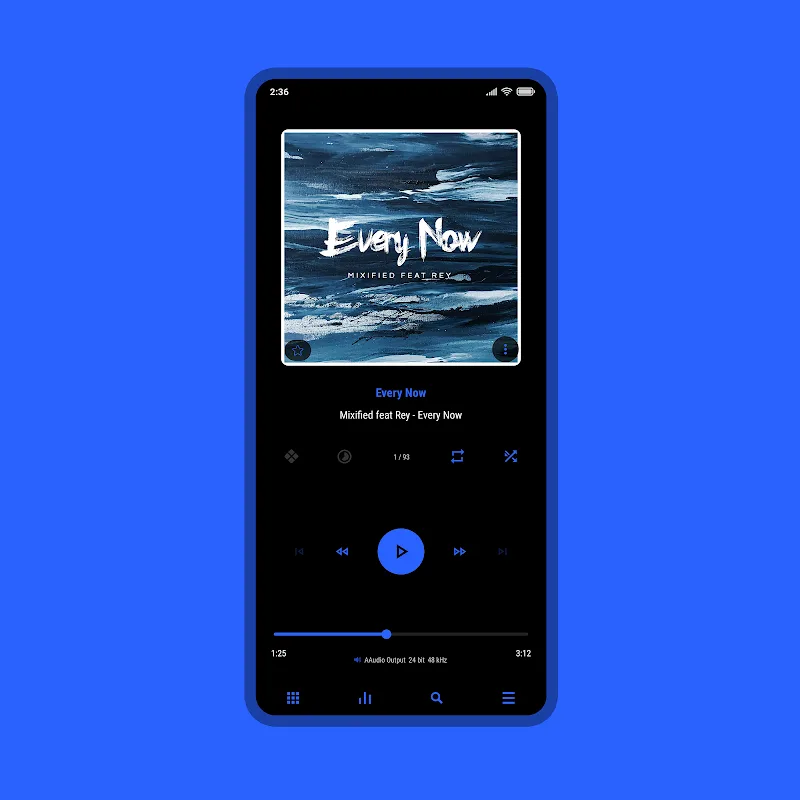
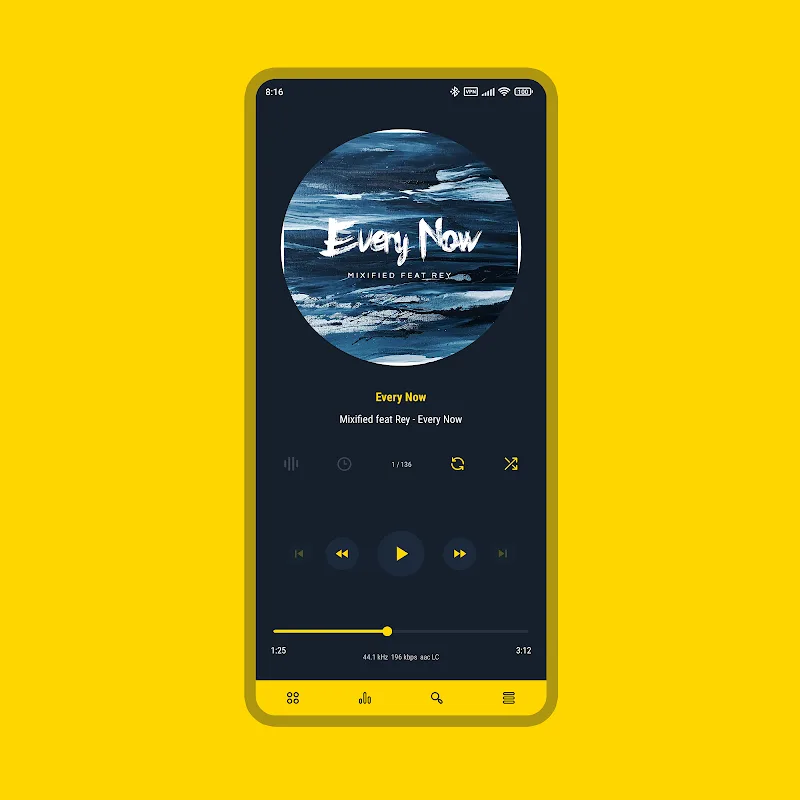
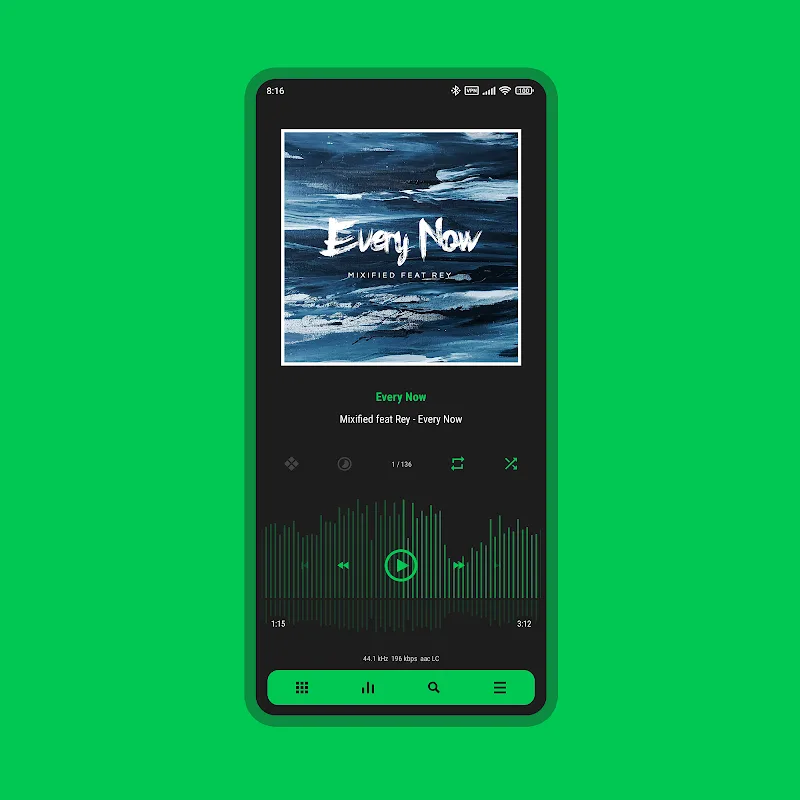
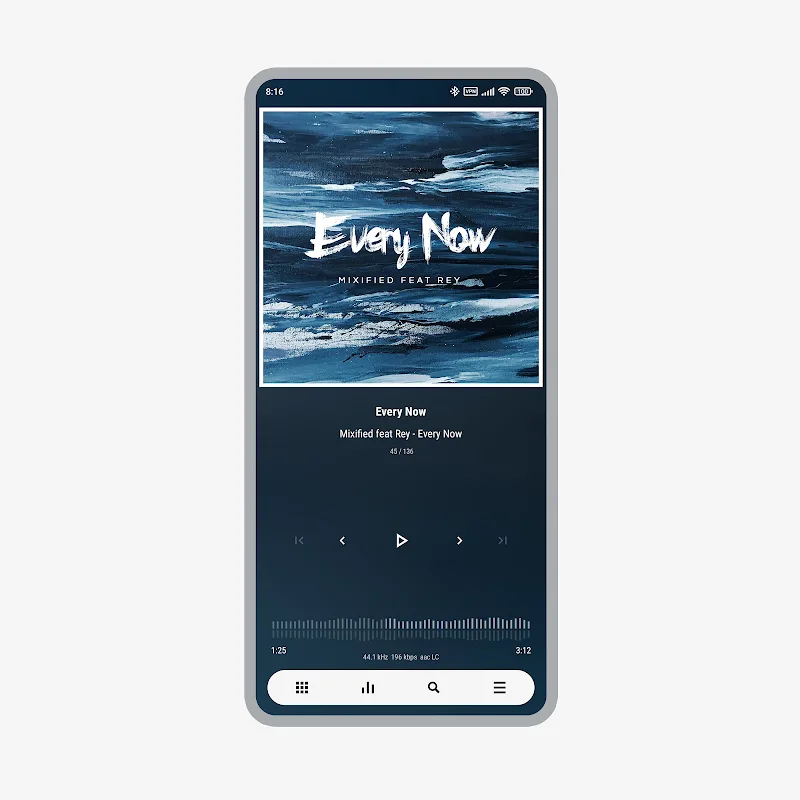
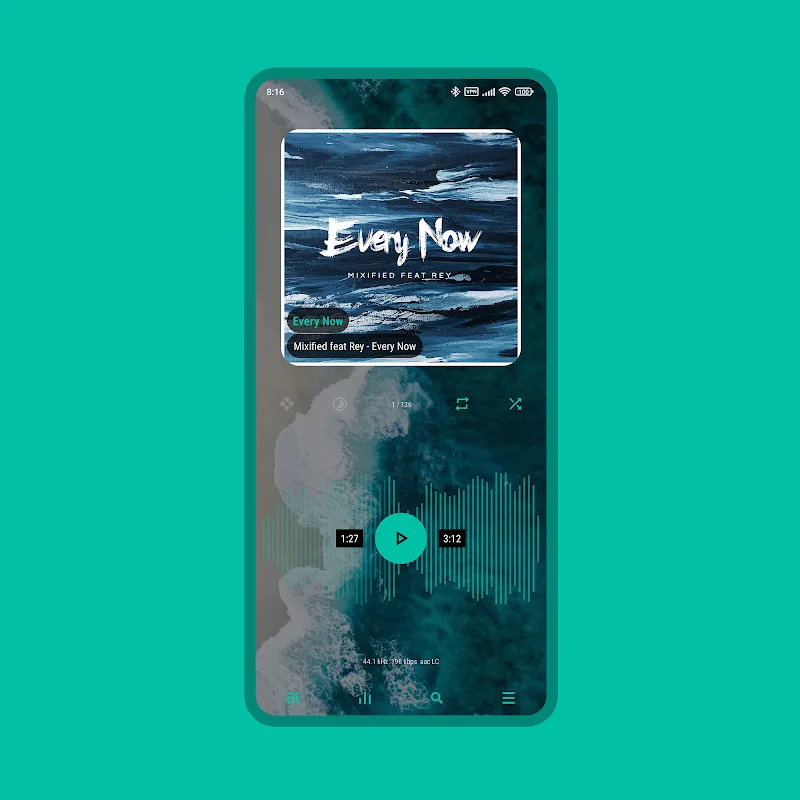
Luminous Black - Poweramp Skin is a sleek visual theme designed to transform Poweramp's music player interface with deep blacks, high-contrast accents, and polished controls. It balances modern minimalism with accessibility, giving listeners a refined look that improves usability while preserving the full functionality of the Poweramp app.
Luminous Black - Poweramp Skin focuses on aesthetics and clarity. It modifies color palettes, button shapes, progress bars, and background treatments to create a cohesive dark environment. The skin emphasizes legibility in bright and low-light conditions and aligns iconography with contemporary Android design trends.
The skin delivers a refined interface without altering Poweramp's underlying layout. Expect rounded control surfaces, subtle shadows, and accent hues that draw attention to essential controls like play, pause, and seek. Luminous Black - Poweramp Skin avoids loud gradients and instead uses layered blacks and grays to create depth while keeping interface elements distinct.
Design choices were made with accessibility in mind. Contrast ratios between text and background improve readability for users in varied lighting. Buttons are spaced for touch accuracy, and visual feedback on press states helps with fast navigation. These small, deliberate tweaks make everyday playback tasks feel more predictable.
Although a skin is primarily visual, this package offers flexible options so users can tailor the appearance. You can toggle accent colors, enable or disable rounded corners, and select between denser or more spacious lists to match personal preferences. These adjustments let the skin fit a range of aesthetic tastes without compromising the app’s core behavior.
Luminous Black - Poweramp Skin is lightweight and optimized to avoid slowing down Poweramp. Asset sizes are kept modest so animations and transitions remain smooth on mid-range hardware. The skin is built to be compatible with recent Poweramp versions; however, occasionally an app update may require a minor skin update to preserve alignment and styling.
Installation is straightforward: download the APK, enable installation from unknown sources if necessary, and open the package to install. After installation, open Poweramp and select the skin from the appearance or themes menu. If you use multiple themes, the skin can be switched on the fly without losing your playback queues or settings.
Users who prefer a polished dark aesthetic and value clarity in audio controls will find Luminous Black - Poweramp Skin appealing. Audiophiles who often interact with their player in dim environments or on OLED screens will benefit from the deep blacks and battery-conscious design.
Luminous Black - Poweramp Skin provides a professional, cohesive redesign that enhances the visual experience without changing how you use Poweramp. For listeners who want a modern, accessible interface, it offers practical improvements and tasteful styling that integrate smoothly into daily listening routines.