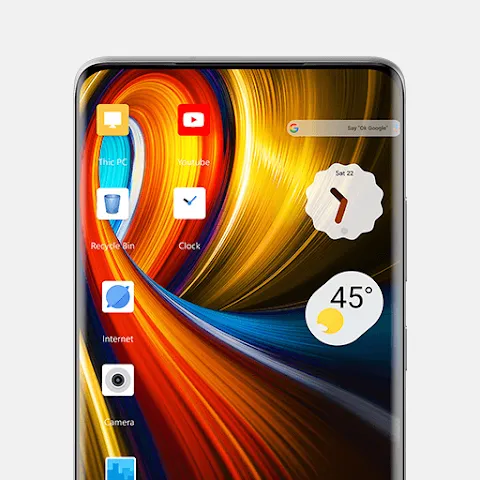
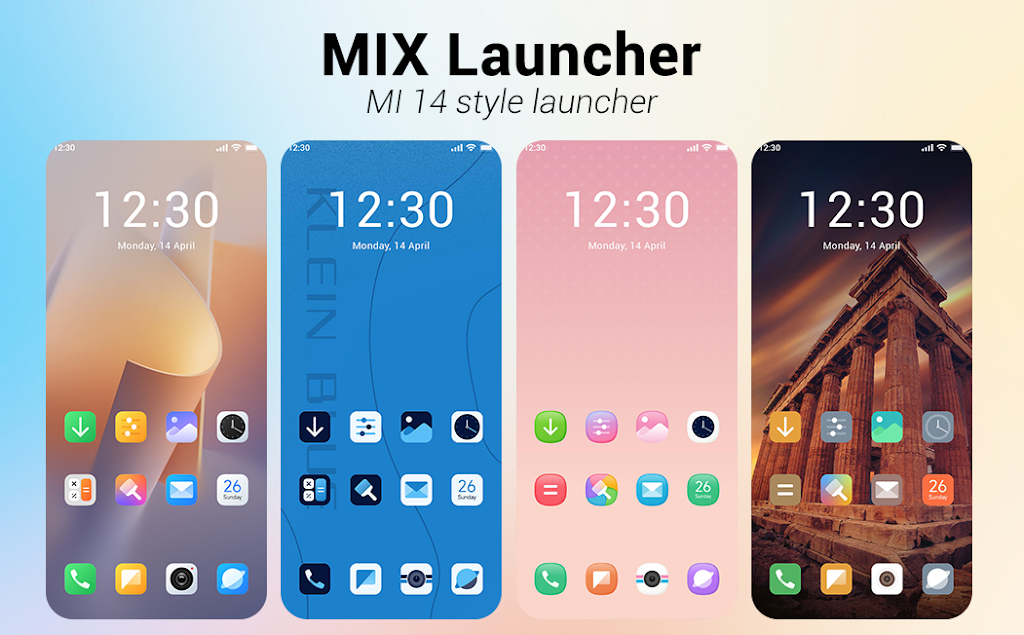

MiX Launcher modernizes your Android home screen with fast performance, flexible layouts, and a focus on productivity. It blends a lightweight core with practical tools like gesture controls, app grouping, and adaptive icons to make daily use smoother and faster across a variety of devices and screen sizes.
At its core, MiX Launcher is built for people who want a clean, responsive interface without sacrificing customization. The app replaces the stock home screen and app drawer with a polished alternative that prioritizes speed and clarity. Whether you use a phone with limited resources or a flagship device, the interface scales cleanly and stays fluid during everyday tasks.
The functionality is straightforward but comprehensive. MiX Launcher includes gesture shortcuts, dock customization, and a search-driven app drawer. These features reduce taps and help you reach commonly used apps and settings with minimal friction. There is also a folder system for grouping related apps, which keeps the home screen uncluttered while keeping essentials accessible.
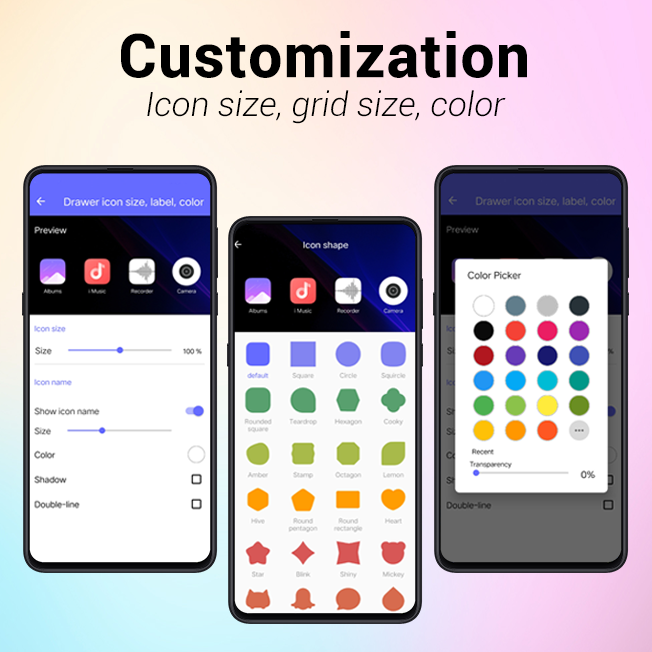
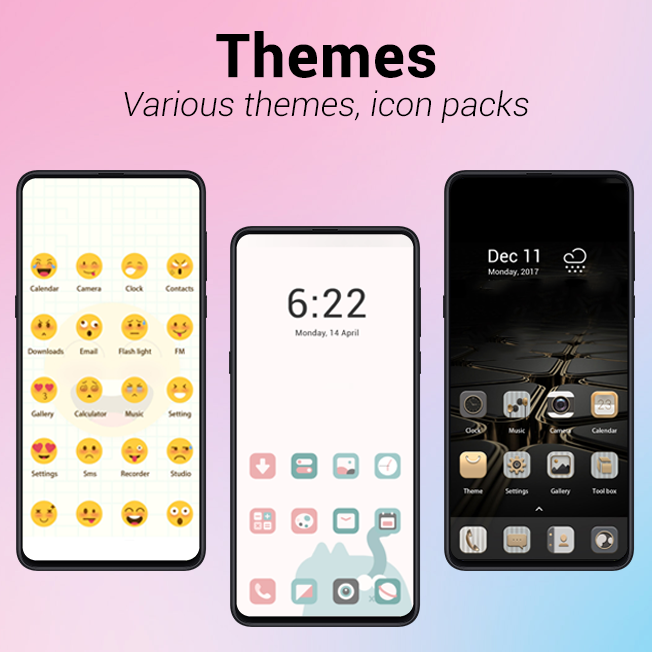
Customization is one of the app's strongest points. You can tweak icon size and shape, apply different grid layouts, and choose between static or dynamic wallpapers. Themes and icon packs are supported, allowing a broad range of visual styles. Beyond aesthetics, you can adjust label visibility, enable or disable badges, and configure precise spacing and alignment for every row and column.
Performance is a central consideration with MiX Launcher. Animations are optimized to avoid stutter, and memory use is kept modest so background apps aren't penalized. The launcher gives priority to low-latency interactions: opening the drawer, moving icons, and switching between pages stay snappy even with many widgets and shortcuts present.
The user interface favors clarity: high-contrast text, clear visual hierarchy, and meaningful micro-interactions. Small touches like haptic feedback on long-press and subtle reveal animations improve perceived quality without draining battery. The layout editor is touch-friendly, letting you drag and drop items precisely with immediate previews.
Installing and configuring MiX Launcher takes a few minutes. After setting it as your default home app, walk through the initial layout assistant to choose grid size, icon shapes, and a dock configuration. If you prefer a ready-made look, apply one of the included themes then tweak elements selectively.
MiX Launcher works well for users who value speed and control. Power users will appreciate gesture mapping and multi-page docks, while casual users benefit from the streamlined search and automatic folders. It’s a practical choice for anyone looking to replace a bloated OEM launcher with something more efficient.
The app is compatible with a wide range of Android versions and works on both phones and tablets. Some advanced features may require granting specific permissions—like notification access for badge support—so check the prompts during setup. Regular updates refine stability and introduce new customization options without changing the core behavior abruptly.
If you want a lightweight, configurable alternative that balances customization with performance, MiX Launcher is a solid pick. It combines practical features and thoughtful design, making home-screen management faster and more personal while keeping resource use low.