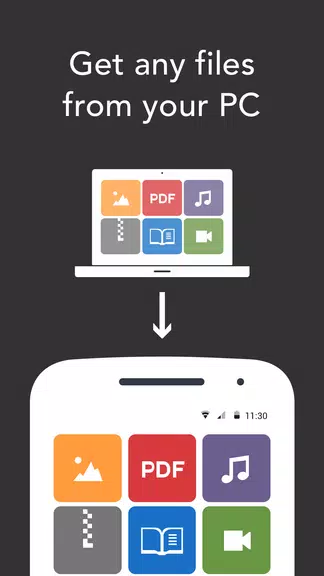
While waiting through a slow meeting you might need a quick, private way to move large files between your laptop and phone. Resilio Sync gives you a direct device-to-device route for sharing photos, videos, documents and whole folders without counting on third-party cloud storage. The idea is simple: keep your data under your control, speed up transfers for big items and reach files stored on a home PC, NAS or server from your Android device when you need them.
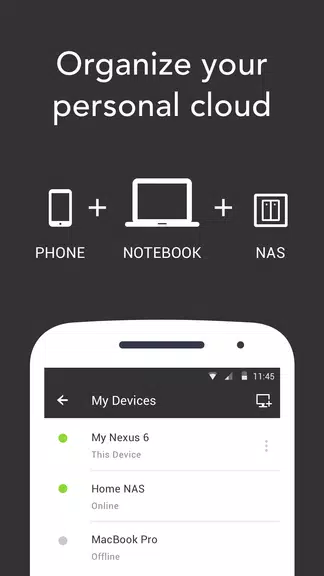
Install and pair: Add the Android app, install the desktop or NAS agent and create a secure link between devices using a QR code or an invite key.
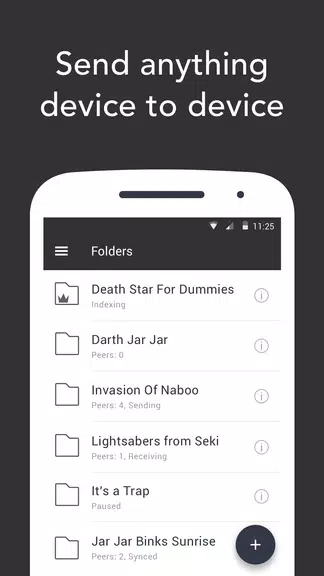
Create sync folders: Make a folder on any machine, choose which devices can join and drop files in—changes appear on linked devices without uploading to an external server.
Set permissions: Choose read-only or full sync access for each device, so you control whether recipients can edit or only view synced content.
Selective sync: Pick which files or subfolders stay on your phone to save space while the rest remain accessible on the host device.
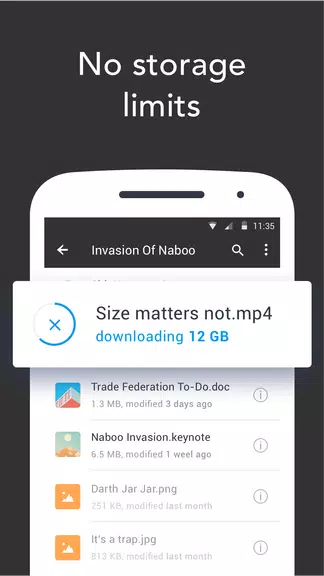
Peer-to-peer transfers: Files flow directly between devices using efficient peer networking, so large items move faster than typical cloud uploads.
No centralized storage: Data does not sit on vendor servers; transfers are routed between your devices to preserve privacy and reduce exposure.
Encryption in transit: Sync protects data while it moves across networks, using encrypted channels so only authorized devices can read the content.
Cross-platform reach: Access and update the same folders from Android, Windows, macOS, Linux and many NAS systems.
Conserve mobile data: Disable cellular syncing on your phone if you want to avoid large transfers while on a metered connection.
Use One-Time transfers: For quick sharing with friends or collaborators, create a temporary send link so recipients get files without joining an ongoing sync.
Back up recordings on the go: When you record meetings or lectures while traveling, point a sync folder at your device to keep a copy on your laptop automatically.
Prepare media before trips: Stage movies or photo libraries on a NAS at home and pull selected items to your handset to free up space while offline.
Resilio Sync is a strong choice when you need private, fast transfers and remote access to your personal storage, especially for large media files; it does best when the devices you use are reachable and managed by you, but if you want the conveniences of a hosted cloud service like instant online backups and web-based previews, you may find that model offers features beyond what a direct sync tool provides.