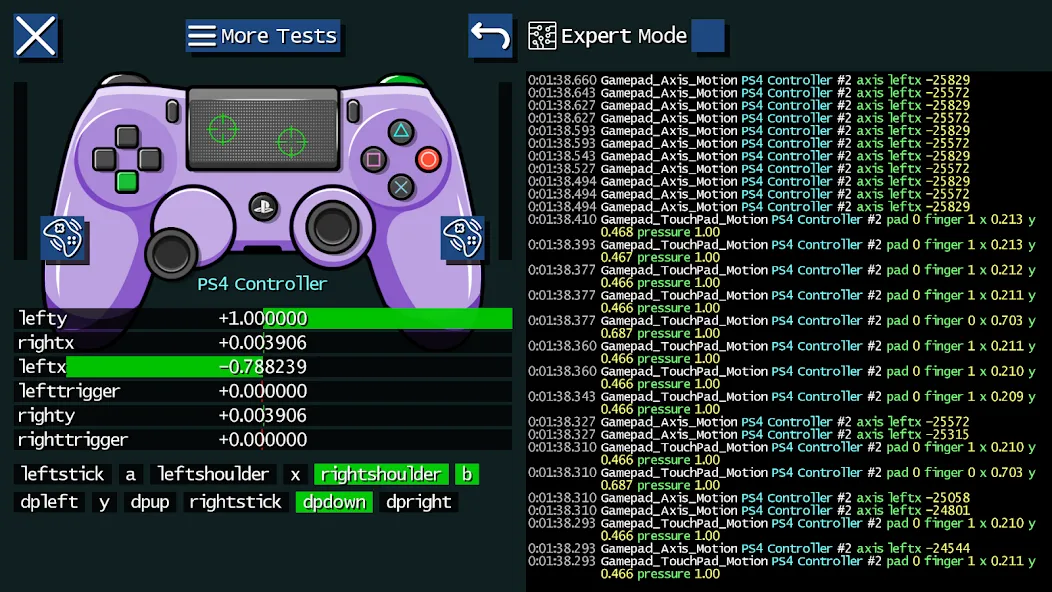
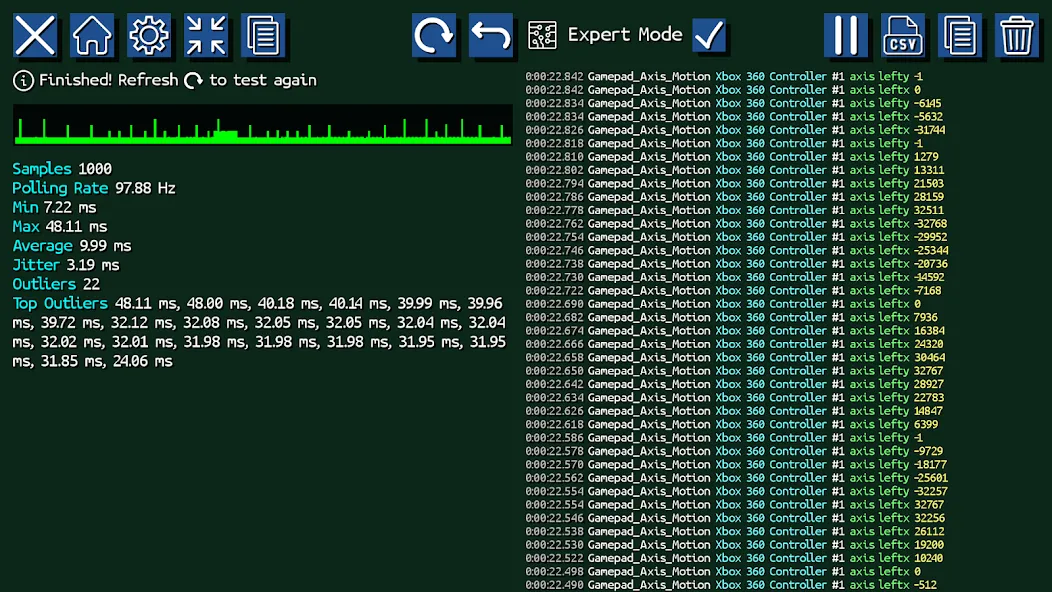
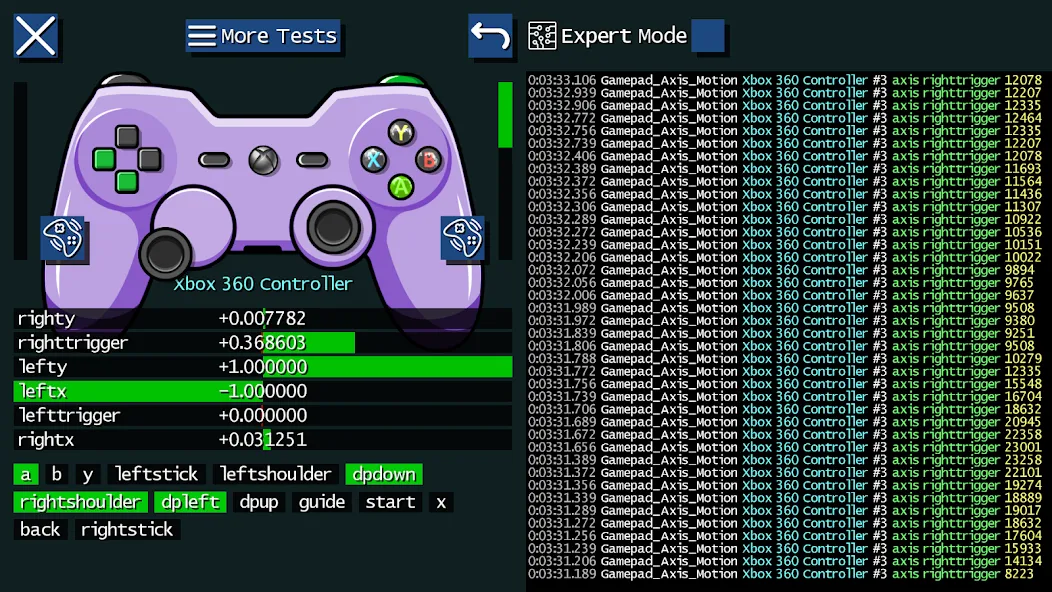
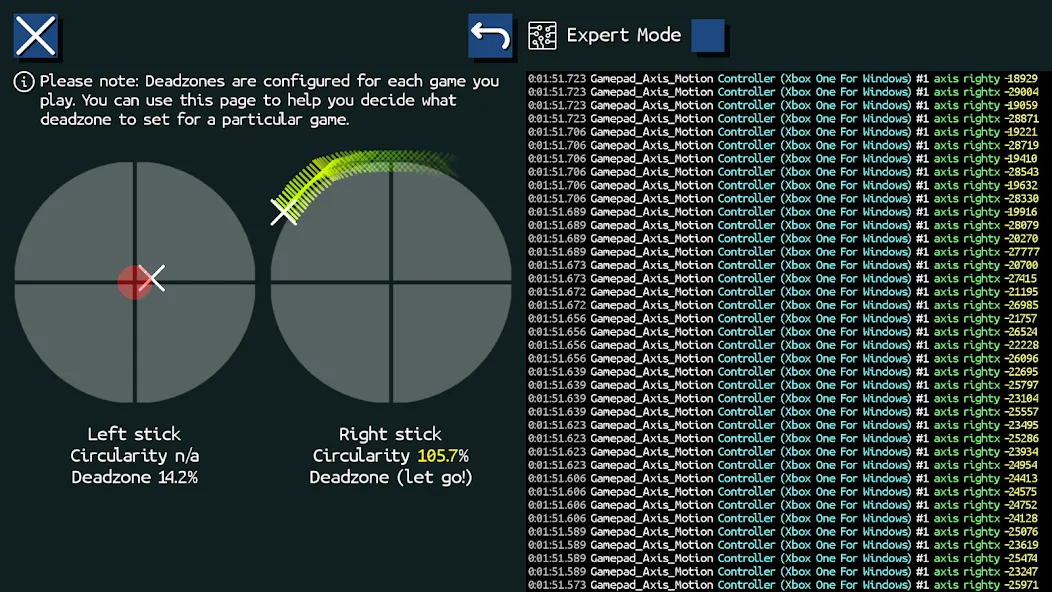
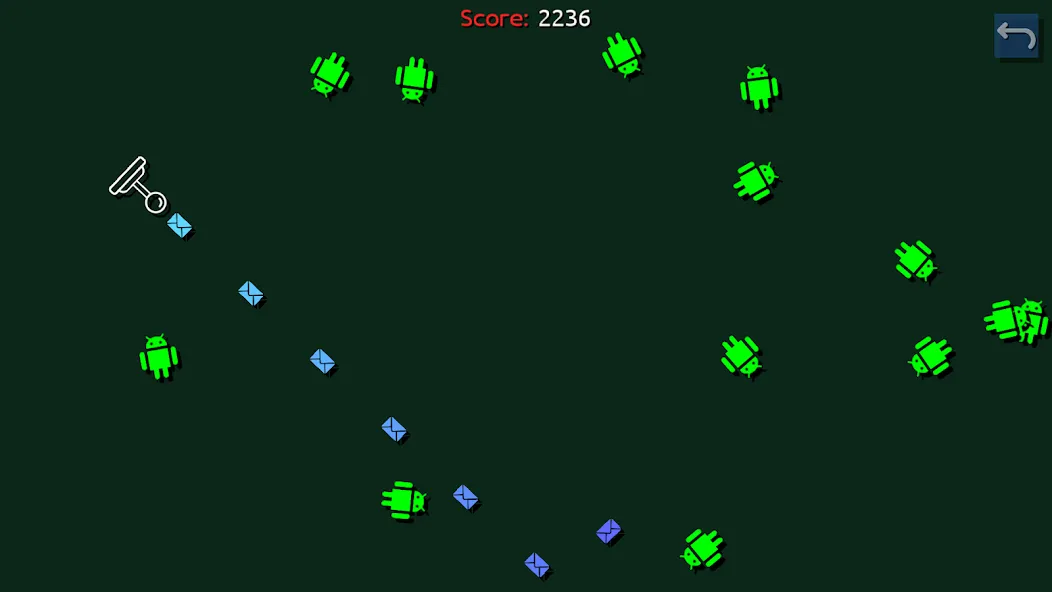
Game Controller Tester is a compact Android utility that quickly detects, configures and validates game controllers, joysticks and other input devices so you can confirm peripherals work before you play. Game Controller Tester recognizes wired and wireless controllers automatically and gives real-time graphical feedback for buttons, sticks, sensors and touch input. The app also includes a built-in twin-stick mini-game for exercising simultaneous movement and aiming, vibration and LED checks, persistent event logs and CSV export for troubleshooting, making it useful for casual players, technicians and developers who need reliable diagnostics.
The interface keeps diagnostics visible and actionable: live indicators show button presses, axis values, hat switches and touch regions with color-coded visuals and numerical readouts. Vibration, force-feedback and LED tests trigger supported hardware to verify haptics and lighting. Device detection covers a broad range of controllers, mice, keyboards and touch input devices; recent updates add improved support for GameCube USB adapters, DualSense on Android, FlyDigi Apex gamepads and Xbox Big Button wireless adapters. All testing tools are designed for local, offline use without requiring accounts or network access, and recorded sessions can be exported as CSV files for deeper analysis or to share with technicians.
The built-in twin-stick mini-game provides a practical, interactive way to exercise controls under realistic conditions. Gameplay focuses on simple objectives that reveal drift, dead zones, and stick linearity: one stick controls movement while the other controls aiming, and short scenarios introduce moving targets, timed waves and obstacle fields to stress simultaneous inputs. Progression is arranged as a set of configurable test stages that increase in complexity rather than a traditional level-progression system, so you can repeat stages with different sensitivity or dead-zone settings to compare results. Sessions are intentionally short to allow rapid iteration and repeated calibration checks during setup or repair work.
Controls are detected automatically and presented with clear labels; you can remap buttons and adjust axis inversion, dead-zone thresholds and sensitivity curves to match the controller’s intended behavior. Saved device profiles let you recall custom calibration settings when the same controller reconnects, reducing setup time for frequently used hardware. Calibration tools include single-axis sweeps, simultaneous axis stress tests and programmable vibration patterns, helping you fine-tune responsiveness without guessing. Visual feedback updates in real time as you change parameters so adjustments are immediately verifiable.
Beyond immediate testing, the app maintains persistent event logs that capture input timestamps, axis values and button events for later review. Exported CSV recordings make it easy to plot input traces in spreadsheet software or to provide technicians with precise session data. Replay value comes from repeatable stress tests and the ability to iterate on calibration settings: run the same scenario multiple times to confirm that adjustments removed drift or improved consistency. The mini-game’s configurable scenarios and the app’s ability to store multiple device profiles keep the utility useful over the long term.
The visual presentation favors clarity over flair, using high-contrast indicators, large touch targets and scalable UI elements so the app is approachable on small phones and large tablets alike. Accessibility considerations include readable fonts, distinct color markers for critical inputs and an option to increase UI scale for users who need larger controls. Feedback is immediate and unambiguous: numerical readouts accompany graphical gauges so both technicians and casual users can interpret results at a glance.
Game Controller Tester is a lightweight diagnostic tool that depends on what the Android device and drivers expose; some motion sensors, advanced touchpad modes and proprietary features can vary by controller model and connection type. The app cannot bypass platform or driver limitations, so a few inputs may remain unavailable on certain combinations of hardware and Android versions. For privacy and simplicity, all testing and logging is performed locally by default and does not require network access, keeping diagnostics reproducible and safe for offline troubleshooting.
Recent updates include a color-cycle option for LED tests, improved compatibility for a range of adapters and controllers, and an expanded device list on the keyboard, mouse and touch test pages. Game Controller Tester is aimed at anyone who needs clear, accurate controller diagnostics—players preparing a controller before a session, repair technicians diagnosing faults, and developers verifying input behavior across devices.