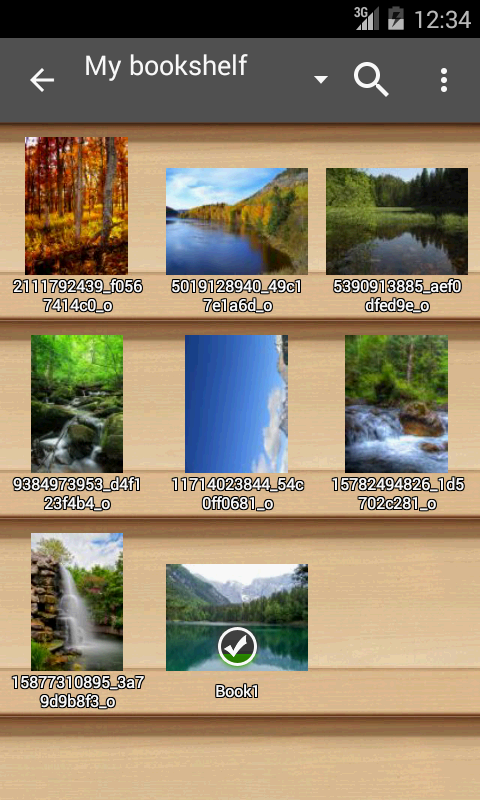
If you're the kind of users who prefer keeping comics, scans and ebooks together, Perfect Viewer offers a clean, fast reader that handles large collections without fuss.
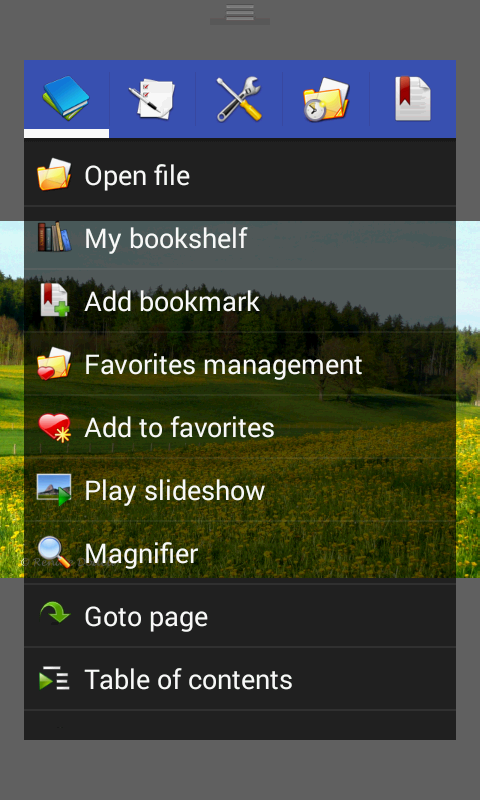
Designed for people who carry mixed media on their phones or tablets, this app focuses on smooth page turns, multiple viewing options and wide format compatibility. It supports everything from single images to archived comic books and common ebook text files, and it keeps advanced features modular so you only add plugins you need. Whether you browse local storage, a home network share or your cloud drive, Perfect Viewer helps you get to the page quickly.
Install core app and plugins: Download the main app first, then add plugins for PDF/XPS/DJVU support and cloud sources as required. An optional donation app unlocks extra tools such as a colorize filter for black-and-white images.
Open archives and image sets: Point the reader at CBZ/ZIP, CBR/RAR, 7Z/CB7, LZH and TAR/CBT files or select folders of images. The app treats comic archives like single books so you can jump between chapters with a tap.
Connect network and cloud locations: Link CIFS/SAMBA shares, FTP, SFTP and FTPS servers, or enable source plugins to pull files from Google Drive, Dropbox and OneDrive. Note that some cloud features require account permissions on your device.
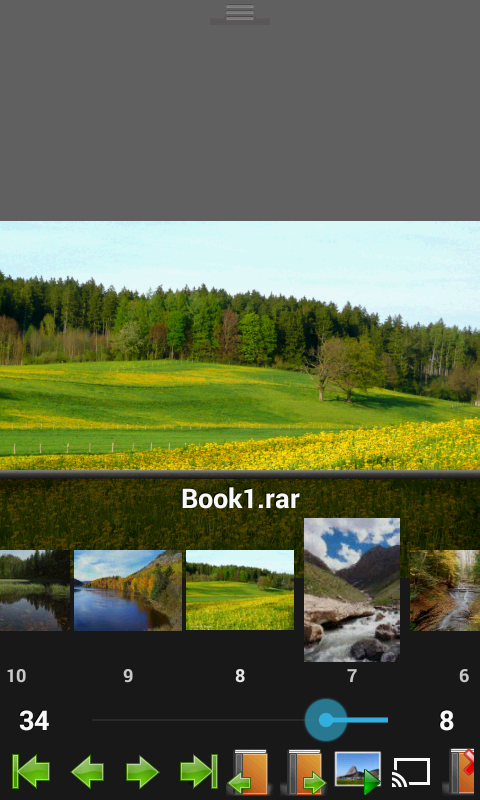
Pick a viewing workflow: Choose page-by-page, vertical scroll or horizontal scroll modes, and set auto single/dual page or orientation-based switching to match how you read.
Extensive format support: The app opens common image types such as JPEG, PNG, GIF, BMP, WebP and TIFF, and reads plain text/HTML/EPUB files for simple ebooks.
Archive compatibility: Compressed comic formats are supported out of the box, including ZIP/CBZ, RAR/CBR and several less common containers, making it easy to manage large series.
Optional plugins for documents: Install the PDF plugin to add PDF, XPS and DJVU file support when you need them; this keeps the main app lightweight unless you opt in.
Flexible page layouts: Set auto single-page, auto dual-page or switch layout automatically when you rotate your device to use the most readable view for each title.
Advanced viewer modes: Use page mode for a traditional comic experience, a vertical scroll for webtoon-style reading or a horizontal scroll when you prefer continuous sideways navigation.
Perfect Viewer is a practical choice if you keep diverse reading material on your Android device and value speed, format flexibility and network access; try adding only the plugins you need and test network sources first to suit your workflow. Give Perfect Viewer a spin to see how it fits your library and reading habits today.