iTranslate Translator is a versatile language app that converts text and voice across dozens of languages with instant translations, pronunciation help, and offline dictionaries. It targets travelers, students, and professionals who need fast, accurate communication tools on Android devices for everyday conversations and study.
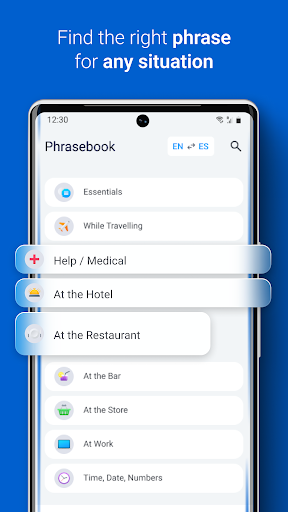
iTranslate Translator focuses on practical translation needs rather than academic linguistics. The app balances speed, clarity, and usability: translate typed text, speak to get instant results, or use the camera to capture menus and signs. A compact phrasebook and pronunciation guides help bridge gaps during on-the-go interactions.
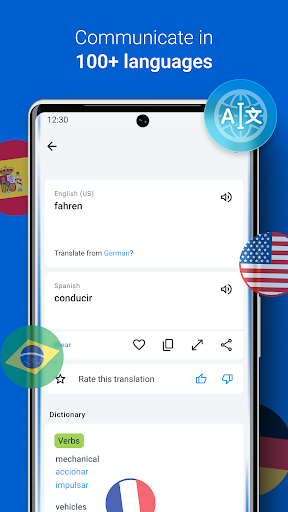
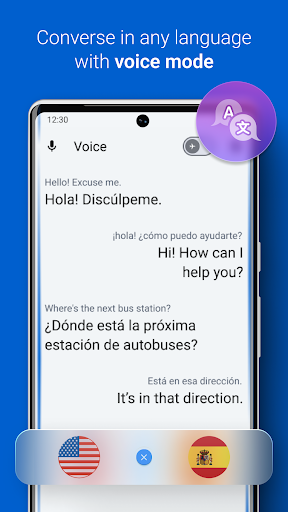
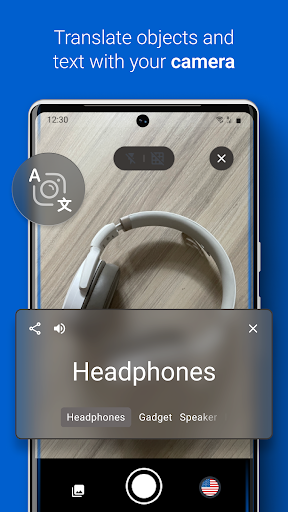
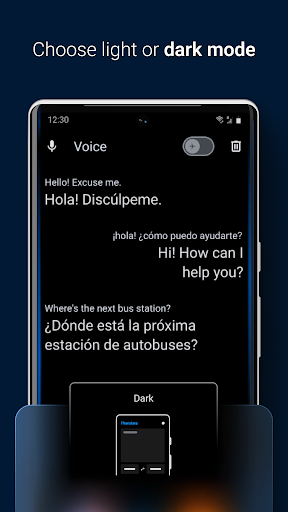
The app streamlines common tasks into a few taps. Choose a language pair or enable auto-detect, enter or record content, and read or hear the result. For multilingual conversations, the conversation mode toggles between speakers and displays the thread, so each participant can follow the flow. The camera function uses on-device OCR for quick recognition, then displays a clean translation overlay.
Design decisions prioritize clarity over clutter. A minimal bottom bar provides fast access to text, voice, and camera modes. The results pane separates original and translated text with clear playback controls so you can replay pronunciations. Fonts and contrast are adjustable to improve readability in bright outdoor conditions.
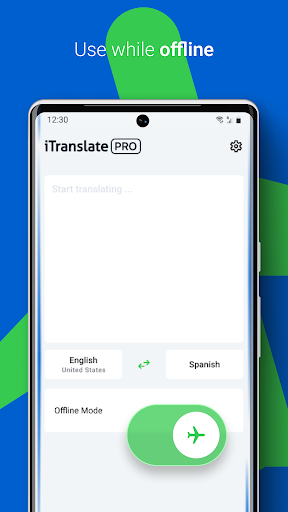
On modern Android devices iTranslate Translator runs smoothly and conserves battery by offloading heavy processing when online. Offline language packs are optimized to limit storage impact; downloading several major languages still fits comfortably on most phones. Background translation tasks are small, so the app does not significantly affect multitasking or system responsiveness.
For travelers, the camera translator and offline packs reduce dependence on Wi‑Fi. Students benefit from quick vocabulary lookups and pronunciation practice. Remote teams can use shared phrase lists to keep terminology consistent during chats. The app integrates with the Android share sheet so you can translate content coming from browsers, messaging apps, and documents.
Install, grant microphone and camera permissions as needed, pick a default language pair, and try a few sample translations to get the feel of the workflows. The app’s onboarding briefly demonstrates voice, text, and camera modes so you’ll be ready to use all three without digging through menus.
iTranslate Translator integrates usefully into daily routines: it speeds up short chats, clarifies written content, and supports private practice for language learners. With straightforward controls and features focused on mobility, it’s a solid choice for anyone who needs reliable, quick translations on an Android device.