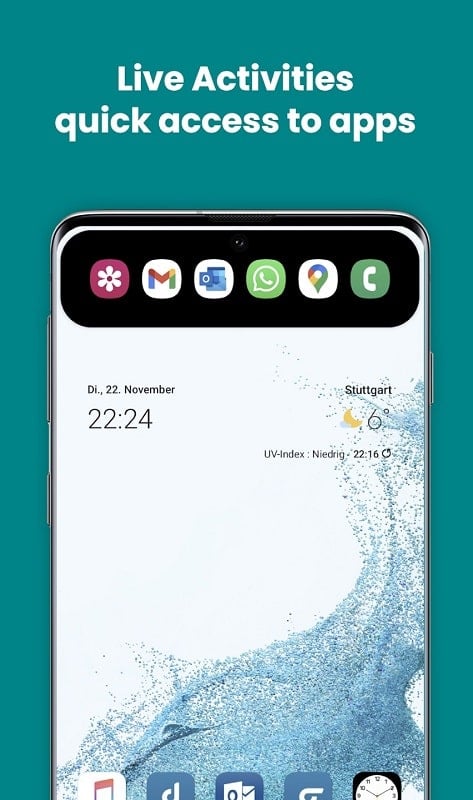
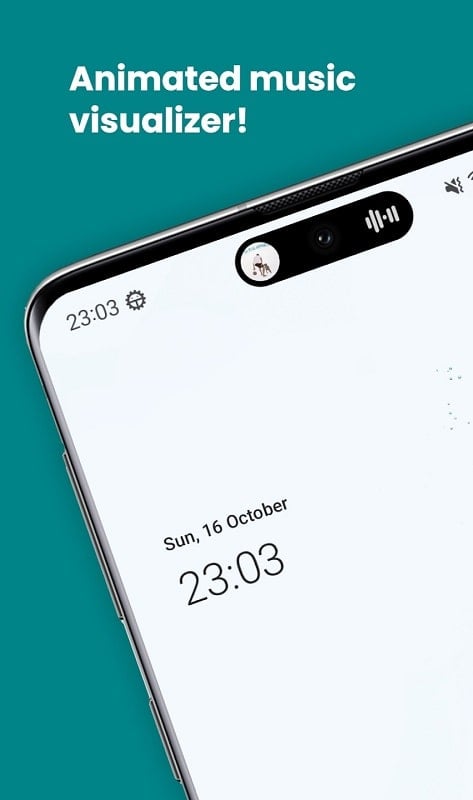
dynamicSpot brings a compact, contextual activity display to Android devices, mimicking the functionality of modern floating indicators while staying lightweight and customizable. It provides quick access to media controls, timers, notifications and ongoing tasks without forcing a full-screen UI, streamlining interactions in a single unobtrusive strip.
This utility-style app places a small, adaptive widget near the top of the screen. It reacts to system events such as incoming calls, music playback and active timers, presenting concise controls and real-time status. The goal is to reduce friction: glance, tap, and continue, with minimal setup required.
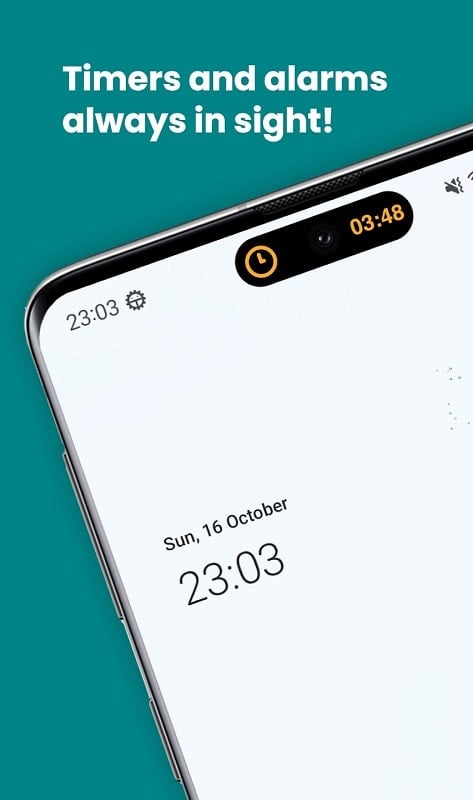
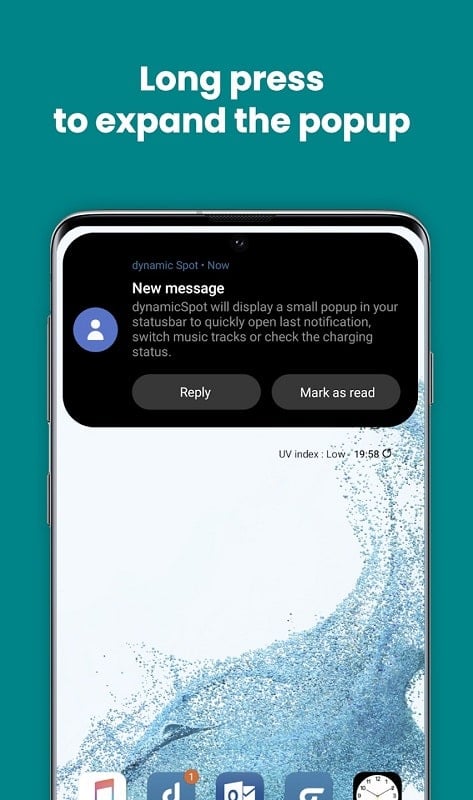
Once installed and granted overlay permissions, dynamicSpot listens for standard system broadcasts and app events. When music starts or a call arrives the strip awakens and displays relevant buttons. You can swipe or long-press to reveal expanded controls without leaving the active app, making it especially useful while gaming, reading or following maps.
The app provides a straightforward settings screen where you can tune visual and behavioral traits. Change the corner radius, swap positions from center to side, modify animation speed, or set a global opacity so the indicator never interferes with touch targets. Preset themes make it easy to match the look to your wallpaper or launcher.
Performance is a priority. dynamicSpot avoids heavy background services and only becomes active when it detects relevant system states. This minimizes CPU and network usage. The app also supports a battery-friendly mode that reduces animation and polling frequency on older devices.
To operate correctly you’ll be asked to grant overlay and notification access. The permissions are explained in-app and can be revoked at any time. Notification content can be redacted on the strip to protect sensitive information while showing that attention is required.
Users appreciate how dynamicSpot condenses multiple heads-up interactions into a single, predictable place. The learning curve is short: most functions are one- or two-tap actions. Accessibility options include larger touch targets and high-contrast themes for improved readability under different lighting conditions.
dynamicSpot plays well with music apps, navigation tools and communication platforms. For commuters it shows playback and call status without switching apps. For productivity users it surfaces timers and active tasks so you can stay focused while keeping essential controls within reach.
The developer maintains frequent updates to improve compatibility across Android versions and various OEM skins. If you run into a bug, check the app’s change log or enable diagnostic logs for easier troubleshooting. Most updates target new event sources, enhanced customization and stability improvements.
For anyone who wants a compact, contextual control center without modifying the launcher or sacrificing performance, dynamicSpot offers a polished balance of utility and unobtrusiveness. It’s a light addition that can make interacting with background activities faster and more intuitive.
Getting started takes only a few minutes: install, allow permissions, and tweak the look to taste. After that, the strip becomes a consistent hub for quick actions and status checks across your Android experience.