SiDOMPUL is a mobile application designed to centralize and simplify document management and local administration tasks for individuals and small organizations. It combines secure storage, intuitive forms, and automated notifications to streamline routine processes and reduce paperwork, making everyday administrative work faster and more transparent.
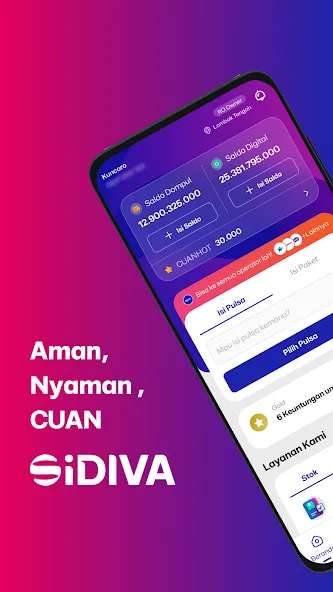
SiDOMPUL organizes digital records, official forms, and communication channels in a single interface. Users can capture documents with a phone camera, attach supporting files, and submit requests to local offices or team members. Built-in tracking shows each item's status from submission to completion, reducing follow-up calls and missed deadlines.
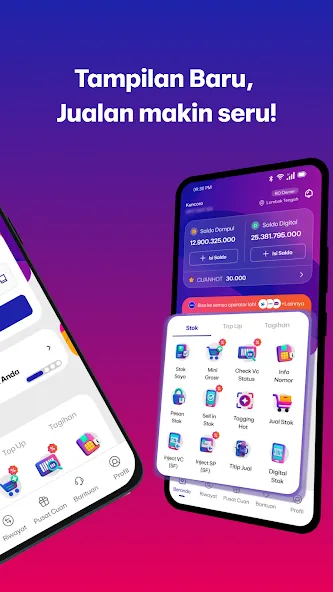
The interface emphasizes clarity and minimal steps. A dashboard presents pending items, recent activity, and quick actions like new submission or search. SiDOMPUL groups related documents and messages into threads, so users can follow the lifecycle of a request without switching screens. Contextual help and tooltips guide first-time users through common workflows.
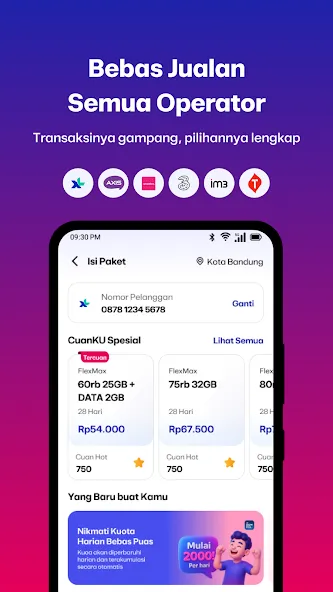
SiDOMPUL connects with popular cloud drives and standard office suites, enabling data exchange without manual file transfers. Export options include PDF bundles and CSV reports for offline review or archival. Organizations can map incoming requests to internal teams and set automatic routing rules to reduce processing time.
Built with privacy in mind, SiDOMPUL applies encryption during transit and at rest, along with multi-factor authentication for account protection. Administrators can set granular permissions by role or project to limit access to sensitive records. Backup routines and exportable logs support recovery and audit requirements.
The app is optimized to run smoothly on a variety of Android devices, balancing sync frequency and battery usage to avoid unnecessary drain. Offline mode allows users to compose submissions and capture documents without immediate internet access; changes synchronize automatically when connectivity returns. SiDOMPUL is compatible with common Android versions and prioritizes lightweight operation for older hardware.
Begin by creating an account and completing a brief setup wizard that defines user roles and notification preferences. Add a team or link existing contacts, then try the guided sample form to familiarize yourself with submission steps. SiDOMPUL includes templates for frequent tasks to accelerate onboarding and reduce configuration time.
For community administrators, SiDOMPUL speeds permit approvals and keeps residents informed. Small businesses can use it to centralize invoices, licenses, and compliance documents. Freelancers will find its receipt capture and client-request tracking useful for billing and recordkeeping. Each scenario benefits from the app's ability to reduce manual follow-up and report on turnaround times.
SiDOMPUL focuses on converting repetitive administrative work into repeatable digital flows. Its blend of scanning, form automation, and clear tracking helps teams stay organized and accountable. Regular updates expand template libraries and integration options, making the platform adaptable as needs evolve.