XOS Launcher is a free Android personalization app that replaces your device’s default home screen with a highly customizable XOS‑inspired interface. XOS Launcher puts themes, wallpapers, fonts, icons and layout options within easy reach so you can craft a distinctive look that differs from a stock launcher while keeping performance and practical utilities in mind.
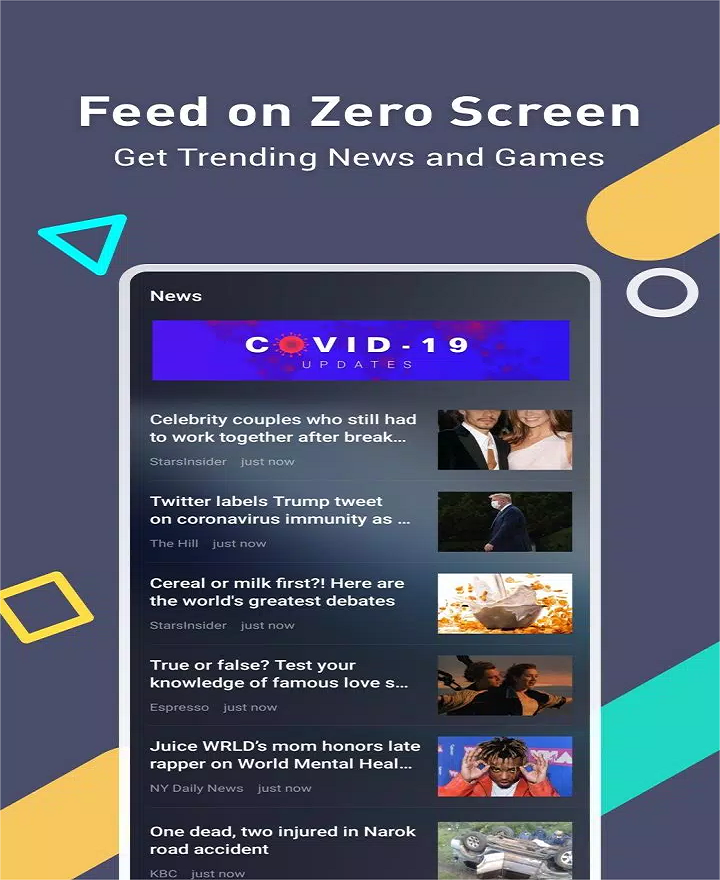
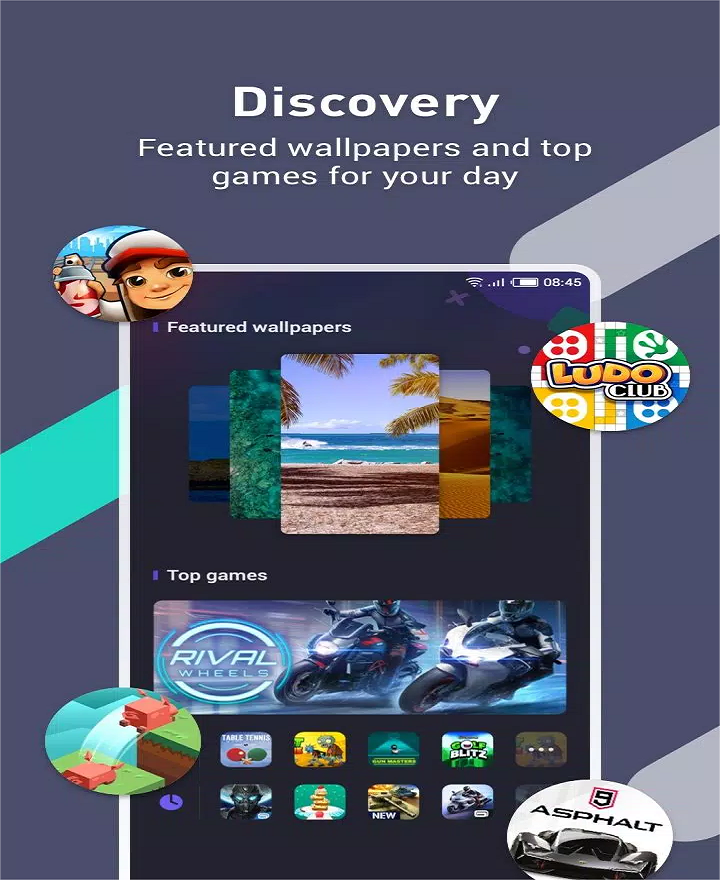
The app includes an on‑device Zero Screen feed that surfaces news, weather and suggested games without extra taps, and a Daily Wallpapers system that automatically rotates curated photos from a large image library. AI‑powered recommendations suggest apps, games and music tailored to usage patterns, helping surface content you may like without hunting for it. Visual customization covers stylish icons, themed widgets, font packs and icon effects to change the overall look of menus and shortcuts, and an organized Discovery section groups themes, fonts and wallpapers for quick browsing. A Freezer tool suspends persistent background apps to free RAM and preserve battery life; note that the cleaner function is implemented via a separate Phone Master component and will increase storage use if installed.
Customization in XOS Launcher moves beyond single tweaks: you can change the grid layout, icon size and font choices to establish an initial home‑screen “state” and then refine that layout over time. Progression for a personalization app is about gradual refinement rather than levels — expect to start with a theme or wallpaper, then iterate by rearranging shortcuts, adding widgets and adjusting icon packs until the home screen reflects your daily needs. The visual style leans toward clean, colorful themes inspired by Infinix XOS design language: bold wallpapers, consistent icon shapes and optional icon effects that add depth to app shortcuts. Because themes and wallpapers update frequently, the launcher offers ongoing replay value for users who like to refresh their phone’s look without reinstalling or changing core settings.
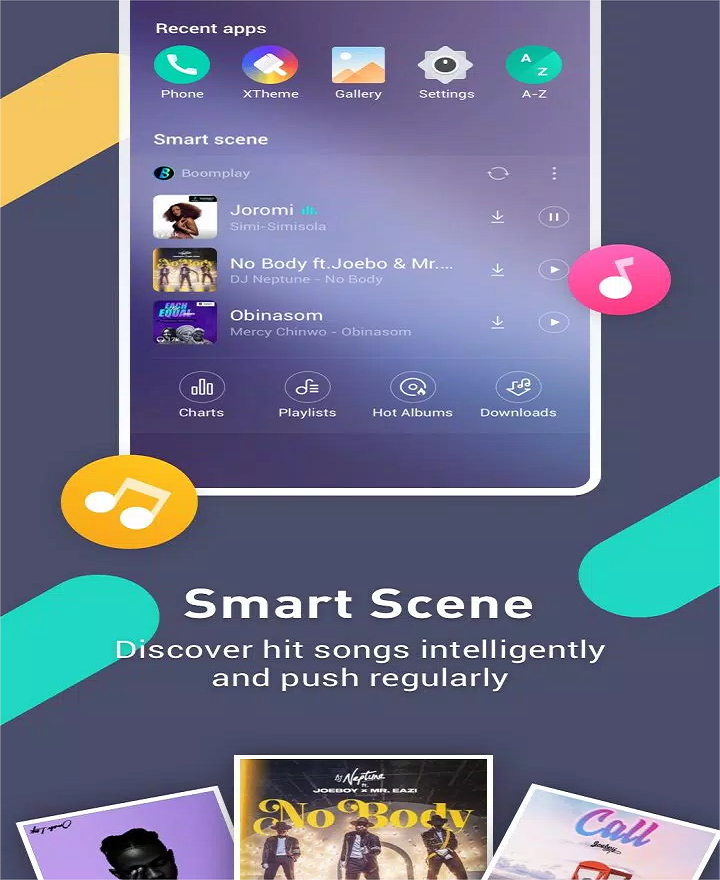
XOS Launcher supports common launcher interactions that make configuration intuitive: long‑pressing icons and empty space to edit shortcuts and widgets, dragging icons to rearrange or create folders, and swiping gestures to reveal the Zero Screen or app drawer quickly. These interactions are designed to match familiar Android launcher behavior so you can customize with minimal learning. The Discovery section and recommendation cards reduce navigation friction by bringing theme selection and media suggestions closer to the home screen, and Smart Scene curates playlists and mood‑based music suggestions that integrate with your daily routine.
Performance is a stated focus: the Freezer tool helps reduce background processes and the launcher aims to remain lightweight in normal use. Most personalization features work fully offline — wallpapers, installed themes and local icon packs are available without a network connection — while the Zero Screen feed, AI recommendations and daily wallpaper refresh require occasional connectivity to fetch curated content. Users should expect that widgets provided by third‑party apps may still take longer to load, and large theme packs or animated wallpapers can increase memory use temporarily.
XOS Launcher includes basic accessibility considerations such as adjustable font choices and icon scaling so users can increase legibility or make touch targets easier to hit. The Discovery area and organized categories reduce surface complexity, helping new users find theme options and wallpapers without navigating deep menus. Settings provide straightforward toggles for background refresh, AI suggestions and content feeds so you can limit network usage and control what appears on the Zero Screen.
When customizing, start by selecting a wallpaper and then tweak icon size and grid layout to avoid overcrowding. If you rely on widgets, place them after selecting a static theme because switching themes can trigger a quick widget reload. Be aware that cleaner or phone‑optimization features come from a separate Phone Master app; installing that component increases storage use. Some widgets may load slowly on certain devices, which is a common limitation tied to individual widget implementations rather than the launcher itself. If you notice performance dips, try using the Freezer tool for background apps and reduce the number of active animated wallpapers.
Overall, XOS Launcher provides a familiar yet feature‑rich launcher experience focused on visual customization, curated content and practical utilities for keeping a home screen tidy and responsive. If you prefer frequent visual updates, offline theme work and a single place to discover wallpapers, fonts and curated recommendations, this launcher is designed to make those tasks straightforward and accessible.