
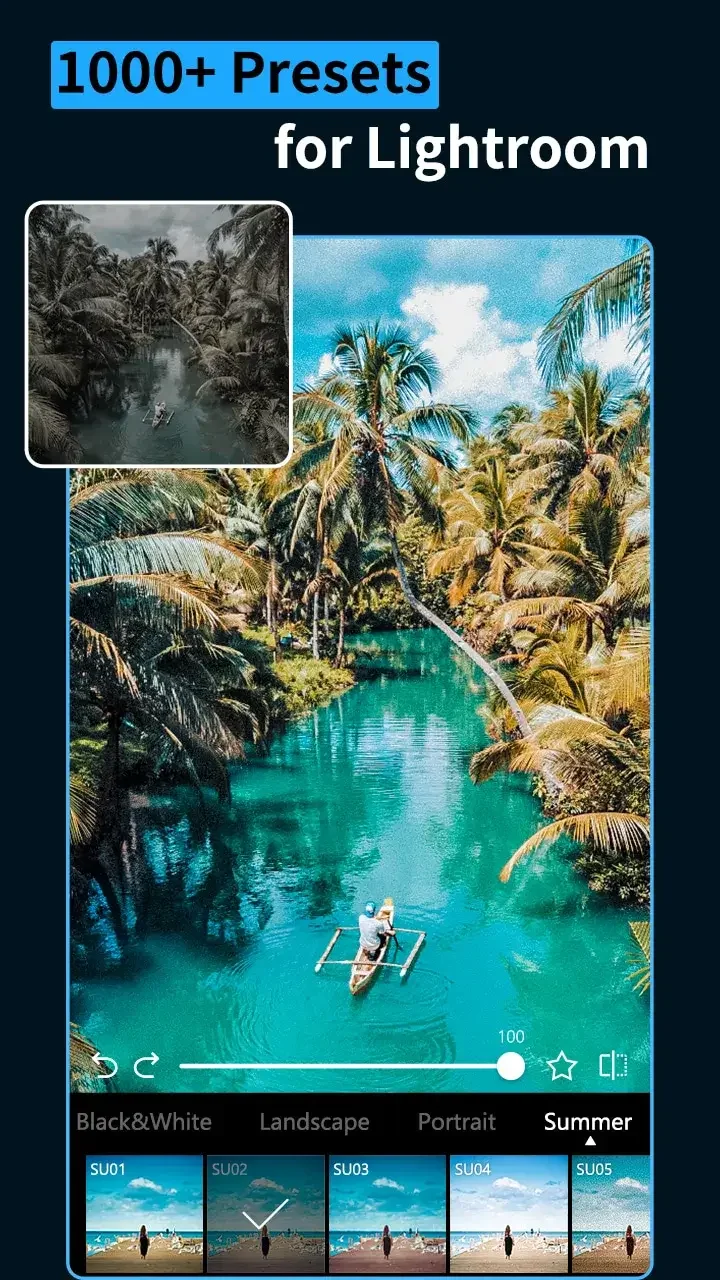
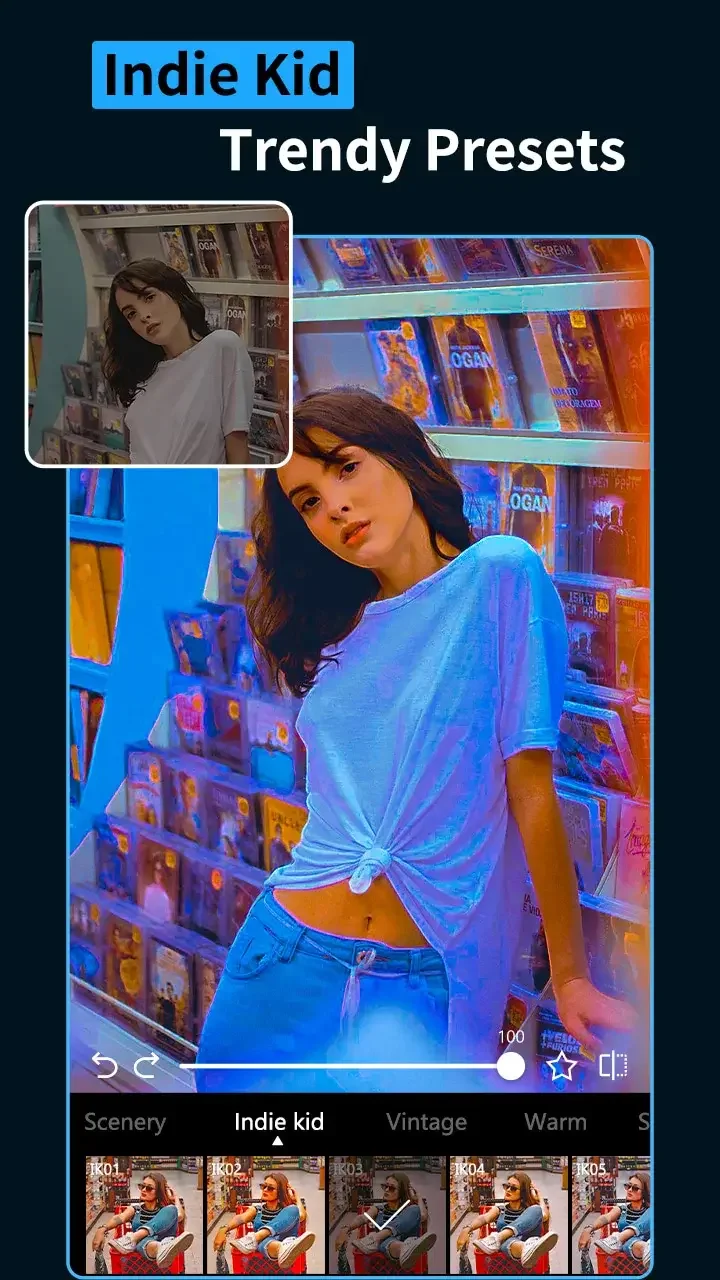
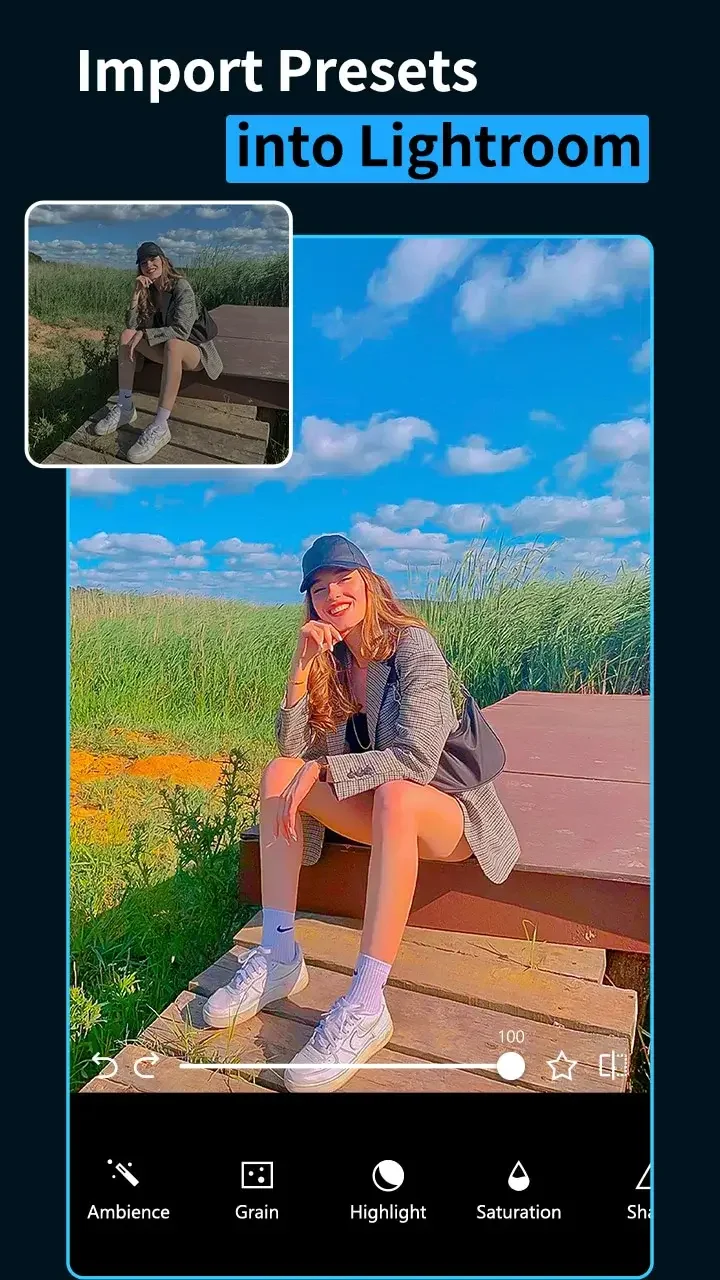
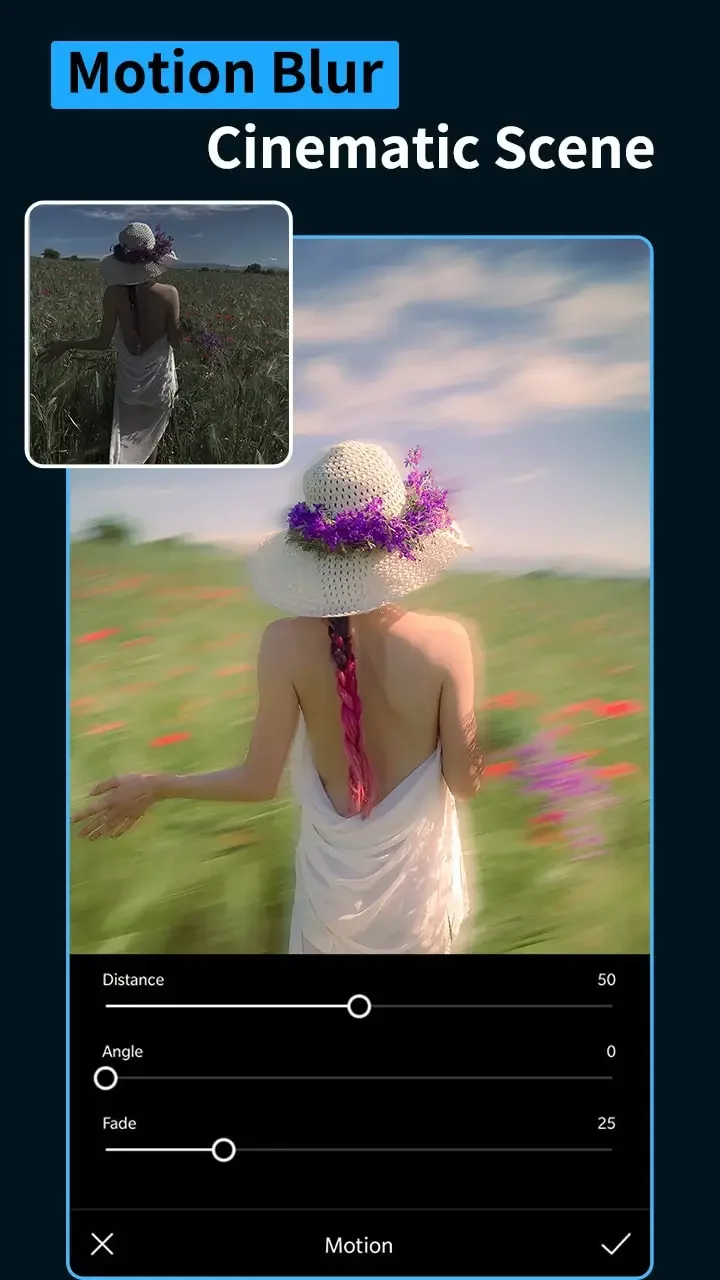
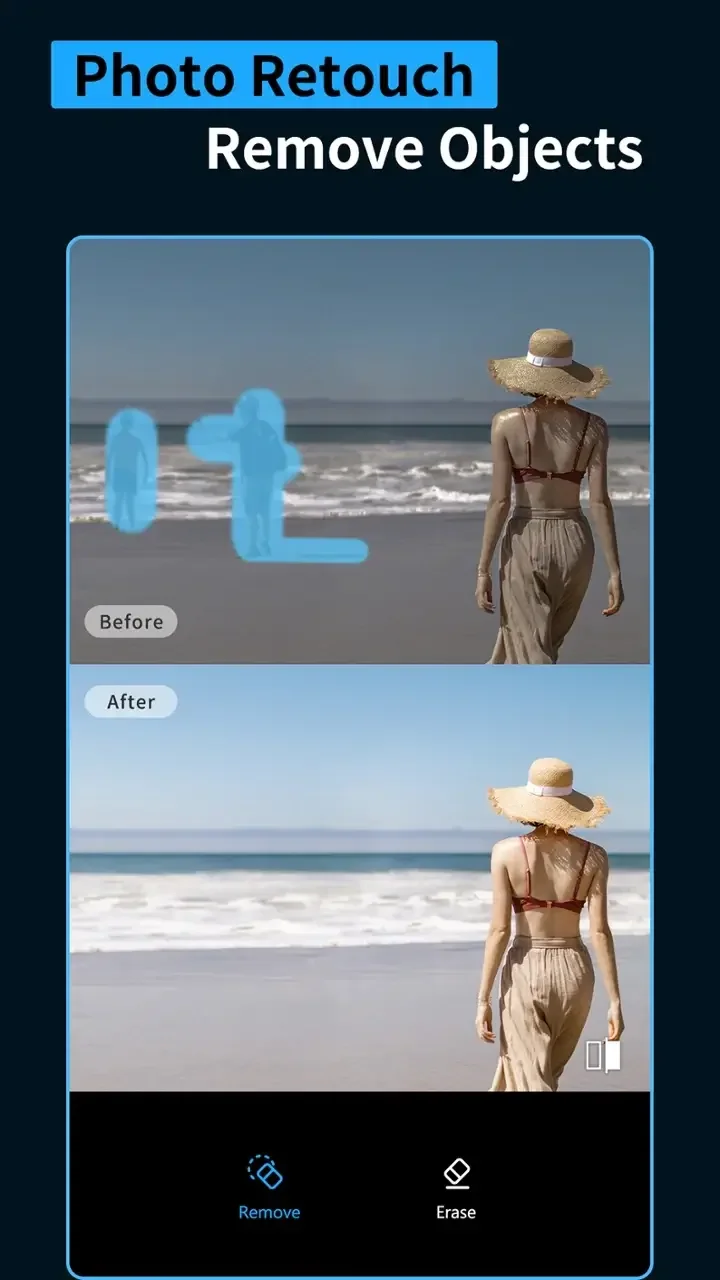
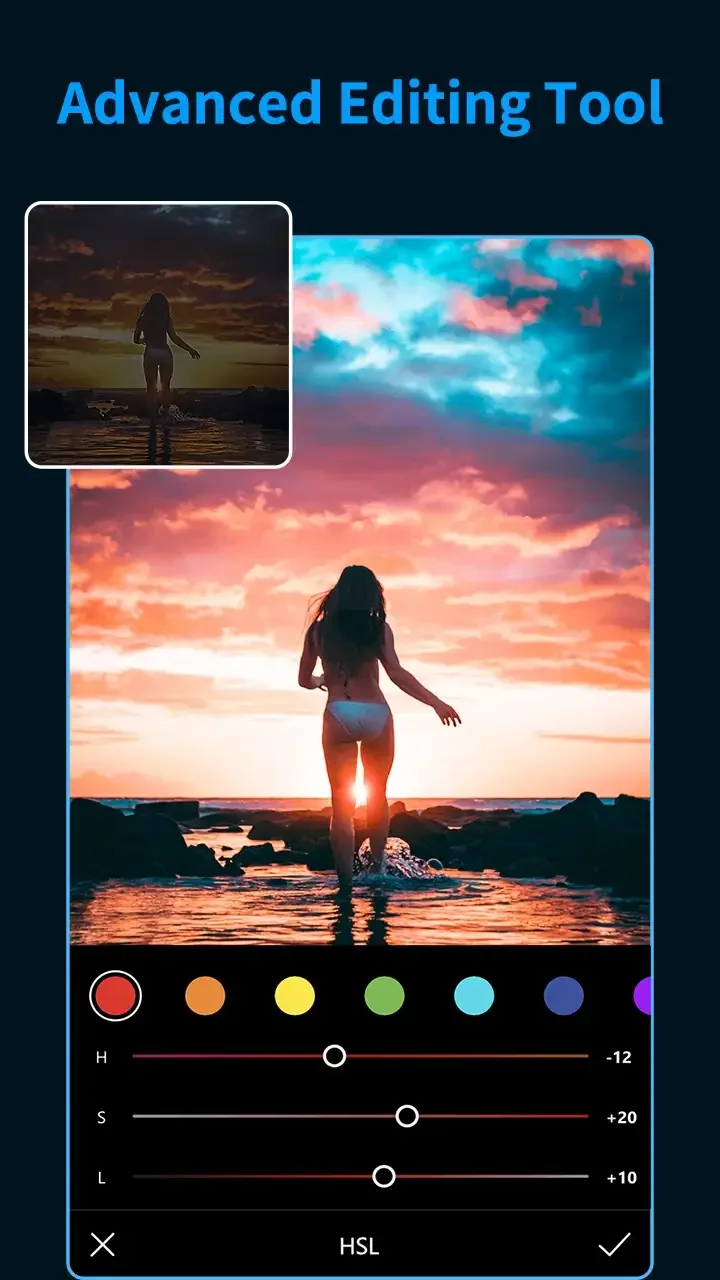
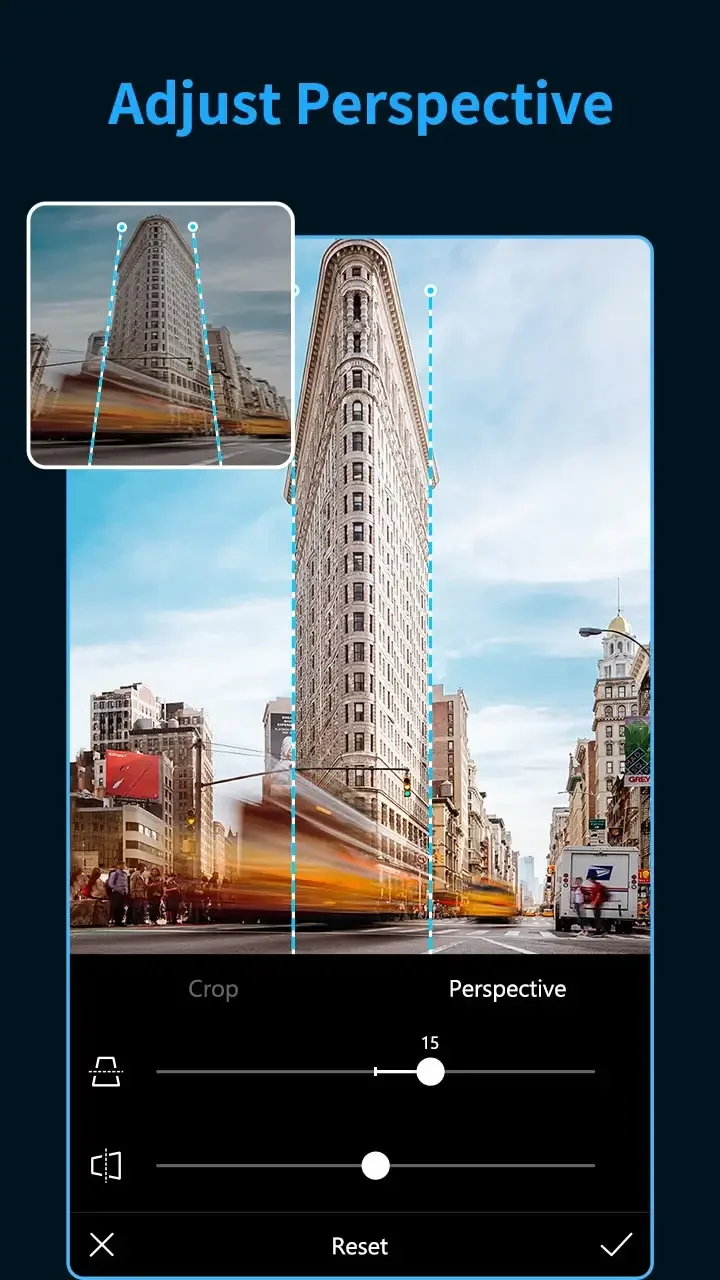
Presets & Filters is a streamlined photo-editing app designed to speed up image enhancement with curated presets and precision filters. It combines one-tap looks, layered adjustments, and export options for social sharing and professional workflows, making consistent color grading and quick touch-ups accessible on Android devices.
Presets & Filters provides a compact set of tools focused on rapid, repeatable image stylization. Users can apply themed preset packs, tweak color and tone with granular sliders, and stack effects to create unique finishes. The interface prioritizes speed without sacrificing control, so batch edits and single-image retouches are both efficient.
The design of Presets & Filters emphasizes clarity: large preview windows, easily accessible sliders, and labeled tools reduce friction when editing on a phone. The workflow supports both quick one-tap changes and deeper manual edits. You can save modified presets, creating a personalized library that keeps your signature look consistent across sessions.
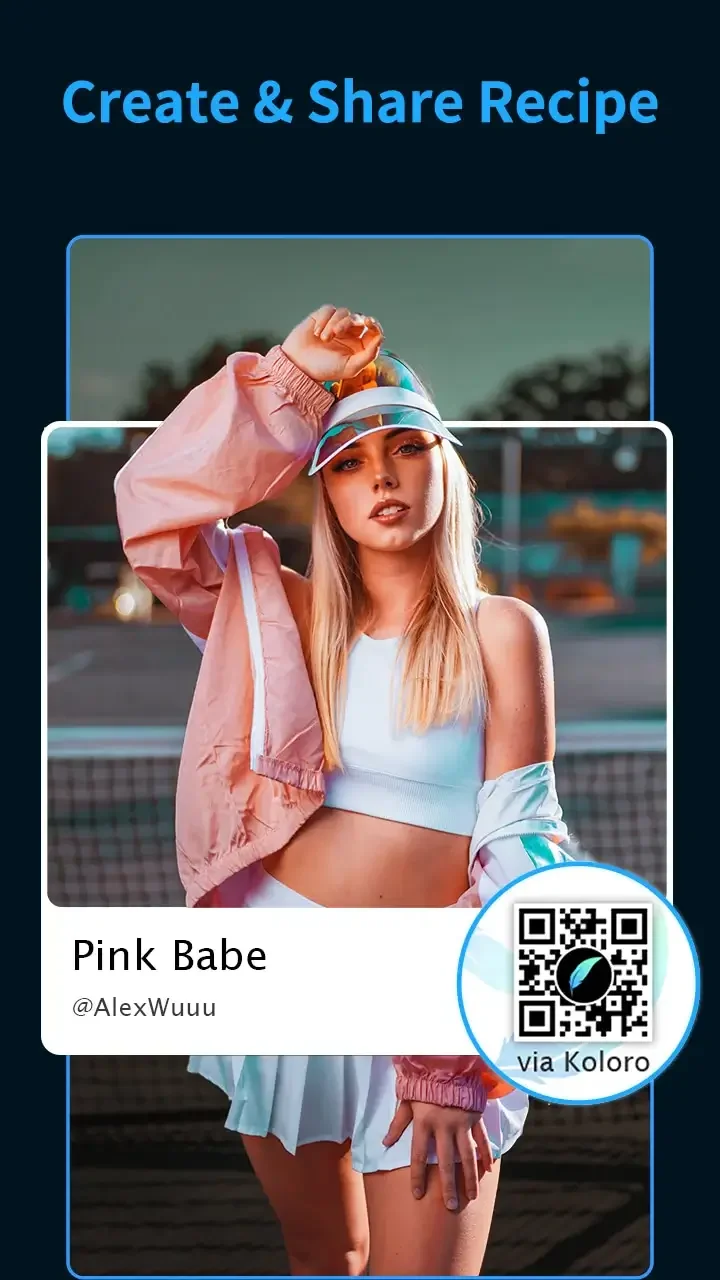
Managing presets is straightforward. Presets & Filters allows you to categorize, rename, and favorite looks for fast retrieval. Saved presets include all active adjustments so recreating a specific style only takes one tap. For power users, the app offers export and import of preset files to share looks between devices or collaborators.
Presets & Filters is optimized to run smoothly on a wide range of Android hardware. Rendering previews uses hardware acceleration where available, minimizing lag when adjusting multiple parameters. Exporting high-resolution files is handled efficiently to reduce processing time, although very large RAW files may take longer depending on device capabilities.
Photographers, content creators, and casual editors will find value in the speed Presets & Filters brings to routine editing tasks. Social media managers can standardize visuals with saved presets, while hobbyists enjoy learning how adjustments affect tone and mood. The app suits users who want a balance between automated looks and manual control.
Begin by importing a few recent photos and testing several preset packs to identify preferred styles. Spend a few minutes learning where each control lives, and create a small set of custom presets reflecting your usual edits. Regular use will speed up the process and help you develop a consistent visual identity with Presets & Filters.
The app receives periodic updates that add new presets, refine performance, and expand export options. A built-in help section guides new users through common tasks, while feedback channels let you report bugs or request features. Frequent updates ensure Presets & Filters stays compatible with the latest Android releases and camera formats.
Presets & Filters balances accessible automation with meaningful customization, making it a practical tool for anyone looking to improve photos quickly while retaining creative control.