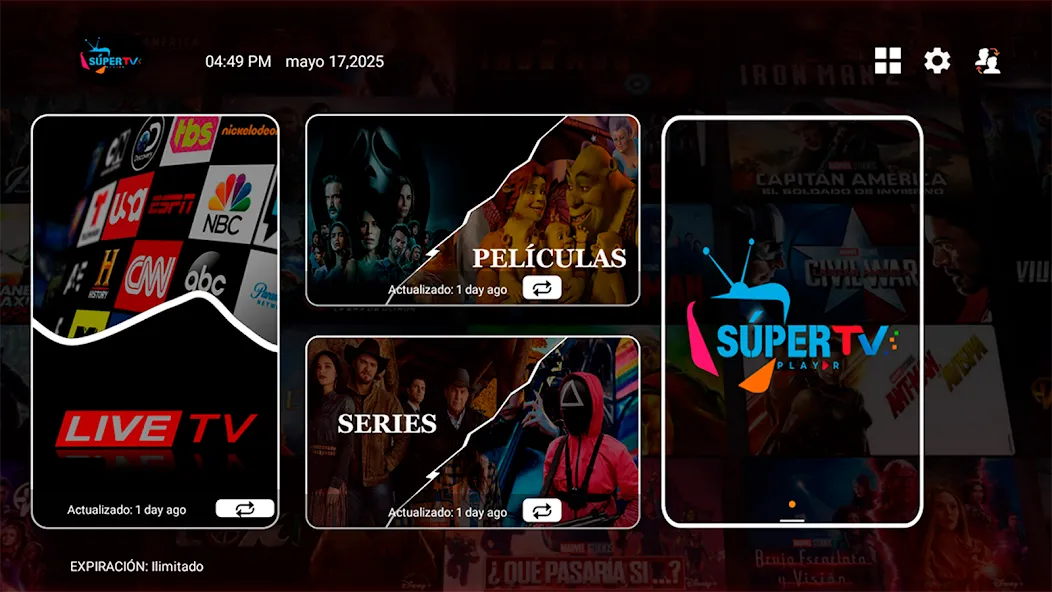
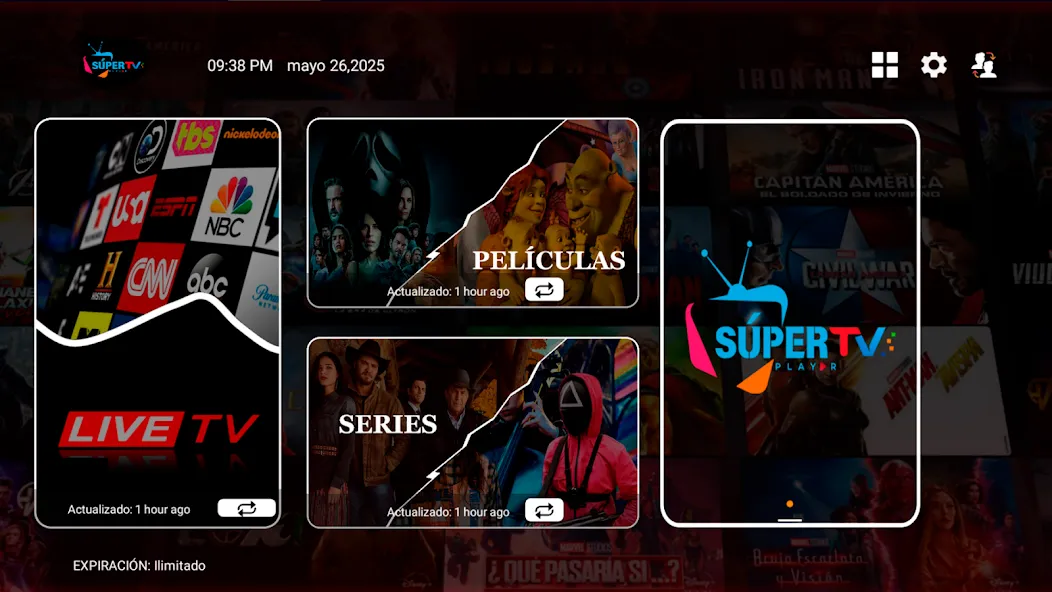
SUPER TV PLAYER is a lightweight Android media player designed for streaming and local playback, delivering smooth video decoding, subtitle support, and playlist management. It balances a clean interface with advanced options so users can quickly play IPTV, local files, or network streams without hunting through complex settings or intrusive ads.
SUPER TV PLAYER focuses on making video playback fast and reliable on a wide range of Android devices. The app supports numerous container formats and common streaming protocols, aiming to reduce buffering while offering customization for power users. It’s suitable for anyone who wants a no-nonsense media utility that still offers robust controls.
The design keeps controls within easy reach: a bottom playback bar, gesture-based volume and brightness, and quick access to subtitle and audio tracks. SUPER TV PLAYER prefers clarity over flashy skins, which helps maintain consistent performance on budget phones and TV boxes. The decoding pipeline is optimized to offload work to hardware when possible, reducing battery drain and avoiding frame drops.
Seek, skip, and jump controls respond with little lag. For long videos, chapter markers and timeline previews let you move precisely. When network conditions fluctuate, adaptive buffering strategies prioritize playback continuity while showing minimal interruption.
Getting started is straightforward. Add local folders or point the player to a network stream URL. For IPTV users, import an M3U file and map channels into a custom guide. Subtitles can be auto-loaded if a matching file sits in the same folder, or you can manually select external files from storage.
SUPER TV PLAYER provides theme hints and adjustable on-screen controls so you can tailor the viewing experience. You can rearrange playlist columns, toggle full-screen gestures, and set default subtitle font and size. Advanced audio settings let users choose passthrough, stereo downmix, or custom equalizer presets where supported by the device.
Organize channels into groups, sort by name or frequency, and hide unused entries. The app’s bookmarking feature simplifies returning to favorite shows or streams without rebuilding playlists each time.
Many choose SUPER TV PLAYER because it strikes a practical balance between usability and depth. It doesn’t overwhelm with unnecessary features but still exposes technical controls for those who want them. The app is particularly handy on Android TV devices where straightforward navigation and reliable streaming are essential.
Install the app from a trusted source and grant storage or network permissions only if required. Keep playlists backed up externally if you personalize a large channel guide. Regular updates help maintain compatibility with new streaming formats and device drivers.