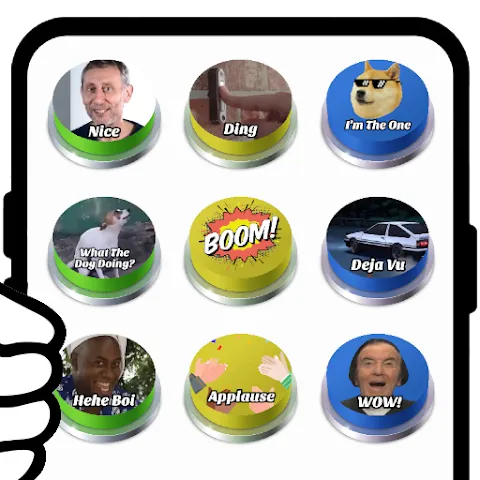
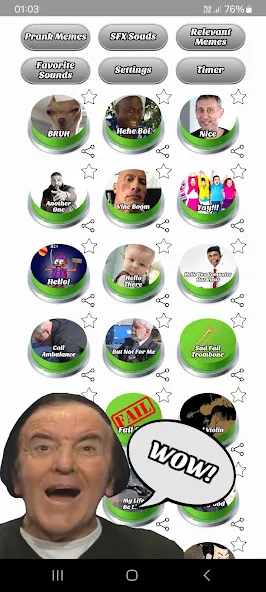
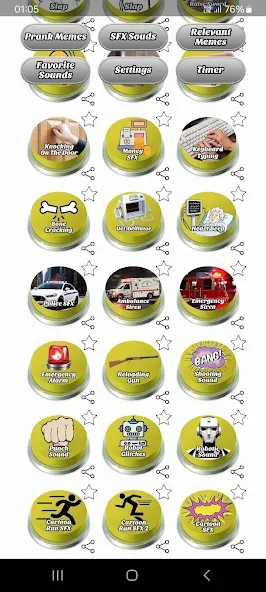
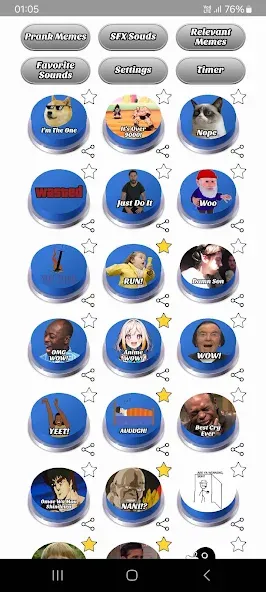
Lightweight prank and meme soundboard tools are a niche all their own on Android, and Prank Meme Sounds Soundboard aims straight for that spot with a simple, grab-and-go approach. The app collects popular audio clips and one-shot effects into a tile layout that gets you from tap to laugh in seconds. Whether you want to surprise friends during a group chat or add a laugh track to a homemade clip, Prank Meme Sounds Soundboard offers quick editing touches and sharing options without a steep learning curve.
Large trending library: Browse a curated set of viral sounds and classic meme clips gathered from recent years so you can use recognizable audio instantly.
Quick caption and image tools: Add text, stickers, and simple filters to images or short clips before exporting for social apps.
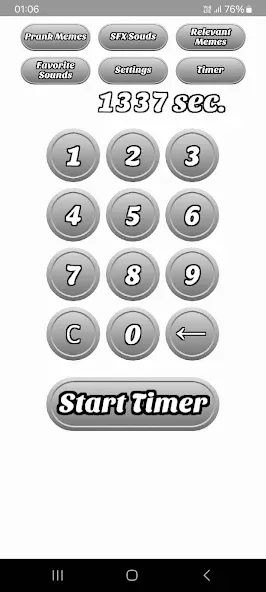
Timer and multi-play: Schedule a clip to play after a short delay or layer several sounds for more elaborate gags.
Favorites and offline access: Bookmark go-to clips and access most sounds without an internet connection for reliable pranking on the go.
Reaction clips: Short, punchy audio snippets designed to punctuate messages or replies.
Classic effects: Timeless SFX such as rimshots, air horns, and record scratches to pair with visual jokes.
Timed pranks: Sounds set to play after a delay so you can stage a surprise during a call or in person.
User content: Sections for saved or uploaded audio let you reuse personal recordings alongside built-in material.
Start from a template: Pick a built-in layout close to your idea and tweak captions and stickers instead of building a meme from scratch.
Improve text readability: Add an outline to bright or busy image areas so captions remain legible on every background.
Export wisely: Choose medium image or video quality to balance file size and upload speed for social platforms.
Save presets: Keep favorite text styles or sticker arrangements as presets to maintain a consistent look across posts.
Use timers for staged jokes: A scheduled sound can be handy for surprising a friend during a video call or breaking an awkward silence at a small gathering.
Can I trim and edit short videos or GIFs?
Yes. The app supports basic trimming and captioning for short clips and GIFs so you can create looping reactions or animated memes.
Will my saved memes include a watermark?
Saved exports do not add a watermark, letting you post creations without extra branding from the app.
Can I import my own fonts and images?
Images from your device can be imported, and some versions allow font uploads or font placement in the app folder for custom text styling.
Prank Meme Sounds Soundboard is a practical choice if you want a sound-first meme toolkit that moves quickly from idea to shareable file; it balances editing basics with an accessible interface and useful sharing options. If you need deep audio editing or advanced mixing, this app is intentionally simple, but for social pranks and fast meme-making it delivers a lot of value in a tidy package.