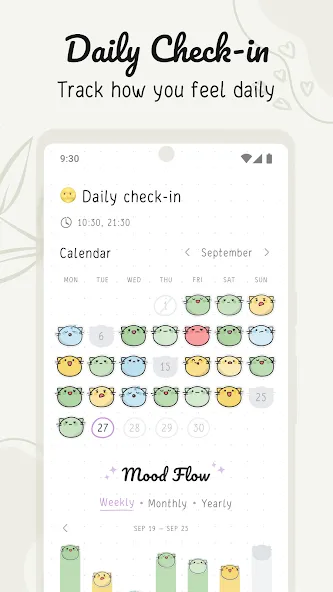
During a long wait at the doctor’s office you might open your phone and sketch out a grocery list or mark off a habit you completed that morning. Hizo Mod lets you capture those small, practical moments with a clean note and habit manager built for mobile use. The app blends freehand notes and typed to-dos with habit tracking so you can keep daily routines and one-off tasks in the same place. It’s ad-free and designed to be straightforward, giving you tools to customize appearance, set reminders, and review progress without clutter.
Create a page: Open the app and add a new note or page to start jotting down schedules, thoughts, or quick lists.
Add a habit: Tap Add new habit, pick a category or create your own entry, then set a start date, frequency and duration.
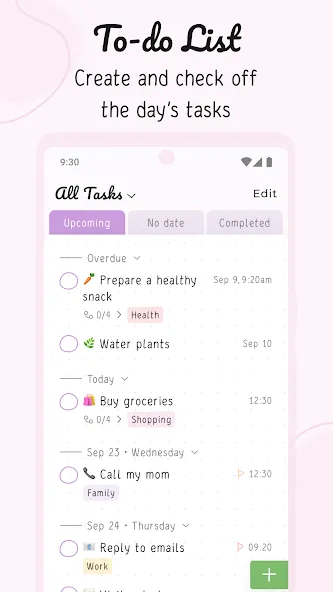
Make a to-do: Switch to the To-Do section, fill the form for task name, date, priority and subtasks, then save to track its progress.
Personalize the look: Choose background colors, font styles and pen options so your notes feel familiar and easy to read.
Two-track organization: Hizo Mod separates recurring habits from single-instance tasks so routines and one-off items don’t get mixed up.
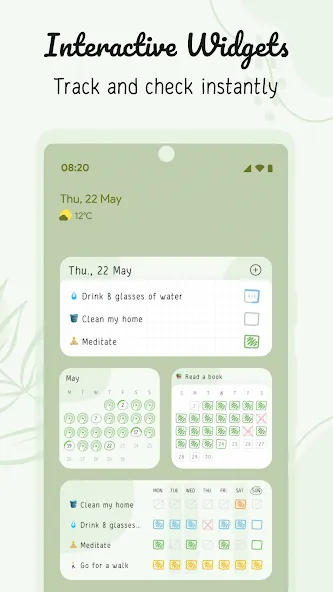
Reminders and scheduling: Set notifications for habits and to-dos to help you remember deadlines and daily actions.
Pre-made templates and custom entries: Browse suggested habit categories like fitness or finance, or add your own custom habit with frequency and start date.
Rich note tools: Use pens with different colors and stroke widths, plus background and font options to make notes clearer or more personal.
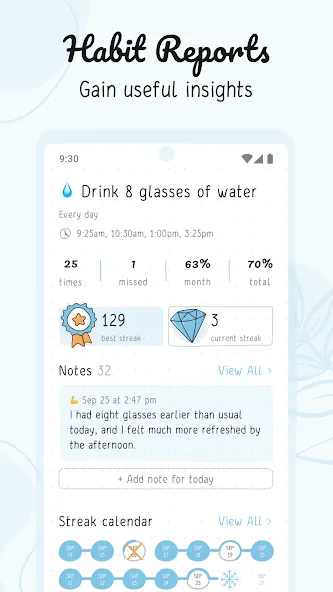
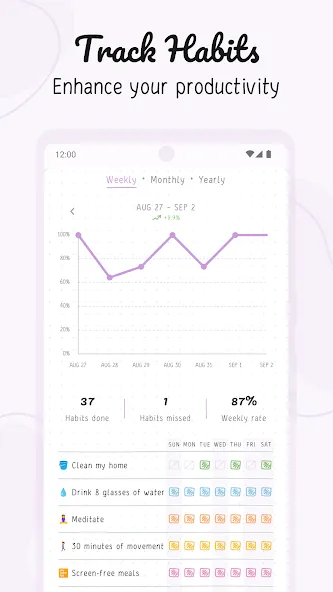
Progress reports: View simple statistics that summarize how consistently you’re completing habits and tasks over time.
Start small: When adding new habits in Hizo Mod, pick a short initial streak or fewer days per week to build consistency before increasing targets.
Use subtasks for clarity: Break bigger tasks into subtasks and assign priority levels so a complex to-do becomes a series of manageable steps.
Combine notes and habits: Keep a short daily reflection page alongside habit entries to capture context about wins and setbacks; this helps when you review the app’s statistics.
Practical scenario — during a commute: Use the pen tool to jot a quick packing checklist or capture an idea that came up while riding to work, then turn that note into a follow-up task.
Practical scenario — planning a weekend: Create a to-do for weekend errands with subtasks for each stop, set priorities and a date so you see what must be done first.
Hizo Mod is a focused, user-friendly tool for tracking habits, managing daily tasks and keeping short notes. It works well if you value a minimalist interface and flexible note options, and it gives straightforward reminders and basic reporting. It may not replace specialized project management systems for complex team workflows, but for personal productivity and steady habit-building, Hizo Mod is a strong, no-friction choice.