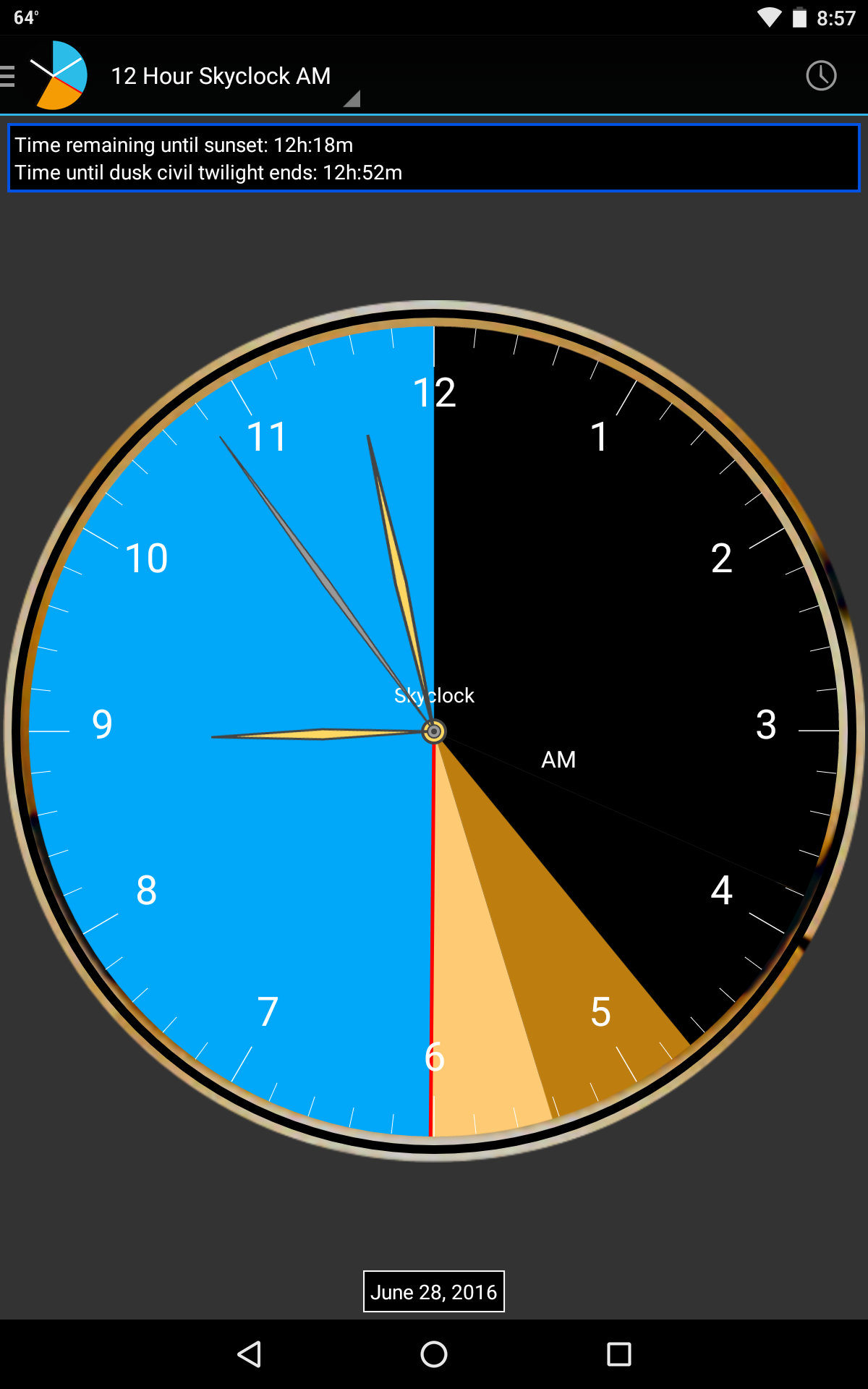
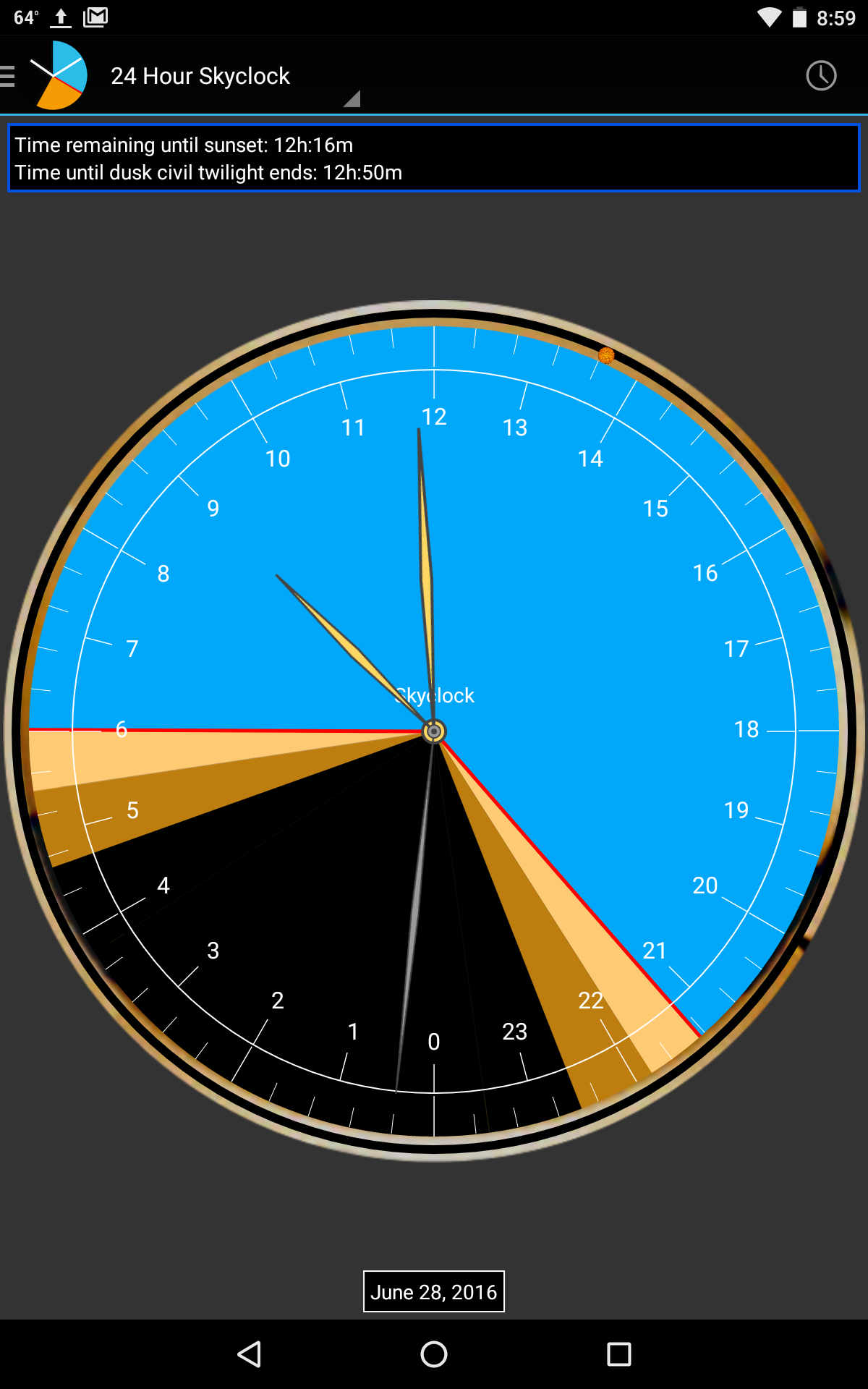
Skyclock is a versatile Android time and widget utility that combines elegant clock faces, customizable widgets, and reliable alarm functions into a lightweight package. Skyclock streamlines daily scheduling with intuitive controls, accurate world time support, and battery-friendly operation for users who want both style and function on their home screen.
Skyclock blends practical timekeeping tools with visual polish. Core features include multiple clock styles (analog and digital), resizable home screen widgets, alarms with custom tones, a world clock list, timers and stopwatch, plus optional weather display. The app emphasizes fast setup and clear, reliable information without clutter.
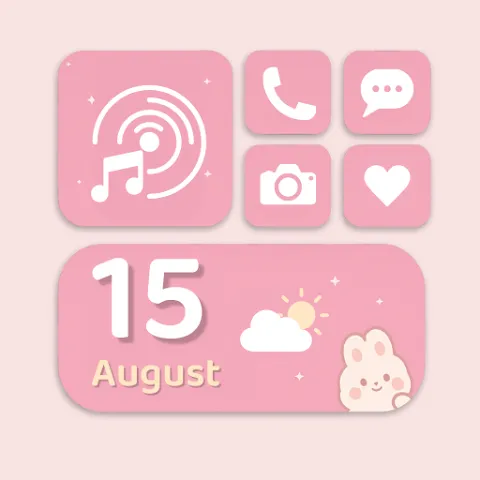
The interface puts customization front and center. Widgets are fully resizable and can be placed on any launcher grid. Users can pick from preset themes or build a personal look by adjusting font styles, color palettes, shadow intensity, and transparency. Preview modes show changes instantly, so you can fine-tune the clock face before applying it to the home screen.
With Skyclock you can manage morning routines and appointments smoothly. Alarms support gradual volume increases, repeat schedules, and snooze customization. Timers and stopwatch modes are accessible from both the app and widgets, ideal for cooking or short tasks. The world clock panel helps track multiple time zones, which is useful for travel planning or coordinating meetings with colleagues overseas.
Skyclock integrates with system features to reduce friction. It respects Android Do Not Disturb settings, adapts to your timezone automatically, and can synchronize alarm instances across device restarts. Optional calendar overlay enables quick reference to upcoming events directly from the widget, while weather icons and temperature readings update at user-defined intervals.
Designed to remain lightweight, Skyclock minimizes background activity by relying on scheduled updates and Android's native alarms. The result is a clock and widget solution that consumes little CPU and battery while maintaining punctual notifications. Developers also include a compact APK size to preserve device storage space and speed installation.
Skyclock supports a wide range of Android versions and adapts to both phones and tablets. Permission requests are focused and transparent: typical needs include access to location (for local weather), calendar events (for optional overlays), and notification settings (for alarm reliability). Privacy notes explain how each permission improves functionality and how data is handled locally.
Visual clarity is a priority. Readable fonts, high-contrast themes, and scalable widget elements help users with varying vision. The app also offers haptic feedback options and large-tap targets for quick interaction. High-resolution assets ensure clock faces look crisp on modern displays while providing simpler options for older devices.
Installation takes only moments. After granting the needed permissions, add a widget from your launcher, choose a clock style, then personalize colors and behavior. Frequent updates deliver new faces and minor improvements, so check the app's settings for optional auto-update notes and changelogs.
Skyclock is a practical choice for users who want a balance of form and function: it provides a variety of timekeeping tools, deep customization, and efficient performance while keeping the setup and daily interaction straightforward.