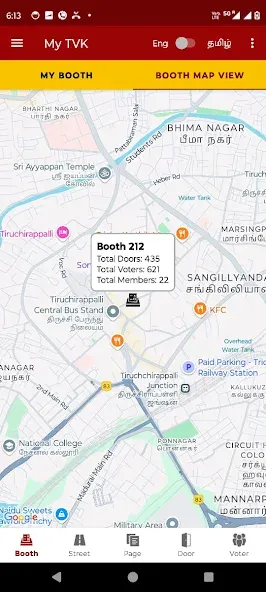
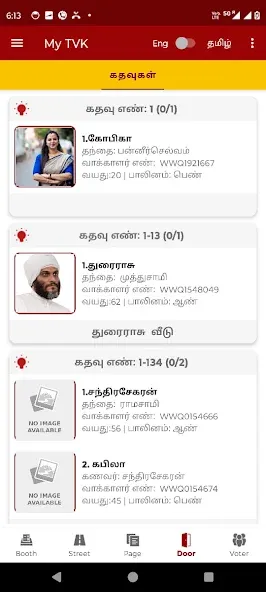
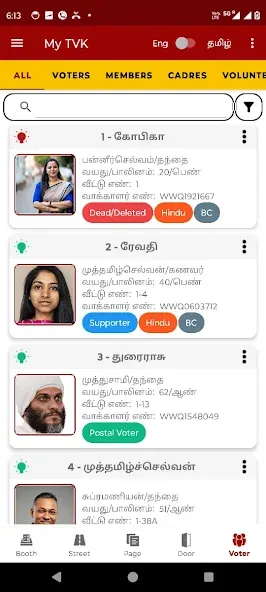
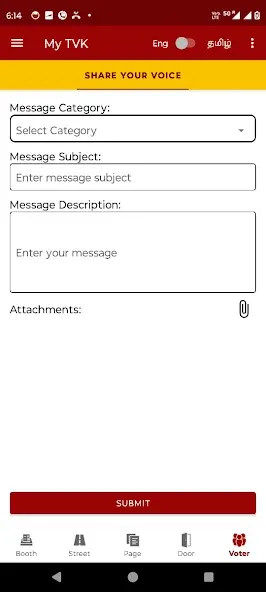
My TVK simplifies TV viewing by bringing live channels, on-demand shows and program guides into a single, easy-to-navigate app. My TVK organizes schedules, personal favorites and recommendations so you can quickly find current broadcasts or saved episodes across devices without switching between multiple services.
At its core, My TVK is a unified streaming hub that combines live television, catch-up content and personalized listings. The app focuses on reducing friction: one search box returns live channels, recorded episodes and on-demand films. Built-in recommendation logic highlights recently watched series and suggests new titles based on viewing patterns.
My TVK presents a clean, responsive interface designed for quick discovery. Menus are laid out with familiar categories—Live, On-Demand, Guide, and My List—so new users can start browsing immediately. Thumbnails load progressively and the search function supports filters for channel, genre and date, making it simple to locate specific episodes or live events.
Playback in My TVK adapts to available bandwidth to reduce buffering while preserving image quality. The player supports adaptive bitrate streaming, subtitle toggles and basic playback controls such as rewind, fast-forward and restart. For households with multiple screens, casting to compatible devices is supported, and the app automatically adjusts resolution for smart TVs and larger displays.
Begin by creating an account or signing in with an existing provider; the setup guide walks you through profile creation and device pairing. Adding favorite channels or series trains the recommendation algorithm to surface relevant content. Users can enable automatic downloads for selected shows or set data-saver preferences for mobile networks.
My TVK includes options to personalize the viewing experience. Choose between light and dark themes, adjust subtitle size and color, and configure default audio tracks. Accessibility features include screen reader compatibility and high-contrast text, which improve usability for viewers with different needs.
The app is optimized for modern Android versions and works across a wide range of devices, from smartphones to Android TV boxes. For the best experience, a stable broadband connection is recommended for HD streams, while lower bitrates are available for limited networks. Storage is needed for offline downloads, and users are prompted to select a download location when saving content.
My TVK employs standard security measures to protect user data, including encrypted account credentials and optional PIN protection for profiles. Privacy settings allow control over data sharing and personalized advertising preferences, and a help center provides guidance on account management and data requests.
Whether you stream casually or keep a detailed schedule of programs, My TVK aims to make television more accessible and convenient across devices. Its combination of live programming, on-demand content and account-level personalization addresses common pain points in modern streaming workflows while keeping navigation simple and fast.