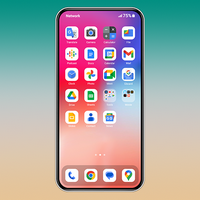
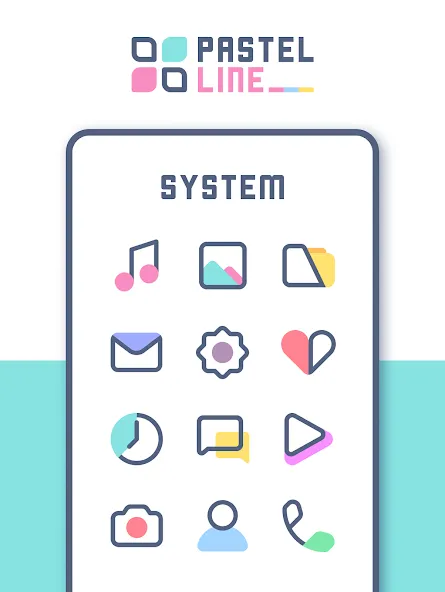
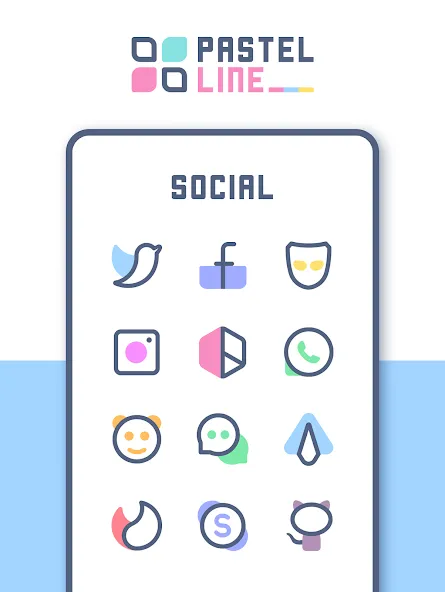
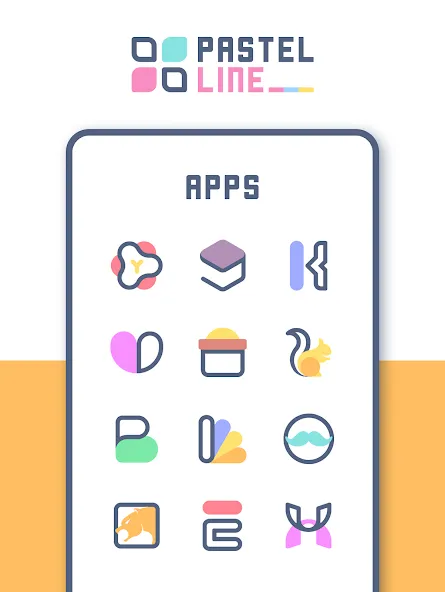
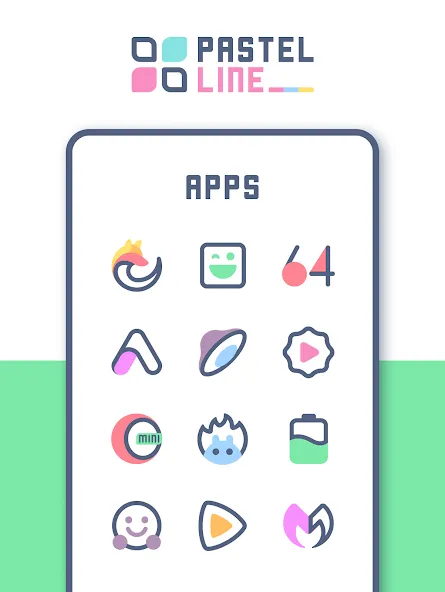
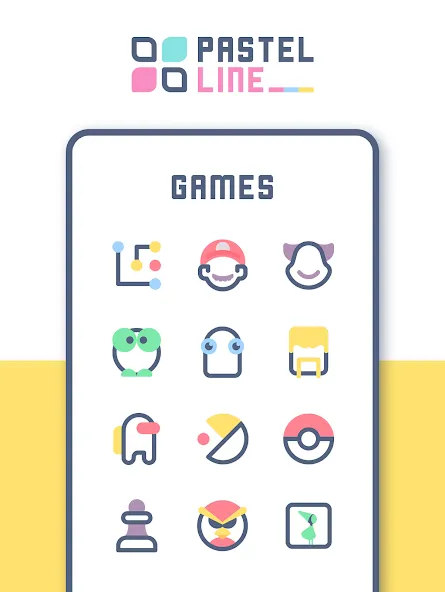
PastelLine IconPack brings a cohesive pastel aesthetic to Android devices, offering hundreds of handcrafted icons and matching wallpapers for a soft, modern look. Designed for compatibility with popular launchers, PastelLine IconPack simplifies device theming while maintaining crisp vector details and consistent iconography across apps and folders.
At its core, PastelLine IconPack is a curated collection of icons created to unify the visual language of your home screen. The pack includes a broad set of icons covering top apps and utilities, multiple wallpapers that echo the pastel palette, and themed alternatives for folders and widgets. Every icon is optimized for clarity at different sizes, so the set feels intentional whether you use a phone, phablet, or tablet.
The aesthetic focus leans toward soft hues, subtle gradients, and simplified outlines that preserve recognizability. Rather than heavy skeuomorphism or harsh contrasts, PastelLine IconPack emphasizes gentle tones and negative space to make app glyphs easy on the eyes. This visual approach helps icons integrate with a variety of wallpapers and widgets without overpowering other interface elements.
PastelLine IconPack provides several customization tools that let you tailor the look to your preferences. You can apply the entire icon set in one action, substitute individual icons, or use the adaptive masking option to maintain consistent shapes. Included wallpapers are sized for different display resolutions and can be applied directly from the app. A simple icon request system allows users to submit missing app icons for future updates.
One of the strengths of PastelLine IconPack is broad launcher support. It works out of the box with most major third-party launchers, including popular choices on the Play Store. For launchers that support icon packs directly, application is straightforward; for others, the app provides guidance to help you manually apply icons or set custom shortcuts. The pack also respects adaptive icon standards when available, ensuring a consistent silhouette across supported launchers.
Efficiently built, PastelLine IconPack focuses on vector-based artwork when possible to keep APK size reasonable and preserve sharpness at different scales. The app prioritizes low memory and CPU overhead, so applying themes and switching wallpapers is quick and smooth. Updates are incremental; new icons and wallpapers are delivered as downloads to avoid bloating the installed package.
Getting a polished home screen with PastelLine IconPack follows a simple workflow: pick a wallpaper, apply the icon pack through your launcher, and fine-tune individual icons as needed. The included search and apply interface helps locate alternate icons or themed variants. For users who enjoy deeper customization, combining PastelLine IconPack with a custom widget set and a bespoke launcher layout can yield a cohesive, magazine-like home screen.
Active development means PastelLine IconPack receives periodic updates that expand icon coverage and improve compatibility. The icon request feature and clear feedback channel make it easy to report missing icons or suggest color adjustments. Release notes typically list new icons and wallpaper additions, helping users track incremental improvements.
PastelLine IconPack is aimed at users who prefer a refined, gentle look on their devices without sacrificing clarity or launcher compatibility. The pack balances minimalist design with practical coverage, making it a solid choice for anyone who wants a fresh, cohesive visual overhaul. With regular updates and an approachable customization interface, PastelLine IconPack fits easily into most personalization workflows and helps create a calm, unified home screen aesthetic.