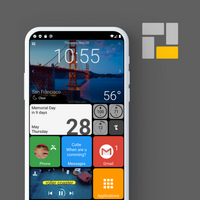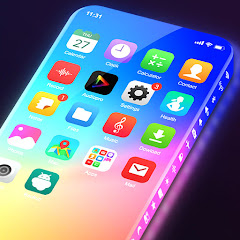
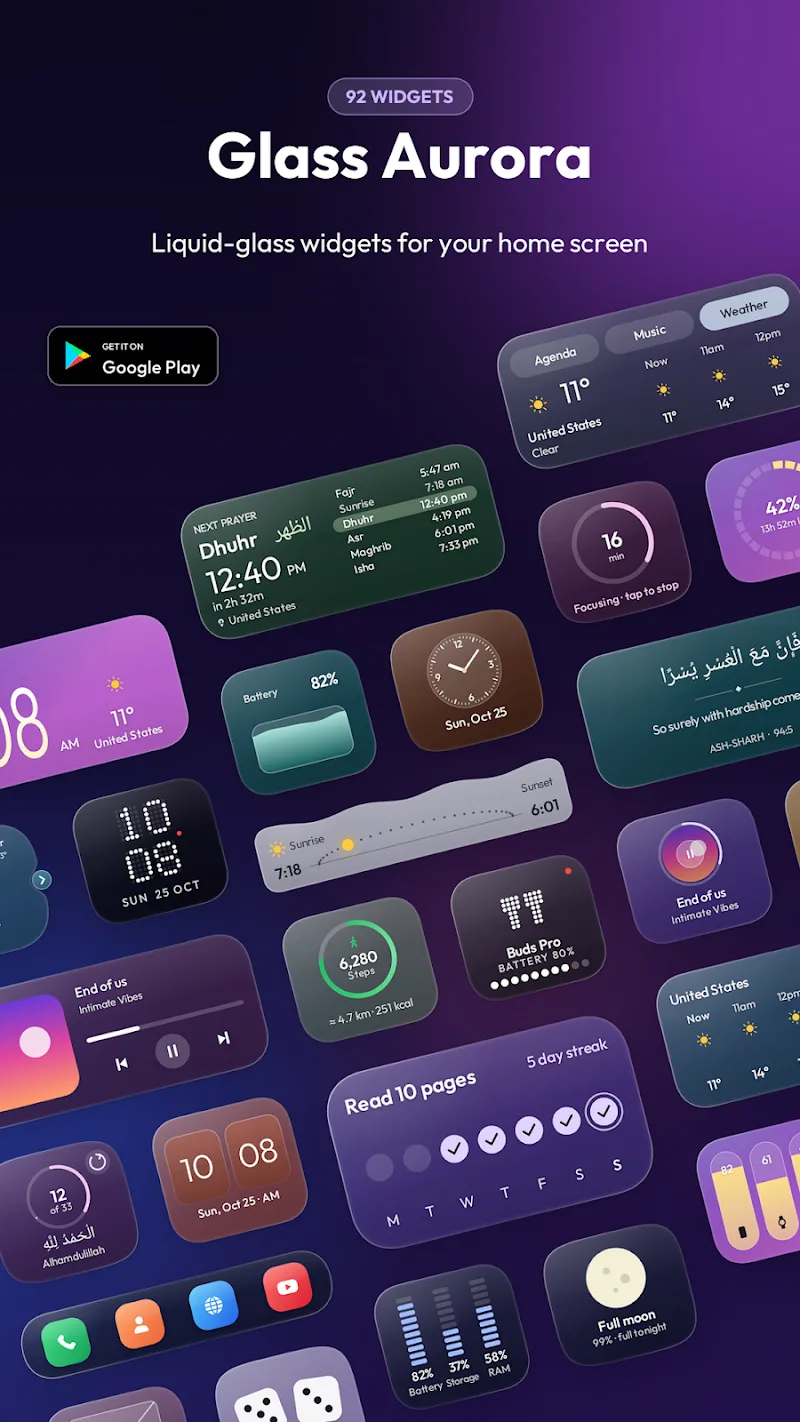
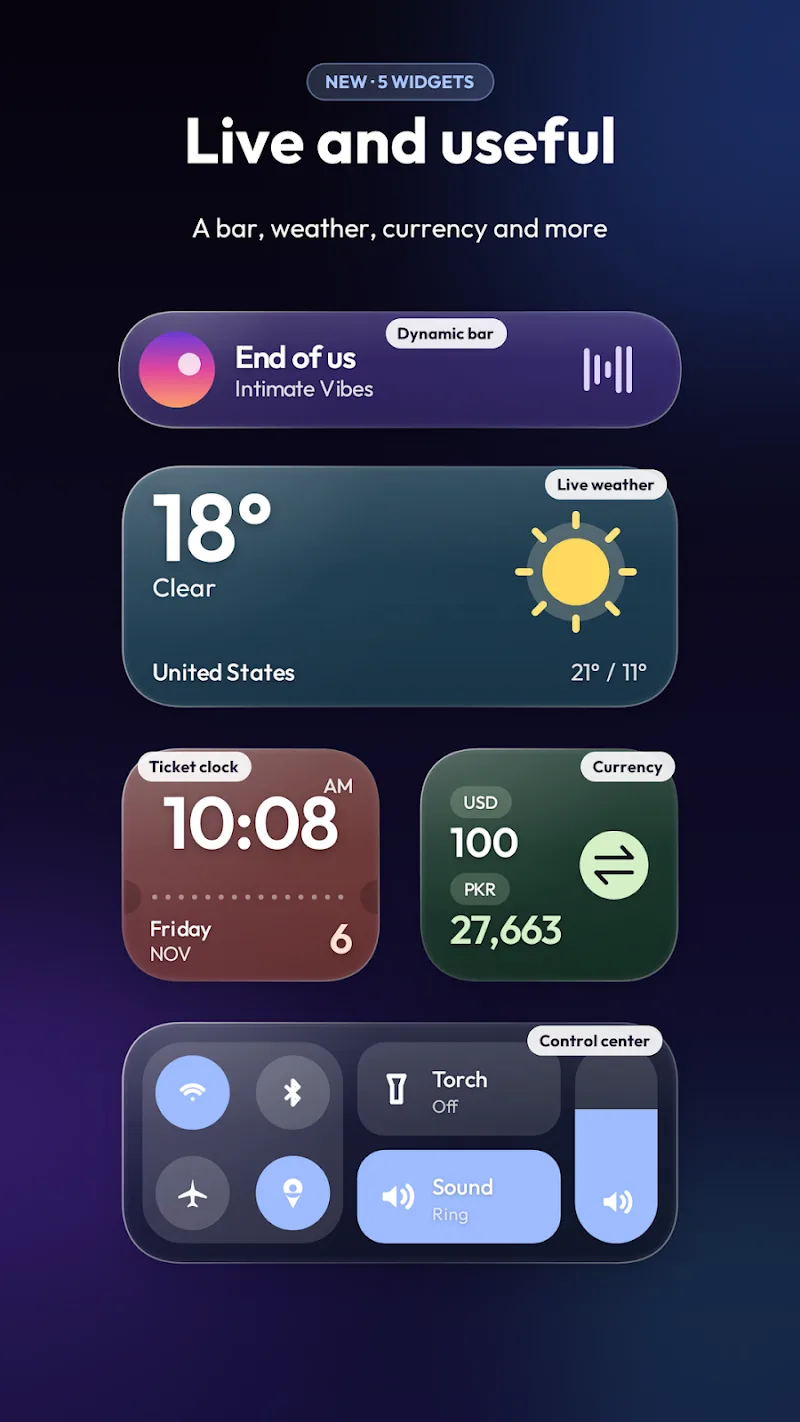
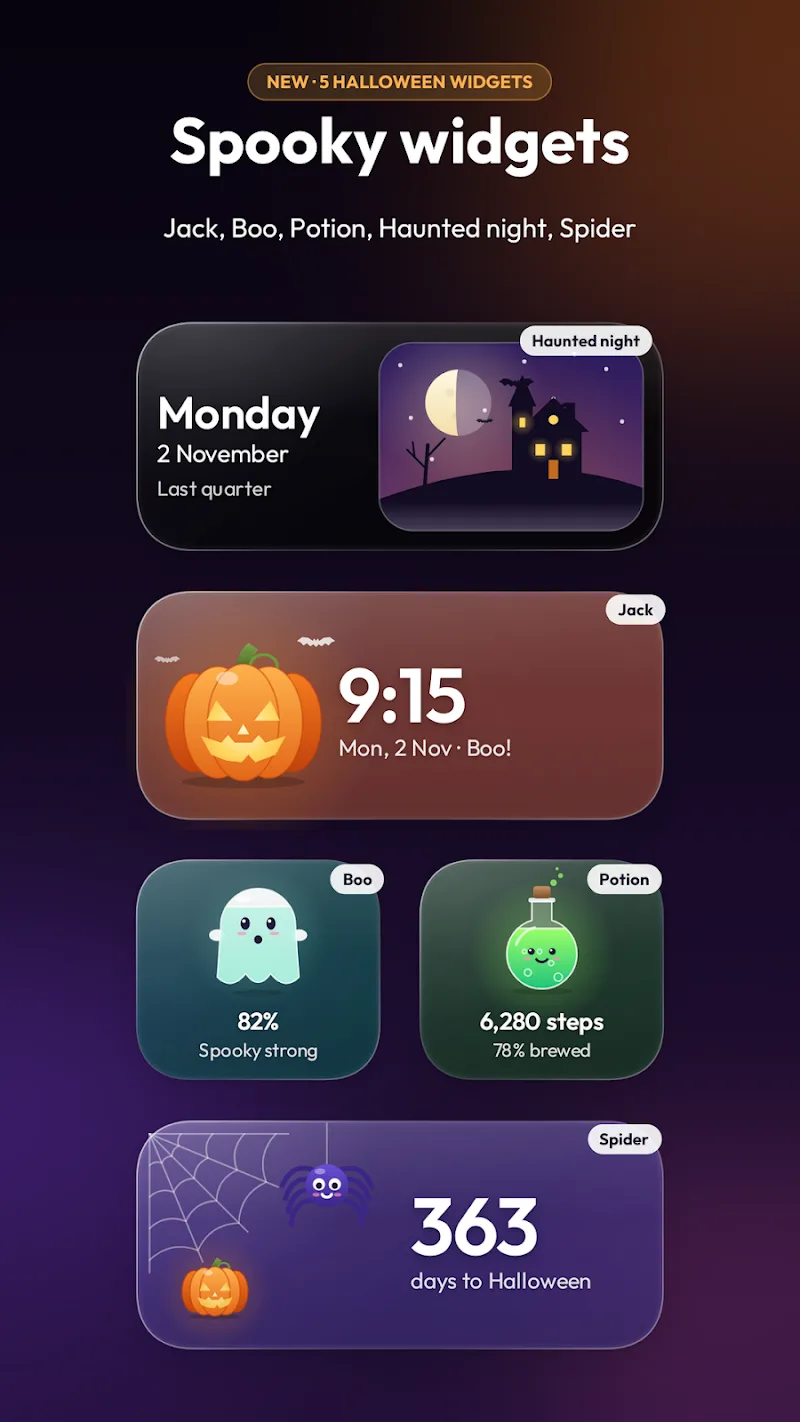
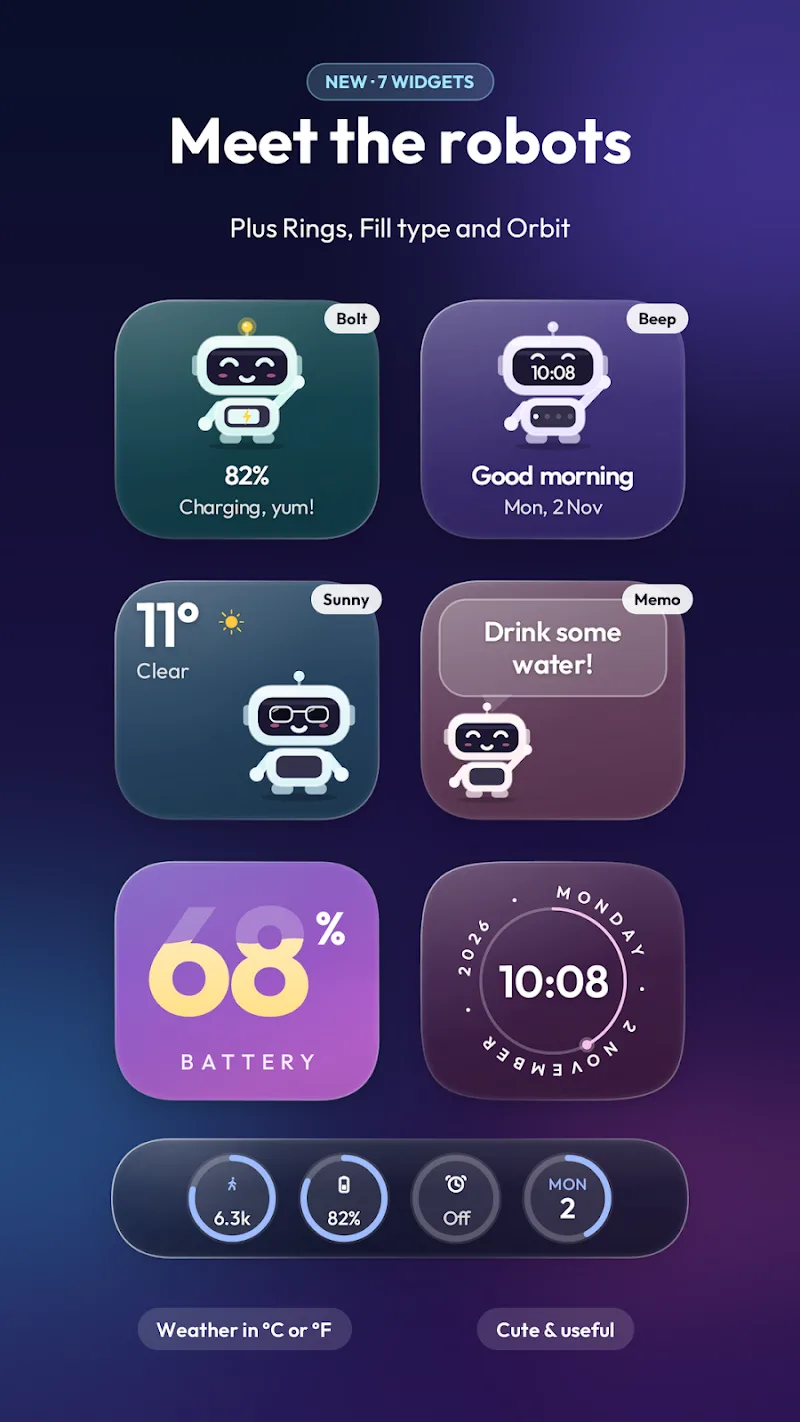
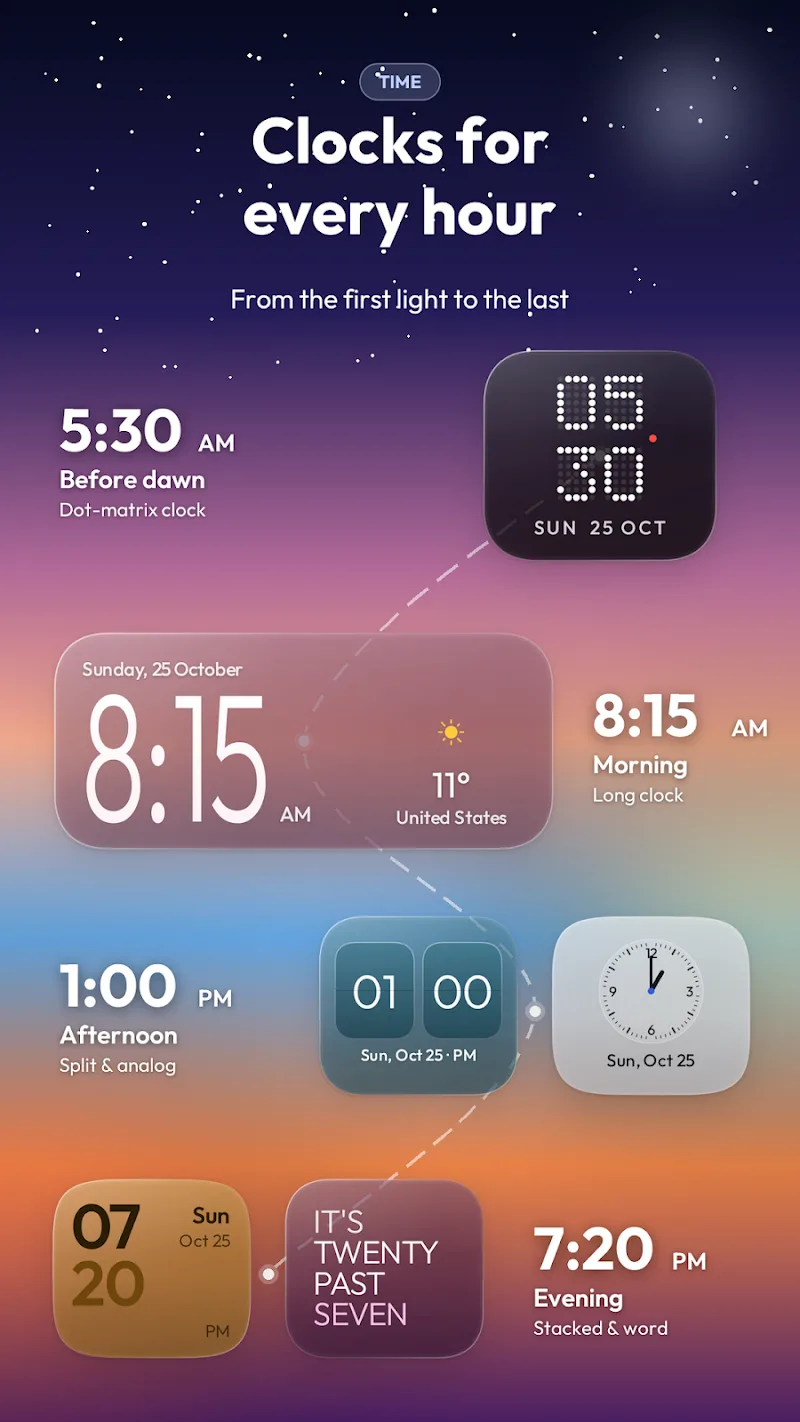
Glass Aurora Widgets brings a glassy, aurora-inspired layer of polish to your Android home screen while keeping everyday usefulness front and center. Glass Aurora Widgets places translucent surfaces, subtle color gradients and compact information panels where you need them, letting you refresh the look of your device without replacing your launcher or rearranging major app layouts. Whether you prefer a minimal clock and weather tile or a set of handy quick toggles, Glass Aurora Widgets aims to make personalization straightforward and visually consistent.
Adding and managing widgets follows standard Android workflows: open your launcher’s widget picker, choose the size you want, then drag it to the home screen. Once placed, most widgets respond to a single tap to open an assigned action (for example, a clock tap can open the alarm app) and a long-press on the widget will reveal quick access to settings or removal. Resizing uses the launcher’s native handles so you can align a widget to your grid; for launchers that support flexible resizing, widgets will adapt their internal layout to remain readable and balanced. Quick toggles included in several layouts allow one-touch control for common functions directly from the home screen while preserving the lightweight nature of the package.
Customization is layered so users can make small or larger changes without frustration. Choose a preset gradient and translucency level, then fine-tune accent tones, text size and opacity. Glass Aurora Widgets includes a variety of prebuilt styles that act like profiles—switch between them to create a daytime, nighttime, or seasonal look—and you can save your own combinations for instant reuse. Because the app focuses on appearance more than complex data feeds, the effective “progression” is about building a personal library of presets and layouts rather than unlocking features; that lets you iterate and refine your home-screen aesthetic over time.
The visual approach blends blurred, semi-transparent panels with gentle color shifts inspired by aurora imagery. The result is intended to complement a wide range of wallpapers and icon packs without competing for attention. Because widgets draw only what they need, the design prioritizes low CPU and memory impact; animations are kept subtle and configurable so you can favor battery life or a more dynamic look. Depending on wallpaper complexity and the launcher’s compositor, certain translucency effects will vary, so a few quick adjustments to opacity or contrast can yield a crisper result on different devices.
Glass Aurora Widgets offers multiple sizes and layouts to fit different home-screen strategies: compact panels for glanceable info, medium tiles for clocks and quick controls, and wider banners for combined widgets that show time plus weather or system toggles. Layouts are modular, so you can mix small informational tiles with larger visual pieces across pages. Because each layout is designed to be independent, you can gradually populate your home screen rather than redesigning it all at once—this modular structure makes it easy to experiment and return to a previous arrangement if you prefer.
The long-term appeal comes from iterative personalization: try different gradients, save favorite presets, swap accent colors to match seasonal wallpapers, and reconfigure widget sets for work days or weekends. Small changes to opacity, font scale or toggle placement can dramatically change the mood of your home screen, encouraging frequent adjustments without requiring advanced technical knowledge. Regularly refreshing a few widgets can make a familiar device feel new again while preserving the productivity of your existing layout.
Glass Aurora Widgets is built to work offline and does not require a constant network connection for core functionality. Text sizes are adjustable and contrast can be increased to improve readability; widgets expose accessible labels so screen readers can identify main elements and actions. Because widgets rely on the host launcher for input handling and resizing, compatibility is broad, but behavior may vary slightly between launchers. The app aims for predictable operation across devices and includes fallback visuals for lower-end hardware where advanced blur or translucency is limited.
If visual effects look washed out on your home screen, try increasing the widget’s opacity or switching to a preset with stronger contrast. If the launcher prevents widget resizing, check launcher settings for grid or widget options and use the native resize handles where available. For battery-sensitive setups, turn off animated transitions in the widget settings and keep the number of active widgets minimal. If you prefer a cohesive look, test presets against your most-used wallpapers and save matching profiles to swap quickly between styles.
Glass Aurora Widgets is a good fit for users who value refined visuals and simple, glanceable information without overloading their home screen with data. It works well for people who enjoy experimenting with themes and want an elegant, low-effort way to refresh their device appearance while keeping core controls and information close at hand. The app balances decorative style and practical utility so you can create a polished home screen that reflects your taste and daily needs.