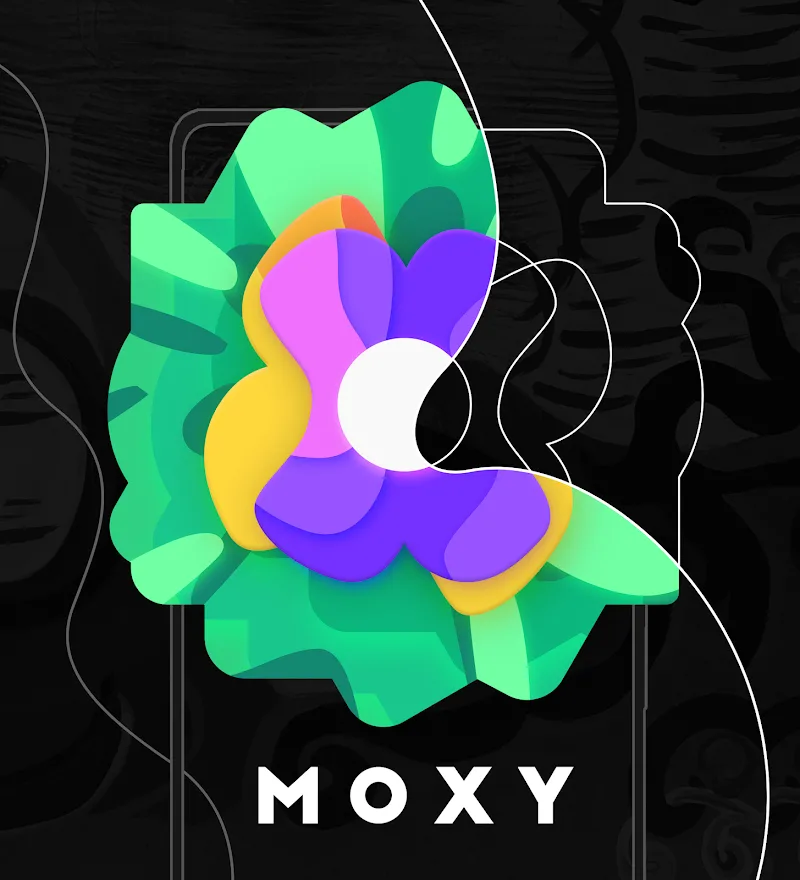
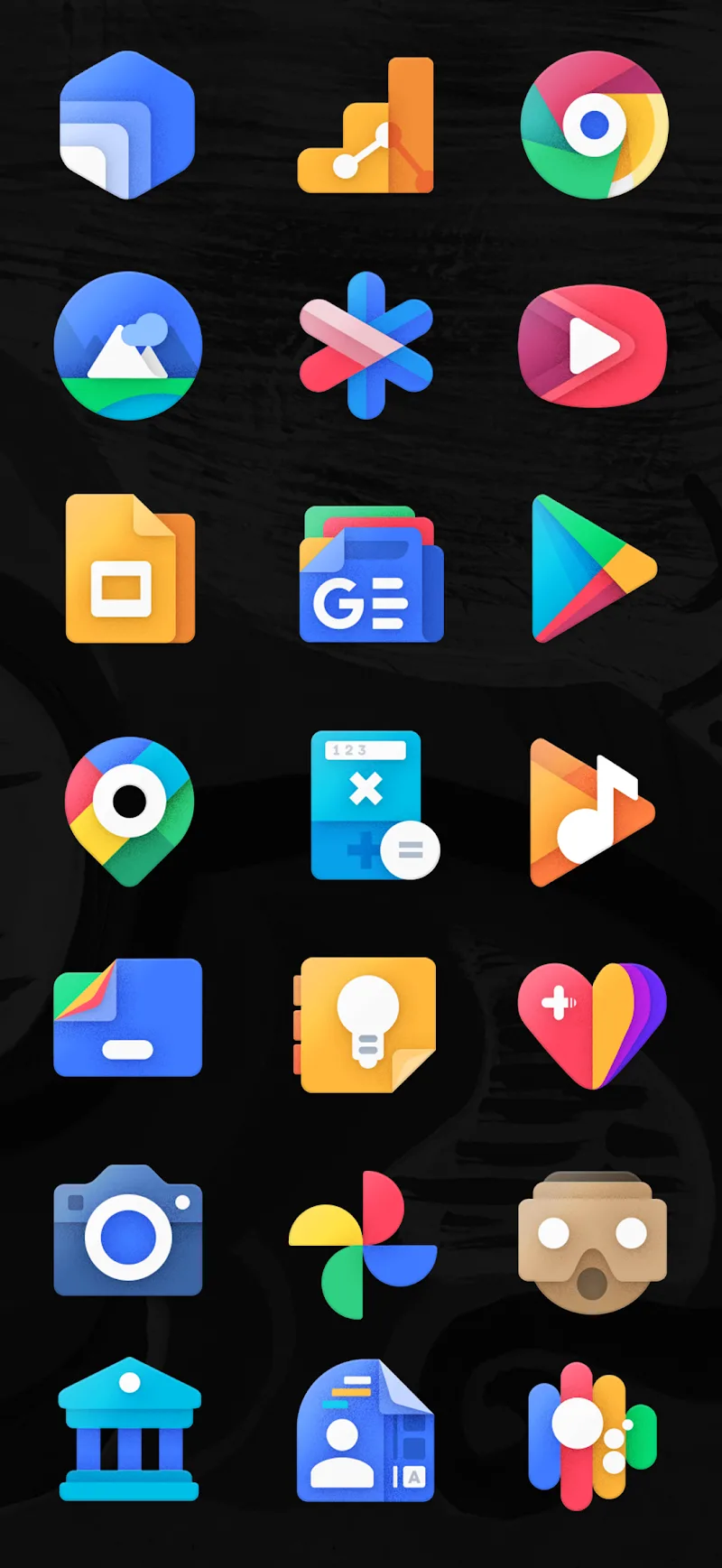
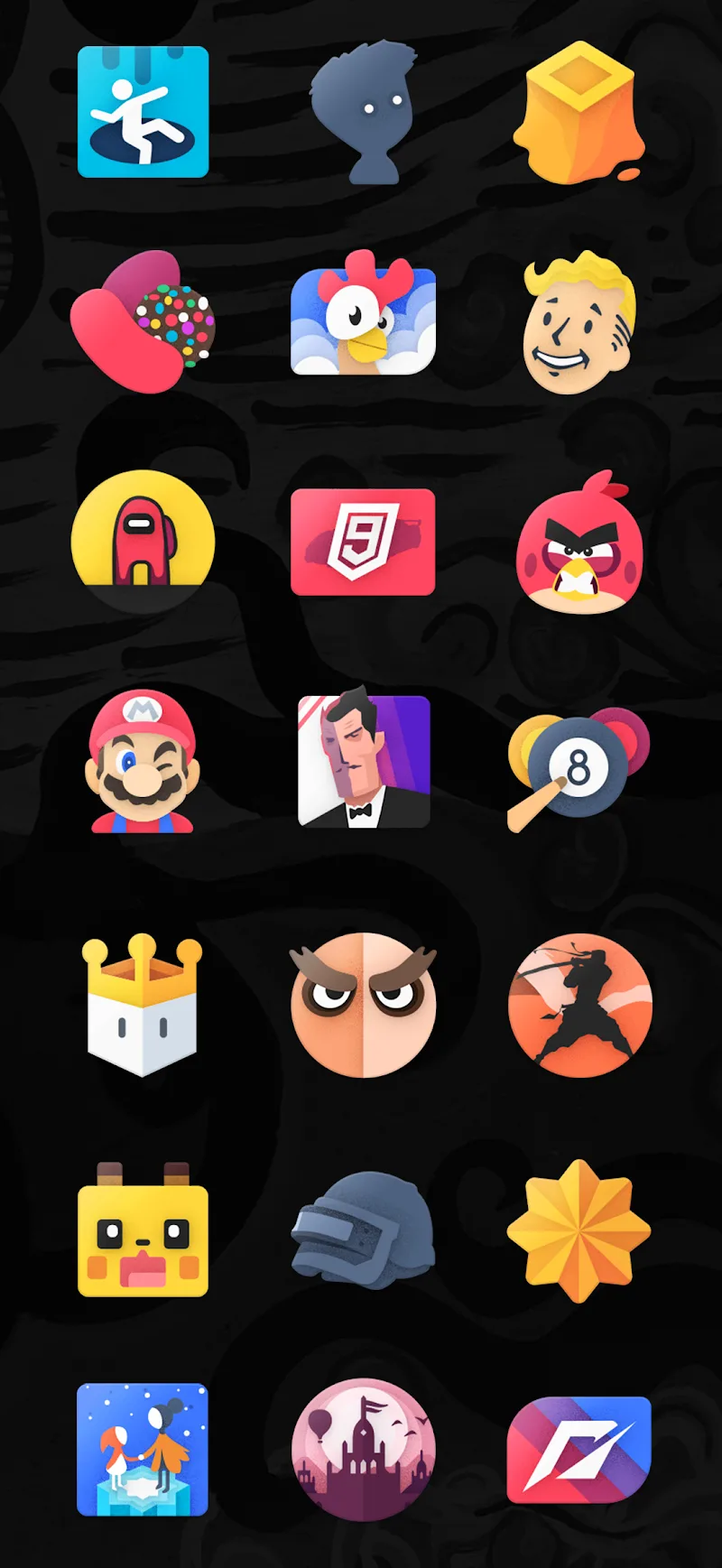
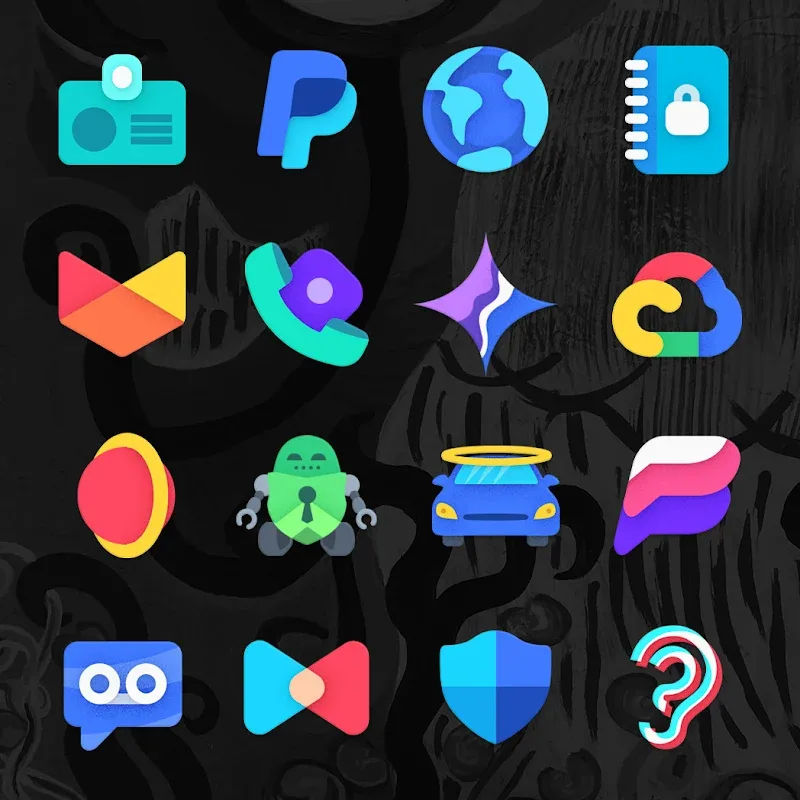
For Android users who like to refresh their home screen often, Moxy Icon Pack offers a fast route to a cleaner, more distinctive look on any device. This icon pack bundles a large collection of hand-crafted vector icons and a bold visual style meant for people who prefer a consistent, designer-driven theme across apps. The pack works with many popular launchers, keeps icons sharp on high-resolution displays, and lets you reorder or recolor your home screen to match a mood or an occasion like a client presentation or prepping your phone before a trip.
Install and open: Download the icon pack and launch its setup screen to see the apply options and compatibility notes.
Choose your launcher: Select your current launcher from the list inside the app; common choices such as Nova, Apex, and Lawnchair are supported for one-tap application.
Apply icons selectively: You can replace all app icons at once or swap a few manually from the icon picker when you want only a subtle refresh.
Keep organization in mind: Use the pack to group similar apps visually, for example making productivity apps share a color accent so they stand out during focused work sessions.
Hand-drawn vector artwork: Each icon is created from vector shapes for smooth curves and clear lines so icons remain crisp on any screen size.
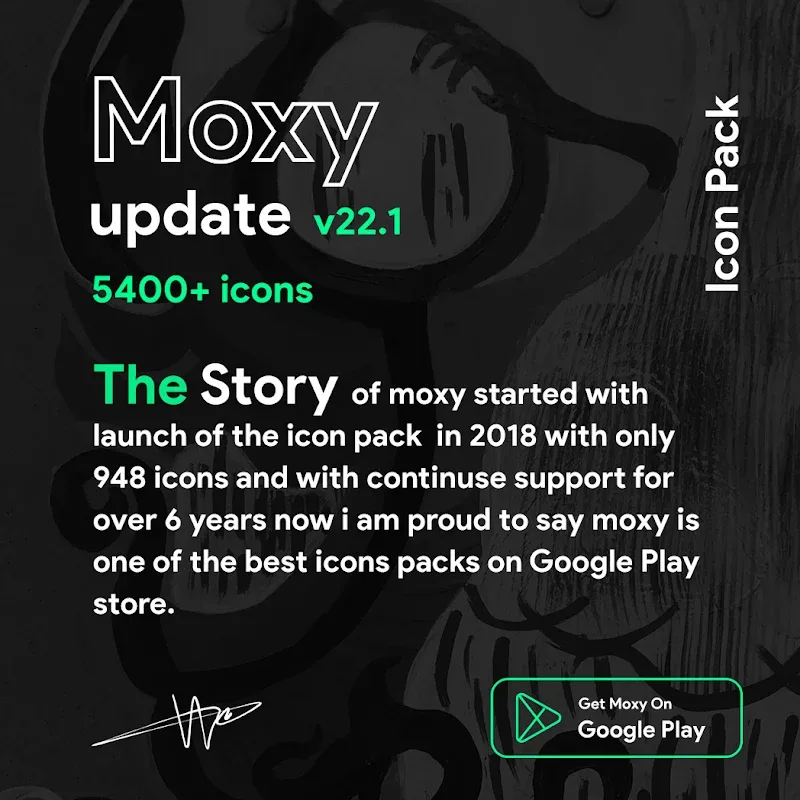
High coverage library: The pack includes thousands of icons covering a wide range of popular apps, making it likely you will find matching artwork for most of your installed programs.
Consistent visual language: The design leans toward a modern, slightly experimental aesthetic that brings unity to your home screens and avoids the mismatched look of default icons.
Universal display quality: Vector icons mean edges stay sharp and details are preserved even when you change icon size or use a device with a very dense display.
Broad launcher support: Compatibility with many launchers lets you keep your preferred setup without forcing a switch, so Moxy Icon Pack fits into existing workflows and tools.
Moxy Icon Pack is an easy way to give your Android device a fresh, cohesive look and works best for users who care about visual consistency and clean lines; try it if you enjoy customizing launchers and tailoring your phone for different contexts like work or travel. Download and apply the pack to see how a single design style can change the feel of your home screens — the icon set is compact, designer-driven, and ready to use with many popular launchers.