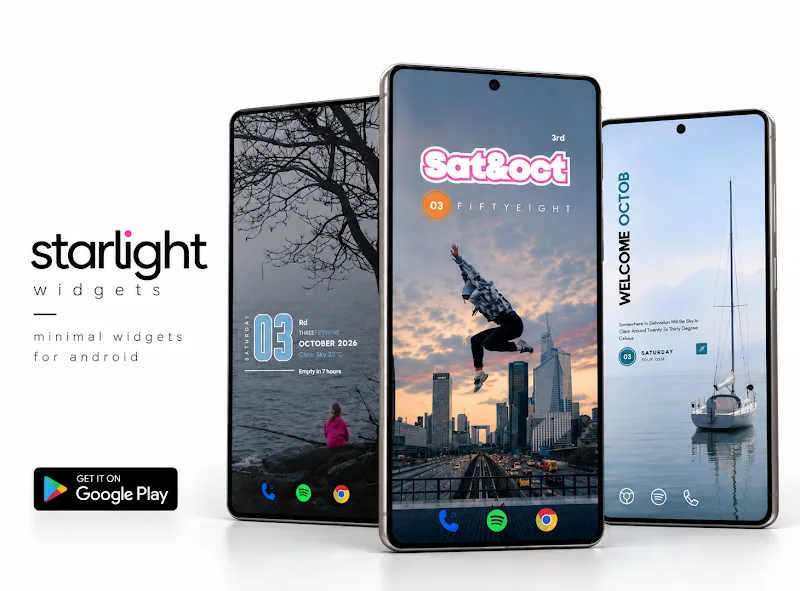
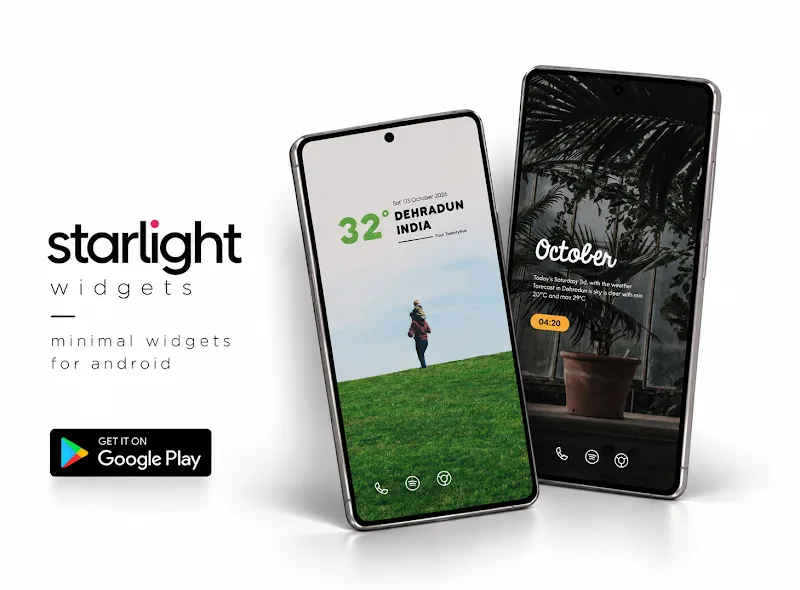
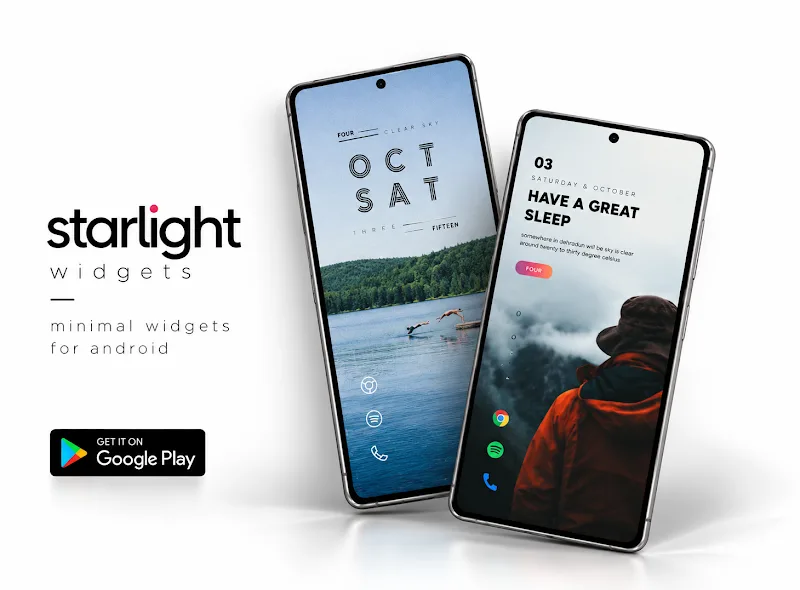
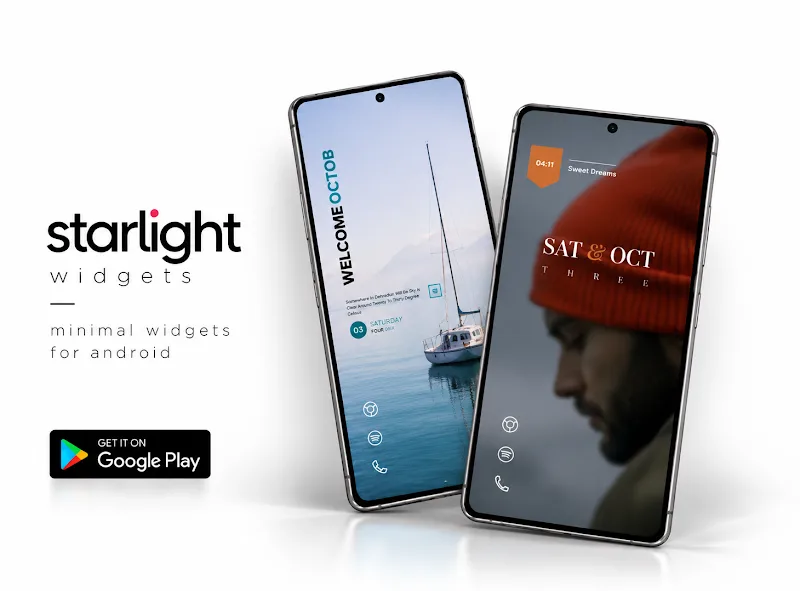
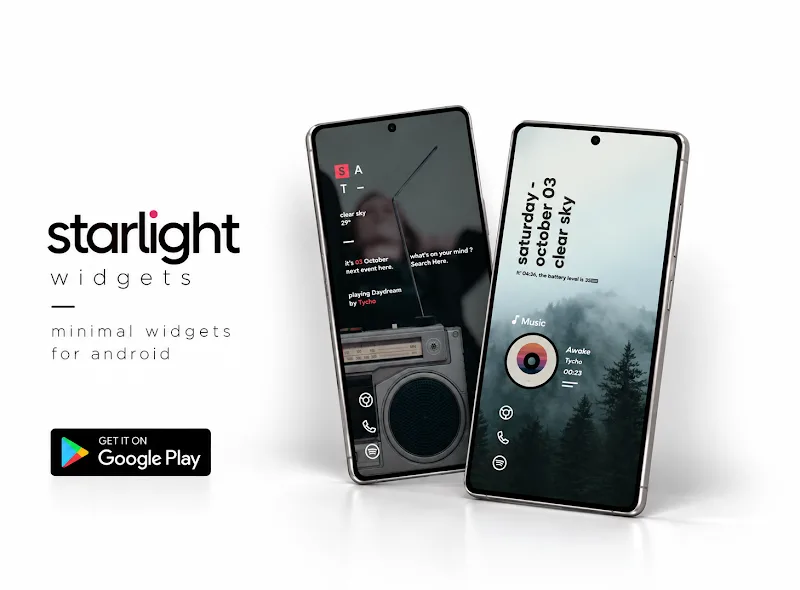
Home screen customization tools have a fresh, lightweight option with Starlight Widgets. This app brings customizable widgets to Android in a compact package, letting you place clocks, weather tiles, quick shortcuts and small info panels without overhauling your launcher. Starlight Widgets aims for simple design and practical controls so you can shape a tidy home screen that matches your workflow. Whether you prefer minimal monochrome tiles or colorful accents, the app focuses on usability and small touches that make daily interactions smoother.
Customizable modules: Choose from a selection of widget types and tweak fonts, colors, and opacity to match your wallpaper and theme.
Resizing and layout: Widgets can be resized and snapped to your grid, so they fit cleanly alongside app icons and folders.
Informational widgets: Options for showing time, battery level, next calendar event, and basic weather keep essential data at a glance.
Shortcut integration: Assign actions like launching apps, toggling settings, or calling a contact directly from a widget for faster access.
Clock tiles: Simple digital or analog clocks with adjustable size and contrast for easy reading.
Info strips: Slim panels showing battery percentage, storage tips, or the next calendar reminder.
Weather badges: Compact weather summaries that show temperature and conditions without taking up a full screen.
Action buttons: One-touch controls for common tasks such as opening the camera, starting a playlist, or switching Wi-Fi.
Match contrast to wallpaper: If you use busy backgrounds, increase widget opacity or add a subtle border so text stays legible.
Group related widgets: Keep your clock, calendar, and weather near each other so the home screen reads like a single glanceable dashboard.
Use shortcuts for routines: Create a morning routine setup with a single tap that launches a news app, sets navigation, and opens a podcast.
Do widgets update automatically?
Yes, most informational widgets refresh on a schedule set within the app or follow Android's background update rules to preserve battery.
Can I resize widgets to nonstandard shapes?
You can resize widgets within the limits of your launcher grid; irregular shapes depend on launcher compatibility rather than the app itself.
Is Starlight Widgets battery friendly?
The app provides options to reduce update frequency and disable background refresh for specific widgets to limit battery impact.
Starlight Widgets is a tidy choice if you want a modest set of home screen tools without clutter. It favors clean visuals and practical shortcuts, making it especially useful for users who like to keep their phone interface organized. While it does not aim to replace full-featured launchers, it provides a straightforward way to add useful information and quick actions to your home screen — a solid pick for everyday customization.