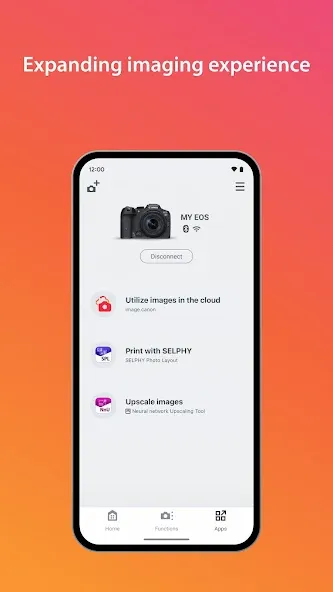
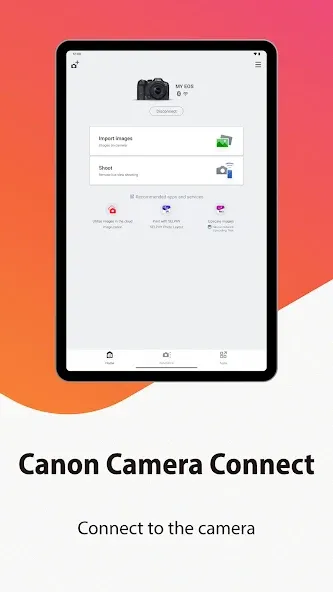
Canon Camera Connect is a companion app that transfers photos and videos from compatible Canon cameras to Android phones and tablets over Wi‑Fi, and gives remote-control tools like live view shooting and shutter release. Photographers will want it to quickly review, share, geotag images with the phone's GPS, and to trigger remote shots without touching the camera. The app supports Bluetooth pairing with automatic handover to Wi‑Fi for larger transfers and offers multiple languages. Note that it requires Android 5.0 or later and has specific device compatibility; some file types and original RAW files are handled differently during transfer.
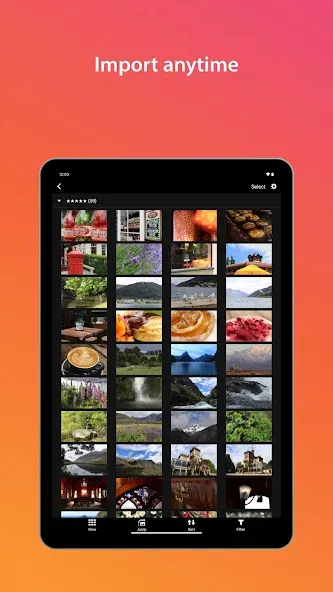
⭐ Canon Camera Connect moves photos and videos from a compatible Canon camera to your Android device over Wi‑Fi for instant review and sharing.
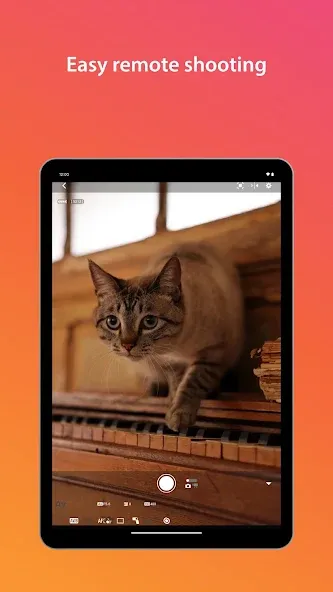
⭐ Remote live view lets you frame shots, fine‑tune focus, and trigger the shutter from your phone for hands‑free shooting.
⭐ Location tagging adds your smartphone’s GPS data to photos taken on the camera so you can track where each shot was captured.
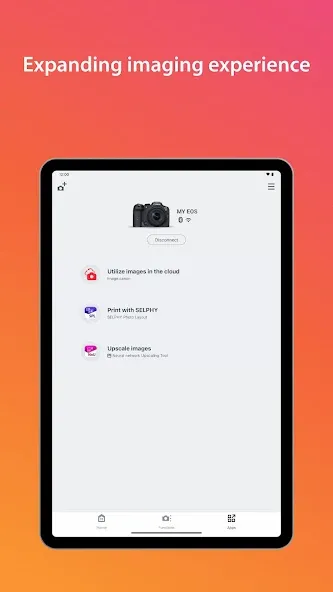
⭐ Easy pairing uses Bluetooth Low Energy for a steady link that switches to Wi‑Fi for large transfers; NFC tap‑to‑connect is supported on compatible models.
⭐ Bluetooth shutter release offers a low‑power remote option for group photos, long exposures, or quiet wildlife work.
⭐ File and firmware support covers common JPEG and MP4 transfers and can deliver firmware update files to compatible cameras to keep devices up to date.
✅ Quick Wi‑Fi transfers let you review, edit, and share images on the spot without a computer.
✅ Using Canon Camera Connect provides convenient remote-control access so you can shoot from a distance and reduce camera shake.
✅ Wide language support makes the app accessible to users across regions and simplifies setup for non‑English speakers.
✅ Geotagging and efficient Bluetooth/Wi‑Fi switching streamline on‑location workflows for travel and event photographers.
❎ Original RAW files are not transferred as RAW; they are resized to JPEG during transfer, which limits post‑processing flexibility.
❎ Certain video formats such as MOV files and 8K movie files captured with EOS cameras cannot be saved through the app.
❎ The app requires Android 5.0 or later and may not work properly on every Android device; an occasional app restart is sometimes needed to resolve connection issues.