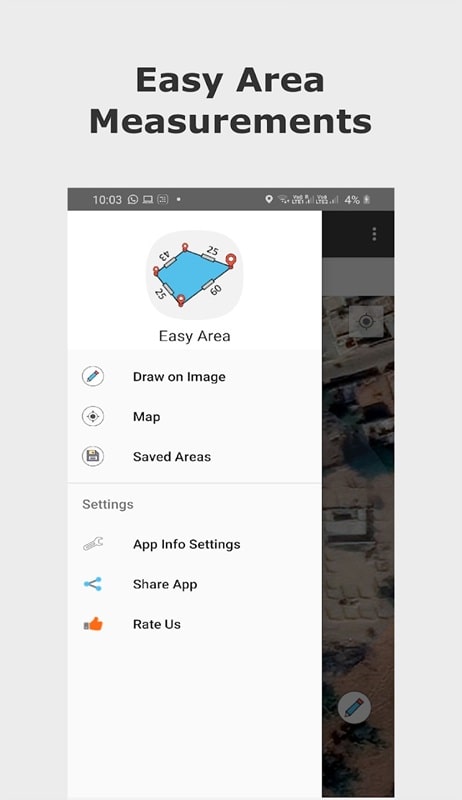
Easy Area is a practical Android utility designed to simplify area and perimeter calculations for professionals, students, and DIY enthusiasts. It converts sketches and measurements into accurate results fast, offering a clean interface and advanced options for a variety of shapes and units—ideal when quick, dependable measurements matter.
Easy Area focuses on streamlining routine measurement tasks. The app supports common geometric shapes, custom polygons, and real-world layouts, turning length inputs into clear area and perimeter outputs. It removes the need for manual formulas and calculator juggling, saving time during site surveys, classroom exercises, and home projects.
Easy Area packs several features that improve accuracy and workflow. Beyond basic area computation, it offers input validation, precision control, and export options. The app includes presets for common construction and landscaping measurements, plus a history log so you can revisit recent sessions without reentering values.
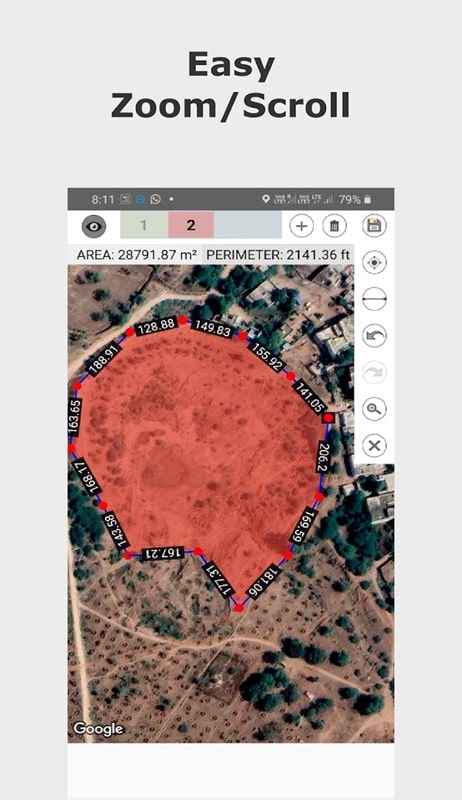
Using Easy Area involves three simple steps: select the shape, enter dimensions, and review the calculated values. For irregular plots, draw or list vertex coordinates to build a polygon. The app validates inputs in real time and highlights inconsistent or missing values so errors are caught early.
Easy Area presents a clean, minimal interface that emphasizes usability on small screens. Buttons are well spaced, and the most-used functions sit within thumb reach. Animations are subtle, keeping the app responsive on a wide range of devices, including mid-range phones commonly used on job sites.
Whether you're estimating materials for flooring, measuring land plots, or checking classroom geometry problems, Easy Area adapts to different tasks. Contractors can calculate square footage for quotes, landscapers can tally planting areas, and students can verify homework problems with step-by-step results.
Start with the default shapes to learn how inputs map to results. Use the history feature to save intermediate calculations and export sessions when handing off data to colleagues. If measuring irregular areas, double-check vertex order to avoid sign errors in polygon calculations.
Installing Easy Area is straightforward: download from a trusted app store, grant the minimal permissions required, and open the app to follow the quick setup guide. The onboarding walkthrough highlights shape selection and unit switching, so you can start measuring within minutes.
Easy Area is a focused tool that removes friction from everyday measurement tasks. Its balanced feature set, clarity of presentation, and practical sharing options make it a worthwhile download for anyone who frequently works with areas and perimeters.