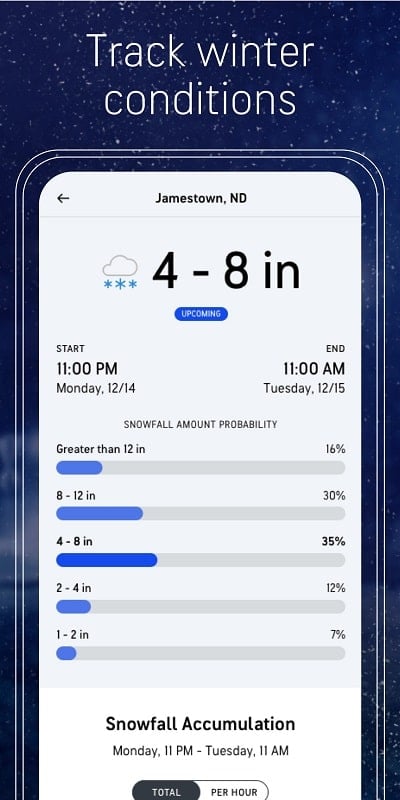
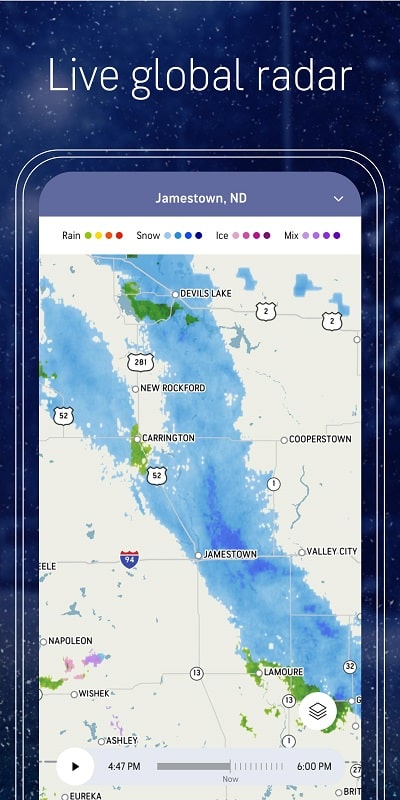
AccuWeather delivers timely, location-aware forecasts and severe weather alerts to help you plan the day. This app provides radar maps, minute-by-minute precipitation updates, and customizable notifications, all presented in a clear interface designed for quick access to the weather information you need most.
AccuWeather focuses on accurate short-term and long-term forecasts with data driven by multiple forecast models. The app aggregates observations, radar imagery, and analytical tools so users can view current conditions, hourly trends, and extended outlooks without wading through cluttered menus.
Behind the scenes, AccuWeather combines station observations with model guidance and satellite data to produce localized forecasts. The app’s algorithms refine predictions down to neighborhood levels, improving reliability for short-range events such as rain or snow. Users who need quick, actionable insights will appreciate the concise presentation and confidence intervals on key metrics.
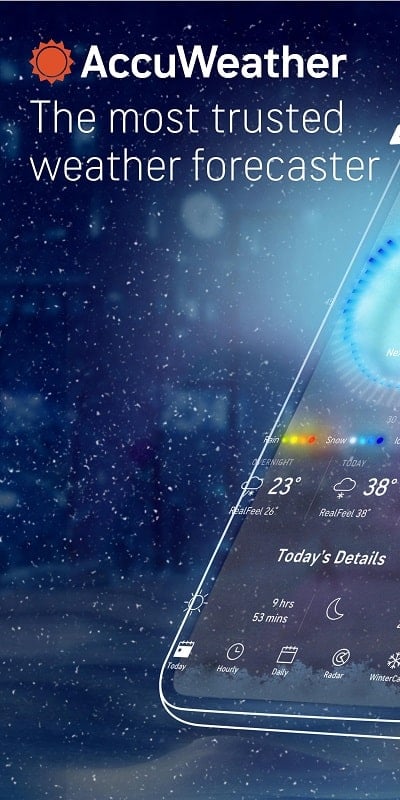
The interface prioritizes clarity. Main screens show current conditions and a compact hourly strip for the next 24 hours. Map tools are accessible from the bottom toolbar, and settings let you toggle radar layers, animation speed, and map styles. Visual hierarchy and color coding make it simple to spot warnings and temperature trends.
Notifications can be tailored by type and location. Set bespoke alerts for wind gusts, freeze warnings, or pollen spikes. The app supports both broad alerts for significant events and granular triggers for individual preferences, which is handy for parents, commuters, and outdoor workers.
AccuWeather performs smoothly on modern Android devices with responsive map rendering and efficient background updates. Data usage is reasonable when radar animations are active; disabling high-frequency updates reduces bandwidth consumption. Battery impact is modest if background refresh is limited to necessary intervals.
For daily routines, travelers, and small businesses, the app functions as a planning tool. Commuters can check minute-by-minute precipitation before leaving home. Event organizers can monitor outlooks a week in advance. Users who rely on accurate timing—gardeners, photographers, and delivery drivers—find the minutecast and hourly precision especially useful.
AccuWeather is recognized for its balance of detail and accessibility. It offers advanced tools often found in professional services while remaining approachable for everyday users. The combination of localized predictions, configurable alerts, and clean presentation makes it a practical choice for anyone who needs dependable weather intelligence.
Download and install the app, grant location access when prompted, and add any additional locations you want tracked. Spend a few minutes customizing alerts and radar preferences to match your routine. After that, the app integrates into daily planning, offering timely updates and visual data that help you stay prepared for changing conditions.