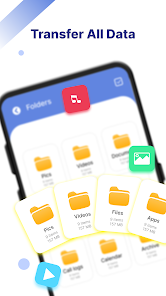
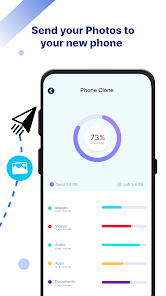
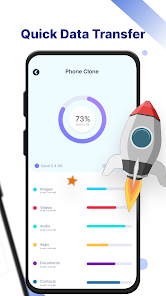
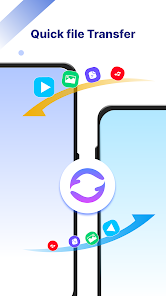
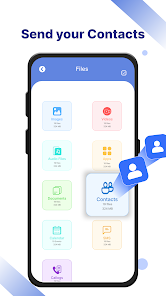
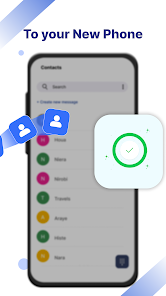
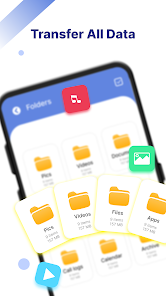
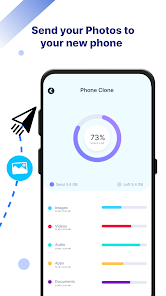
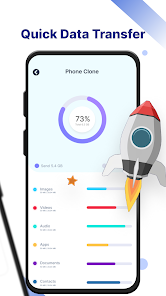
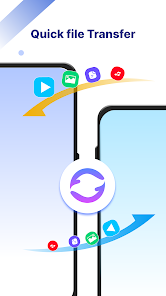
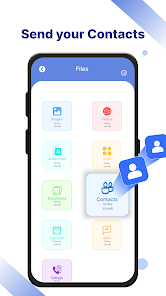
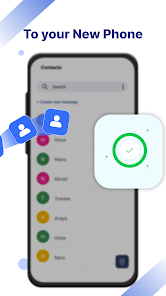
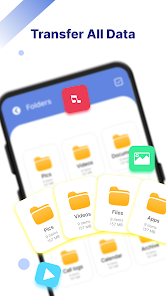
Phone Clone Data Transfer helps you move contacts, photos, videos, apps, and settings between Android devices quickly and securely. The app creates a direct Wi-Fi connection to transfer large files without internet, preserving folder structure and permissions. It targets straightforward migrations with minimal setup and clear progress feedback for every transfer.
Phone Clone Data Transfer is a utility designed to simplify device-to-device migration. Instead of relying on cloud backups or USB cords, it establishes a local connection between two phones and moves items in batches. The focus is on speed, compatibility across different Android versions, and reducing the manual steps typically involved in setting up a new device.
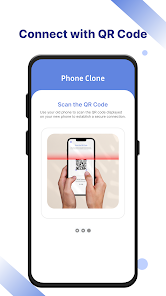
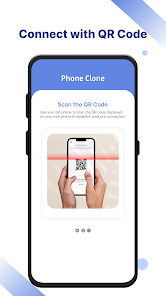
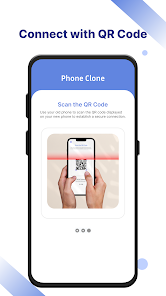
The process is straightforward. Install Phone Clone Data Transfer on both devices, open the app on the old phone and select "Send," then open it on the new phone and choose "Receive." A QR code or an on-screen prompt pairs the devices and establishes a direct Wi-Fi link. After pairing, pick the content you want to migrate and confirm. The app streams files across the link and shows clear transfer indicators for each file or category.
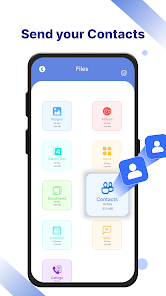
The interface follows common utility app conventions: a stripped-down home screen with large buttons for sending and receiving, a category list with checkboxes, and a progress screen with individual file status. Animations are minimal to prioritize clarity. Performance depends largely on the devices and Wi-Fi chipset, but modern phones typically complete multi-gigabyte transfers much faster than Bluetooth-based methods.
Phone Clone Data Transfer uses a local, direct connection so your data does not travel through third-party servers. Pairing via QR code or a short-lived authentication token prevents accidental connections. However, it's still wise to close other apps that might expose device services and to confirm the receiving device before starting the transfer.
This app is useful when upgrading phones, switching brands, or restoring data after a factory reset. It's convenient for users who prefer not to upload large media libraries to cloud services or who have limited mobile data. Small businesses and power users can also streamline workplace device rollouts by cloning key settings and essential apps to multiple devices.
To begin, download Phone Clone Data Transfer on both phones, grant the requested permissions (storage access and local network), and follow the pairing prompts. The app guides first-time users through each step and provides contextual help for tricky content types like SMS or protected media.
Users often praise the predictable workflow and minimal configuration required. Phone Clone Data Transfer removes much of the guesswork from migrations and gives visible progress updates so you know exactly what moved and what needs manual attention. For routine phone swaps, it offers a reliable and speedy alternative to cloud-based recovery.
If you plan a device switch soon, keep this tool in your utility collection to reduce setup time and protect your personal files during the transition.