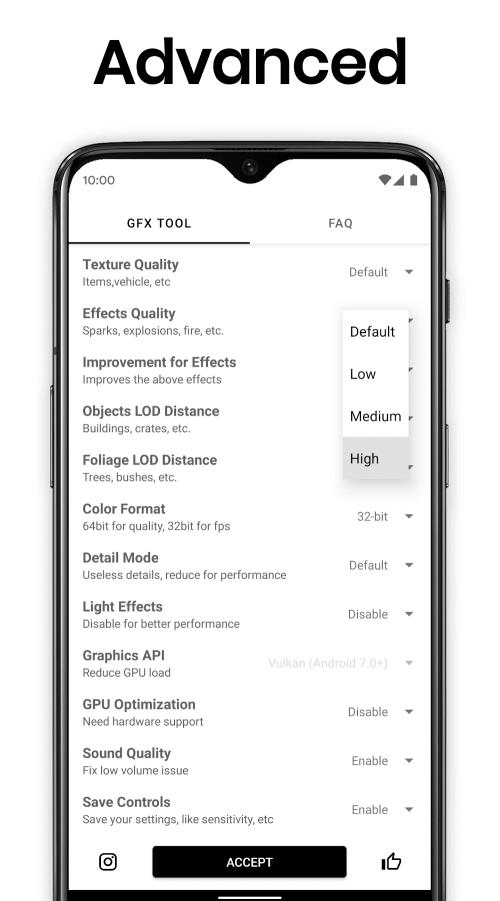
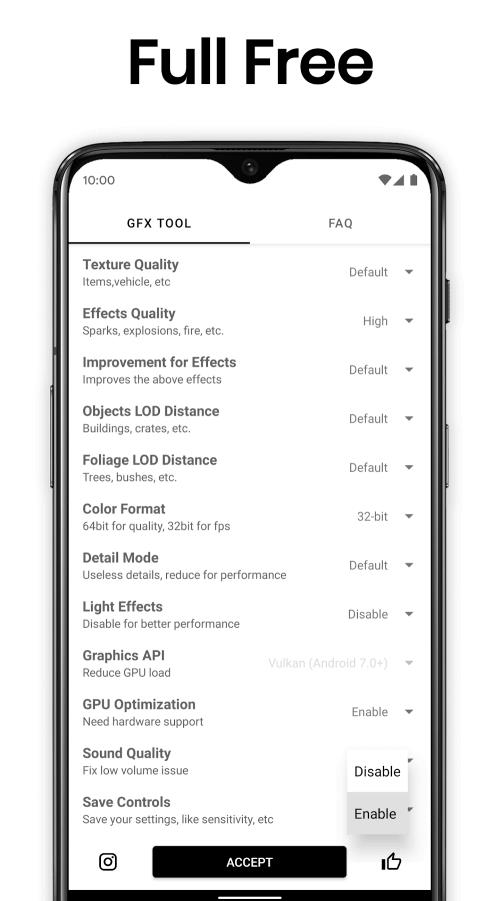
GFX Tool for PUBG optimizes graphics settings and frame rates on Android devices to deliver smoother gameplay and improved visuals. With straightforward controls and preconfigured profiles, it helps players reduce lag, unlock higher FPS, and adjust resolution without modifying the game files, making it a practical utility for competitive mobile gamers.
This app is designed to give players fine-grained control over rendering parameters that are otherwise locked or hidden in the mobile game. Rather than altering gameplay mechanics, the tool focuses on the device-side presentation: texture quality, rendering resolution, frame pacing and anti-aliasing. Casual users and veterans both benefit from tailored presets that match performance goals.
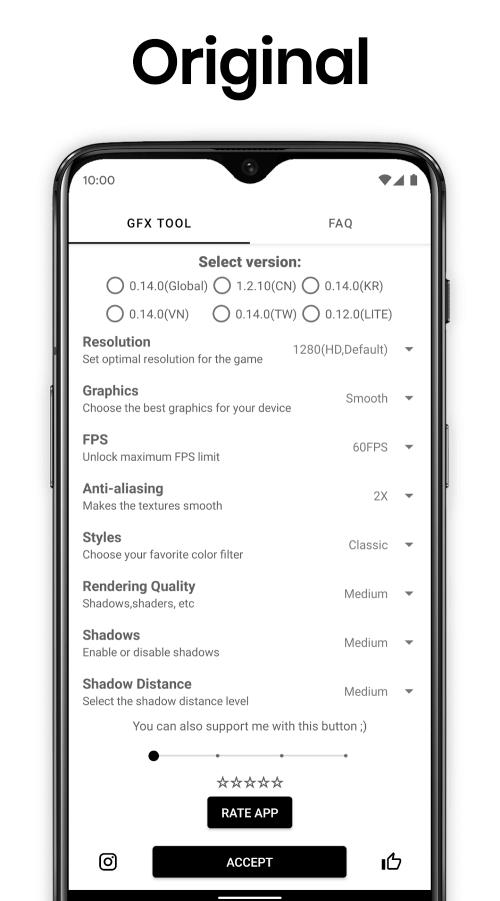
After selecting a preset or creating a custom profile, the app applies changes at launch so the game uses the chosen settings. It modifies runtime parameters rather than core installation files, which simplifies setup and reduces risk. The interface displays recommended options based on your detected hardware and Android version, then lets you preview or test settings before playing.
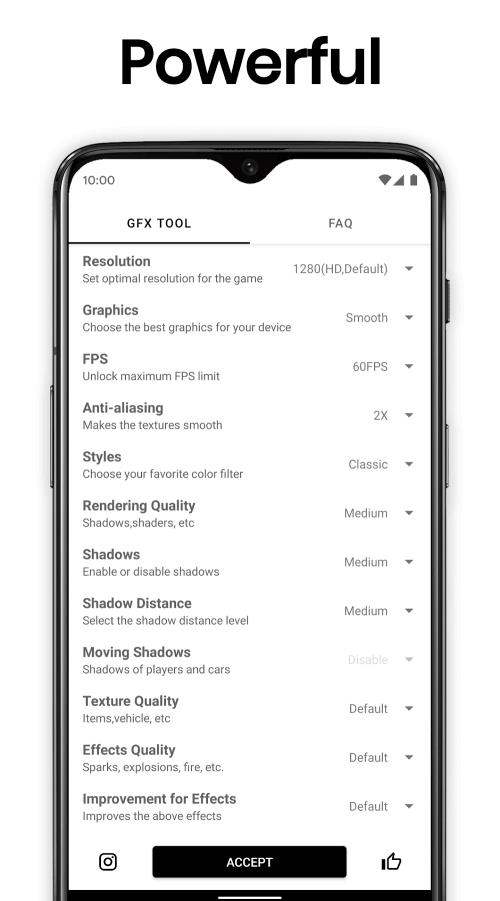
The layout keeps the most-used options front and center. Sliders and drop-downs let you tweak resolution scale, FPS cap, and texture detail with minimal tapping. Advanced toggles are tucked into a secondary section for users who want to test framerate stability, disable post-processing, or force specific GPU renderers. Tooltips clarify what each switch changes, so newcomers can experiment without confusion.
To get the best experience, consider these practical steps: choose a preset close to your device’s profile, lower rendering resolution before reducing texture quality, and use FPS unlock only if your device runs cool and sustained. If you see stuttering, enable frame smoothing and test different motion blur and shadow settings until you find a stable balance.
The tool supports a wide range of Android versions and GPUs. It detects common device limitations and will warn when a chosen combination could cause instability. Because the app applies runtime tweaks rather than patching installation files, it minimizes risk and is easier to revert. Still, always test changes in a practice environment before competitive matches.
Players install GFX Tool for PUBG to extract consistent performance from their hardware. It helps reduce micro-stutters, maintain steadier frame rates, and customize visuals for personal preferences. For streamers and content creators, consistent frame delivery and predictable visual output are also key benefits.
Installation is straightforward: download the APK, grant the necessary runtime permissions, and launch the app. Select a preset or build a custom profile and then start the game from the tool to ensure settings are applied. Keep an eye on battery and temperature when experimenting with higher FPS or resolution values.
With modest experimentation, GFX Tool for PUBG can deliver a noticeable improvement in smoothness and control. Its combination of presets, quick adjustments, and non-root operation makes it a practical addition for players who want to tune how PUBG runs on their Android device.