
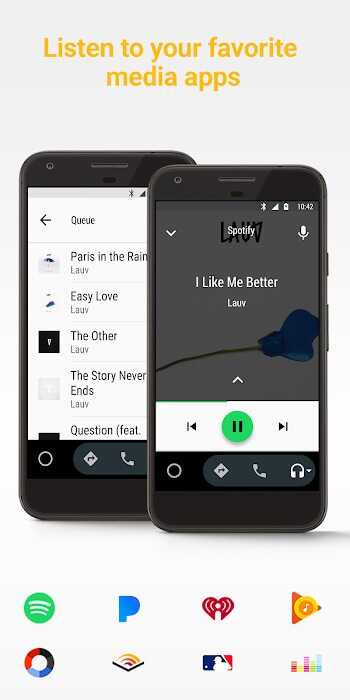
Android Auto brings essential apps and services to your car's dashboard, letting you navigate, communicate, and entertain with minimal distraction. Designed for voice control and simple touch interaction, Android Auto connects your phone to compatible vehicles to deliver maps, music, messages, and calls safely while driving.
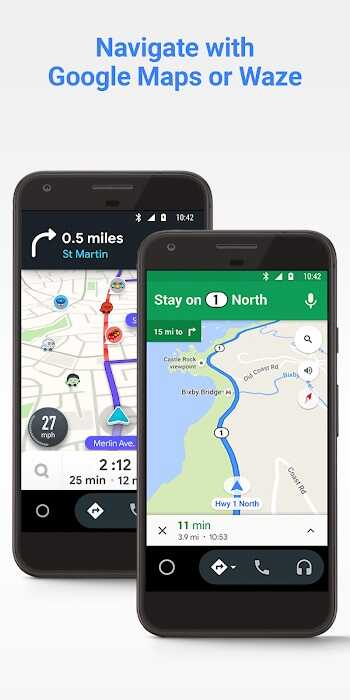
Android Auto reimagines how your smartphone interacts with your vehicle by prioritizing quick access and hands-free operation. The platform supports navigation apps, streaming services, messaging tools, and phone controls through a unified interface. Drivers keep attention on the road while still using familiar phone features via a simplified dashboard layout.
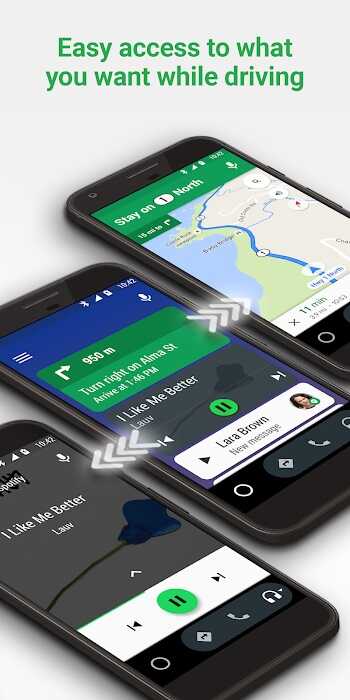
The Android Auto interface is built for readability: large icons, clear typography, and minimal menus. Whether you use the car’s touchscreen, steering-wheel buttons, or voice commands, the system keeps common tasks within a single tap or a short voice prompt. Home screens are adaptable, showing navigation prompts, media controls, and incoming alerts in a prioritized layout.
Android Auto works with a wide range of Android phones and aftermarket head units. Connection options include a wired USB setup and wireless operation where supported by the vehicle. App performance depends on phone model, Android version, and the car’s infotainment hardware; keeping your phone’s OS and apps updated helps maintain a reliable connection.
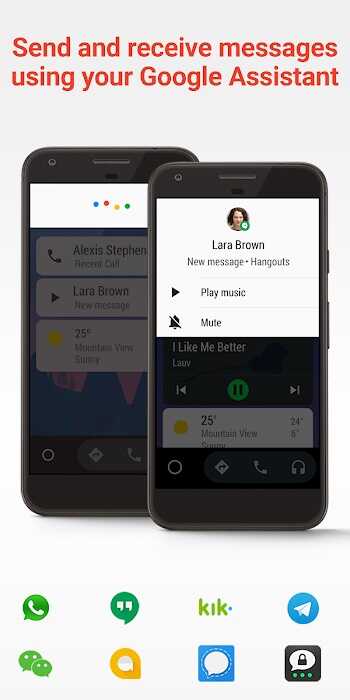
Customization focuses on practical choices: preferred navigation apps, default music players, and which messaging services to allow. The Android Auto app on your phone manages permissions and app visibility so you can tailor the dashboard to your needs. Supported third-party apps are vetted for in-car safety and simplified controls to reduce driver distraction.
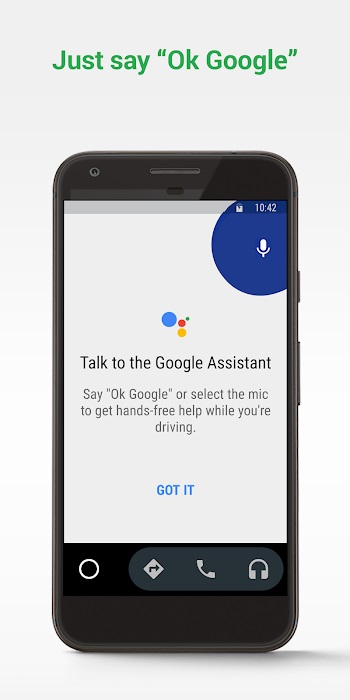
Safety is central to Android Auto’s design. Voice-driven features enable drivers to complete tasks without taking their hands off the wheel. Prompts are concise, and visual elements are minimal to avoid cognitive overload. Do Not Disturb modes and automatic replies can be configured to limit interruptions during trips.
Performance typically depends on the phone’s processing power and the quality of the in-car hardware. When running smoothly, Android Auto responds quickly to navigation changes, voice commands, and media control inputs. If you experience lag, simple troubleshooting steps—restarting the phone, updating apps, or switching cables—often restore a responsive experience.
Setting up Android Auto is straightforward: download or open the companion app, grant necessary permissions, and connect your phone to the car. An initial tutorial guides you through basic controls and voice commands. For wireless setups, check the vehicle’s manual and phone compatibility lists to confirm support.
Drivers select Android Auto for its blend of convenience and safety. It consolidates navigation, communication, and entertainment into a single, vehicle-friendly environment. Regular updates expand compatibility and app support, while a familiar Android-focused workflow makes adoption simple for users already comfortable with Google services.