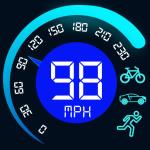
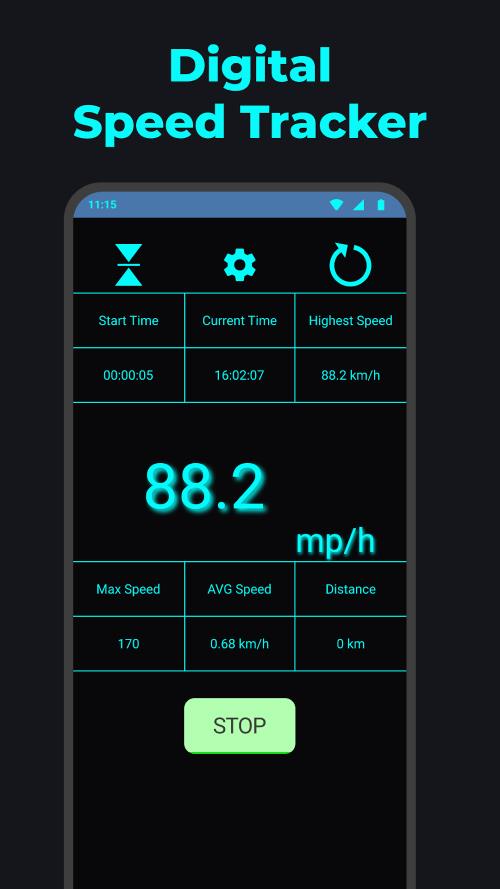
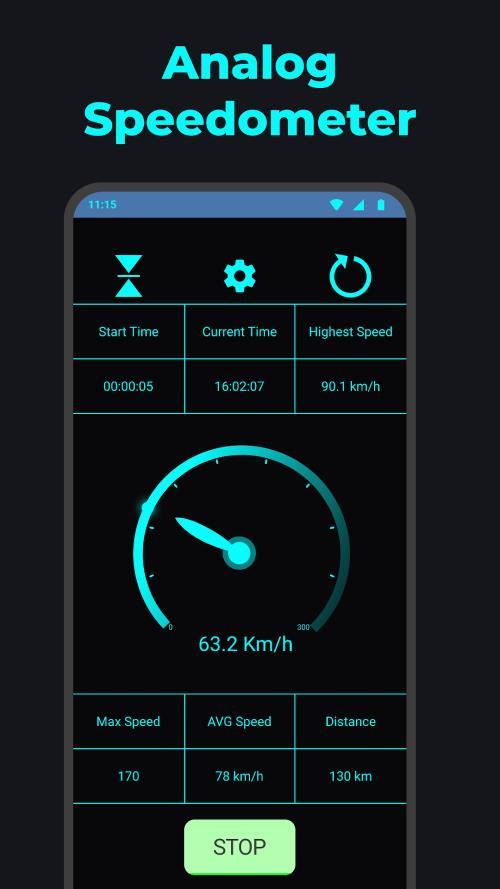
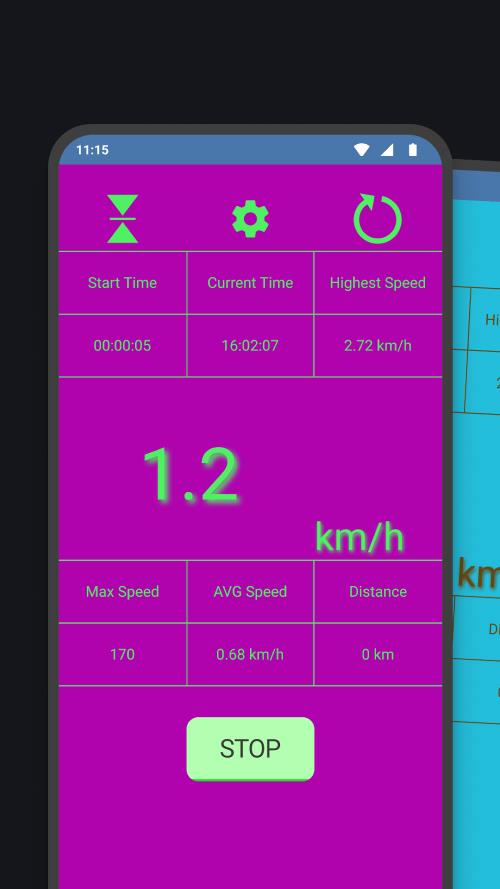
Speedometer: GPS Speed Tracker offers an accurate, easy-to-use display of your speed using satellite positioning. Designed for drivers, cyclists, and runners, the app provides clear digital and analog readouts, trip recording, and customizable alerts, prioritizing precision, low interface clutter, and straightforward controls for everyday tracking.
Speedometer: GPS Speed Tracker combines essential tools into a compact app that stays out of the way while delivering reliable information. Core features include a real-time speedometer (digital and analog), average and maximum speed tracking, trip distance, elapsed time, and a trip log for later review. Optional alerts warn you when you exceed predefined speed limits, and units can be toggled between mph, km/h, and knots.
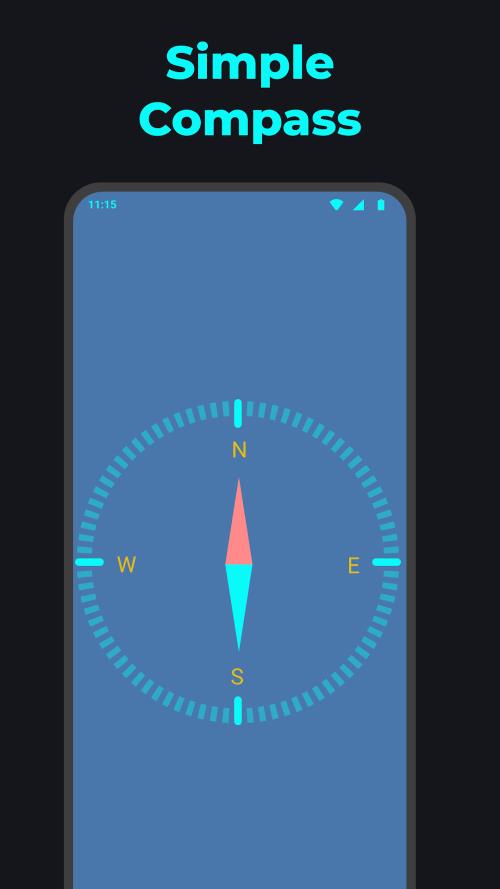
The interface is built around readability and minimal distraction. You can choose from multiple skins and layouts to match your mounting position or screen size. Large numerals and high-contrast themes make the readout easy to scan at a glance, while smaller widgets provide details like heading, altitude, and coordinates. Display elements are rearrangeable so you can prioritize the metrics you use most.
Location accuracy depends on device GPS reception and environmental factors. Speedometer: GPS Speed Tracker samples GPS updates and filters them to produce smooth speed readings without sudden jumps. When satellite visibility is limited, the app indicates lower accuracy and reduces sampling frequency to conserve battery. A power-saving mode offers longer runtime by lowering update rates and disabling high-frequency sensors.
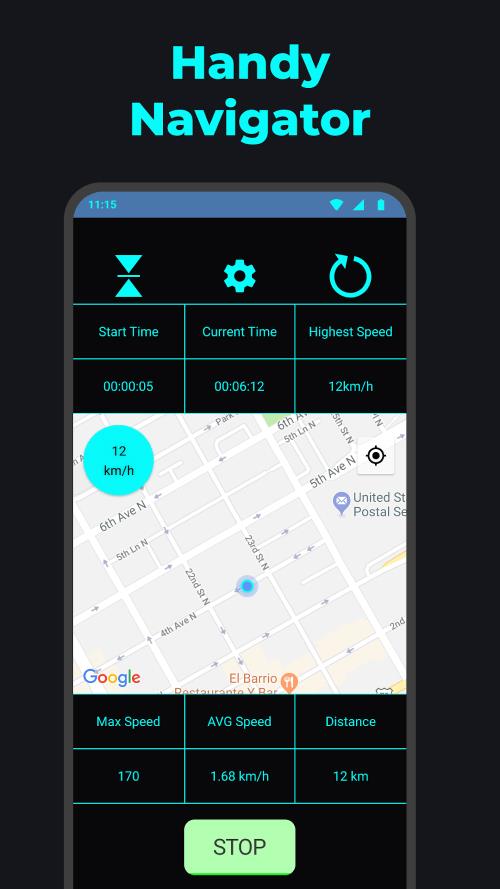
Recording trips is straightforward: start, pause, and stop controls let you capture journeys for review. Each session stores distance, duration, average and top speed, and a simple map overview if mapping permissions are enabled. Export options typically include CSV or GPX so you can analyze rides or drives in other software or share routes with friends and teammates.
Whether you monitor commuting speed, check bicycle pace, or validate vehicle speedometer accuracy, the app fits many routines. Mount your phone on a dashboard or handlebar, select your preferred layout, and start a trip. Use the alert system for speed compliance on unfamiliar roads, or enable HUD mode at night to reflect a reversed display on the windshield for a head-up display effect.
The app runs on a wide range of Android devices and adapts to different screen sizes. It is optimized to keep CPU and memory usage low while maintaining smooth updates. For best performance, allow location permissions and keep the device in an unobstructed position for consistent GPS reception. Modern devices will provide faster lock times and more stable readings, though the app includes fallback routines for older hardware.
Advanced users will appreciate configurable smoothing filters, sensitivity adjustments, and the ability to fine-tune alert thresholds. Units and decimal precision are adjustable, and you can configure automatic start/stop behavior based on movement to reduce manual interaction. A debug view shows raw GPS data for troubleshooting or calibration checks.
Begin by granting location access and choosing a display theme. Calibrate any external sensors if you use them, set the preferred unit system, and configure speed alerts. Place the device where it has a clear sky view when possible to ensure fast satellite acquisition. Start a short test trip to verify settings and confirm that recorded values align with expectations.
Speedometer: GPS Speed Tracker is intended as a practical, no-frills tool for real-world speed monitoring and trip logging. Its balance of configurability and streamlined design makes it suitable for daily commuters, sports enthusiasts, and anyone who wants reliable speed data without extra complexity.