

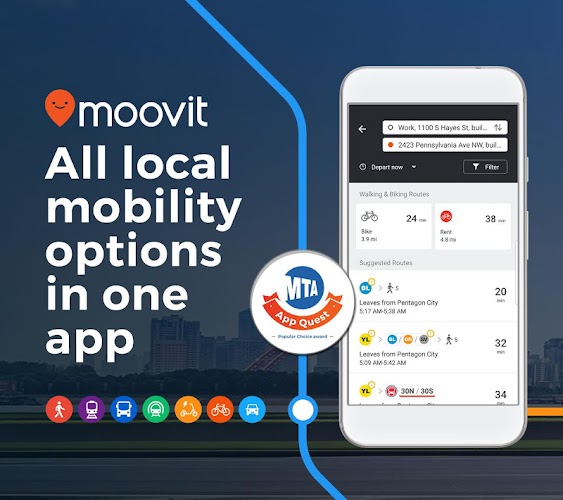
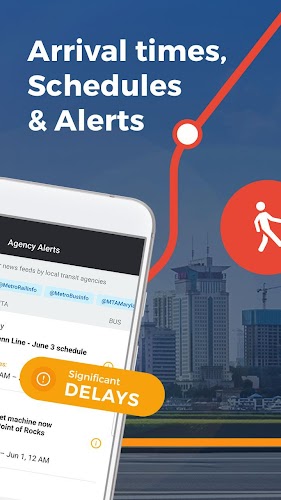

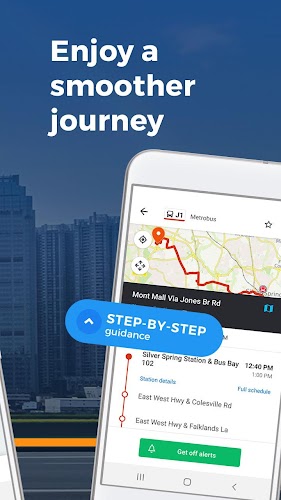
Moovit is an urban mobility app that helps commuters and travelers navigate public transit systems with accurate timetables, live navigation, and real-time service alerts. Moovit combines official transit schedules and community-sourced reports so riders can plan trips, get walking directions to stations, and receive get-off and disruption notifications while moving through a city. Many users rely on Moovit daily to check schedules ahead of time, view offline maps when connectivity is poor, and discover bike-friendly routing options for mixed-mode journeys.
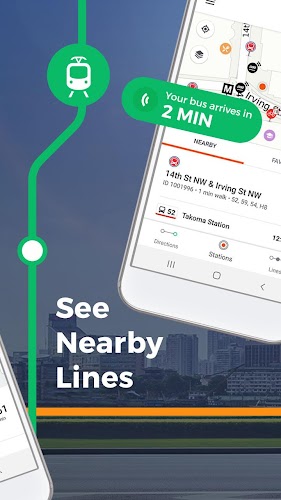
The app provides live turn-by-turn navigation that guides you through multi-step journeys, including walking segments, transfers, and final approach to your stop. Timetable lookups and predicted departure times help you decide whether to wait for the next vehicle or choose an alternative route. Real-time alerts surface delays, cancellations, and temporary changes so you can adapt your trip; community reports supplement official data to reflect on-the-ground conditions. Offline PDF maps and stored route summaries let you review station layouts and plan without a data connection.
Interaction with the app is designed to be direct and gesture-friendly: you search for addresses or points of interest, tap a route option to see step-by-step directions, and use straightforward map gestures to pan and zoom. Filters allow you to prefer fewer transfers or faster travel times, and route details include walking distances and estimated arrival times. Notifications are configurable so travelers receive only the alerts they care about, such as arrival reminders, disruption warnings, or updates for saved routes.
Over time the app adapts to your routine, helping you build familiarity with regular commutes and commonly used stations. Saved trips and favorites keep your most-used routes at hand, and recent searches provide quick access to destinations you revisit. Personalized suggestions and habit-aware prompts can make it easier to choose alternative lines or departure times when your usual route is affected, reducing the friction of daily travel and supporting more confident navigation in unfamiliar areas.
Map design emphasizes clarity with color-coded lines, readable labels, and clear icons for stops and transfer points so users can quickly interpret complex networks. Map layers let you toggle between transit overlays, bike docking stations, or offline station diagrams. Display settings support different visual contrasts and sizes to suit ambient light or personal preference, helping the app remain legible during rushed transfers or late-night trips.
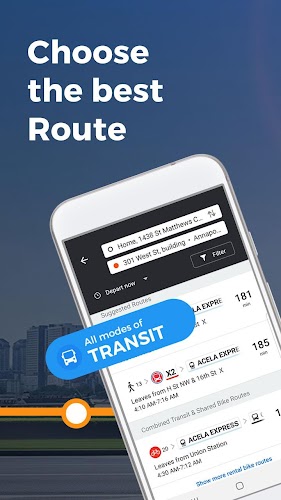
Journeys are presented as sequences of segments: walk, board, transfer, and disembark. Each segment includes estimated duration and guidance to reduce missed connections. Complex trips involving multiple modes — for example, combining bike-sharing with a rail leg — are shown as cohesive itineraries with clear transition points. This structure helps users plan confidently for multi-step trips and understand where potential delays could affect their overall schedule.
While not a game, the app’s replay value comes from repeated daily use and the evolving accuracy of live data. Frequent riders benefit from routinely updated predictions and community input that refine estimated departure times, while occasional travelers gain from saved maps, offline access, and AR-assisted wayfinding that reduce the stress of navigating a new city. Regular updates to transit feeds and user reports keep the experience fresh and practical.
The app supports multiple languages and tries to make essential information accessible through clear text, large tap targets, and concise step instructions. Offline PDF maps and stored route details are especially useful in low-connectivity environments or underground stations, and notification-based reminders work even when you are focused on boarding and alighting. Camera-based augmented reality wayfinding enhances visual placement of exits and stops but is optional for those who prefer simpler navigation aids.
Transit systems are dynamic, so real-time accuracy depends on how quickly agencies and other users report changes; occasional discrepancies can occur where official feeds are delayed. Features that enrich navigation, such as augmented reality or live updates, require camera access or a data connection to function optimally. The app aims to reduce travel friction but cannot control external factors like service-wide strikes or sudden infrastructure failures.
Moovit serves a global audience and is available across many cities and countries, which makes it suitable for daily commuters, occasional riders, and visitors exploring new urban areas. Its combination of official schedules, community reports, offline maps, and straightforward controls creates a balanced, usable tool for planning and adjusting trips on the go. Whether you need quick timetable checks, step-by-step guidance, or bike-friendly routing, the app provides practical options for navigating modern public transit networks.