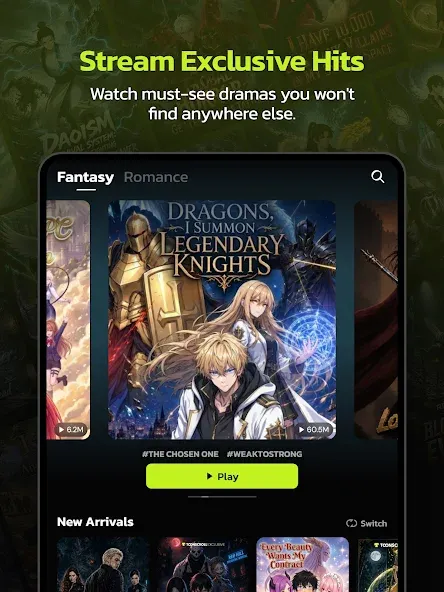
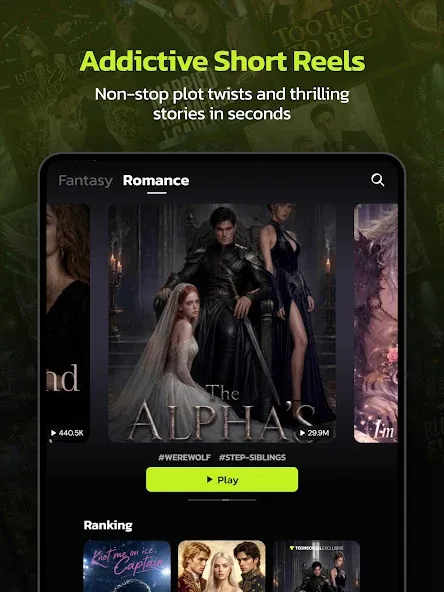
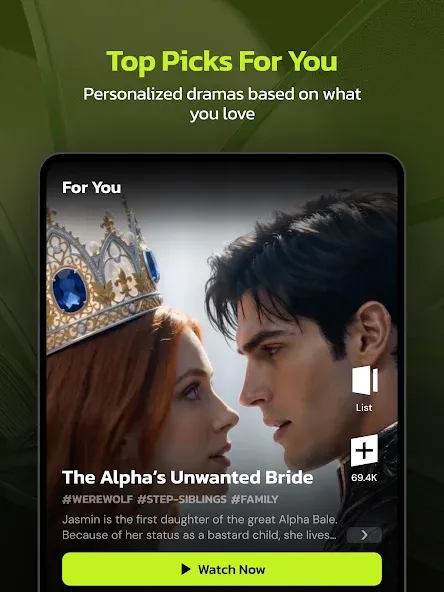
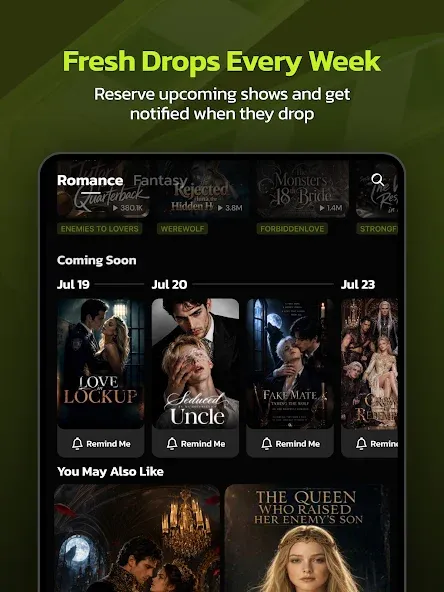
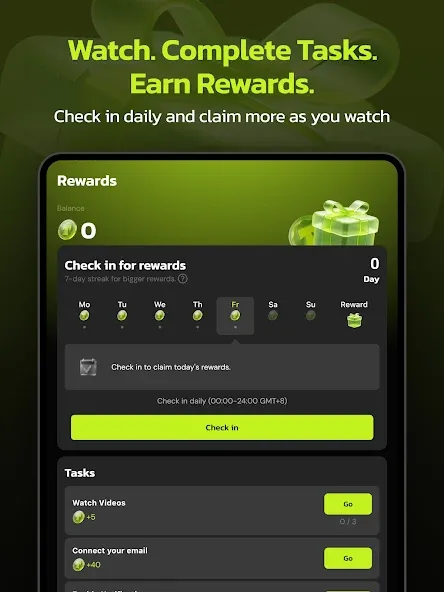
ToonScroll is a comic-reading app that transforms static panels into cinematic vertical dramas, blending animated visuals, multi-character voice acting and layered sound design to create a lean-back reading experience on Android devices. ToonScroll presents content as short, episode-style chapters rather than traditional page-by-page comics, making it easy to binge in compact sessions while offering character customization, outfits and collectible items to personalize your experience.
The app presents stories as vertical short dramas with motion applied to art assets, parallax backgrounds and scene transitions that maintain the readability of text while giving each panel a theatrical rhythm. Visual style stays true to the original webnovel or comic art: artists’ line work and color grading are preserved, with motion used to emphasize expressions, camera-like pans and environmental effects rather than replace the artwork. Episodes are produced at pacing suitable for short breaks, with an emphasis on clear visual storytelling—each episode typically focuses on a single encounter or chapter beat to keep runtime compact and focused.
ToonScroll’s controls are built around touch and passive viewing. Vertical swipe or a smooth auto-scroll mode advances the episode at a configurable speed; tapping pauses or resumes playback and a quick double-tap jumps forward between beats. A progress scrubber lets you skip to particular moments, and a playback-speed setting allows you to slow voiceovers or speed through scenes while keeping audio and animation synchronized. For detailed panels, pinch-to-zoom is supported without interrupting audio, and long-pressing character portraits opens the customization panel when available in an episode.
Content is organized into episodes and season-like collections: episodes are grouped into series so you can follow a continuous storyline or sample single-episode shorts. Progression is driven by episode completion and collectible acquisition—finishing episodes rewards coins and occasional item drops that contribute toward unlocking outfits, special items and bonus episodes. Some premium outfits and items are available through the in-app store for purchase, while others are earned through gameplay and collection milestones. Episode completion tracking and a simple watch-history let you resume where you left off across chapters.
Character customization in ToonScroll focuses on visual personalization: you can change eyes, mouth shapes, hair styles, clothing layers and color variants to create a unique avatar that appears in playlist images, shareable screenshots and some story modes that permit avatar insertion. Collected outfits and accessories are viewable in a locker area and can be saved as images to share on social feeds. Collectible items also unlock cosmetic variations and small scene extras—these do not alter story outcomes but provide replay incentives for completionists.
Replay value comes from multiple sources: alternate cosmetic unlocks, collectible hunts and timed challenges. The app offers optional daily or weekly challenges that reward coins and exclusive items for tasks such as completing a certain number of episodes, finding hidden scene collectibles or revisiting earlier chapters with audio enabled. These challenges are optional and designed to add light goals for players who want structure beyond simple reading.
The user interface prioritizes legibility and simple navigation: large controls, clear episode thumbnails and an adjustable text size option ensure readability for a wide audience. Accessibility features include subtitles for all voiceovers, a balance slider to adjust music versus dialogue volume, a mute option and a high-contrast display mode. Audio playback supports headphones and external output devices; users can disable voiceovers if they prefer silent reading while preserving animated visuals.
ToonScroll supports episode downloads for offline viewing so you can save episodes to your device before travel or where connectivity is limited. Downloaded content respects device storage limits and can be removed from the device when no longer needed. The app is optimized for a range of Android hardware: lower-fidelity animation settings reduce CPU and battery use on older devices, while higher-quality visuals are available on recent hardware.
Controls are intuitive and require only basic touch gestures; a short tutorial walks new users through playback, customization and downloading episodes. The app’s store items and coin economy are clearly indicated in the interface so users know what is purchasable versus what is earned. For privacy, the app requests only necessary permissions and provides in-app settings to manage downloads, notifications and playback preferences.
ToonScroll is intended for readers who appreciate a more theatrical presentation of comics and webnovels, combining animation and audio with traditional storytelling to create a different way to experience serialized content on mobile devices.