Tattoo Font Designer puts a portable lettering studio on your phone, built for curious beginners and professional artists who work with text-focused tattoos. The app pairs a sizable library of type styles with a touch-first drawing canvas so you can compose, refine and preview lettering layouts without switching between multiple tools. You can paint or trace calligraphy, arrange word art alongside graphical elements, and import external artwork to incorporate into compositions. Tattoo Font Designer focuses on making the design phase simple and precise, so you can produce shareable mockups to take to a tattoo parlor.
The core experience centers on composing text-based designs using a mix of typed fonts and freehand strokes. Start by selecting a font from the app’s collection, type or place your text, then use the drawing tools to adjust flourishes, spacing and line weight with your finger. Graphical elements and imported images can be added and positioned on the canvas, and basic cropping tools help you isolate parts of an image to blend into a layout. The workflow is iterative: draft, tweak, and export a clean mockup to present to an artist.
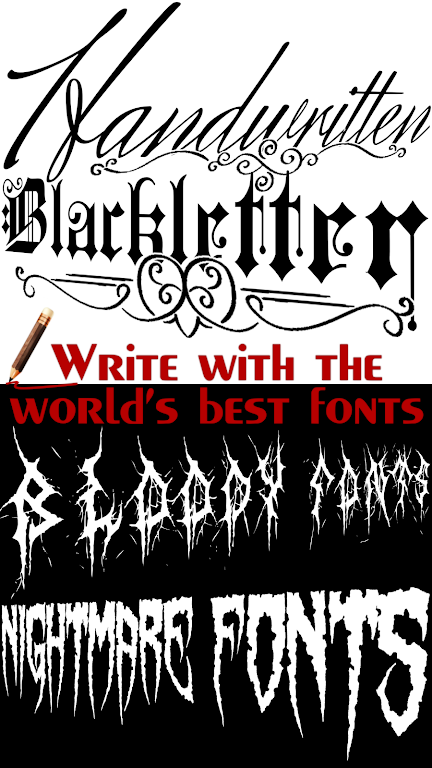
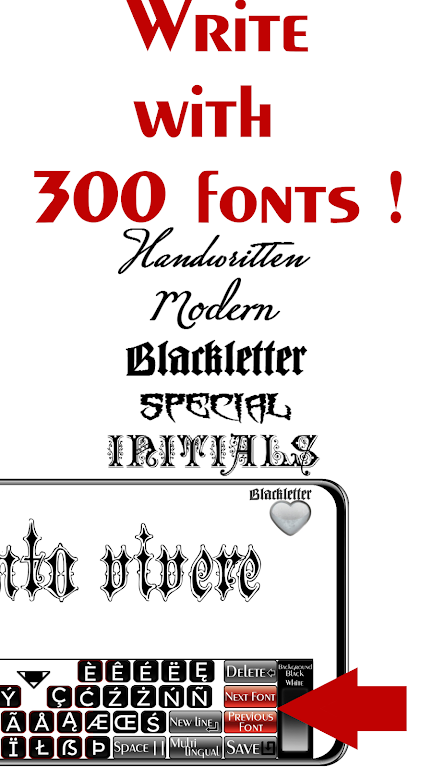
Tattoo Font Designer’s font library gives you a broad selection of lettering styles, from decorative blackletter to flowing script, so you can quickly test different voices for a single phrase without installing extra font files.
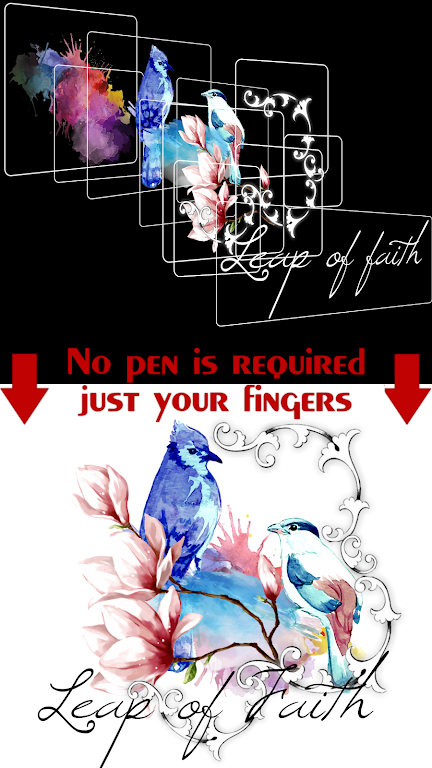
The touch-based drawing tools let you hand-draw accents, shading and custom strokes directly over typed text, making it easy to merge hand lettering with preset typefaces for a handcrafted look.
Image import and simple cropping support allow you to bring in AI-generated images or reference art and trim them with circular or freeform transparency to create layered compositions.
Export and sharing options are designed for practical use: save or share your designs so a tattooist can review them, helping to turn a concept into a finished piece at a shop.
The app is positioned as an accessible creative tool for both casual users experimenting with ideas and professionals refining client layouts, without the overhead of complex desktop software.
The interface keeps visuals functional and focused on the work: clear canvas space, readable previews of fonts, and straightforward tool controls that prioritize precision over decoration. Art produced in the app tends to emphasize high-contrast lettering and ornamental strokes, so final mockups feel like workshop-ready drafts rather than polished print layouts. Bringing in external images adds texture and variety, while the simple controls keep the creative flow steady rather than getting bogged down in menus.
If you want a lightweight, focused way to experiment with lettering and build word-based tattoo ideas, Tattoo Font Designer offers a practical set of tools for sketching, composing and sharing concept art. It’s worth trying if your main goal is to craft readable, stylized text designs before committing to a session in the chair.