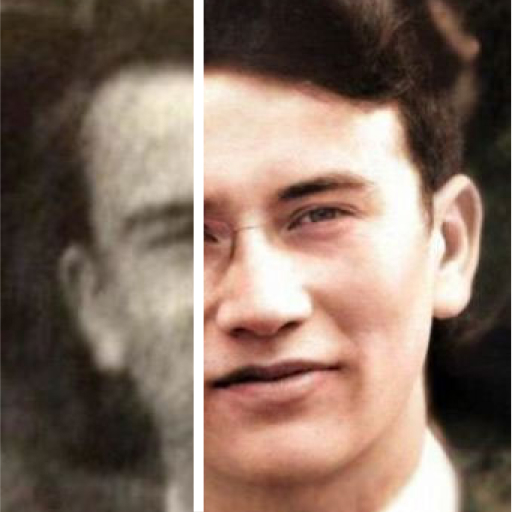
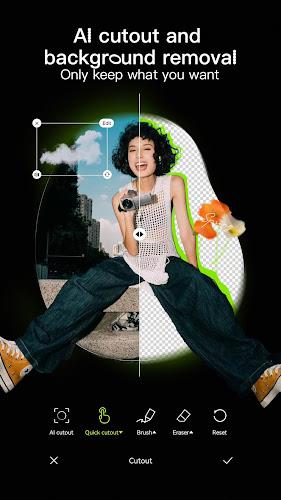
Hypic Photo Editor makes advanced image adjustment approachable by combining automatic AI tools with a full suite of manual controls. Whether you're a casual smartphone shooter or someone who wants finer control, this app helps transform portraits, landscapes and everyday snaps without a steep learning curve. The automatic engine analyzes images and applies edits intelligently, while exposing sharpening, color and other enhancement controls for users who want to tweak results. It also includes batch processing and stylistic AI filters so you can quickly apply consistent looks across a collection.
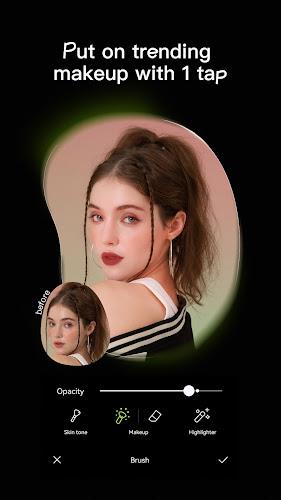
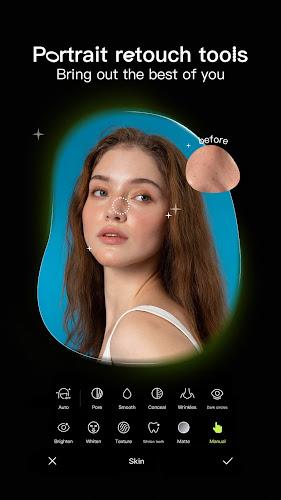
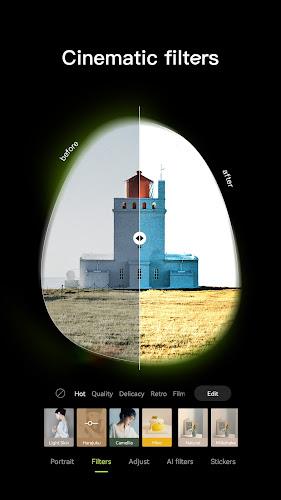
Hypic Photo Editor centralizes automatic and manual editing into a single workflow. The app analyzes image elements and applies corrections for exposure, color and sharpness, yet it also offers traditional tools for fine-tuning. Batch editing enables you to apply the same adjustments and filters to multiple photos with a single tap, saving time when working with sets. Portrait-focused capabilities address facial areas and surrounding elements, and AI-powered filters transform images into comic, classic or cartoon styles. A virtual hairstyling feature lets users experiment with different cuts and colors on their photos.
The app provides both simple, one-touch solutions and more advanced controls for experienced users. You can rely on automatic enhancements when you want quick results or dive into sliders and precise edits when necessary. Batch processing is straightforward, and the collection of artistic AI filters expands creative options without manual masking. Photo enhancement tools cover sharpness, color correction and other essential adjustments. The virtual hairstyling module is useful for trying new looks visually before making real-world changes.
Hypic Photo Editor is designed for accessibility: automated routines reduce the need for prior editing knowledge, while optional manual tools remain available for deeper work. The interface aims to keep common tasks simple, with one-tap operations for batch changes and easy access to filters and enhancement controls. For users who enjoy experimenting, the AI art styles and hairstyle preview make creative exploration straightforward without lengthy setup or complicated menus.
For anyone looking to speed up photo editing without sacrificing flexibility, Hypic Photo Editor pairs intelligent automation with a comprehensive toolset. It suits users who want instant, polished results as well as those who prefer to micromanage every adjustment. With batch editing, portrait-oriented tools, AI filters and virtual hairstyling, the app presents a practical toolkit for modern mobile photography.