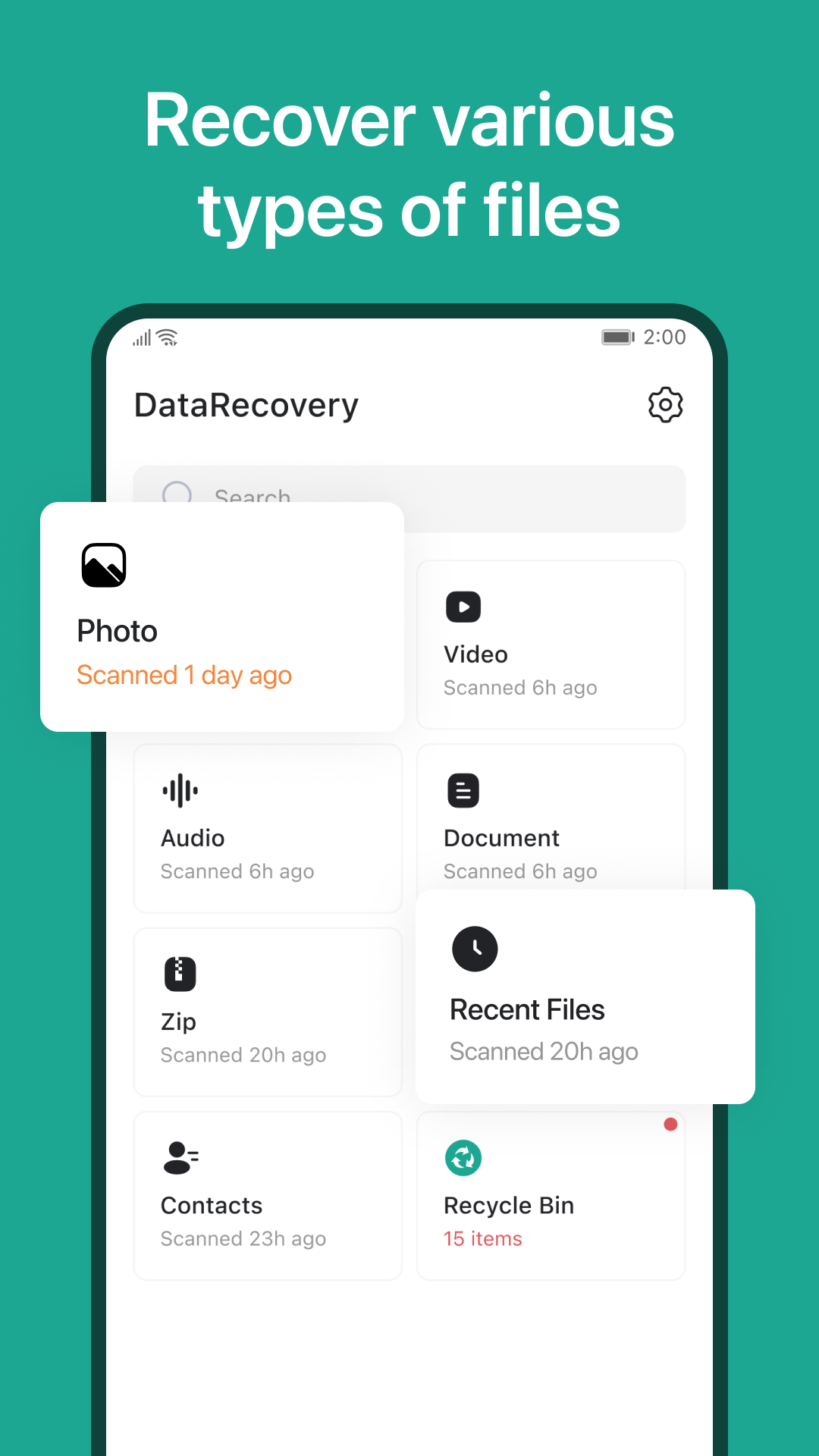
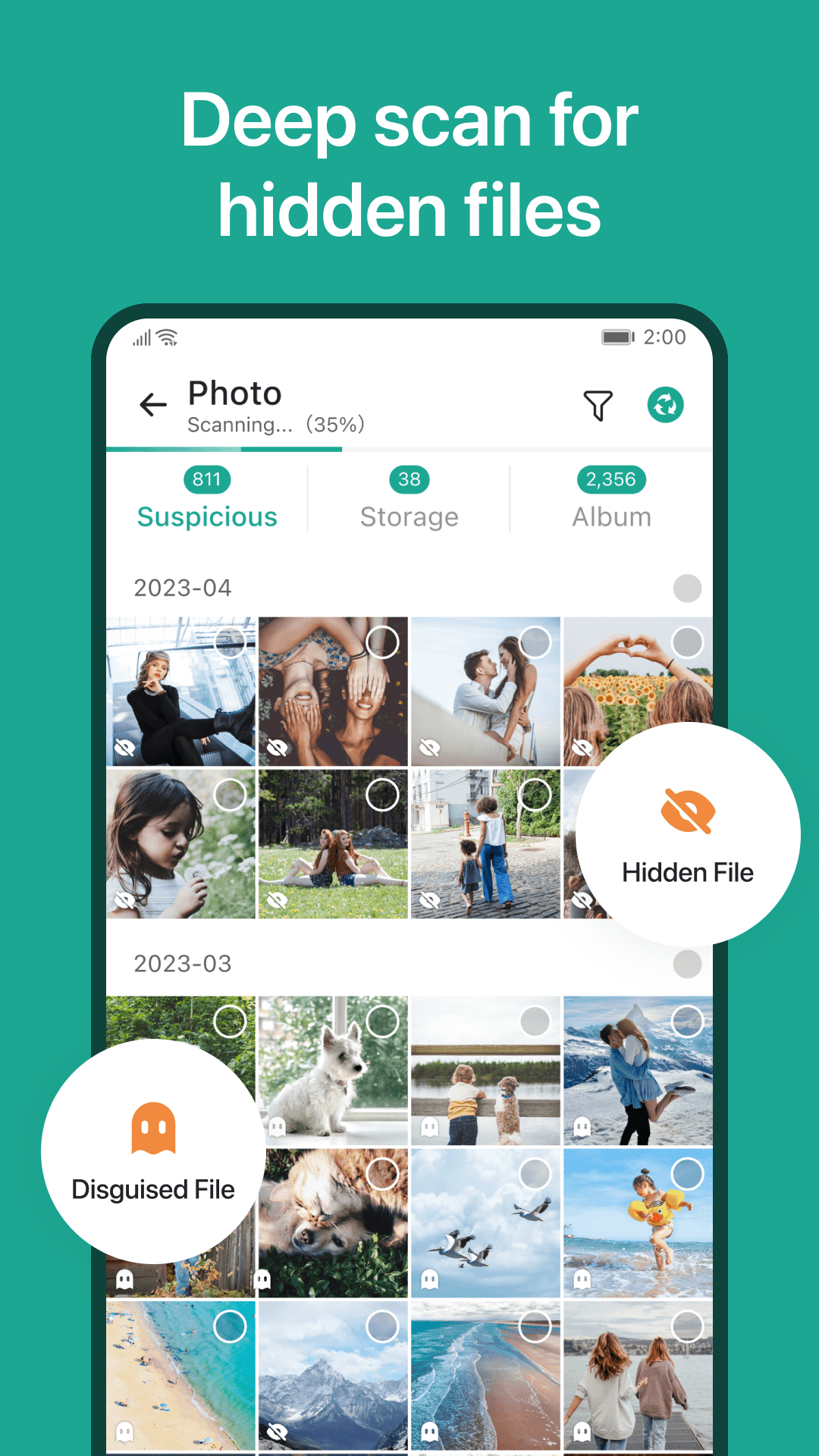
Data Recovery is a compact utility that scans your Android device to locate and restore accidentally deleted or hidden files, making it a must-have when you lose photos, videos, documents, or contacts. The app runs a quick, thorough scan and presents recoverable items so you can preview and restore them in original quality. Users will appreciate that Data Recovery handles multiple file types such as images, audio, video, text and zip archives, operates offline without root access, and exports recovered files back to your storage. If you value a fast, straightforward rescue tool for important files, this app provides a practical safety net.
⭐ Recover deleted or hidden files with a one-tap scan and simple restore workflow using Data Recovery.
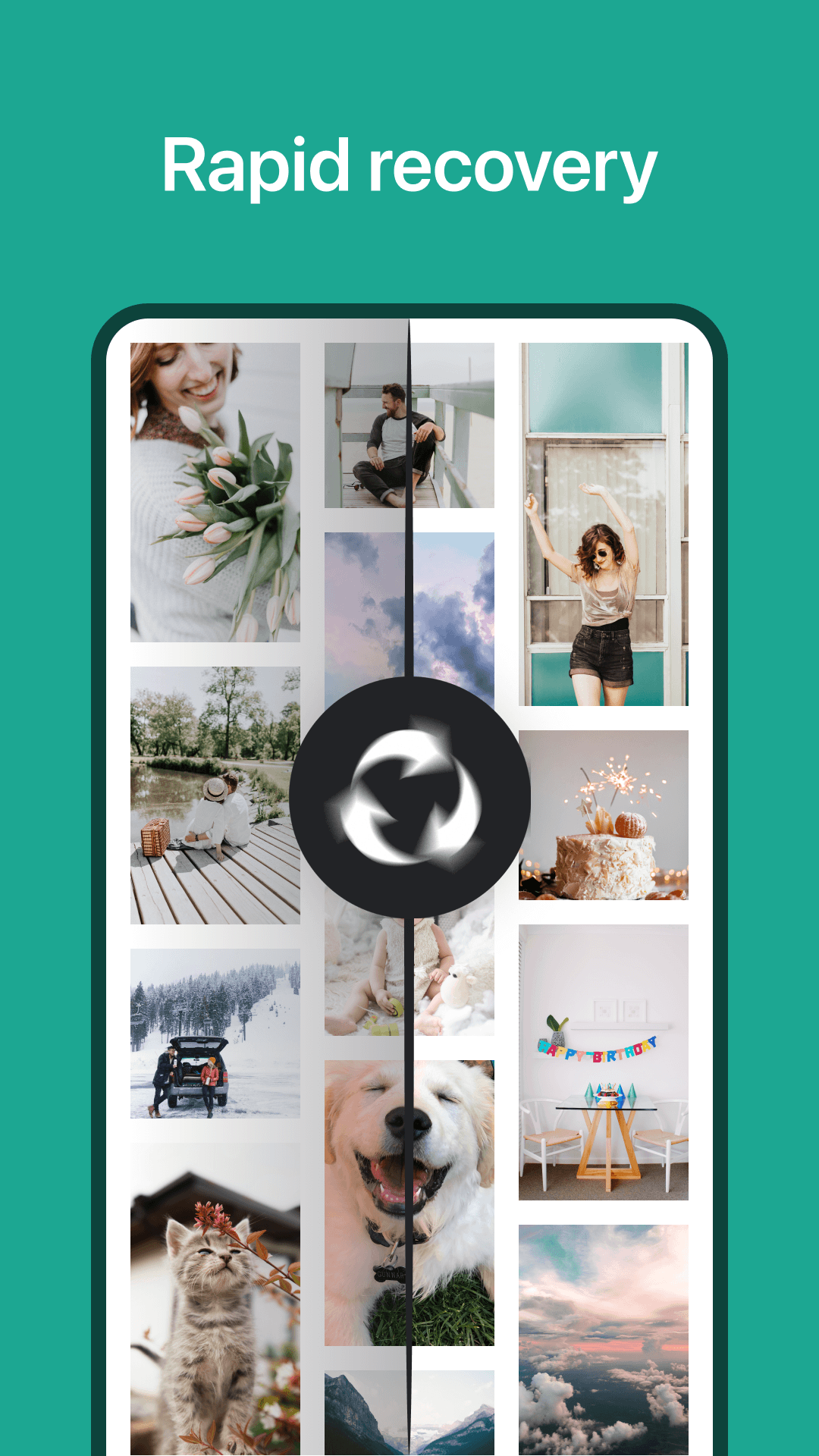
⭐ Retrieve data from formatted storage, perform bulk recovery, and handle large batches in a single operation.
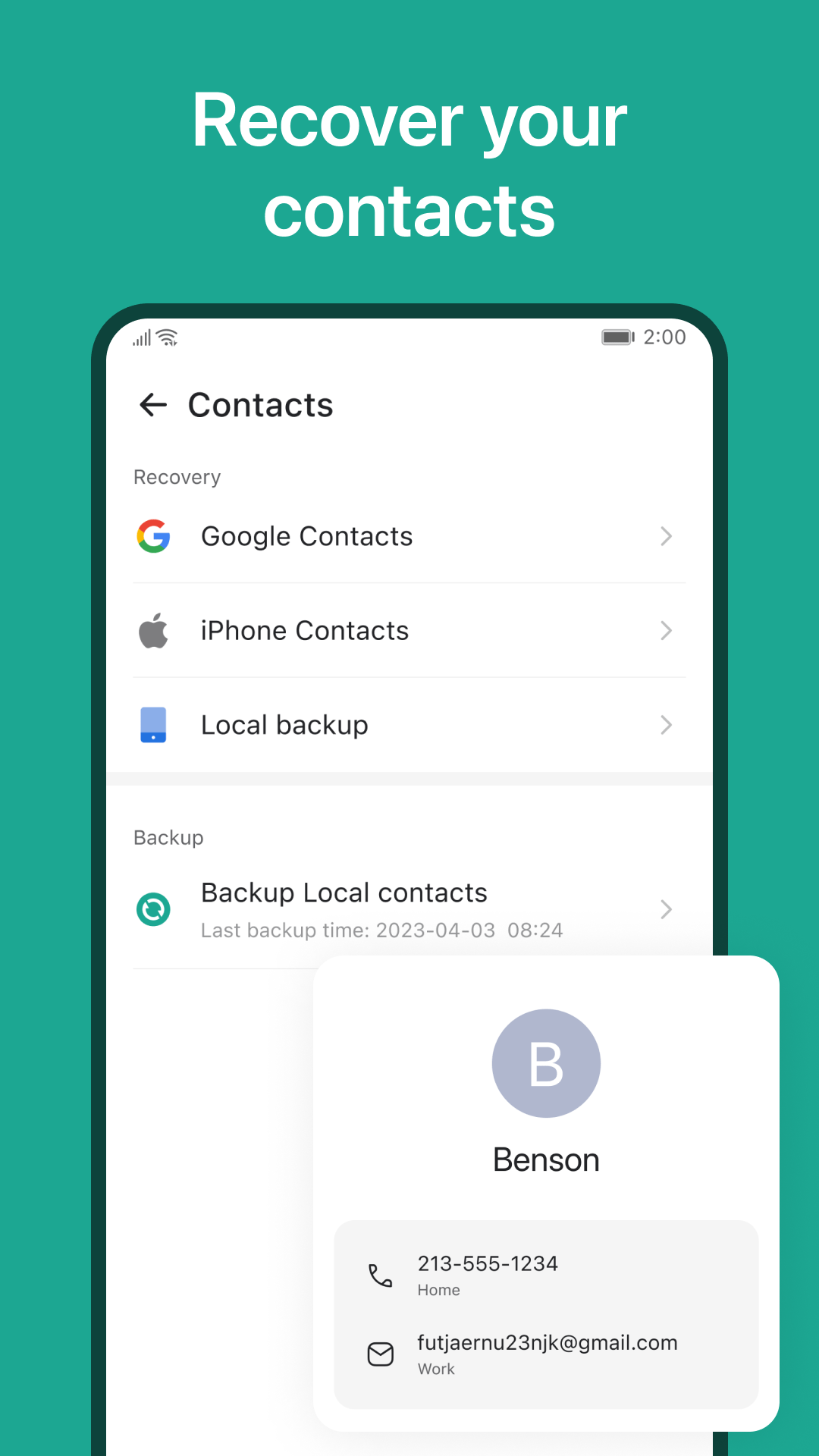
⭐ Restore contacts and a wide range of file formats (.jpg, .mp4, .mp3, .doc, .txt, .zip) with original quality preserved.
⭐ Built-in support for zip archives lets you inspect and selectively recover items from inside compressed files.
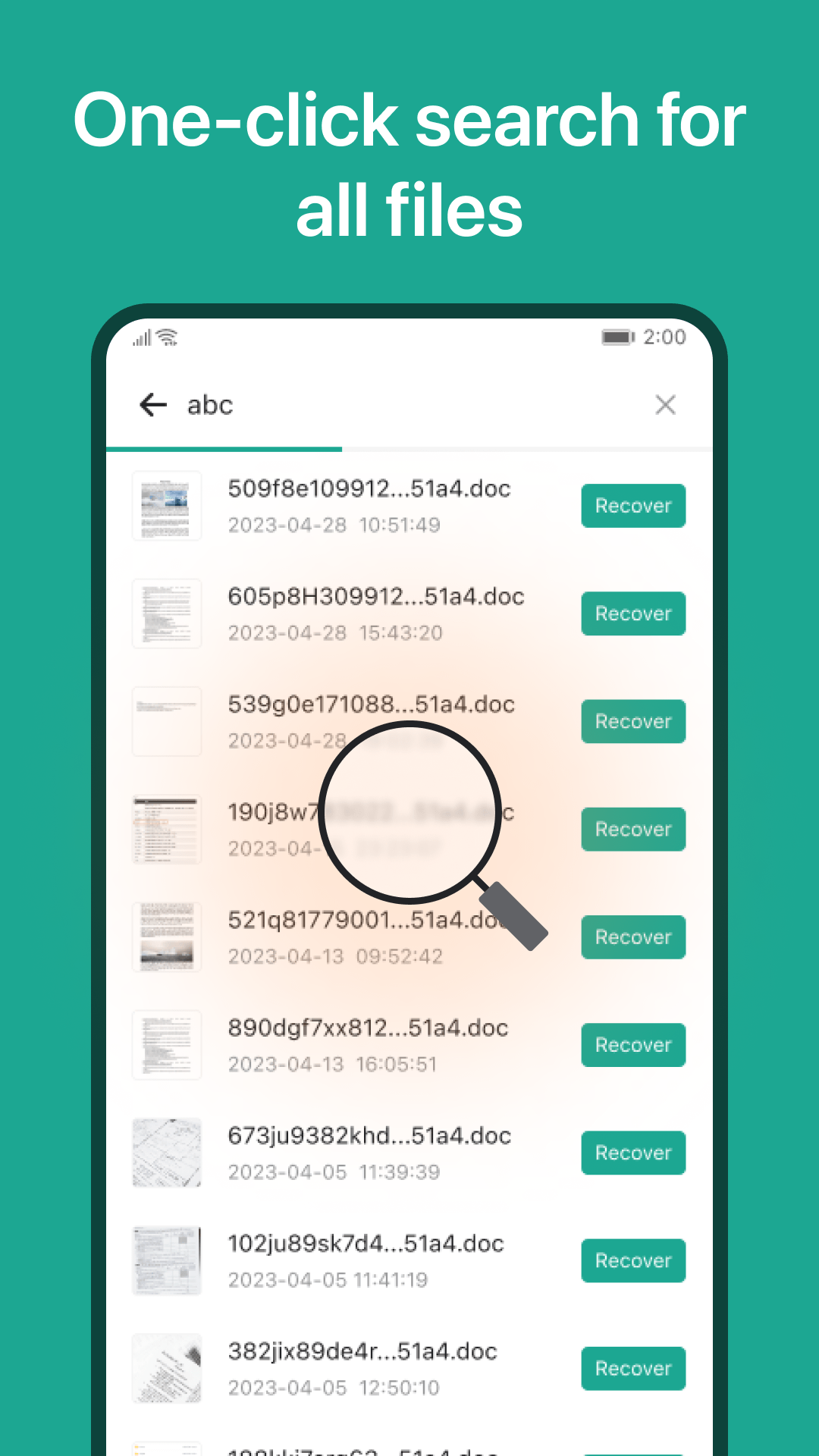
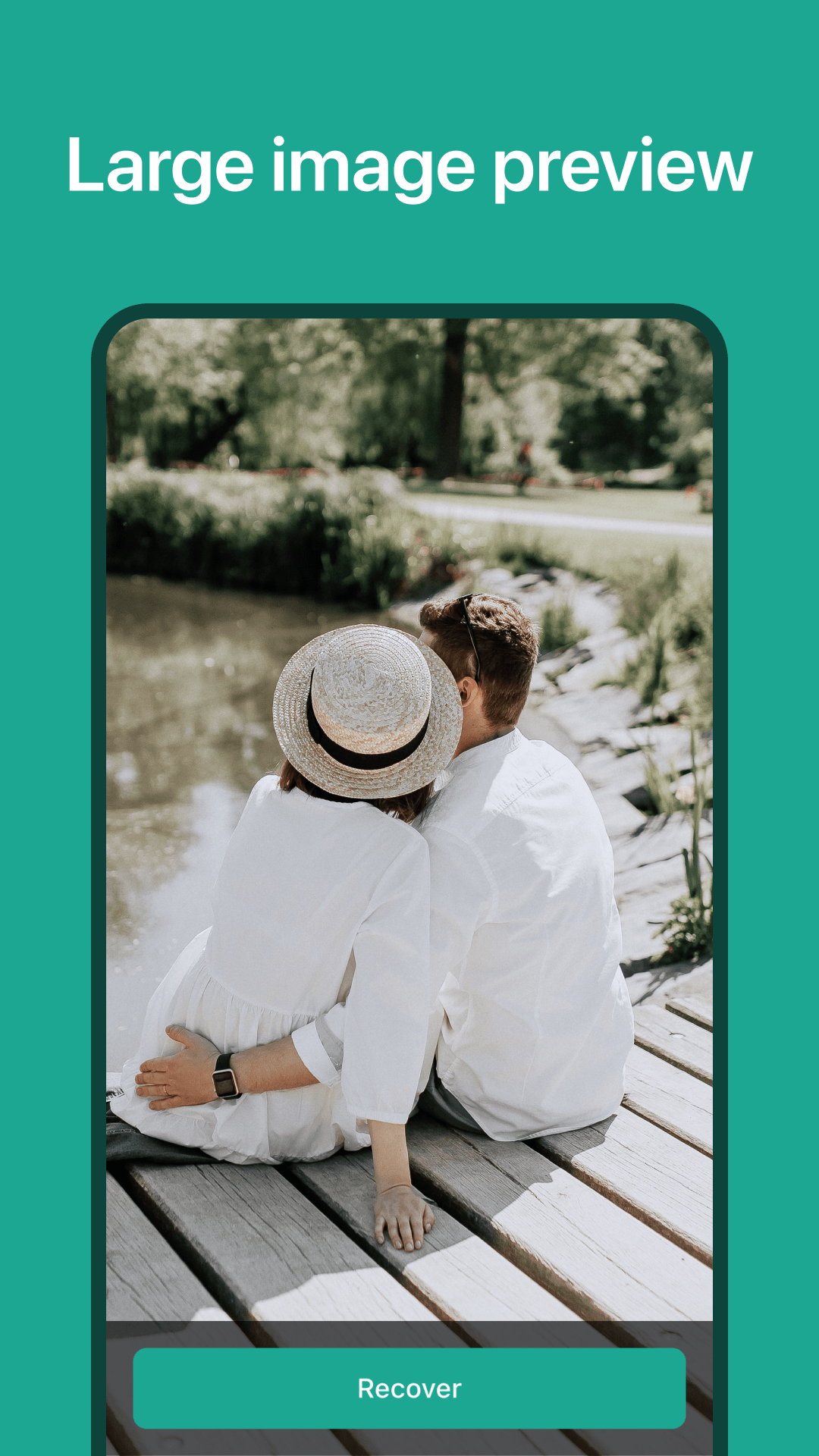
⭐ Preview recovered items before restoring, export recovered files back to device storage, and search by keyword to find specific files.
⭐ No root required and all processing happens locally without internet access, keeping the process simple and private.
✅ Fast scanning and efficient bulk recovery that helps you restore many files in a short time.
✅ Works offline and does not require root, making it accessible for most users.
✅ Supports many common formats and preserves original file quality for photos, audio, video and documents.
✅ Local processing and export features keep recovered data on your device, maintaining user privacy when using Data Recovery.
❎ Not every deleted file can be guaranteed recovered—items overwritten by new data may be unrecoverable.
❎ Some system-level or encrypted files may remain inaccessible even after a deep scan, and the app requires permission to access device storage to perform recovery.