






Camfrog brings group video chat and live community rooms to Android, combining webcam streaming, one-on-one calls and public chat rooms with moderation tools. The app focuses on realtime video conversations, easy discovery of live rooms, and straightforward account management for casual and power users alike.
Designed for social interaction rather than large-scale broadcasting, Camfrog connects people through face-to-face conversations and themed rooms. Users can join existing gatherings, start private video calls, or host public sessions that allow both video and text participation. The app emphasizes immediacy: find a live room and join within seconds.
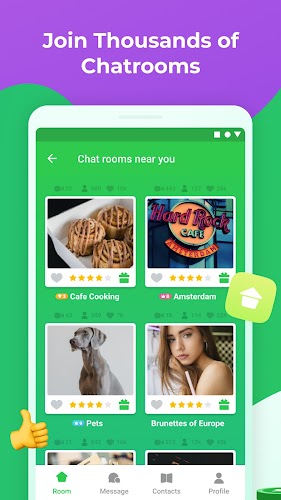
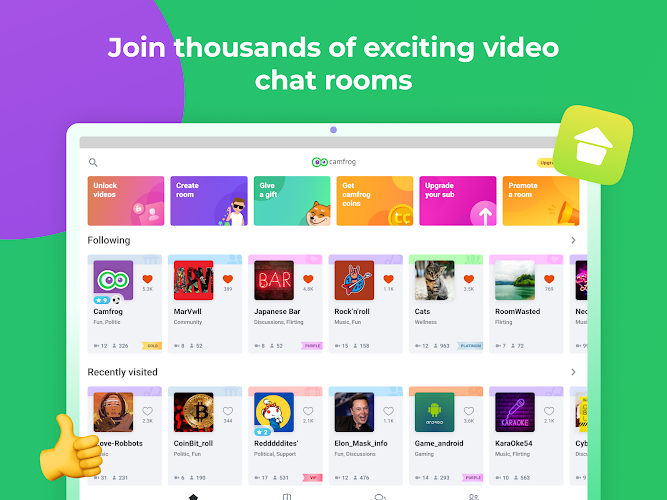
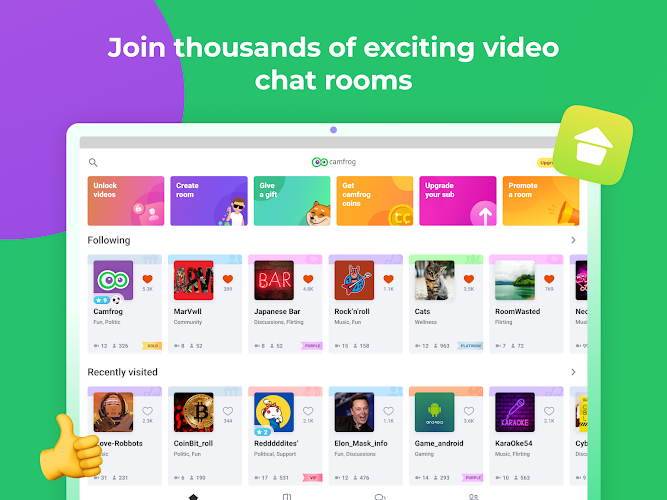
Getting started involves creating an account and selecting interests to tailor the room suggestions. The home feed lists active rooms with previews; tapping any room opens a persistent connection to the host. Video quality adapts to network conditions, while basic camera controls let you switch between front and rear cameras as needed.
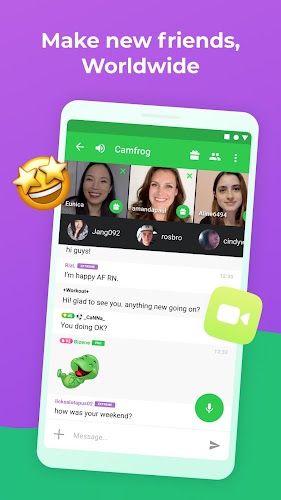
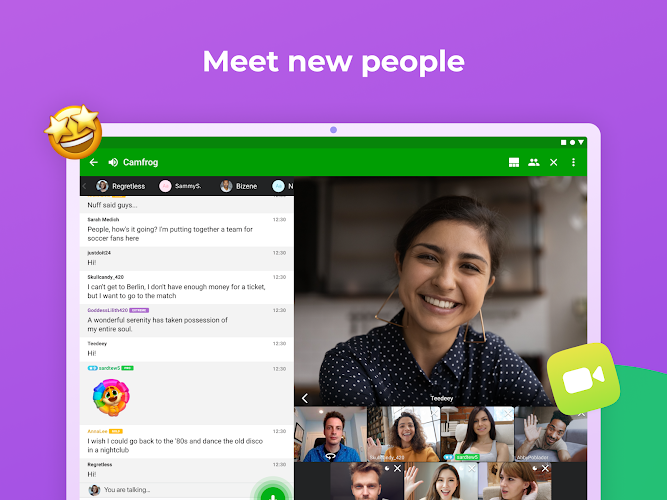
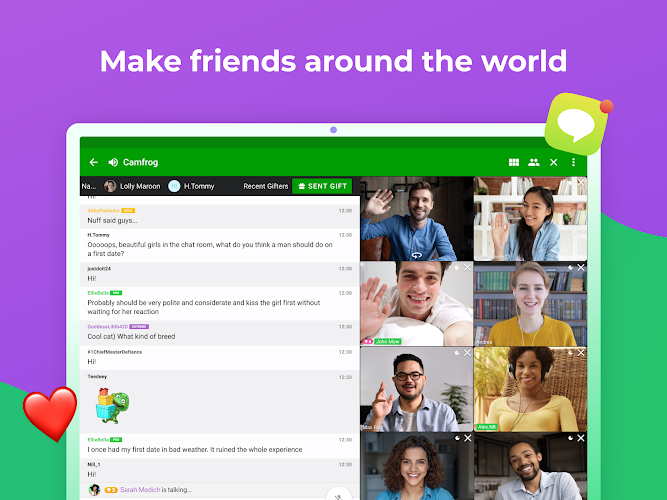
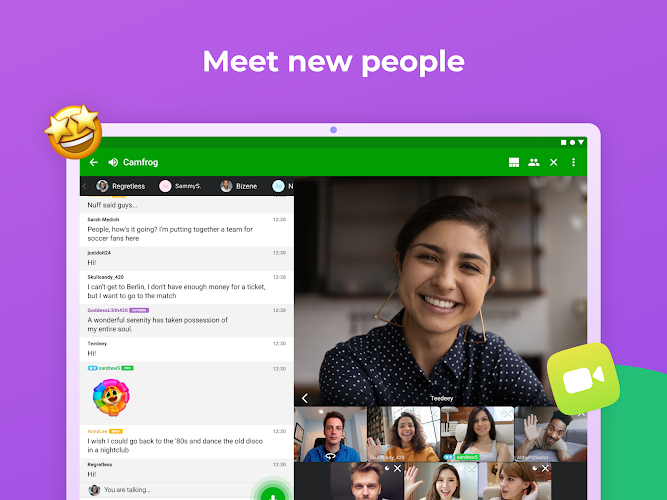
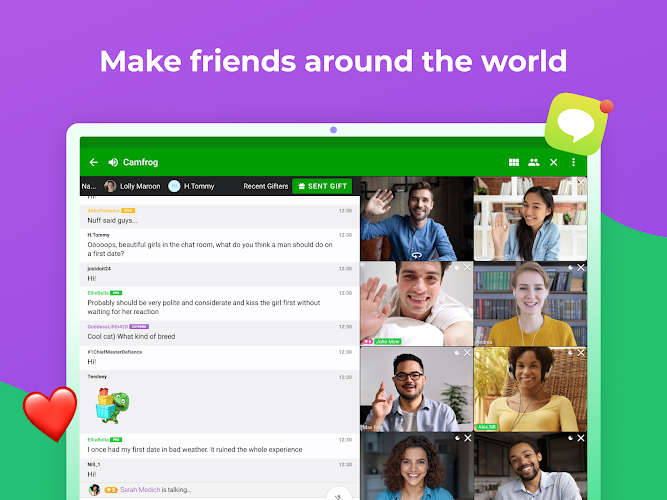
The interface keeps primary actions within thumb reach: a bottom bar for home, search and profile, and floating controls to manage audio and video. Room pages display participant thumbnails, a scrolling text feed, and quick access to moderation options for hosts. Visual cues make it easy to spot who is speaking or who has joined recently.
Privacy is handled through per-room permissions and account settings. Users choose whether to allow video, audio, or text messages from strangers. There are options to block or report users, and hosts can set entry rules for their rooms. While this doesn't replace good personal caution, it provides practical controls for everyday use.
The app is optimized for mobile networks and most modern phones. Video bitrate scales with connection speed to balance quality and stability. Background data use is limited when the app is idle, but ongoing streams will consume typical video-chat bandwidth. On mid-range devices the app runs smoothly; older phones may need reduced video settings to avoid lag.
Room hosts can customize titles, descriptions, and access policies. Temporary promotions allow trusted participants to help manage the conversation. Built-in tools let moderators announce rules, mute disruptive users, and remove participants who break guidelines. These options are useful for hobbyist communities and small-interest groups.
Many users pick this service for its focus on community-style interactions rather than streaming to anonymous masses. The mix of live video, text interaction, and manageable moderation makes it appealing for small groups, language exchanges, and local meetups. The simplicity of joining and leaving rooms encourages casual participation without complicated setup.
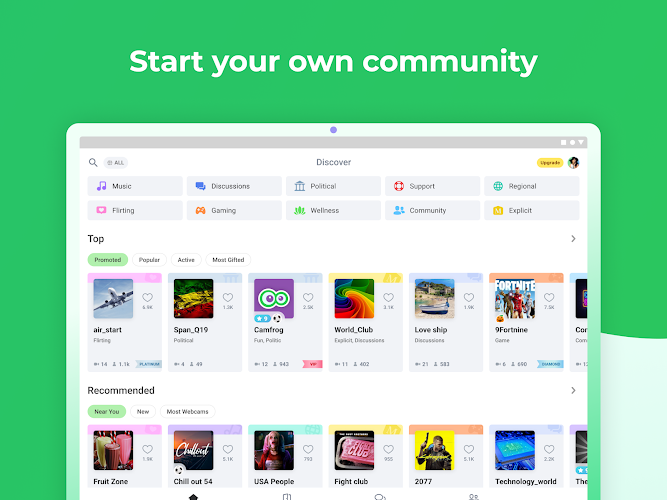
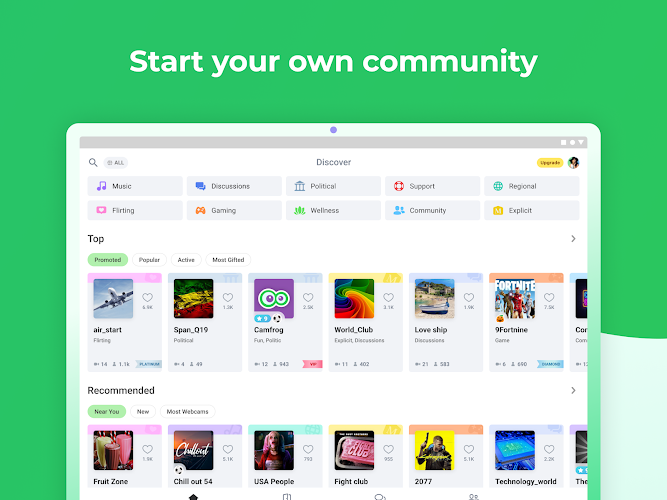
Installation is straightforward from the Android store. After account creation, explore categories that match your hobbies to populate the room list. Create a short profile bio and add a recent photo to appear approachable to other users. Host your first room with a clear topic and moderate it conservatively until you find your rhythm.
Camfrog delivers a compact, community-centered video chat experience with enough features to manage conversations without overwhelming new users. Its combination of live interaction, moderation tools and lightweight interface makes it a practical choice for people who want real-time social rooms on mobile devices.