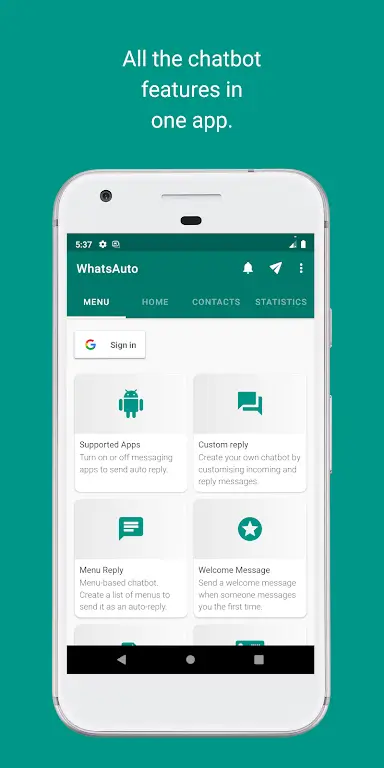
Most people get frustrated when messages interrupt an important moment, whether during a meeting or while focusing on a task; WhatsAuto - Reply App steps in to manage those interruptions smoothly. This lightweight tool gives you a programmable responder that you can turn on with a single tap, set to answer selected contacts or entire groups, and customize with delays or schedules. It blends simple controls with useful automation so you stay reachable on your terms while keeping distractions under control.
Messaging automation: Aimed at users who want automatic responses for chat apps, reducing manual typing and missed acknowledgements.
Productivity tool: Useful for people who need focused time blocks and want to preserve communication etiquette without ignoring contacts.
Safety and driving helper: Designed for scenarios where hands-free operation matters, helping you maintain attention on the road or while operating machinery.
One-tap activation: WhatsAuto - Reply App lets you enable auto-replies instantly, avoiding deep menus or complex setup steps so you can get started fast.
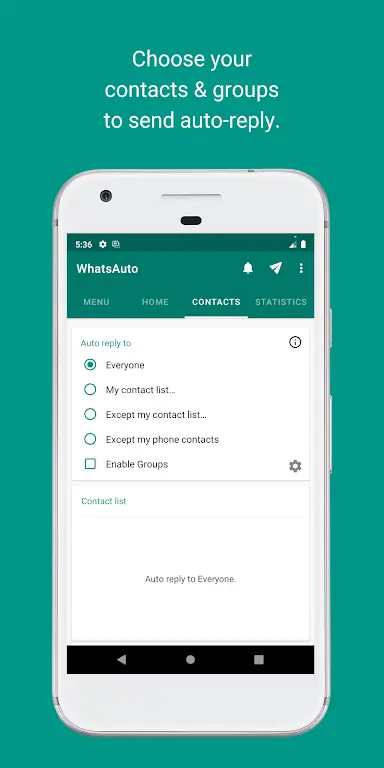
Contact filters: Choose who receives your auto-replies by selecting individuals or excluding certain contacts, giving you control over who gets notified while you are away.
Group and multi-app support: The app can handle messages from group chats and works across popular messengers, so you don’t need separate solutions for different apps.
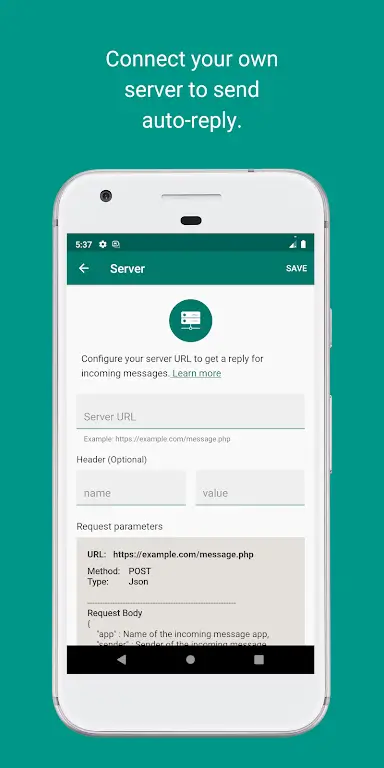
No-code bot builder: Create reply patterns and simple chat flows using a friendly interface; you don’t need programming skills to assemble useful automated responses.
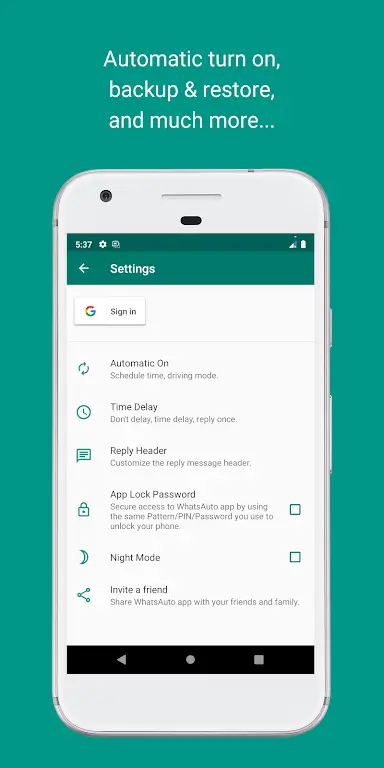
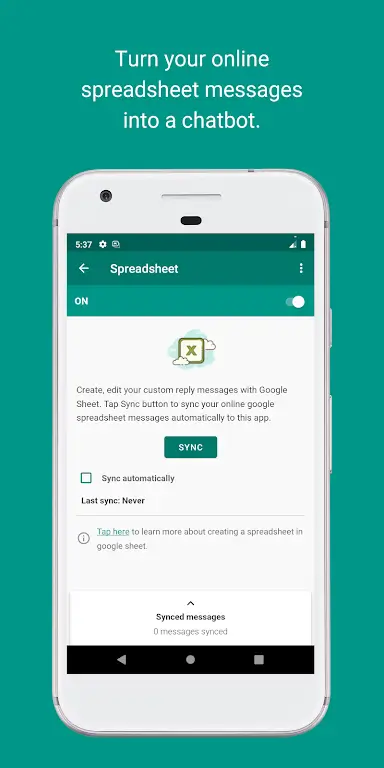
Backup and restore: Store your message templates locally or on cloud storage so your setups survive device changes or app reinstalls.
Smart reply options: Schedule active hours, set response delays, limit replies per sender, and enable a driving mode that reduces notifications when you’re on the move.
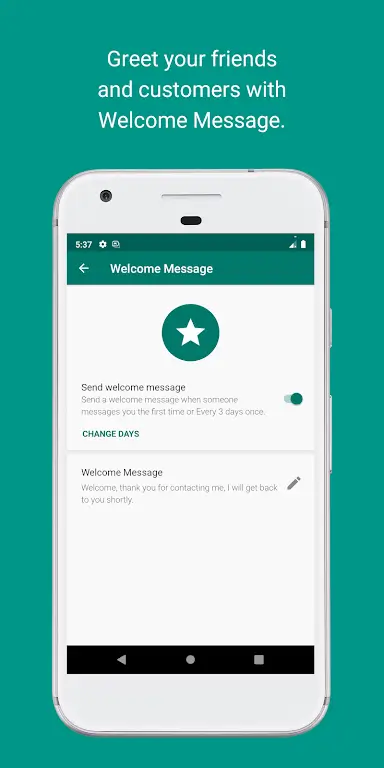
Prepare templates for common situations: Draft separate messages for meetings, workouts, and travel so you can switch contexts without rewriting replies each time.
Use time-based schedules: Set auto-replies to run only during work hours or while you sleep to avoid sending unnecessary messages at odd times.
Combine contact lists and exclusions: Allow family and close coworkers through while muting broadcast replies for large group chats to keep key lines open.
Test before relying: Run a short test with a trusted contact to confirm your setup behaves as expected, especially if you use delays or reply limits.
Will WhatsAuto - Reply App work with multiple messaging apps?
Yes. The app supports replies across a range of chat platforms and can be configured to respond to group messages as well as individual chats.
Can I schedule different messages for different times?
Absolutely. You can set active hours and prepare distinct templates to be used at different times or days.
Is there a way to back up my reply templates?
Yes, you can save templates to your device or to cloud storage so you can restore them if you switch phones or reinstall the app.
Does the driving mode detect motion automatically?
The driving mode is designed to minimize interruptions while you are traveling; check the app settings for how it detects motion and when it activates.
WhatsAuto - Reply App is a practical choice if you want hands-off message management that adapts to work, family time, or travel; give it a try and see how much calmer your notification flow becomes when you let this app handle replies for you.